When setting up a home office or upgrading your workspace, most people focus on monitor height, chair comfort, or cable management. But there’s one factor that often gets overlooked: desk stability. A desk that wobbles, shakes, or shifts with every keystroke can silently sabotage your concentration and productivity. In this article, we’ll explore why a sturdy, wobble-free desk is essential for deep work, and how to choose a model that stays rock-solid even at standing height.
Desk stability isn’t just about build quality—it’s about your ability to stay in the zone. Whether you’re typing, writing, or using a mouse, any movement in your work surface forces your brain to subconsciously adjust. Over time, this micro-distraction adds up, breaking your flow and reducing output. For professionals who spend hours at their desk, investing in a stable foundation is one of the smartest productivity upgrades you can make.
How Desk Stability Affects Your Focus and Workflow
A wobbly desk creates a constant, low-level distraction. Your brain has to process the movement and compensate, which pulls mental resources away from the task at hand. Studies in ergonomics show that even minor physical instability can increase cognitive load, making it harder to concentrate on complex work. For example, if your monitor shakes when you type, you may find yourself re-reading lines or losing your place more often.
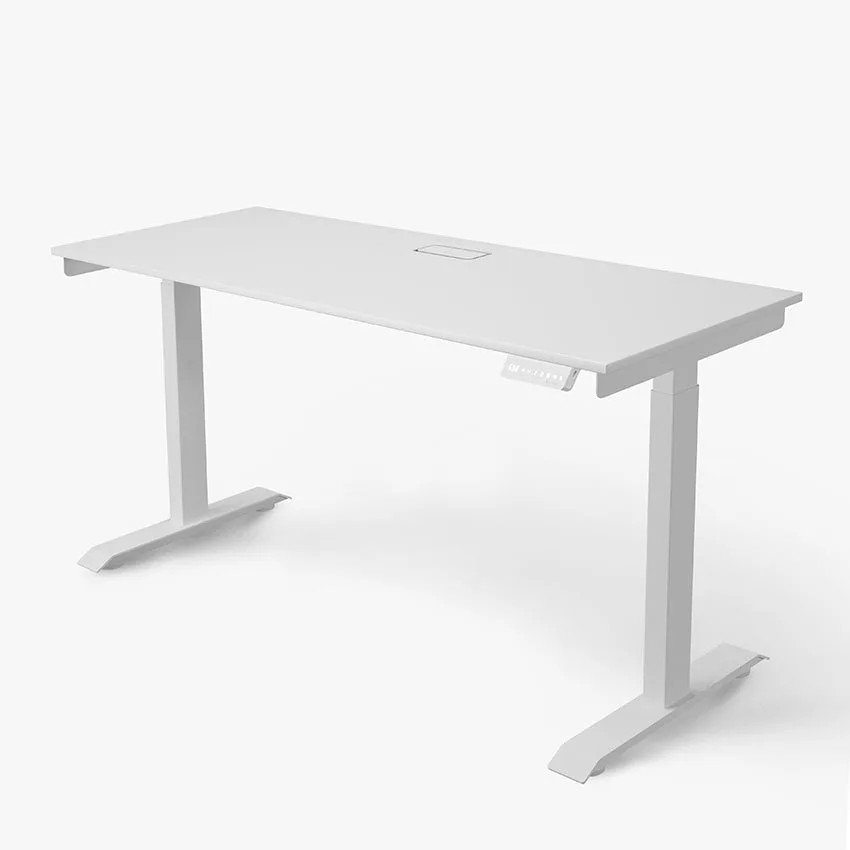
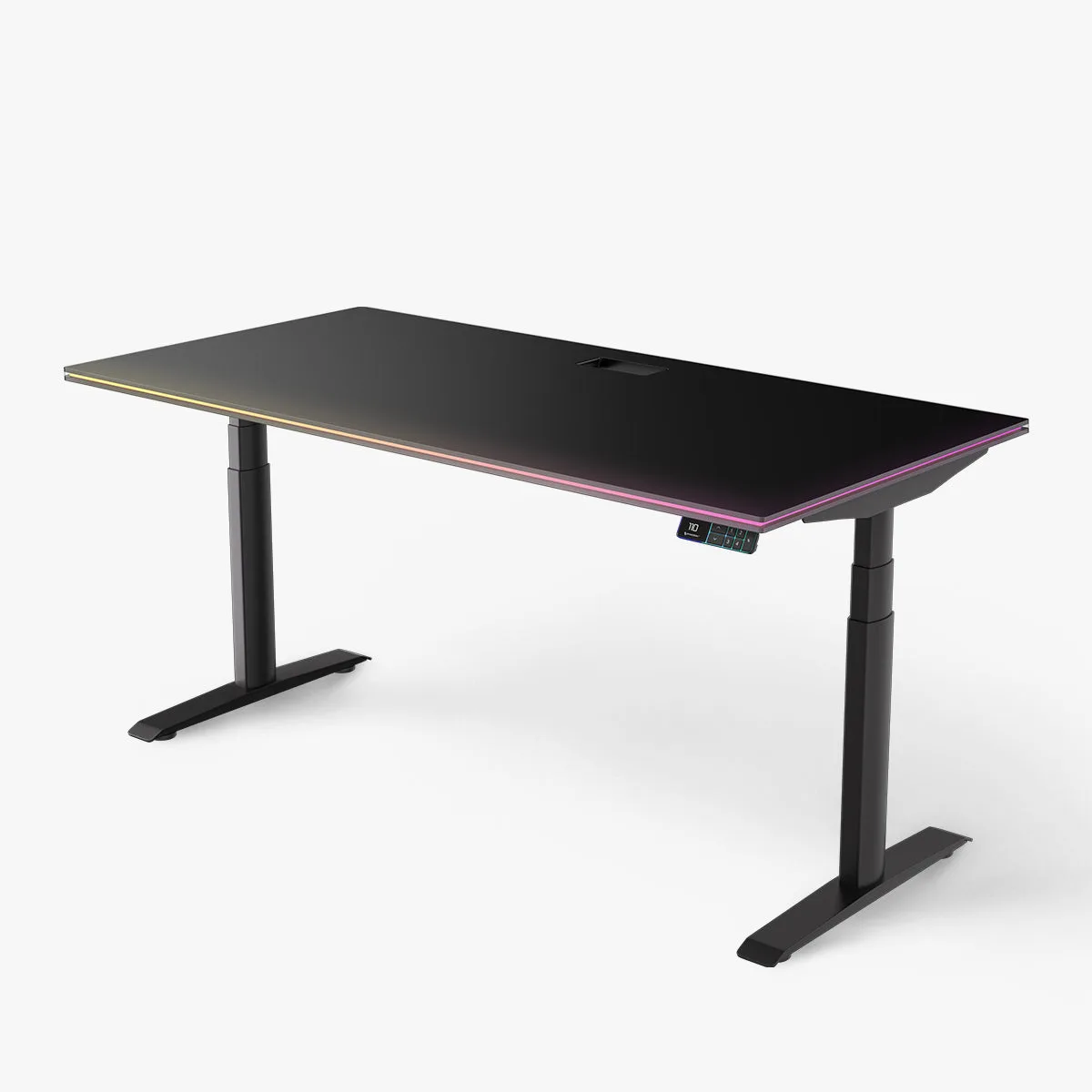
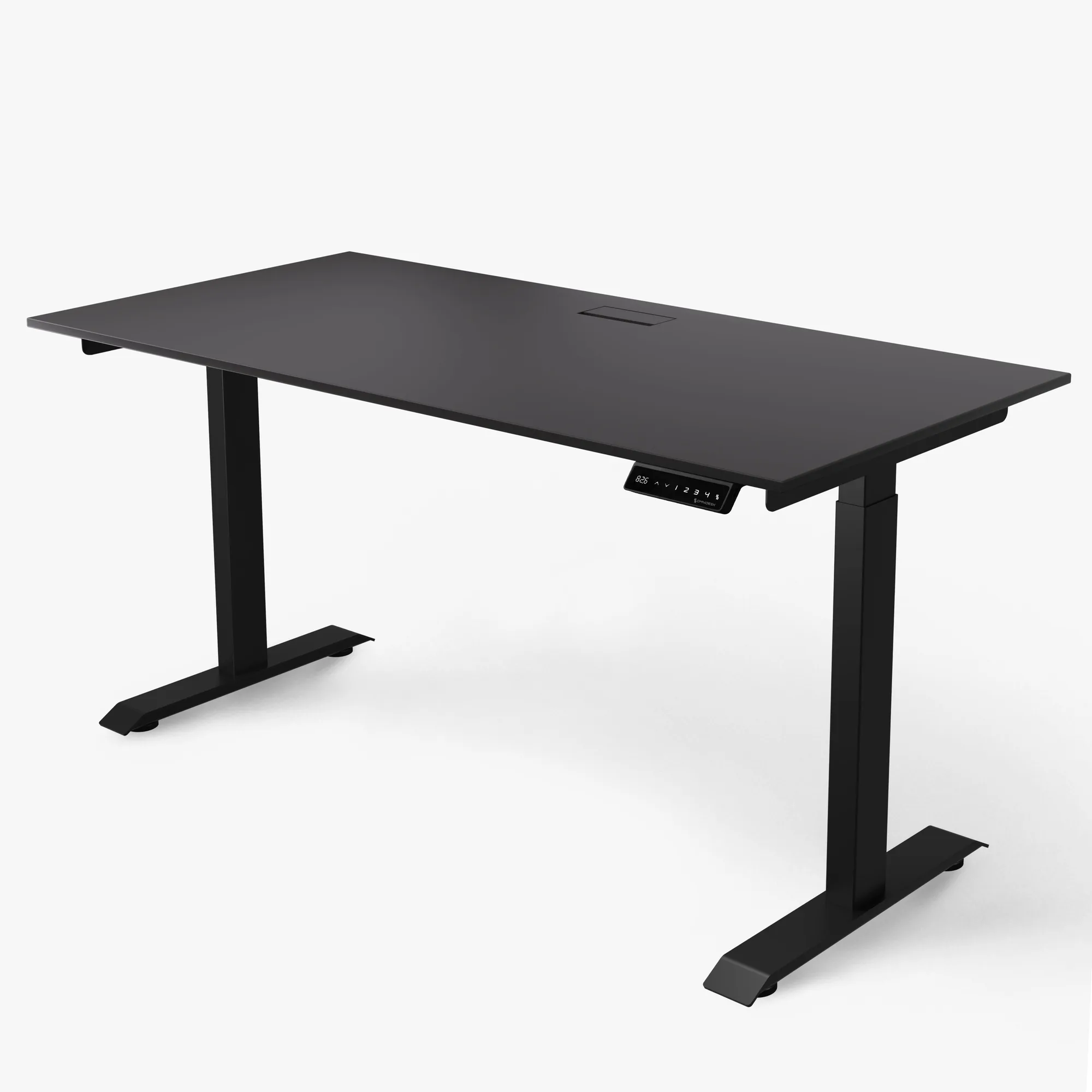
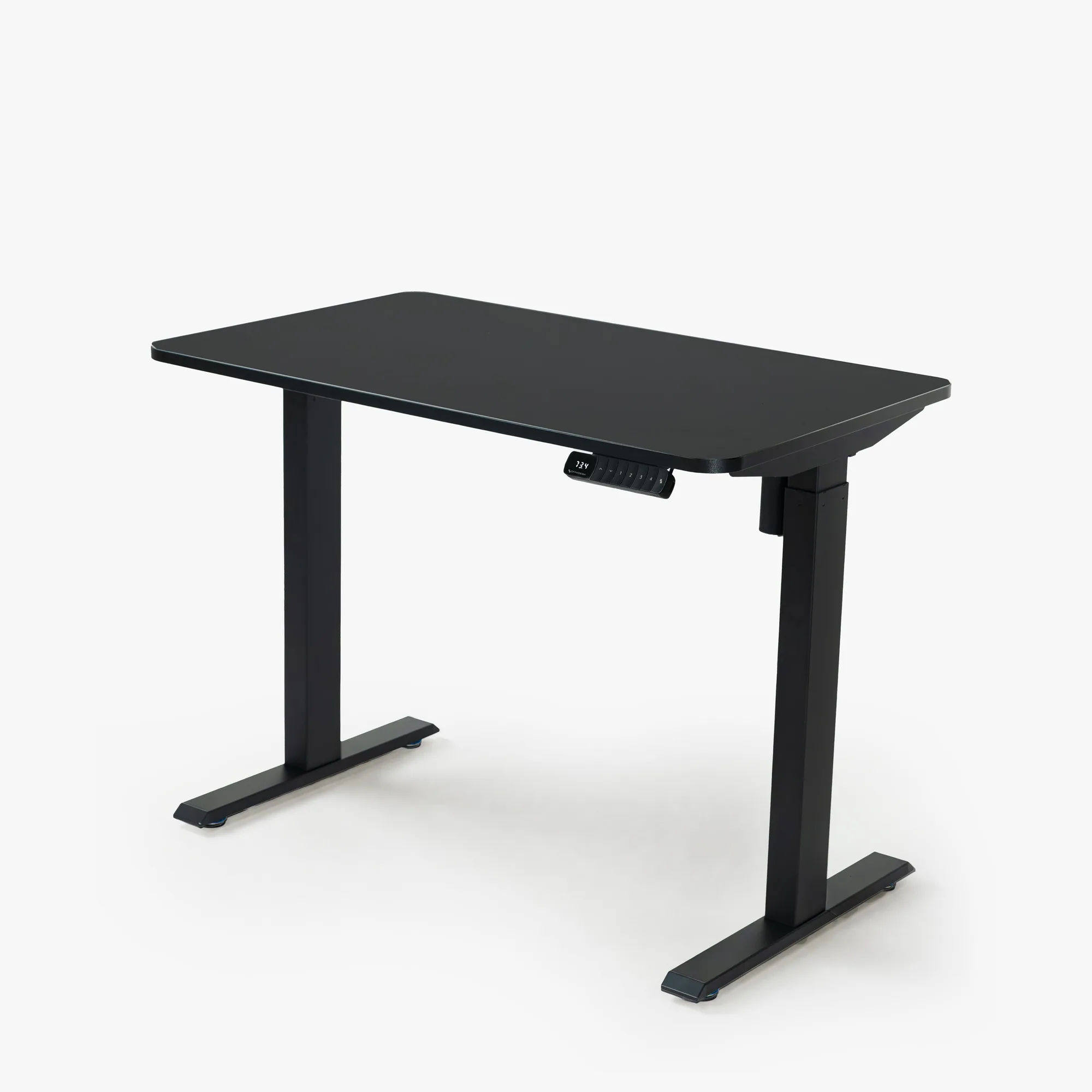
Stability is especially critical for standing desks. When you raise a desk to standing height, the leverage on the frame increases, and any design weaknesses become more apparent. A desk that feels solid at sitting height may wobble noticeably when elevated. This is why the frame construction—such as the number of legs, crossbars, and the quality of the lifting mechanism—directly impacts your experience. A well-built desk like the Switch Pro is engineered to minimize sway, giving you a steady surface whether you’re sitting or standing.
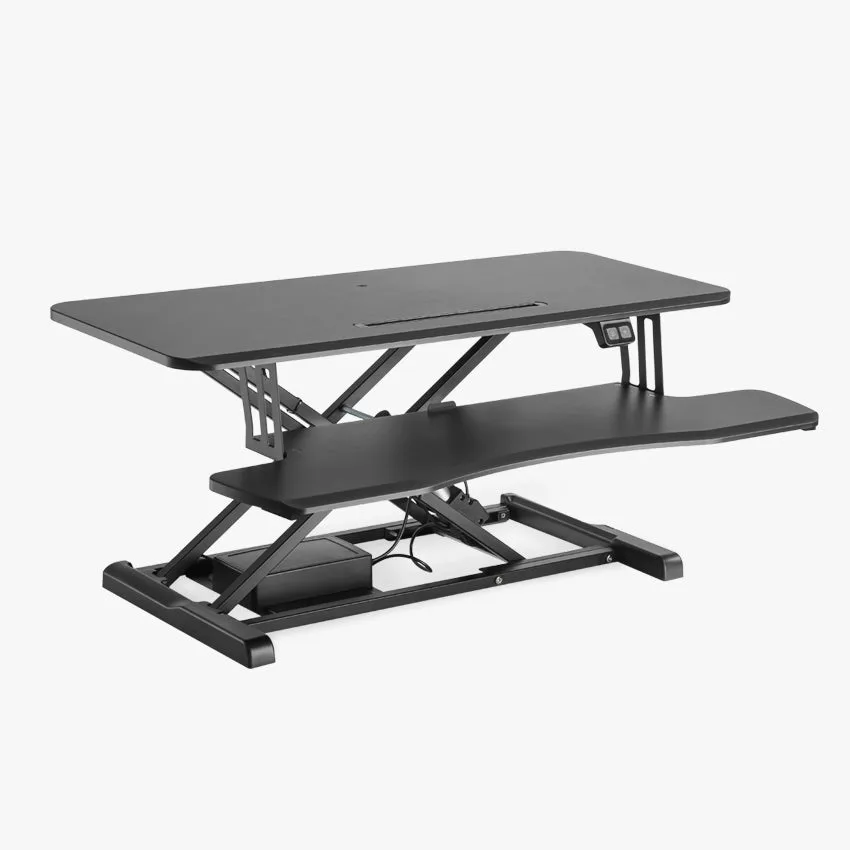
Switch Pro
- Look for desks with a steel frame and dual-motor lifting systems for extra rigidity.
- Avoid desks with thin, single-column legs if you plan to use the standing position frequently.
The Hidden Costs of an Unstable Desk
Beyond distraction, a shaky desk can lead to physical discomfort. If your monitor or keyboard moves while you work, you may unconsciously shift your posture to compensate, leading to strain in your neck, shoulders, or wrists. Over weeks and months, this can contribute to repetitive strain injuries or chronic pain. A stable desk supports proper ergonomics by keeping your equipment exactly where you placed it.
There’s also a practical cost: equipment damage. A monitor that vibrates or tilts can loosen connections, affect display calibration, or even fall. Similarly, a laptop or tablet placed on an unstable surface may slide or tip. Investing in a sturdy desk protects your expensive gear. For instance, pairing your setup with a Laptop Mount can further secure your devices, but the foundation must be solid first.
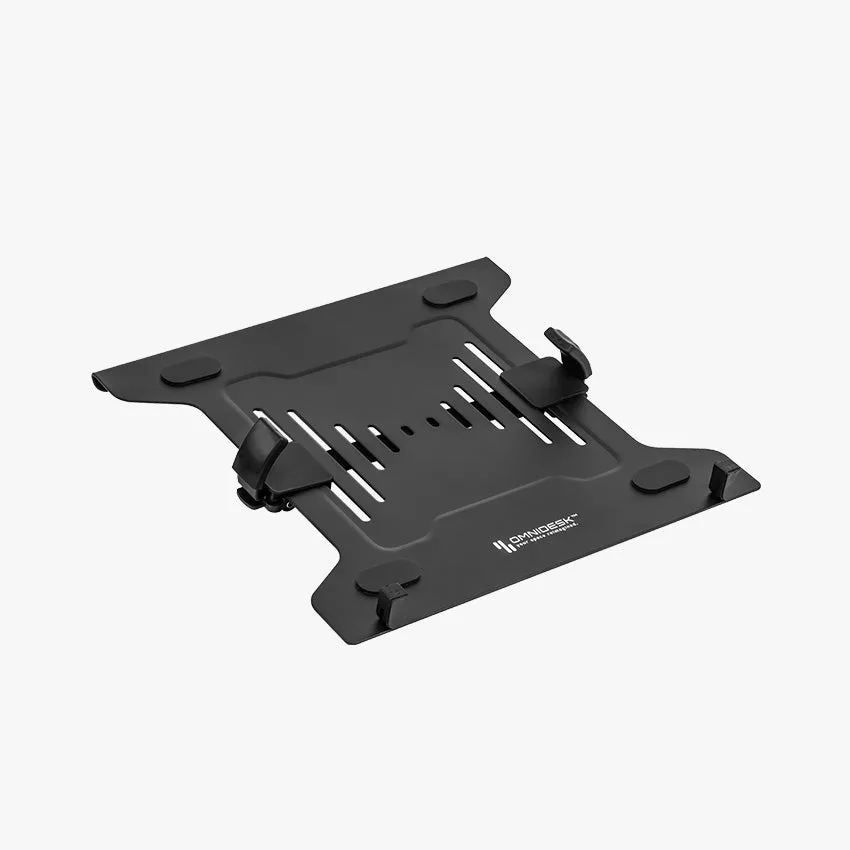
Laptop Mount
- Test the desk at its highest setting before buying—this is where wobble is most noticeable.
- Check for adjustable feet to compensate for uneven floors, which can cause rocking.
What Makes a Desk Truly Stable? Key Features to Look For
Not all desks are created equal. The most stable models use heavy-gauge steel frames, often with a C-leg or T-leg design that distributes weight evenly. Dual-motor systems provide smoother, more controlled height transitions, reducing the chance of jerky movements that can destabilize the surface. Additionally, a wider base and crossbars add lateral strength, preventing side-to-side sway.
Weight capacity is another indicator: a desk rated for 150 kg or more is likely built with thicker materials and better engineering. Don’t overlook the desktop itself—solid wood or high-quality MDF with a laminate finish resists warping better than particleboard. For those who value both stability and style, the Sheva Acacia Pedestal offers a robust storage solution that complements a sturdy desk setup without compromising on aesthetics.
- Prioritize desks with a minimum of three-stage legs for better height range and stability.
- Consider desks with anti-collision technology to prevent sudden stops that could shake the surface.
Real-World Impact: How a Sturdy Desk Boosts Productivity
Users who upgrade from a budget or second-hand desk to a premium stable model often report a noticeable improvement in their ability to stay focused. Without the constant micro-adjustments, they can enter a flow state more easily and maintain it for longer periods. This is especially true for tasks like coding, writing, graphic design, or video editing, where precision and consistency matter.
A stable desk also encourages better habits. When you trust that your work surface won’t move, you’re more likely to use the full range of motion—adjusting height, using a monitor arm, or switching between sitting and standing. Over time, this variety reduces fatigue and keeps your energy levels higher throughout the day. The result is not just more work done, but better work done.
- Pair your stable desk with an ergonomic chair like the HÅG Capisco Puls 8020 - Cura for a complete productivity setup.
A stable desk is the unsung hero of a productive workspace. It minimizes distractions, protects your health, and keeps your equipment safe. When you’re ready to upgrade your setup, focus on build quality and frame design. Explore the Switch Pro for a desk that delivers the rock-solid stability you need to do your best work every day.