Quick answer
Most planner stickers peel because the page surface is not clean, the sticker was placed under stress, or the adhesive cannot grip a textured or coated page. Wipe the page with a dry lint-free cloth, press the sticker flat from the center outward, and avoid stretching it around the page curve. If the page itself is glossy, heavily coated, or dusty, reposition the sticker to a smoother area or use a sticker whose backing is designed for re-positioning.
Check the page surface before you blame the sticker
Adhesive needs a dry, oil-free surface to bond. Hand lotion, natural skin oils, eraser crumbs, and paper dust all sit between the sticker and the page. Before you apply a new sticker, rub the target area with a clean dry cloth or the back of your hand. If you use wet wipes on your desk, let the page dry completely. A page that feels slick or powdery will almost always release a sticker at the edges.
Paper type matters just as much. Smooth planner paper gives vinyl stickers a broad contact area. Rough, toothy, or heavily textured paper leaves tiny air pockets under the adhesive, so only the high points touch. That is why a sticker can hold on one page and lift on the next page of the same planner.
Placement stress: the hidden cause of lifted edges
Stickers peel when they are stretched, bent over a curve, or pressed onto a page that flexes constantly. If you place a sticker across the spine, over a tab, or near the outer edge where your hand rubs, the adhesive is fighting movement all day. The edge lifts first because that is where the stress concentrates.
Apply stickers flat, away from the binding, and at least a few millimeters from the page edge. Press from the center outward with your thumb or a smooth card to push air out. Do not drag the sticker into place; lift and reset it instead. Vinyl stickers that can be peeled and re-positioned make this correction easy, because you can lift a misaligned sticker without tearing it.
Environmental and storage factors
Heat and humidity soften adhesive and make paper expand. A planner left in a hot car or a damp bag can develop wavy pages, and stickers on those pages lift as the paper moves. Cold does the opposite: adhesive gets stiff and loses tack, so stickers applied in a cold room may pop off later.
Store unused sticker sheets flat, in a dry place, away from direct sun. If a sheet has been sitting in a hot car, let it return to room temperature before applying anything. For planners in daily use, a simple elastic band or cover keeps pages from rubbing against each other and catching sticker edges.
When to fix, when to reposition, and when to stop
If an edge lifts but the sticker is still flat, press it back down with clean, dry fingers. If it lifts again within a day, the adhesive has picked up dust or oil. Lift the sticker, wipe the page, and re-place it. If the sticker has lost tack completely, a small piece of clear tape over the edge is a practical fix, but it will not restore the original finish.
Stop trying to force a sticker onto a surface it cannot grip. Heavily coated, glossy, or waxed pages are poor hosts for standard adhesive. Move that sticker to a smoother page, use it on a divider or dashboard, or choose a sticker sheet whose backing is described as re-positionable. If a whole sheet fails on one planner but works on another, the problem is the paper, not the sticker.
Diagnosis: match the symptom to the fix
- Edges lift within hours: The page surface is likely oily, dusty, or textured. Wipe the page dry, then press the sticker flat from the center outward. If it lifts again, move it to a smoother area. If a clean, smooth page still releases the sticker, the adhesive has failed; replace the sticker or tape the edge.
- Sticker curls or bubbles after a few days: Placement stress is the cause. The sticker was stretched, placed over a curve, or positioned where your hand rubs. Lift it, let it relax, and re-place it flat and away from the binding. Re-positionable vinyl stickers handle this correction best because they can be lifted without damage.
- Stickers peel only in certain conditions: Heat, humidity, or cold is affecting the adhesive or the paper. Let sheets and planners return to room temperature, store them dry, and avoid leaving a planner in a hot car. If peeling happens only in one environment, change storage before changing stickers.
- Every sticker fails on one planner: The paper is the problem, not the adhesive. Coated, glossy, or waxed pages resist standard sticker glue. Move stickers to smoother pages or use them on dividers and dashboards. Stop re-applying to the same page; choose a different surface or a re-positionable sticker sheet.
Sticker options built for re-positioning
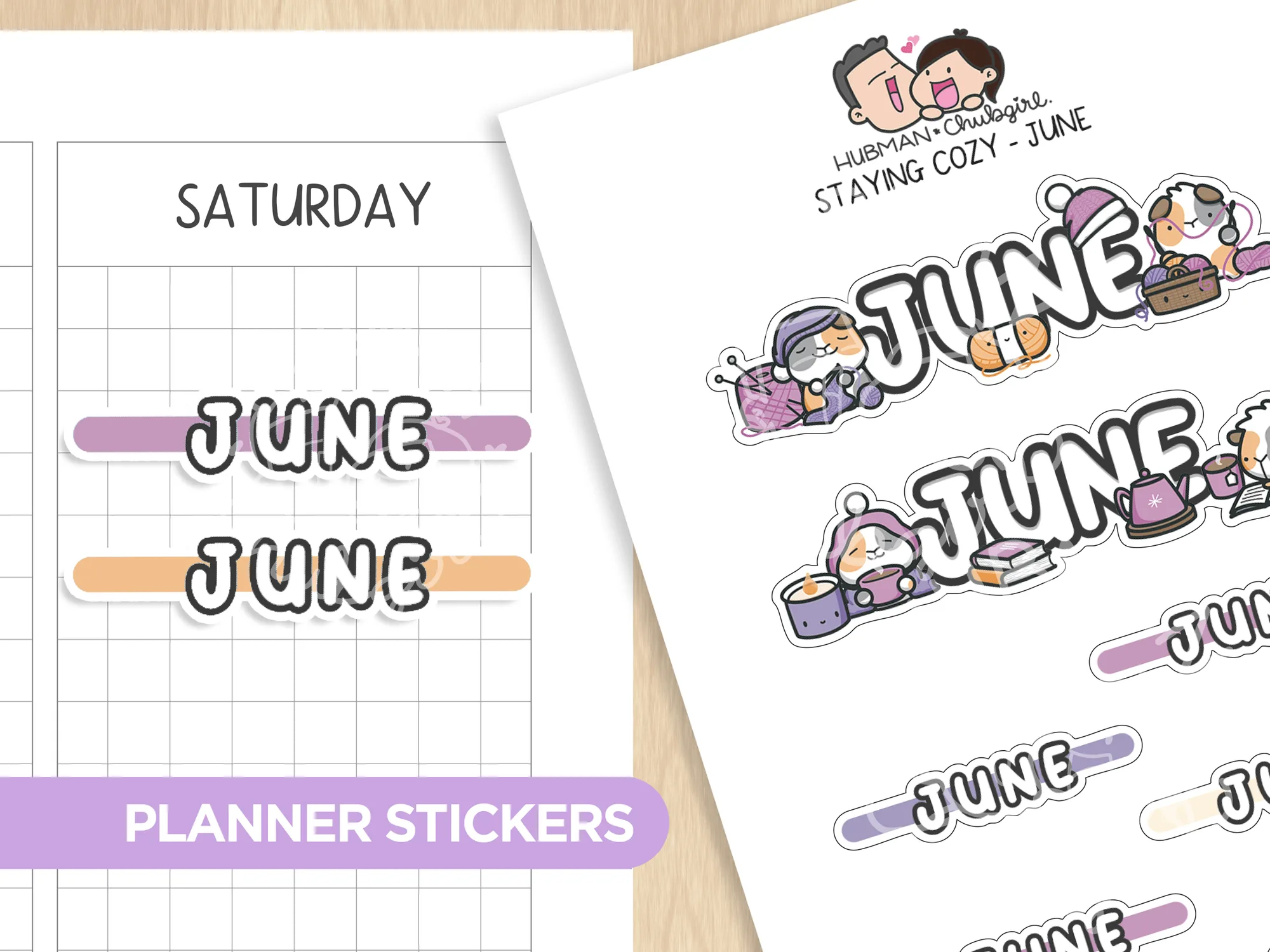
- Staying Cozy - Months Planner Stickers: High-quality vinyl, waterproof. Can be peeled and re-positioned. If you place a month sticker slightly off-center, you can lift and reset it without tearing, which reduces the chance of a stretched edge lifting later.
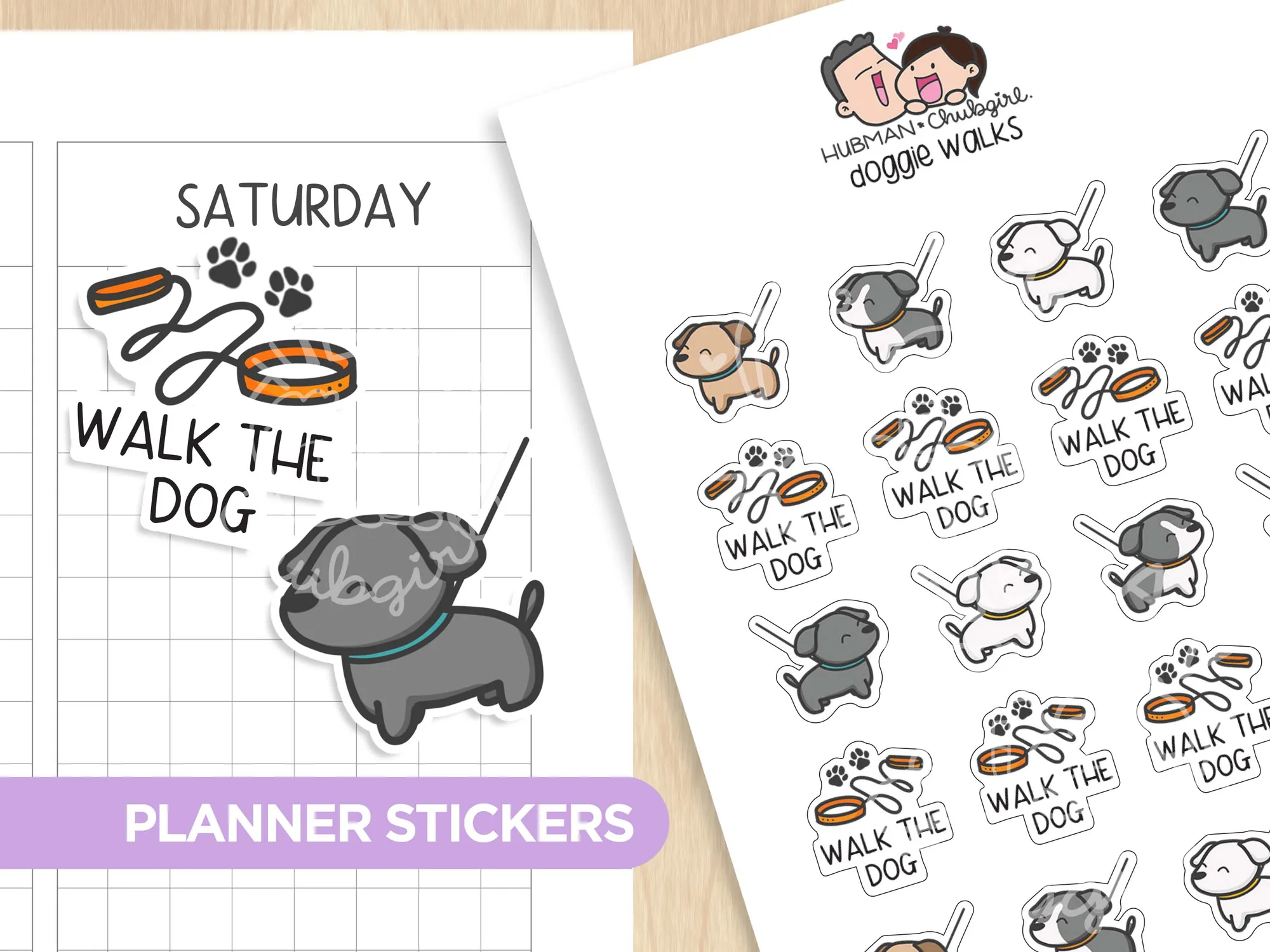
- Doggie Walks Planner Stickers: High quality vinyl, waterproof. Can be peeled and re-positioned. Re-positionable vinyl gives you a second chance on textured or curved pages where a one-shot paper sticker would wrinkle or peel.
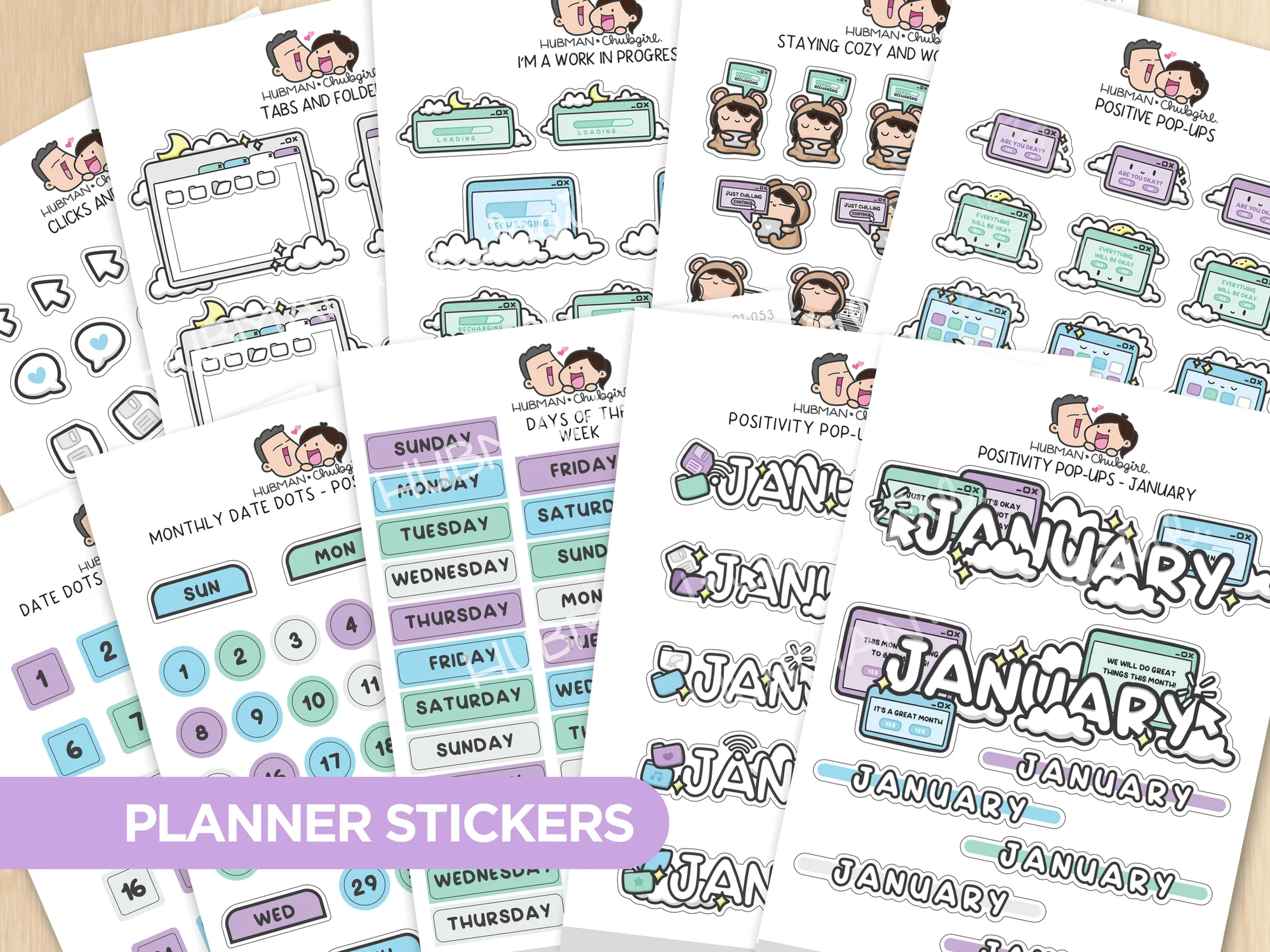
- Positivity Pop-Ups Journal Pack: Includes ALL 10 journal sticker sheets. Sticker sheet size: 3.5" x 5". A full month of sheets lets you test adhesion on different pages and keep a spare sheet for re-placing stickers that lift during a busy week.