Quick answer
Most unresponsive buttons on a handheld game system come down to three things: debris under the button, worn conductive contacts, or a loose internal connection. Start by cleaning around the button with isopropyl alcohol and compressed air. If that does not restore response, open the shell and check the contact pads. Stop and replace the device if the board shows corrosion or cracked solder joints, because those repairs need tools most owners do not have.
Symptom check: is it one button or several?
A single dead button usually points to localized dirt or a worn pad under that specific key. Multiple buttons failing at once suggests a shared ribbon cable, a dirty contact strip, or a power issue affecting the whole input matrix. Press each button slowly and note whether it never responds, responds only when pressed hard, or triggers the wrong action. That pattern tells you where to look before you open anything.
- One button dead: clean that button's contact area first.
- Several buttons dead in a row or column: inspect the shared ribbon or contact strip.
- Button works only with heavy pressure: the conductive pad is worn and needs replacement.
- Button triggers the wrong function: the contact strip is misaligned or dirty.
Likely cause: dirt, wear, or a loose connection
Handhelds collect skin oil, dust, and pocket lint around button edges. Over time that debris sits between the rubber pad and the circuit board, blocking the electrical contact. Wear is the second common cause: the carbon coating on rubber pads flattens or rubs off, so the button no longer completes the circuit. A loose ribbon cable or a cracked solder joint is less common but shows up after drops or years of flexing. If the device has never been opened and the buttons worked fine until recently, dirt and wear are the most likely explanations. If the problem started right after a drop, suspect a loose connection inside.
Corrective action: clean, reseat, or replace
For dirt, power off the device and remove the batteries. Apply a small amount of 99% isopropyl alcohol to a cotton swab and work it around the button edges, pressing the button repeatedly to let the alcohol flush out debris. Let it dry completely before powering on. If that does not work, open the shell and lift the rubber pad. Wipe the carbon contact and the board pad with isopropyl alcohol, then reseat the pad. For worn pads, replacement rubber pads are inexpensive and restore full response. For a loose ribbon cable, gently press the connector back into its socket. Do not use metal tools inside the shell, and do not apply alcohol to a powered device.
- Clean button edges with 99% isopropyl alcohol and a cotton swab.
- Open the shell and clean the carbon pad and board contact.
- Reseat any ribbon cable that has worked loose.
- Replace worn rubber pads rather than trying to rebuild the carbon coating.
When to stop and choose another option
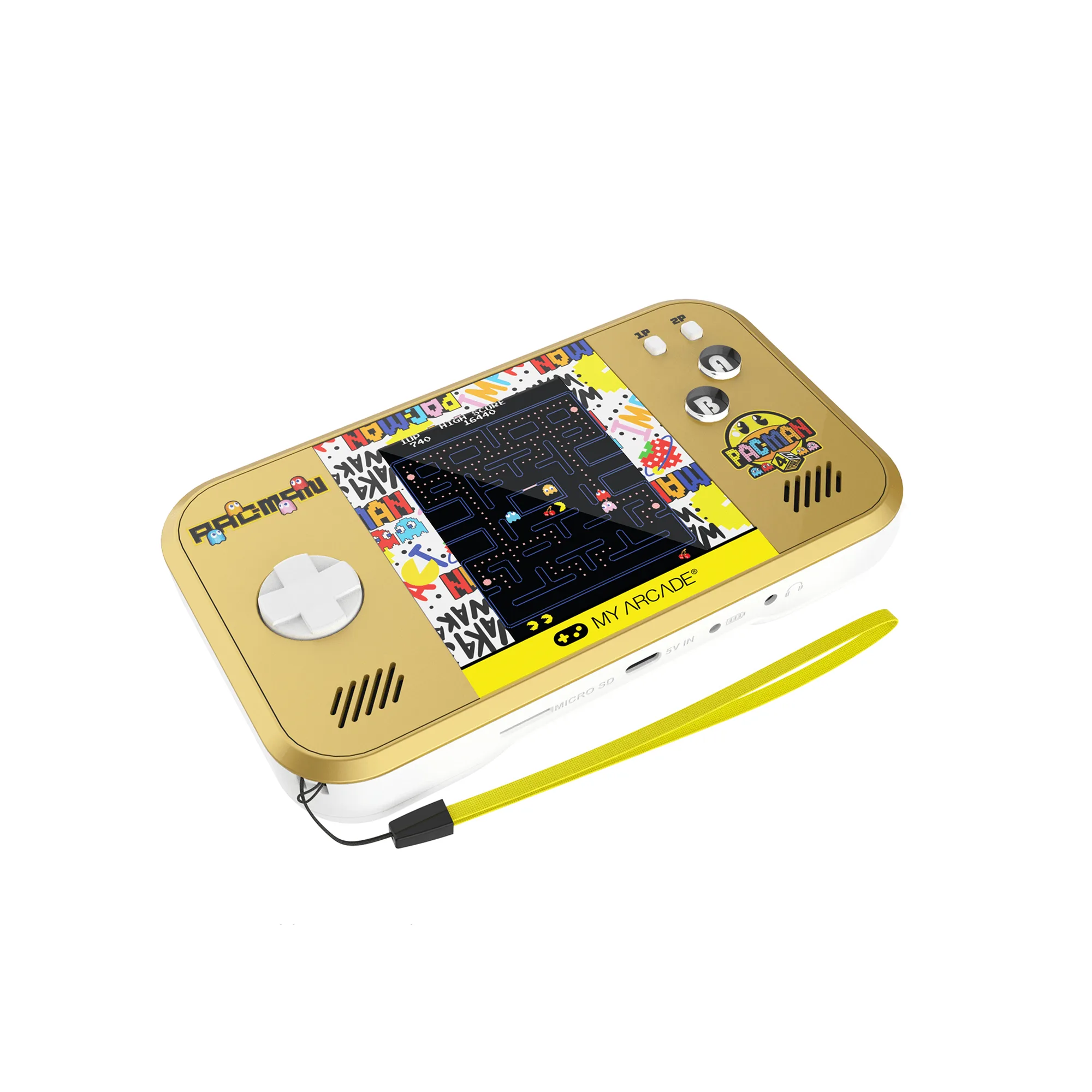
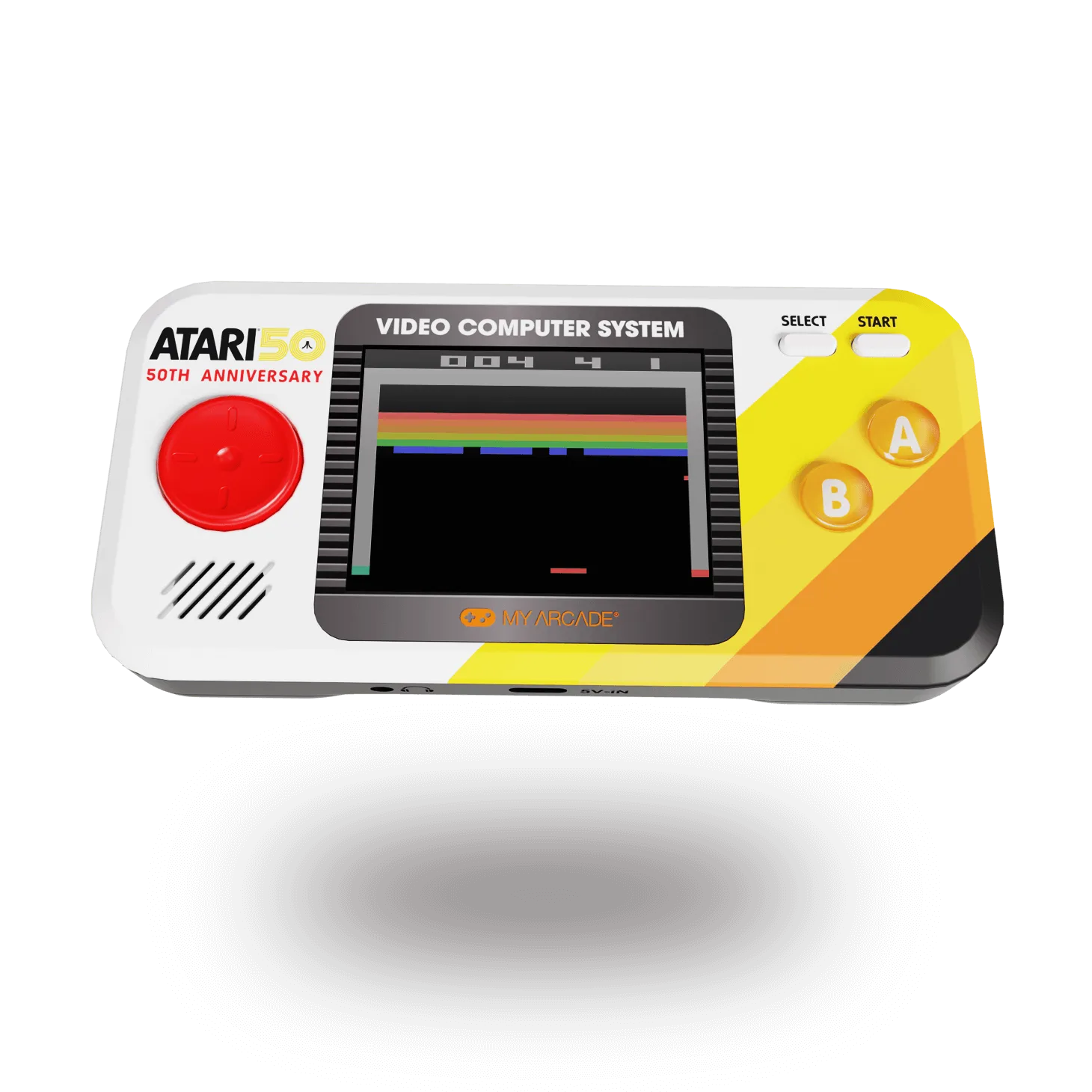
Stop if you see green or white corrosion on the board, cracked solder joints, or a torn ribbon cable. Those repairs need a soldering iron and experience, and a failed attempt can damage the device further. Stop also if the shell screws are stripped or the plastic is cracked around the button wells, because reassembly will not hold the buttons in place. In those cases, replacing the handheld is the practical choice. If you are shopping for a replacement, look for a model with a known button layout and a screen size that suits how you play. The Casino Pocket Player Max packs over 30 casino and puzzle games into an all-in-one handheld, so there are no cartridges or cables to manage. The ATARI Pocket Player Pro carries classic Atari titles like PONG, Breakout, and Asteroids, which suits players who want recognizable games with simple controls. The All-Star Arena Pocket Player has a full-color 2.75-inch screen and 307 games-in-1, including playable versions of GOAL!, BASES LOADED 1 through 4, RACKET ATTACK, and HOOPS, with an ergonomic compact design that fits longer sessions.
Button diagnosis table
- Single button unresponsive: Debris or a worn carbon pad under that one button. Clean the button edge with isopropyl alcohol. If it still fails, open the shell and clean or replace the pad.
- Several buttons unresponsive: A shared ribbon cable or contact strip is loose, dirty, or misaligned. Reseat the ribbon cable and clean the contact strip. If the cable is torn, stop and replace the device.
- Button works only with heavy pressure: The conductive carbon coating on the rubber pad is worn down. Replace the rubber pad. Do not try to rebuild the carbon coating.
- Corrosion or cracked solder on the board: Liquid damage or a failed solder joint that needs reflowing. Stop. This repair needs a soldering iron and experience. Replace the handheld instead.
Replacement options if repair is not practical
- Casino Pocket Player Max: All-in-one handheld gaming device with over 30 casino and puzzle games. No cartridges or cables to manage, so fewer connection points to fail.
- ATARI Pocket Player Pro: Atari Pocket Player Pro includes iconic games such as PONG, Breakout, and Asteroids. Simple, recognizable controls that are easy to test for response after cleaning.
- All-Star Arena® Pocket Player: All-Star Arena Pocket Player has a full-color 2.75-inch screen, 307 games-in-1, and an ergonomic compact design. A larger screen and ergonomic shape suit longer play sessions if you replace a failing handheld.