Quick answer
Most E-Blox blocks that stop working have a simple cause: a loose connection, a dead battery, or a component placed in the wrong order. Reseat every block firmly, test with fresh batteries, and rebuild the circuit from the power board outward. Only consider replacing a block after you have swapped it into a known-working position and it still fails.
Start with the power board, not the block
The power board is the most common point of failure because it feeds every other block in the circuit. Before you test any individual block, press each connection point on the power board and listen for a firm snap. If the board uses a battery pack, replace all batteries at once rather than mixing old and new cells. A partially depleted battery can still power a single LED dimly while failing to drive a motor, speaker, or amplifier block.
Once the power board is confirmed, rebuild the circuit in the order shown in your project guide. E-Blox circuits depend on signal flowing in a specific sequence, so a lamp or LED placed before a switch will not behave the way the guide describes. If you are working from a kit with numbered projects, follow the diagram exactly for the first build, then experiment once it works.
Check the block-to-block connection
E-Blox blocks connect through physical contact points, and those points can collect dust, lint, or a thin film from handling. If a block works in one position but not another, the problem is the connection, not the block. Wipe the contact surfaces with a dry, soft cloth and reseat the block. Avoid using liquid cleaners on the contacts, since moisture can interfere with the electrical path.
Also check that the blocks are fully pressed together. A block that looks connected but sits slightly raised will not pass current. Press down until you feel or hear the block seat. This is especially common with LED blocks, which are often pushed in at an angle when a child is building quickly.
Test the block in a known-working position
If reseating and fresh batteries do not fix the problem, move the suspect block into a position you know works, such as directly after the power board in a simple LED circuit. If it lights or activates there, the block is fine and the issue is elsewhere in the circuit. If it fails in a known-working position, the block itself is likely faulty.
This swap test is the fastest way to separate a bad block from a bad build. Do it one block at a time so you do not introduce a second variable. Keep a working reference circuit assembled on the side so you always have a reliable test spot.
When the problem is the project, not the parts
Some projects require a specific component to be present for another block to function. A sound-activated circuit, for example, needs the audio block and the lights block in the correct sequence before the lights will respond. If you skip a block or substitute a different one, the circuit may appear dead even though every part works.
If you are building from a kit with a teacher guide or curriculum, use the lesson sequence as your troubleshooting reference. The guide shows the intended order and the expected result for each step, which makes it easier to spot where your build diverges.
Symptom-to-fix diagnosis
- No lights at all, even on a simple build: The power board is not receiving or delivering power. Replace all batteries at once, check that the battery pack is fully seated, and press every connection on the power board. If a single LED block lights when placed directly on the power board, the board is fine and the problem is in your circuit layout.
- One block works in some positions but not others: This is a connection problem, not a block failure. Clean the contact points with a dry cloth and reseat the block until it sits flush. If the block works reliably after cleaning and reseating, no replacement is needed.
- A block fails even in a known-working position: Swap the suspect block into a simple circuit directly after the power board. If it still does not activate, the block itself is faulty. Stop troubleshooting and contact support for a replacement, since further rebuilding will not change the result.
Sets that make troubleshooting easier
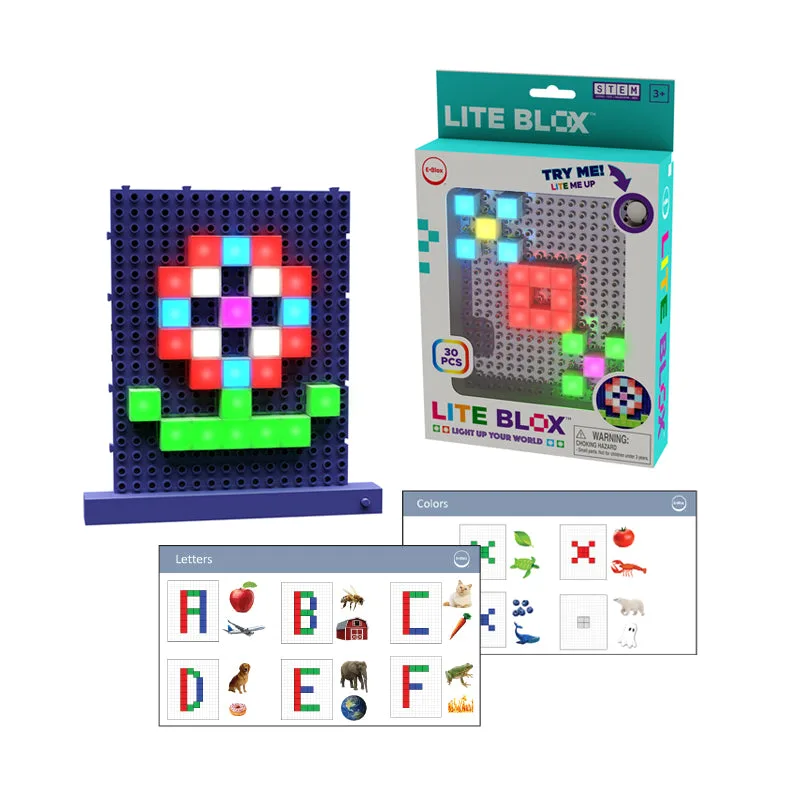
- Lite Blox Student Set - E-Blox® Building Blocks Educational Sets: The Lite Blox Student Set includes 30 LED Lite Blox in a variety of colors that attach to the power board in any configuration. Because the LEDs can be arranged freely, you can isolate a single LED block and test it directly on the power board without building a full project, which speeds up diagnosis.
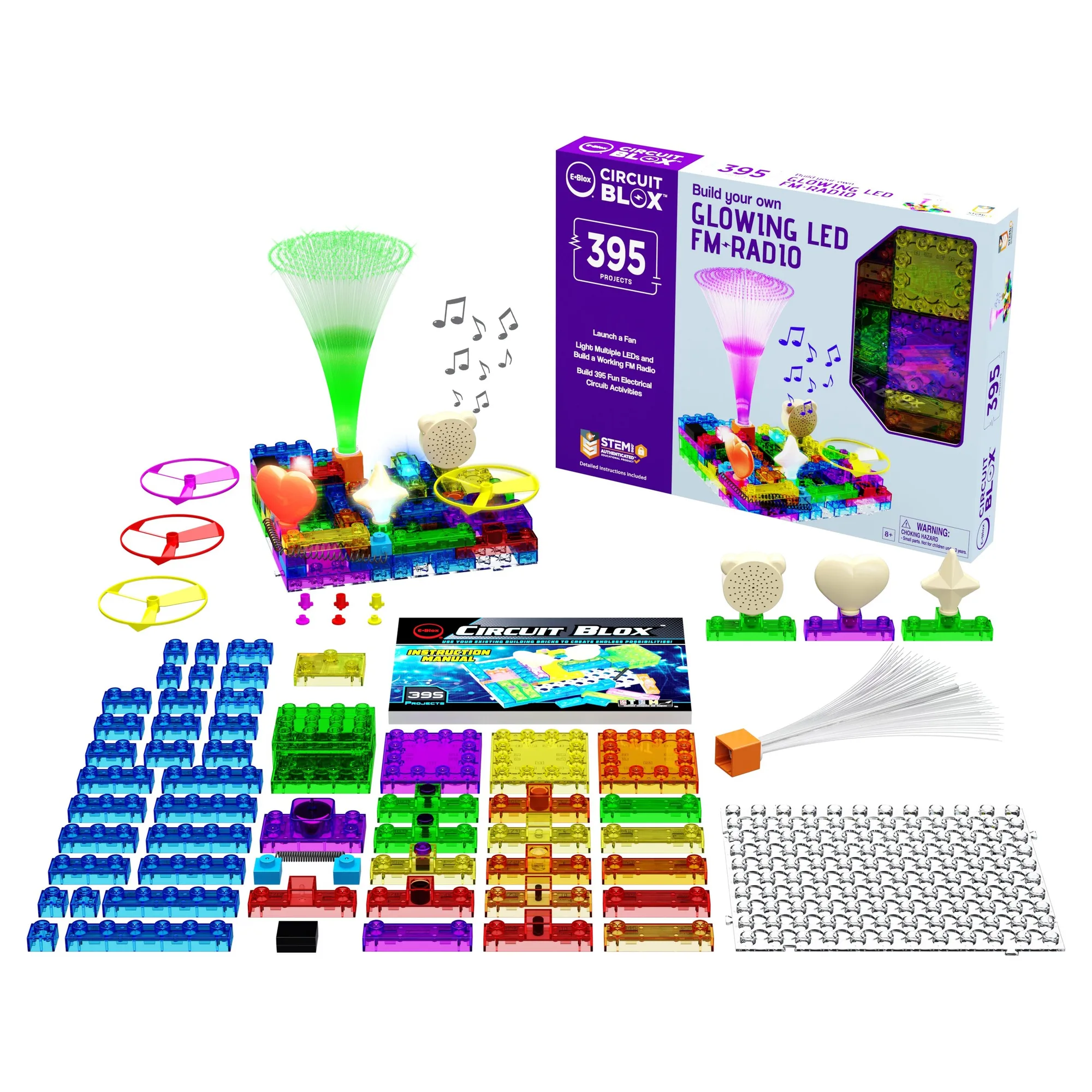
- Circuit Blox™ 395 - E-Blox® Circuit Board Building Blocks Toys for Kids: Circuit Blox 395 includes 395 projects and all parts are compatible with the Power Blox line. If a block from another Power Blox set is not working, you can test it inside a Circuit Blox 395 build to confirm whether the block or the original circuit is at fault.
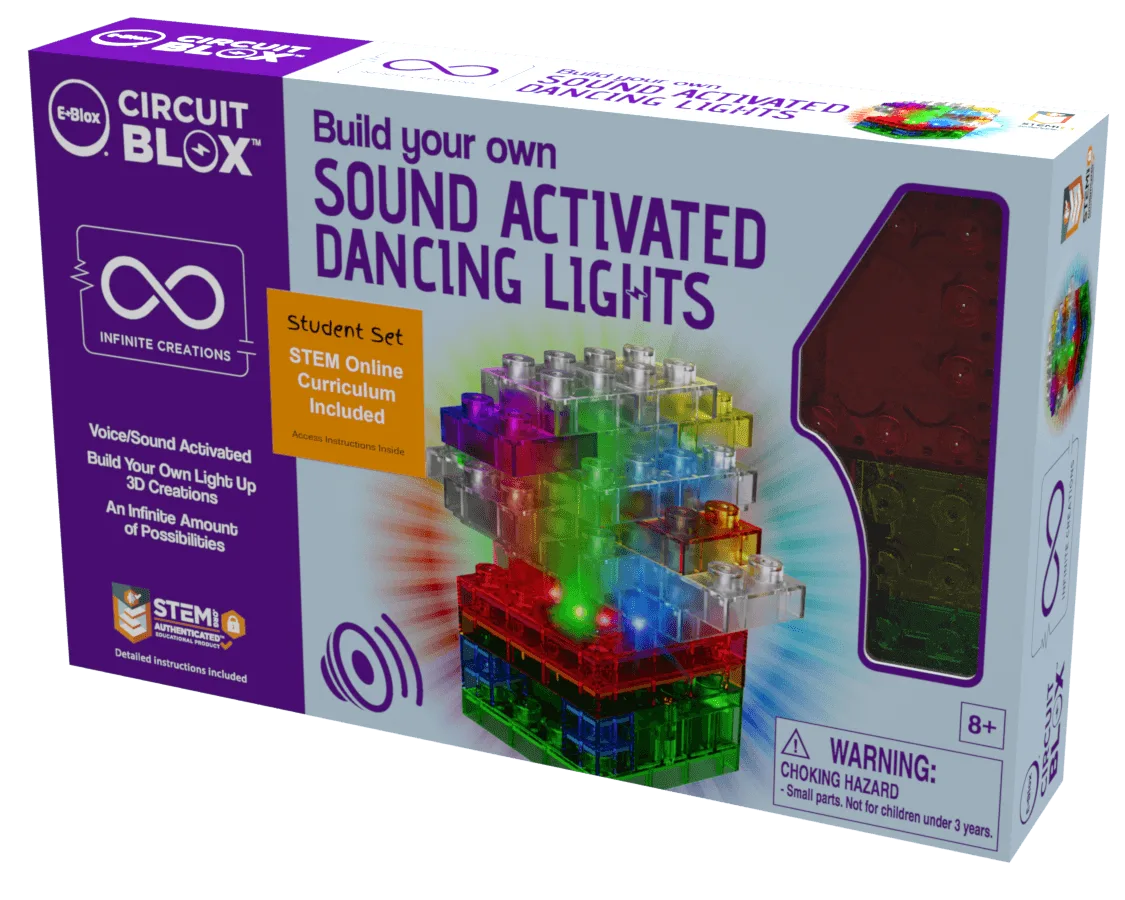
- Circuit Blox™ Sound Activated Dancing Lights Student Set - E-Blox®: The Sound Activated Dancing Lights Student Set includes one Circuit Blox Lights Starter and a 39-page teacher guide with curriculum lessons and quizzes. The teacher guide gives you a step-by-step reference for the correct build order, so you can compare your circuit against the intended sequence when lights will not respond.