Quick Answer
If your phone isn't charging with a magnetic power bank, start by checking the alignment of the charging coils, removing any thick or magnetic-interfering case, and ensuring the power bank has enough charge. Most issues are simple to fix without needing a new product.
You're on the go, your phone is low, and you attach your magnetic power bank—but nothing happens. It's a common frustration, but the problem is usually easy to identify and fix. In this guide, we'll walk through the most likely causes and step-by-step solutions.
We'll also point out when it's time to consider a different accessory, like a case that's compatible with magnetic charging or a power bank with better alignment features.
Check Charging Coil Alignment
The most common reason a magnetic power bank doesn't charge is misalignment. The charging coils in your phone and the power bank need to be closely aligned for efficient energy transfer. Even a few millimeters off can prevent charging or cause it to be intermittent.
To fix this, remove your phone from any case and place it directly on the power bank, letting the magnets guide it. If it starts charging, the issue was alignment. If not, try repositioning the phone slightly until you see the charging indicator.
Some power banks have a visible coil position or a magnetic alignment guide. Use that as a reference. If you're using a power bank with a built-in stand, ensure the phone is seated properly in the cradle.
- Remove your case and test without it to rule out alignment issues.
- Look for a small alignment mark or LED indicator on the power bank.
Inspect for Case Interference
Phone cases are a common culprit. Thick cases, those with metal components, or those with magnetic attachments can block or interfere with wireless charging. A case that's too thick may prevent the coils from getting close enough.
If you're using a case, check if it's MagSafe-compatible or if it's advertised as wireless charging friendly. If not, remove it and try again. If your phone charges without the case, you need a slimmer case or one designed for magnetic charging.
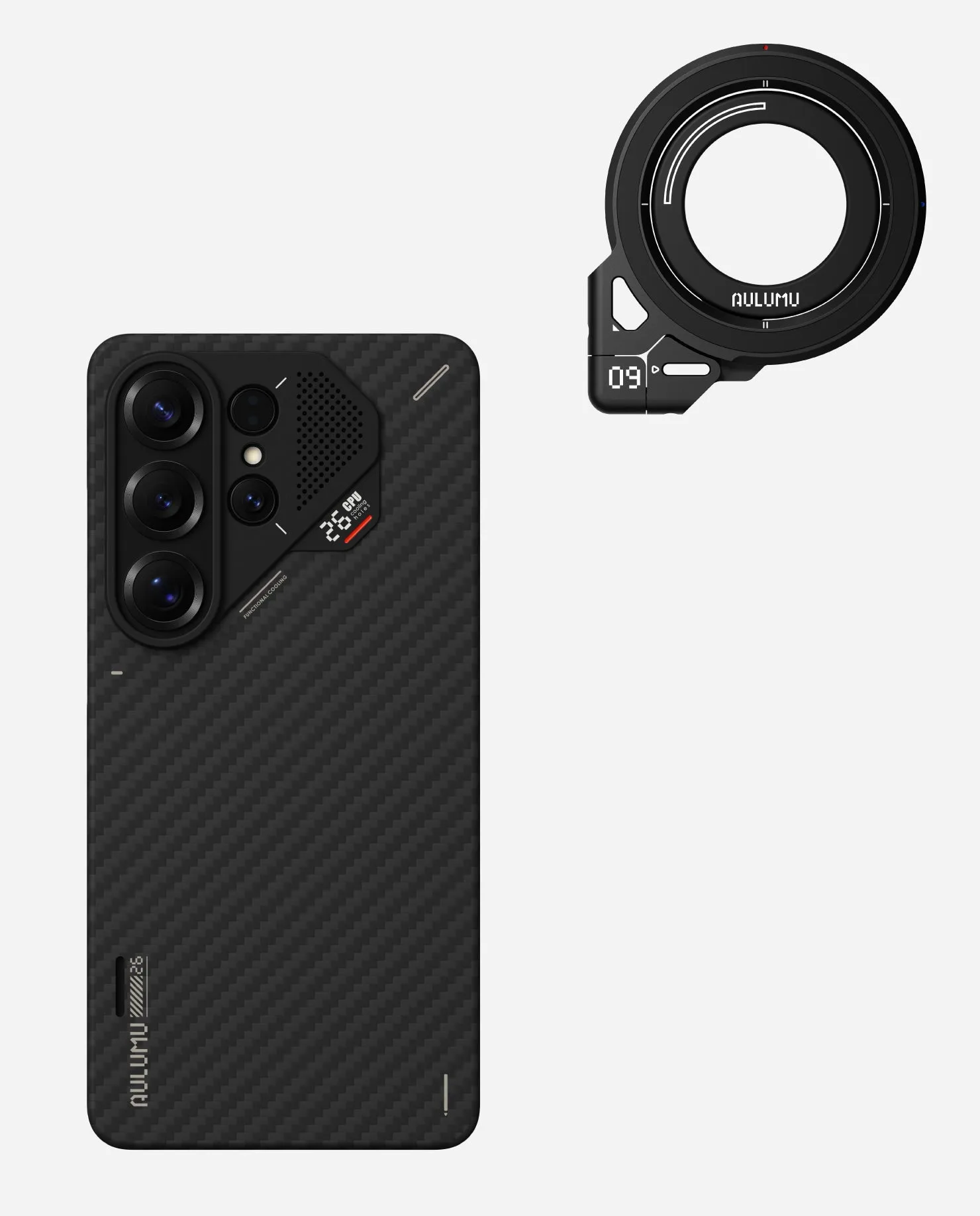
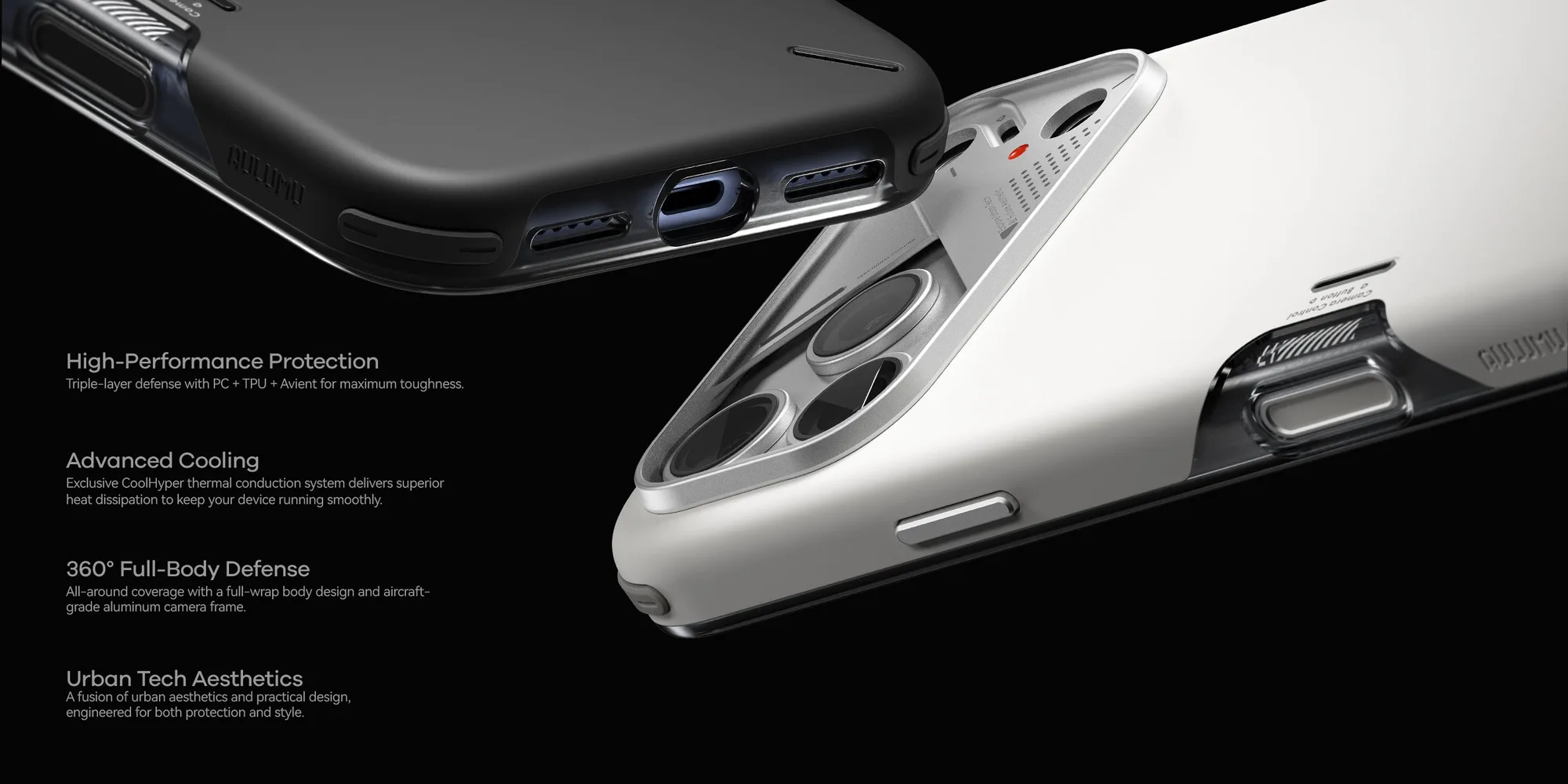
Aulumu offers cases like the A17 Slim Shockproof Case for iPhone 17 Series, which is magnetic and slim, designed to work with MagSafe accessories. Such cases minimize interference while still protecting your phone.
- Look for a 'MagSafe compatible' label on your case.
- Avoid cases with metal plates or rings unless they're specifically designed for wireless charging.
Verify Power Bank and Cable Health
Sometimes the problem isn't the phone but the power bank itself. Check if the power bank has enough charge. If it's been sitting unused, it may have drained. Plug it into a wall charger and see if it charges.
If you're using a cable to charge the power bank, ensure the cable is working. A faulty cable can prevent the power bank from charging, so it can't charge your phone. Try a different cable, like the M07 240W USB-C cable, which is designed for high-speed charging and data transfer.
Also, check the power bank's output. Some power banks have multiple ports or modes; make sure you're using the correct one for wireless charging.
- Test the power bank with another device to isolate the issue.
- Use a high-quality USB-C cable to rule out cable problems.
Restart Your Phone and Clear Charging Port
A simple restart can resolve software glitches that might interfere with wireless charging. Restart your phone and try again.
If you're using a wired connection with your power bank, a dirty or lint-filled charging port can prevent charging. Inspect the port and gently clean it with a dry toothpick or compressed air. Avoid using metal objects that could damage the pins.
For wireless charging, ensure the back of your phone is clean and free of debris that could disrupt the connection.
- Restart your phone before assuming a hardware failure.
- Clean the charging port gently if using a cable.
Check for Software Updates and Charging Settings
Occasionally, a phone's software may have bugs that affect wireless charging. Check for system updates and install any pending ones.
Some phones have settings that limit charging speed or disable wireless charging in certain conditions, like when the battery is too hot. Make sure your phone isn't overheating and that any battery optimization settings aren't interfering.
If you've recently changed settings, revert them and test again.
- Look for a 'wireless charging' toggle in your phone's settings.
- Avoid using your phone heavily while it's on the power bank, as heat can slow charging.
Diagnosis Steps
- Symptom: Phone doesn't charge or charges intermittently when attached to a magnetic power bank. Identify if the issue is consistent or occasional.
- Likely Cause: Misalignment, case interference, low power bank battery, faulty cable, or software glitch. Narrow down by testing without case and with a different cable.
- Corrective Action: Remove case, realign phone, charge power bank, restart phone, update software. If these steps don't work, consider hardware failure.
- When to Stop: If you've tried all steps and the phone still doesn't charge, the power bank or phone's charging coil may be defective. Consider contacting support or replacing the power bank.
Products That Can Help
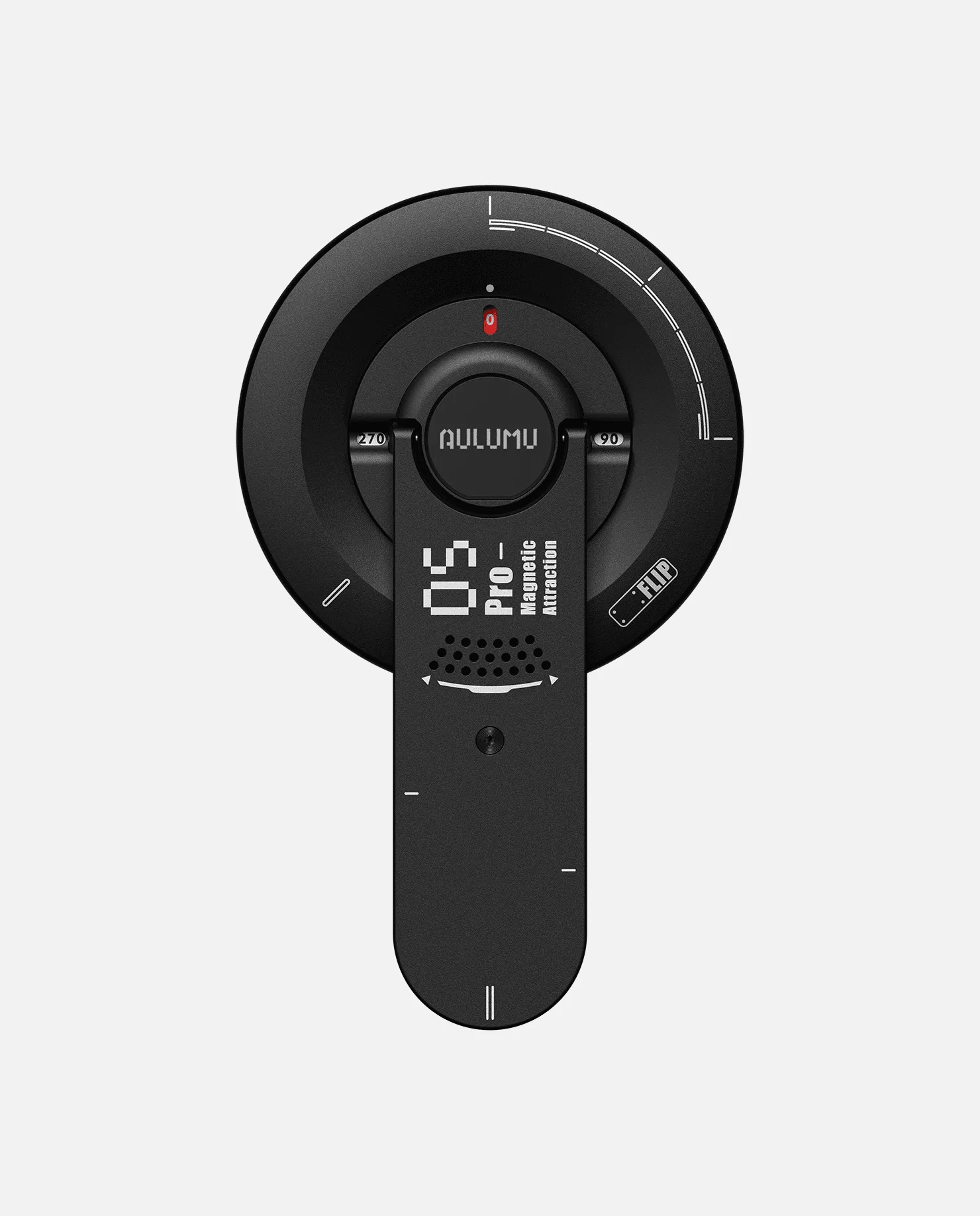
- M10 10000mAh Multi-Charging Dual-Mag Power Bank & G09 Ghost Transparent Infinite 360° Magnetic Stand: 10000mAh capacity provides reliable portable power for your devices on the go. Dual-Mag feature supports... If your current power bank frequently misaligns, this model's Dual-Mag feature may offer better magnetic alignment, reducing charging failures.
- https://purecozyhomeai.shop/products/a17-slim-shockproof-case-for-iphone-17-series-magnetic-295909A17 Slim Shockproof Case for iPhone 17 Series | Magnetic: Slim design that fits comfortably in your hand and pocket. Shockproof construction helps safeguard your phone from everyday bumps and drops. Built-in magnets for easy attachment to... This magnetic case is designed to work with MagSafe accessories, so it won't interfere with wireless charging, solving case-related issues.
- M10 10000mAh Power Bank & M07 240W Charging & Data USB-C Cable: The M10 Charging Set combines the M10 10000mAh Multi-Charging Dual-Mag Power Bank and M07 240W Hi-Speed Charging & Data USB-C Cable in one bundle. If your cable is faulty, this bundle provides a high-speed USB-C cable designed for fast charging and data transfer, ensuring your power bank charges properly.
In most cases, a magnetic power bank that isn't charging is a quick fix—just check alignment, remove a thick case, and verify your cable. If problems persist, it might be time to upgrade to a more compatible power bank or case designed for reliable magnetic charging.