Quick answer
Most wireless car chargers disconnect because the phone is not perfectly centered on the charging coil, the case is too thick or not magnetic, or the charger is not getting enough power. Fix alignment first, then check your case, then check the power source. If the phone still cuts out after all three, the mount itself is likely the problem.
Start with alignment, not the charger
Wireless charging depends on the phone's coil sitting directly over the charger's coil. On a magnetic mount, the magnets pull the phone into the right spot — but only if the phone or case has a magnetic ring that matches the mount's magnet pattern. If the phone slides even a few millimeters off-center, charging can start, stop, and restart in a loop. That on-off pattern is what most people describe as disconnecting.
Test it parked: snap the phone on, then gently push it side to side and up and down. If charging cuts out with small movement, alignment is your problem, not the charger's electronics.
- Remove the phone from the mount and re-snap it so the magnet grabs evenly.
- If you use a case, check that the magnetic ring sits centered on the back — not near the camera bump.
- On an adjustable-arm mount, extend the arm before positioning so you are not fighting the mount while aligning.
Check your case and magnetic ring placement
A case thicker than about 3 mm, or one with metal plates in the wrong spot, can block or distort the charging field. Metal plates designed for old magnetic mounts are especially likely to interfere — they shield the coil instead of letting it charge through. If you added a magnetic ring yourself, it needs to be centered on the phone's charging coil, which is usually in the middle of the back, not at the top.
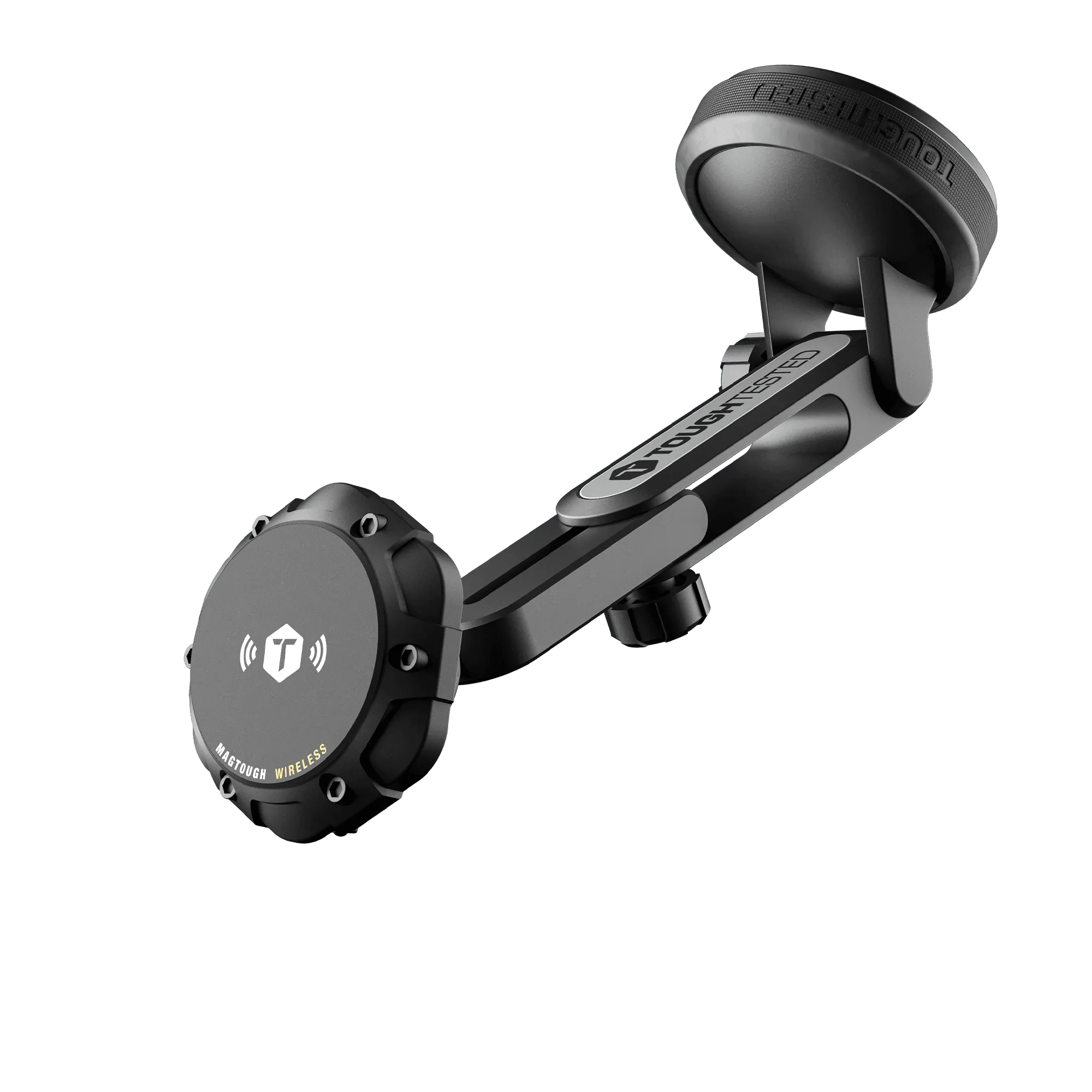
The ToughTested MagTough XT ships with two magnetic rings you can add to any case, which is useful if your case has no magnet of its own. Place the ring so it lines up with the mount's magnet array and the phone's coil at the same time — those two points are not always in the same place on every phone.
- Test without the case first. If charging is stable bare, the case is the cause.
- Avoid cases with built-in metal plates unless the manufacturer states they are wireless-charging compatible.
- If you use a ring, press it on firmly and let the adhesive set before mounting the phone.
Confirm the charger is getting enough power
A wireless car mount that is rated for 15W fast charging will not deliver that if it is plugged into a weak USB port. Many vehicles have USB ports that output only a few watts, which is enough to trickle-charge but not enough to hold a charge while you run navigation and music. The result looks like disconnecting: the phone charges for a while, then loses ground.
Plug the mount into a 12V socket with a charger that can supply the wattage the mount needs, and use the cable that came with the mount rather than a thin charge-only cable. The MagTough XT includes a wall charger and USB-C cable, so you can verify the mount works at full power indoors before blaming your car's wiring.
- Use the included cable and a known-good power source to test the mount on a desk.
- If the mount charges fine indoors but not in the car, the vehicle's USB port or 12V adapter is the weak link.
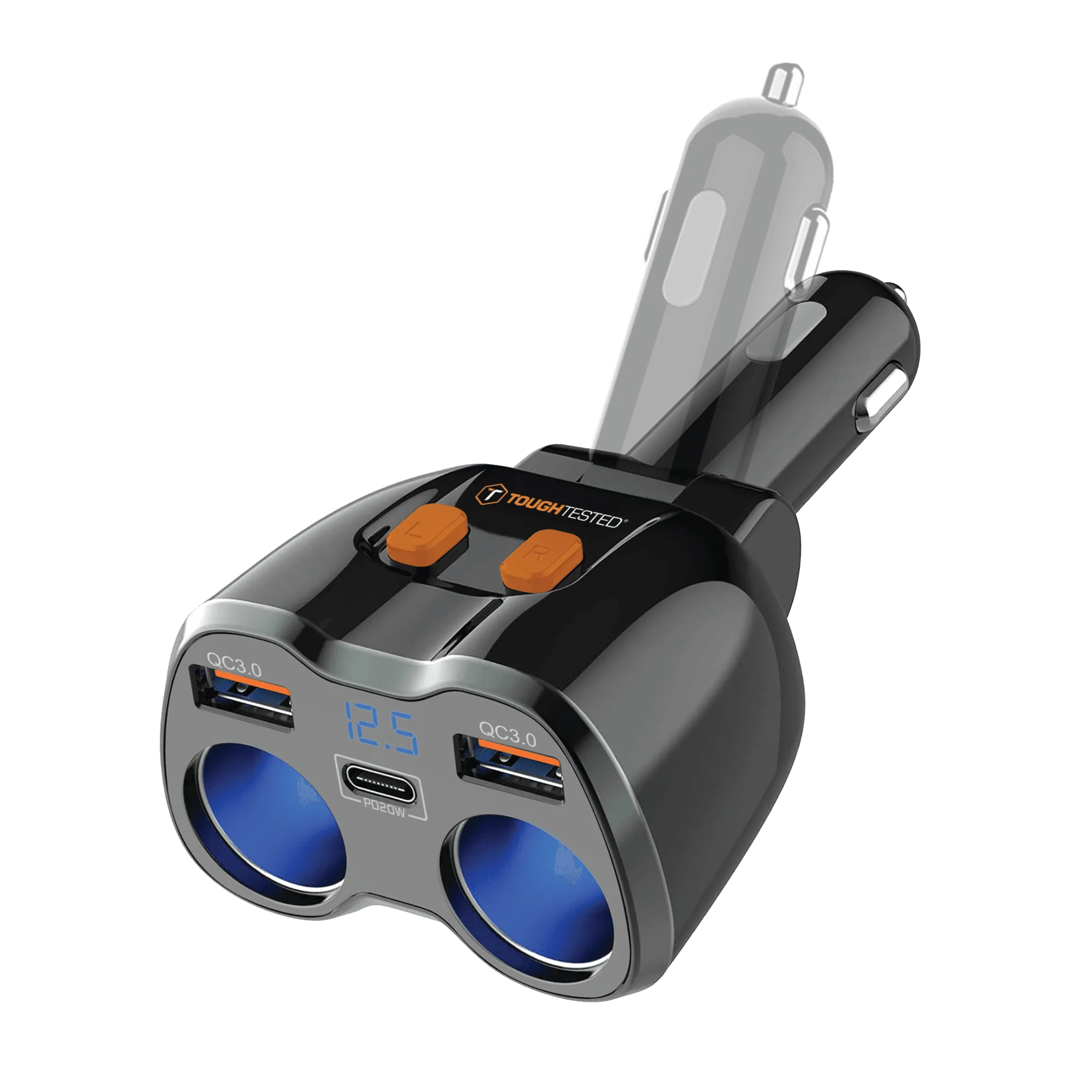
- A dual 12V adapter with USB-C and USB ports lets you run the mount and charge a second device without splitting power unpredictably.
Rule out heat and phone settings
Wireless charging generates heat, and phones throttle or pause charging when they get too warm — especially in direct sun on a windshield. If disconnects only happen on hot days or after 20–30 minutes, heat is the likely cause. Move the mount out of direct sun, lower screen brightness, and remove the case during long drives to let heat escape.
Also check that your phone is not in a battery-saving mode that pauses wireless charging, and that no metal object — a pop socket, a credit card holder, a magnet — is stuck to the back of the phone or case.
- Reposition the mount to a vent or dash spot that stays out of direct sunlight.
- Remove wallets, pop sockets, and metal accessories before mounting.
- If the phone is hot to the touch when charging stops, let it cool and retest.
Diagnosis: match the symptom to the fix
- Charging starts and stops when the phone barely moves: The phone is not centered on the coil. Re-snap it on the magnet, check that any magnetic ring is centered on the phone's coil, and remove thick or metal-plate cases. If charging holds steady after re-centering, alignment was the cause.
- Charges fine parked, drops while driving: Vibration is shifting the phone, or the mount's arm is not locked. Tighten the arm joint, shorten the extension if possible, and make sure the suction or vent base is secure. If the phone stays put but still loses charge, move to the power check.
- Charges for 20–30 minutes, then stops: Heat buildup or a weak power source. Move the mount out of direct sun, remove the case, and plug into a 12V adapter that can supply the mount's rated wattage. If it still stops after cooling and a stronger power source, the mount is the likely fault.
- Never charges at all on the mount: Test the mount indoors with its included cable and wall charger. If it charges there, the car's port or adapter is the problem. If it does not charge indoors either, the mount is faulty. Stop troubleshooting the car and replace or warranty the mount.
Products that address these causes
- ToughTested MagTough XT Wireless Charging Magnetic Mount: MagSafe wireless charging car mount with 15W fast charge, an arm that extends from 4 to 7 inches, a 2-in-1 window and dash suction mount, and two magnetic rings included. The adjustable arm lets you position the phone for stable alignment, and the included rings let you add magnetism to a case that lacks it — two of the most common disconnection causes.
- ToughTested Dual 12V Vehicle Power Adapter with USB-C and USB, 150W: Dual 12V vehicle power adapter with USB-C and USB ports, 150W design, compact form factor. If your vehicle's built-in USB port cannot supply enough wattage, this gives the mount a dedicated 12V power source so charging stays consistent.
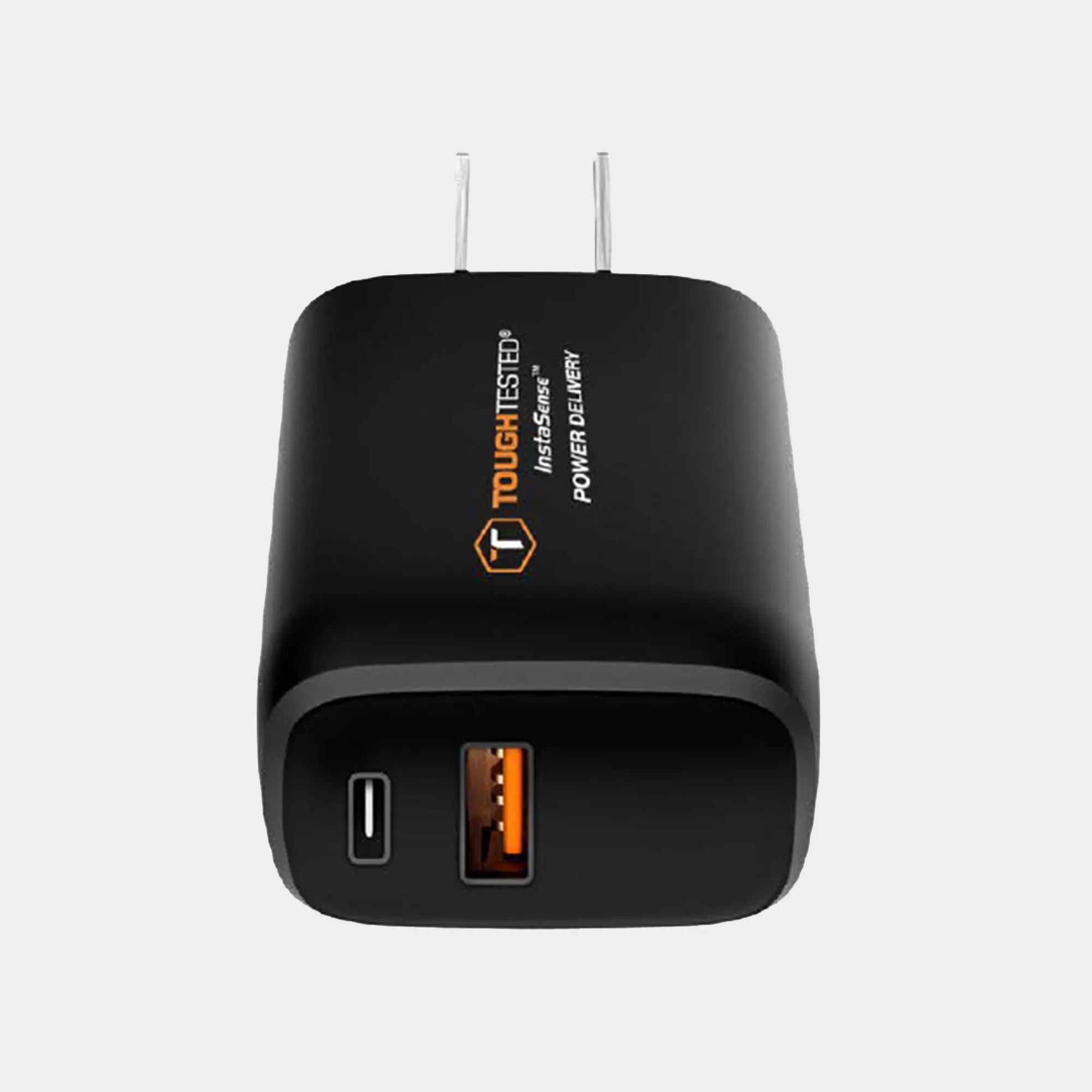
- ToughTested Power Share 2 20W USB-C & USB-A Wall Charger: 20W Power Delivery wall charger with USB-C and USB-A ports, Quick Charge 3.0 support, and smart IC device protection. Useful for testing the mount indoors at full power to confirm whether the disconnects happen in the mount or only in the car.