Quick Answer
A subwoofer that cuts out usually loses power, ground, or signal before the amplifier ever fails. Start by checking the amplifier's protection LED and your ground connection, then test the remote turn-on lead and speaker wiring. If the amp goes into protection mode only at high volume, the issue is almost always voltage drop or a shorted subwoofer voice coil, not a dead amplifier.
You are driving, the bass drops, and then your subwoofer just quits. Sometimes it comes back on its own. Sometimes you have to turn the radio off and on again. Either way, the music sounds thin and you are left guessing whether the subwoofer, the amplifier, or the wiring is to blame.
The good news is that most subwoofer cut-out problems follow a predictable order. Power and ground first, then signal and turn-on, then the amplifier's protection circuit, and finally the subwoofer itself. This guide walks through that order so you can find the fault without replacing parts you do not need.
Start With the Symptom: When Exactly Does It Cut Out?
The timing of the cut-out tells you where to look. If the subwoofer dies the moment the bass hits hard, you are dealing with a current-delivery problem: a loose ground, undersized power wire, or a subwoofer impedance that is too low for the amplifier. If it cuts out randomly over bumps, suspect a loose connection or a pinched wire. If it plays for ten or twenty minutes and then quits, heat buildup or a failing amplifier is more likely.
Write down three things before you touch anything: how loud the volume was, how long the system had been playing, and whether the amplifier's protection LED came on. That last detail separates an amplifier protection mode event from a simple loss of signal or power.
- Cuts out only on heavy bass: check power, ground, and subwoofer impedance.
- Cuts out over bumps: check every connection and wire routing.
- Cuts out after playing a while: check amplifier mounting, airflow, and heat.
Check Power and Ground Before Anything Else
A subwoofer amplifier needs a solid 12-volt supply and an equally solid ground. Measure voltage at the amplifier's power terminal with the system playing. If it drops below roughly 12 volts on bass notes, your wiring or charging system is the bottleneck. A loose ground bolt, paint under the ring terminal, or a ground point that is not bare metal will cause voltage to sag and the amp to shut down.
Inspect the inline fuse holder and both ends of the power wire. A partially blown fuse or a corroded fuse holder can pass enough current for low volume but fail under a heavy bass draw. Re-torque the ground bolt and confirm the ring terminal is crimped tightly, not just twisted around the wire.
- Measure voltage at the amp, not at the battery, while the bass is hitting.
- Sand the ground point down to bare metal and use a star washer.
- Keep ground wire runs short, ideally under three feet.
Test the Remote Turn-On and Signal Path
If the amplifier has no power LED at all, the remote turn-on lead is a common culprit. This thin wire tells the amp to wake up when the radio turns on. A loose connection at either end, or a remote output that cannot supply enough current, will cause intermittent shutoffs. You can temporarily jump the amp's remote terminal to its power terminal to test, but do not leave it that way or the amp will stay on and drain the battery.
On the signal side, a pinched RCA cable or a poor ground at the head unit can send noise or drop the signal entirely. Swap in a known-good RCA cable and see if the cut-out follows the cable. If your head unit has subwoofer output settings, confirm the subwoofer level is not set so low that the amplifier never receives enough signal to stay awake.
- A remote wire that reads below 10 volts may not reliably trigger the amp.
- Route RCA cables away from power wire to avoid induced noise.
- If the amp stays on but there is no bass, the problem is signal, not power.
Understand Amplifier Protection Mode
Most amplifiers protect themselves against thermal overload, short circuits, and excessive current draw. When any of those conditions appear, the amp mutes its output and lights a protection LED. That is a symptom, not the disease. The amplifier is telling you something downstream is wrong, whether that is a subwoofer voice coil shorting, wiring touching metal, or simply too little airflow around the chassis.
If the protection light comes on only at high volume, reduce the gain and bass boost and see whether the cut-out stops. If it does, your gain structure was asking the amplifier to produce more power than its electrical supply could support. If protection triggers at low volume, disconnect the subwoofer and try again. An amp that protects with no load connected has an internal fault and needs service or replacement.
- Protection at high volume points to voltage drop or excessive gain.
- Protection at low volume with no subwoofer connected points to the amp itself.
- Never keep resetting a protecting amplifier without finding the cause.
Inspect the Subwoofer and Its Wiring
A subwoofer with a failing voice coil or a torn tinsel lead can short intermittently, which trips the amplifier's protection circuit. Push gently on the cone and listen for scraping. Measure the voice coil resistance with a multimeter and compare it to the nominal impedance. A reading far below spec suggests a shorted coil, while an open reading means the coil has failed completely.
Check every speaker terminal and the inside of the enclosure if you can access it. A loose push terminal, a stray strand of wire bridging positive and negative, or a wire rubbing against a sharp cutout will all cause intermittent cut-outs. If your subwoofer is in a sealed enclosure with a built-in amplifier, confirm the remote subwoofer control cable is fully seated, because a partial connection can cause erratic level changes that feel like cut-outs.
- Measure voice coil resistance and compare it to the rated impedance.
- Look for wire strands bridging terminals at the enclosure and the amp.
- A subwoofer that scrapes when you push the cone needs replacement.
When to Stop and Choose a Different Fix
There is a point where troubleshooting stops being productive. If you have confirmed solid power and ground, a good signal path, correct impedance, and the amplifier still protects or cuts out, the amplifier itself is the likely failure. At that stage, further testing risks damaging speakers or the electrical system. Stop and either have the amplifier bench-tested or replace it.
The same applies if your charging system cannot keep up. If voltage at the amplifier drops below 12 volts even with clean connections, adding a capacitor or a second battery may help, but only after you have verified the alternator and battery are healthy. Do not keep turning up the gain to compensate for a supply problem; that shortens the life of every component in the chain.
- Stop if the amp protects with no load connected.
- Stop if voltage drops below 12 volts with clean, tight connections.
- Choose a higher-output amplifier only after the electrical supply is verified.
Diagnosis Checklist: Match the Symptom to the Fix
- Cuts out only on heavy bass: Measure voltage at the amplifier while playing. If it drops below 12 volts, inspect and redo the ground and power connections. If voltage holds steady, check subwoofer impedance against the amplifier rating. Fix power delivery before replacing any equipment.
- Protection LED comes on at high volume: Reduce gain and bass boost. If the cut-out stops, your gain structure was too aggressive for the electrical supply. If it continues, disconnect the subwoofer and test again. Protection at high volume is usually a supply or gain issue, not a dead amp.
- Protection LED comes on with no subwoofer connected: The amplifier is protecting itself with no external load. This points to an internal fault. Stop testing and have the amplifier serviced or replaced. This is the point where troubleshooting ends and replacement begins.
- Cuts out randomly over bumps: Inspect every connection: ground bolt, power fuse, remote turn-on, RCA cables, and speaker terminals. Look for pinched or rubbing wires. Re-seat each connection and test drive. Intermittent cut-outs are almost always mechanical, not electronic.
Product Facts That Matter for Cut-Out Problems
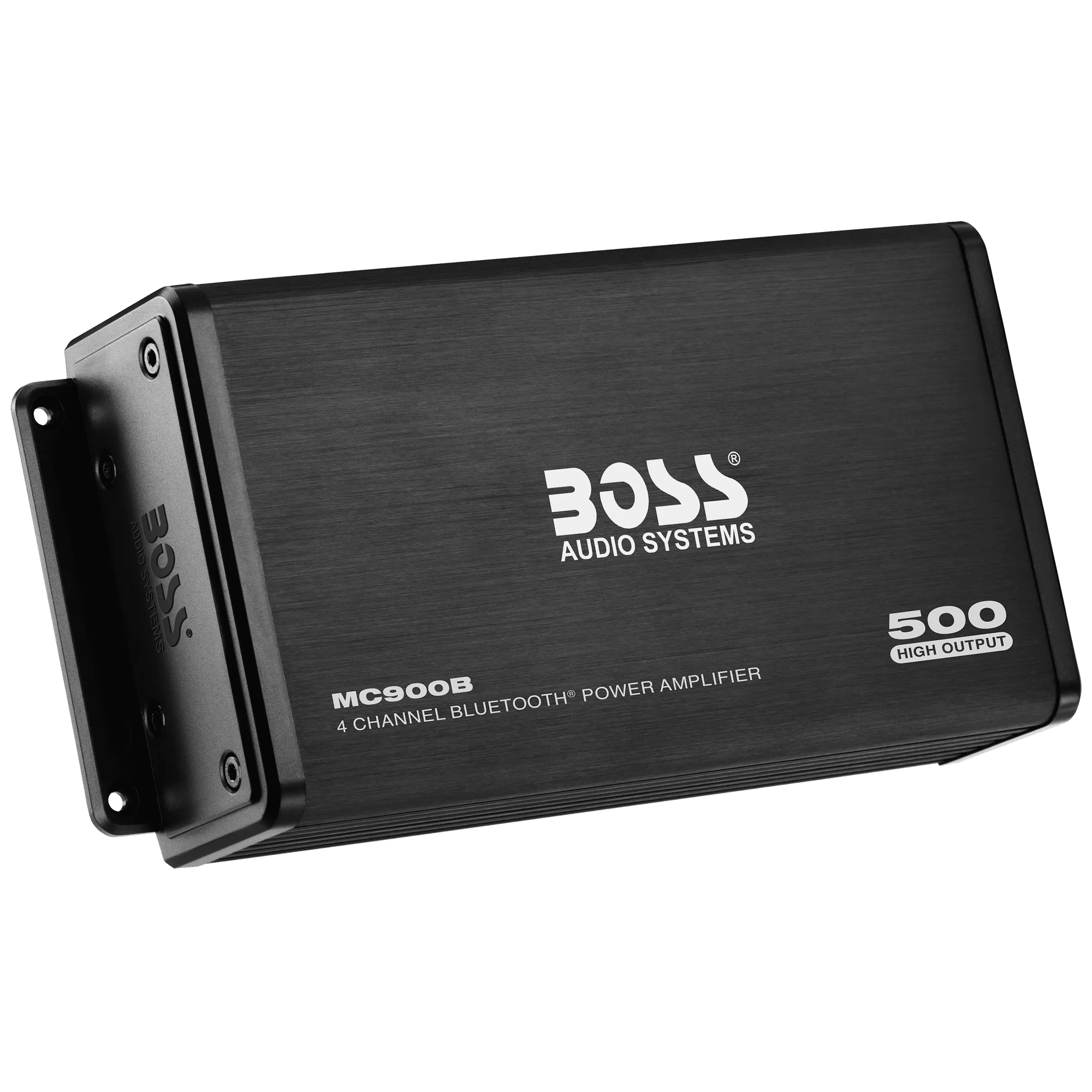
- MC900B: 4 Channel, 4 Ohm Stable, Class A/B, with thermal, short and overload protection circuits and zero current draw. The protection circuits are what shut the amp down when something is wrong. Zero current draw means it will not drain your battery when the system is off, so a cut-out is not caused by the amp staying on.
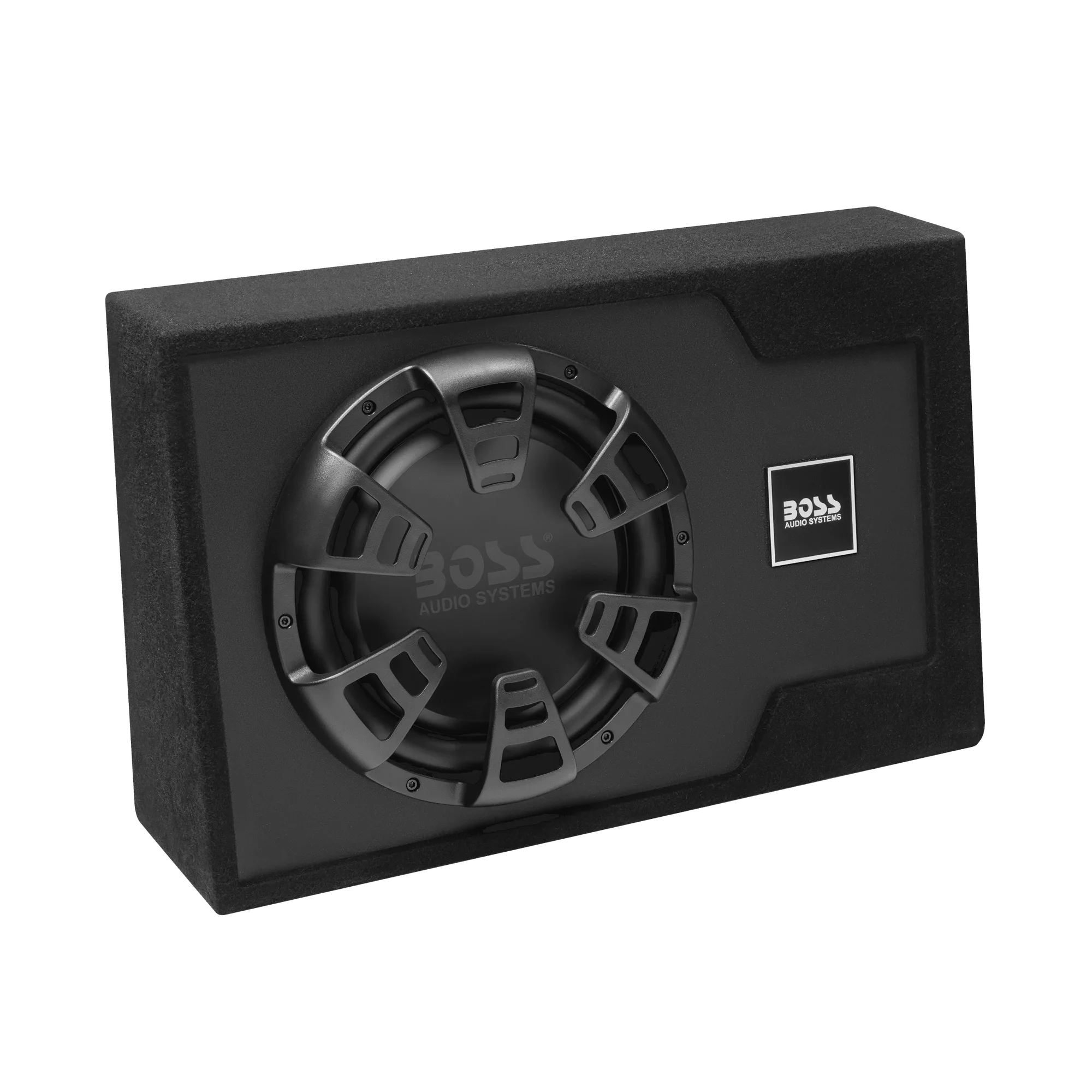
- B12ES: Built-in amplifier with Class A/B topology, thermal, short and overload protection circuits, RCA and speaker level inputs, phase control, bass boost, low pass filter, and a remote subwoofer control. Because the amplifier is inside the enclosure, a cut-out could come from the subwoofer, its wiring, or the built-in amp. The protection circuits and remote control give you clear checkpoints before you remove the enclosure.
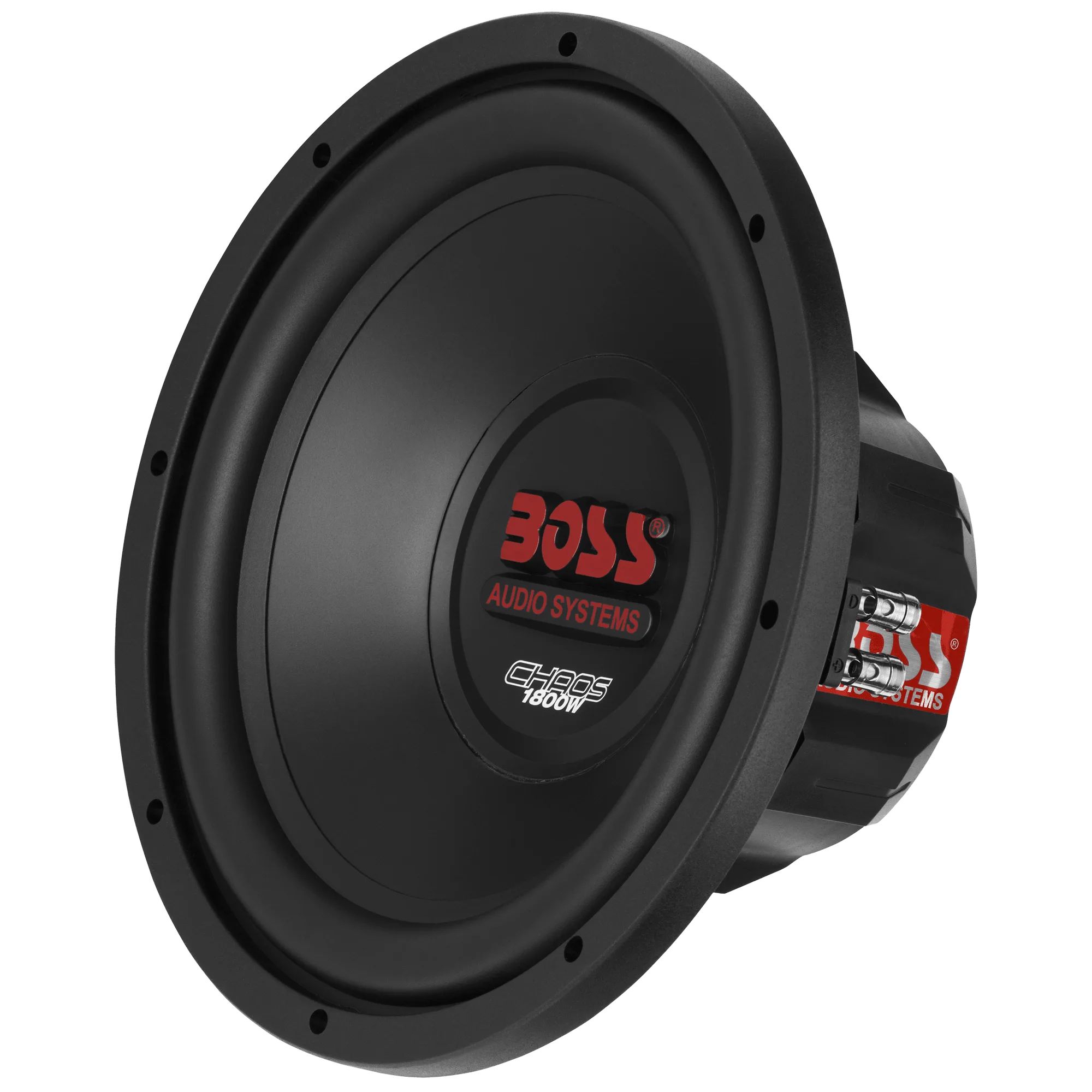
- CH12DVC: Rubber surround, polypropylene cone, stamped steel basket, push terminals. Push terminals can loosen over time and cause intermittent connection. If your subwoofer cuts out over bumps, check these terminals first before assuming the voice coil has failed.
Most subwoofer cut-outs come down to power, ground, or a connection that cannot handle current when the bass hits. Work through the symptom order in this guide, use the protection LED as your guide, and stop when the evidence points to a failed amplifier. A methodical check saves you from replacing parts that were never the problem.