Quick answer
Most Fenix flickering comes from a dirty or loose connection, not a failed LED. Clean the battery contacts and threads with isopropyl alcohol, tighten the tail cap and head firmly, and swap in a fresh cell. If the light still flickers after all three, stop and contact Fenix support rather than opening the driver.
Symptom patterns that point to different causes
A flicker that appears only when you shake or bump the light usually means a mechanical connection is loose—most often the tail cap or the body clip screw. A flicker that starts after the light has been on for a few minutes and fades as the battery drains points to voltage sag under load, which is normal behavior in the last stage of a discharge. A flicker that happens on every mode, every time, regardless of battery, suggests contamination on the contact surfaces or a worn spring.
Note whether the flicker is a rapid strobe-like flutter or a slow pulse. Rapid flutter is almost always electrical contact. Slow pulsing on a rechargeable model can be the battery-level indicator doing its job, not a fault.
Clean the contacts and threads the right way
Remove the battery and use a cotton swab lightly dampened with 90% isopropyl alcohol to wipe the positive and negative battery terminals, the spring in the tail cap, and the contact ring inside the head. Let everything dry for a minute before reassembling. Do not use abrasive pads, pencil erasers, or household cleaners—they leave residue or scratch the plating, which makes future flickering worse.
While the light is open, wipe the threads with a clean cloth. If the threads feel gritty, apply a very small amount of silicone-based flashlight grease. Avoid petroleum jelly, which can degrade some O-rings.
Check the tail cap and body clip
Tail cap issues are one of the most common sources of flickering. Unscrew the tail cap fully, inspect the spring for bends or debris, and rethread it until it seats firmly—hand-tight only. On lights with a two-position body clip, check that the clip screws have not loosened; a loose clip can shift the tail cap contact just enough to interrupt current. If your model uses a tactical tail switch, press it several times to confirm it returns cleanly and does not feel gritty.
Test the battery before you blame the light
Install a known-good battery of the correct type and size. A rechargeable cell that has been sitting for months may hold enough voltage to light the LED but not enough to hold it steady under load. If you have a multimeter, check the resting voltage; a cell that reads well below its nominal voltage under load is the problem, not the flashlight. For lights that accept both a rechargeable Li-ion battery and a primary cell, test with the primary cell to isolate the battery from the equation.
Flicker diagnosis: match the symptom to the fix
- Flickers when shaken or bumped: A mechanical connection is loose. Tighten the tail cap and head by hand, check the body clip screws, and inspect the tail spring for bends. If tightening solves it, no further action is needed. If the flicker returns within a day, the threads or spring may be worn—contact Fenix support.
- Flickers on all modes with a fresh battery: Contamination on the contact ring or battery terminals is the likely cause. Clean with 90% isopropyl alcohol and a cotton swab, then reassemble. If flickering persists after a thorough cleaning, stop. Do not open the driver housing—reach out to Fenix for repair options.
- Flickers only as the battery drains: This is voltage sag under load, not a fault. Recharge or replace the battery and the flicker should disappear. If a fully charged battery still flickers under load, the cell may be failing. Test with a second known-good battery before assuming the light is defective.
Fenix models and their connection points
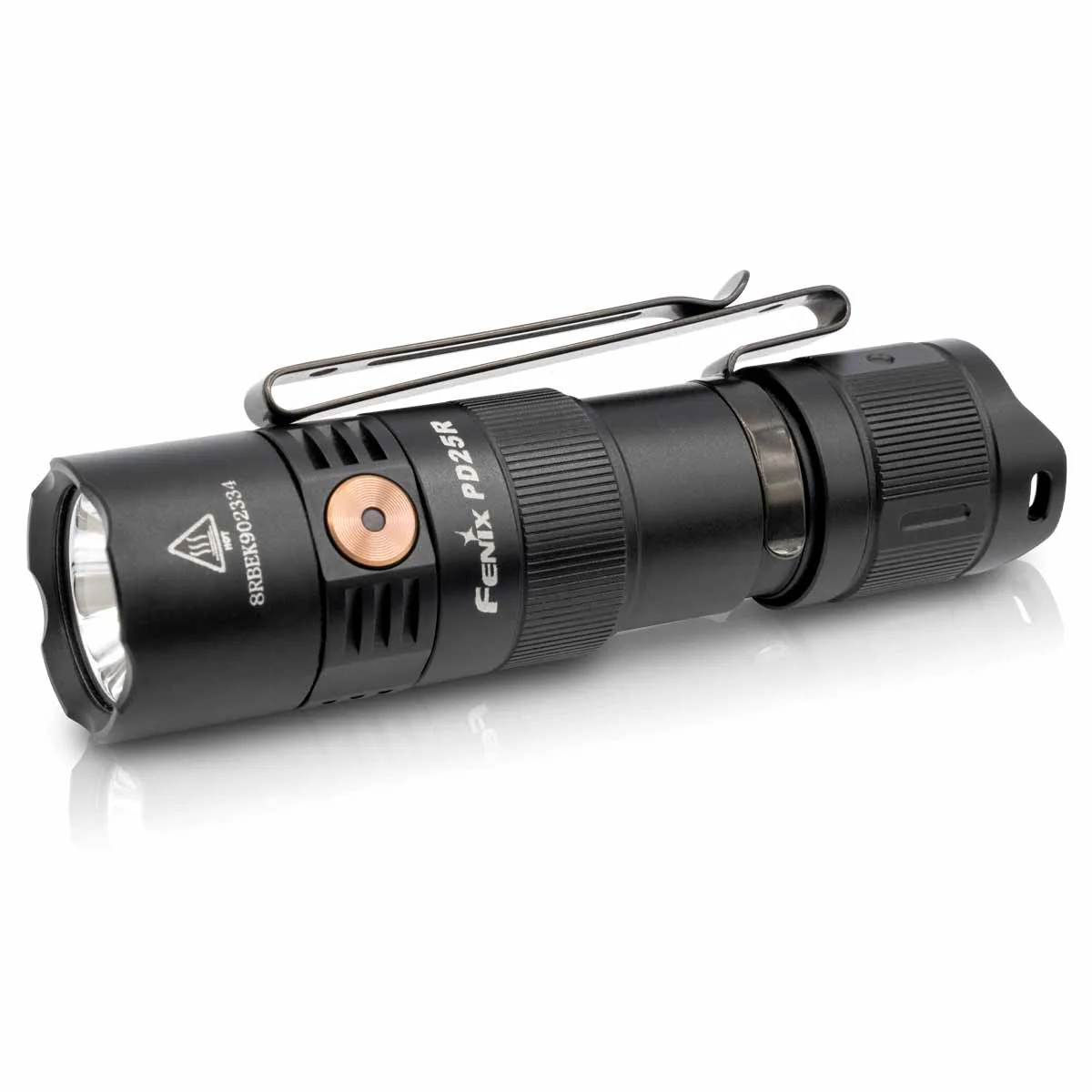
- Fenix PD25R Rechargeable EDC Flashlight: The Fenix PD25R runs on an included 16340 rechargeable Li-ion battery or one CR123A, and uses a tail cap switch for on/off and momentary-on with a side switch for mode selection. Two different battery formats means two different contact geometries. If flickering appears only with the CR123A, the issue is likely the cell's length or terminal, not the light.
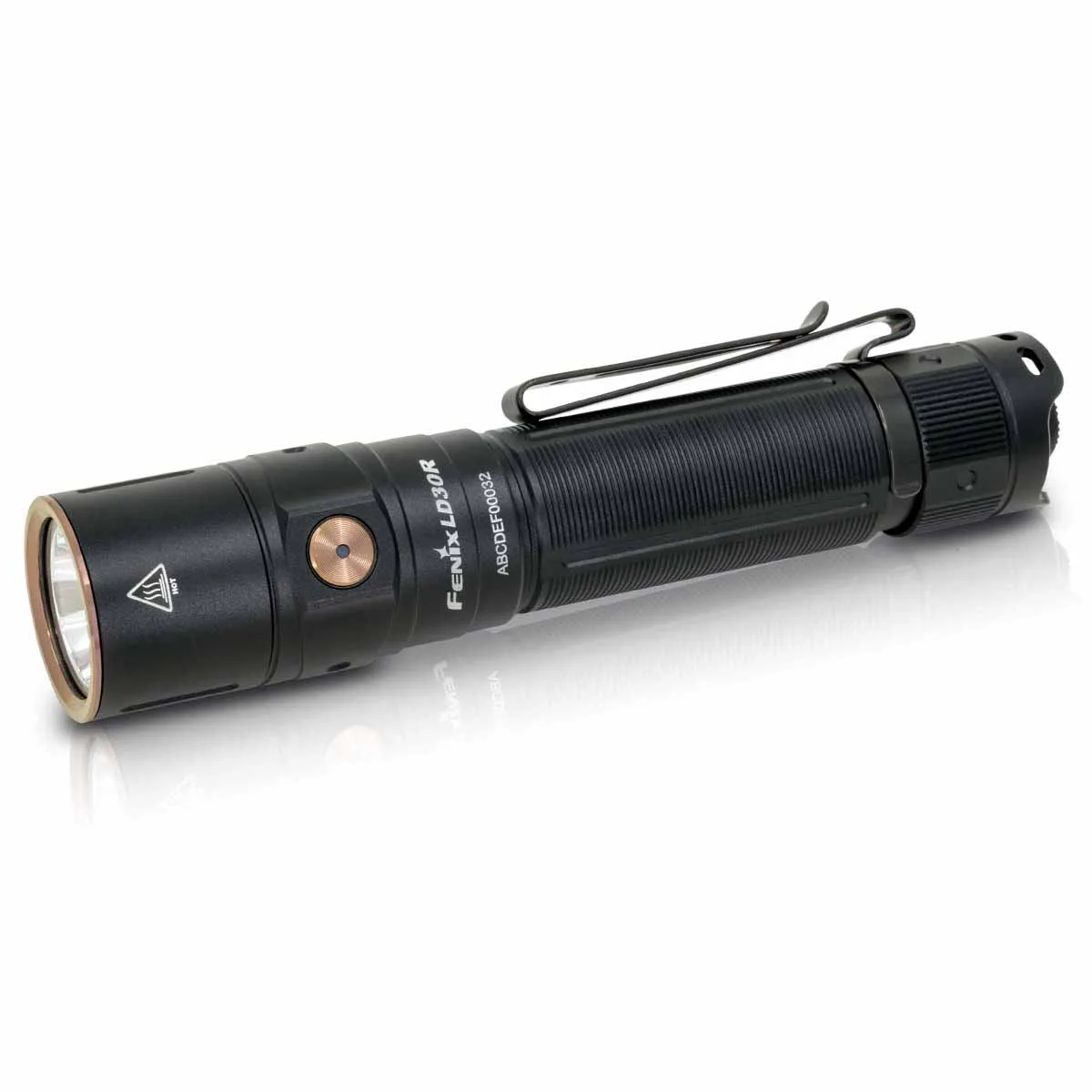
- Fenix LD30R Rechargeable Flashlight: The Fenix LD30R is USB Type-C rechargeable with a battery level indicator, a tactical tail switch, and a side switch for seven lighting modes. The battery level indicator helps you rule out a low cell before you start cleaning contacts. If the indicator shows a healthy charge and the light still flickers, move on to the tail cap and threads.
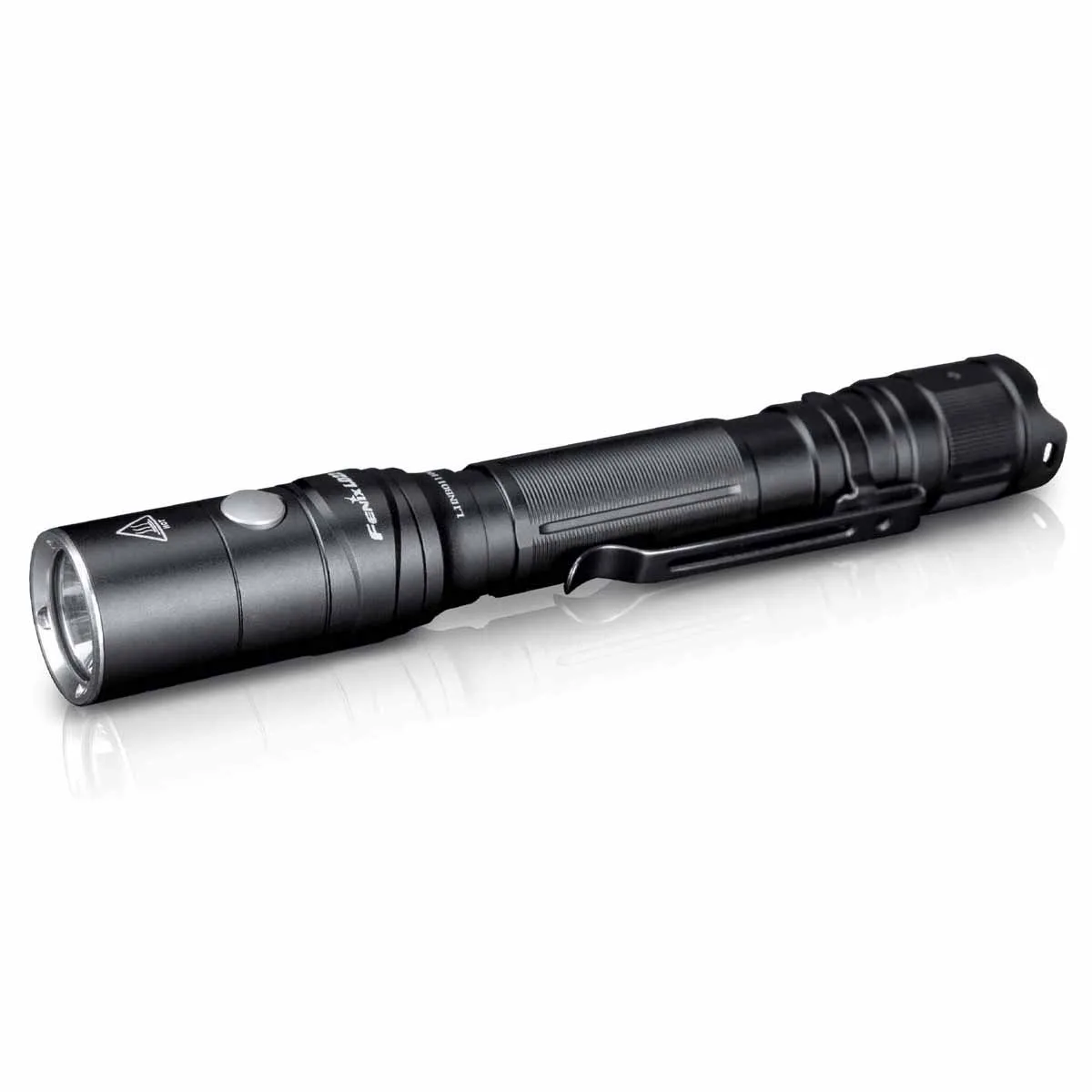
- Fenix LD22 V2.0 Flashlight: The Fenix LD22 V2.0 includes a rechargeable Li-ion battery pack and can also run on AA batteries, with a maximum output of 800 lumens. Because it accepts both a proprietary pack and standard AAs, a flicker that disappears with AAs points to the pack's contacts rather than the flashlight's internal wiring.