Quick answer
Torn pages in your Patch notebook usually result from rough handling or improper storage. Adjusting how you open, write, and store the notebook can prevent most tears.
Common causes of torn pages
Tears often happen when pages are pulled or bent at the spine, especially if the notebook is overstuffed or carried loosely in a bag. The thin paper used in many notebooks, including the Patch, is designed for smooth writing but can be delicate if stressed.
Another cause is using wet or heavy ink that soaks through, weakening the paper fibers. Also, folding pages back sharply or using the notebook on uneven surfaces can create stress points that lead to tears.
Diagnosis and prevention steps
- Symptom: Torn edges or ripped corners on pages, often near the spine or at the top edge.
- Likely cause: Rough handling: pulling pages too hard, bending the notebook backward, or carrying it without a protective cover.
- Corrective action: Open the notebook flat on a table, use a bookmark to turn pages gently, and store it in a padded sleeve or bag pocket. Avoid overstuffing with inserts or loose papers. If tears persist, consider using a different notebook with thicker paper.
- When to stop or choose another option: If pages continue to tear despite careful handling, the paper may be too thin for your needs. Switch to a notebook with heavier paper, such as a dot-grid or hardcover option, to prevent future damage.
Product facts
-
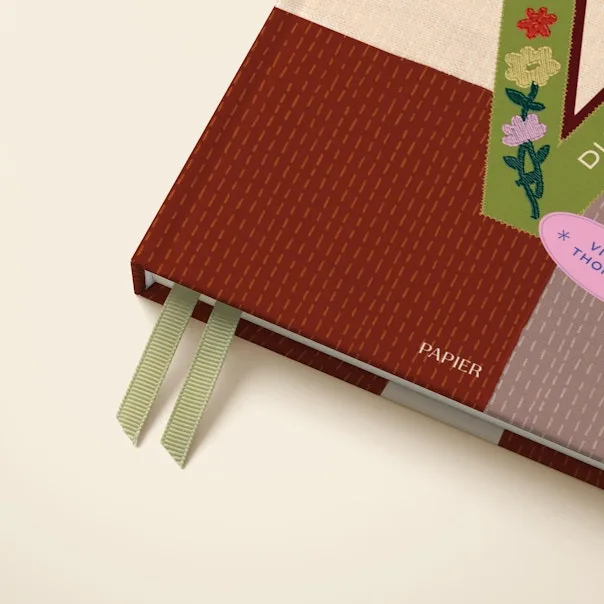
Patch: The Patch from Papier is a versatile addition to your stationery collection, designed to complement your everyday writing essentials. Its clean design means pages are meant for everyday use, but the paper's lightweight nature requires gentle handling to avoid tears.
Patch