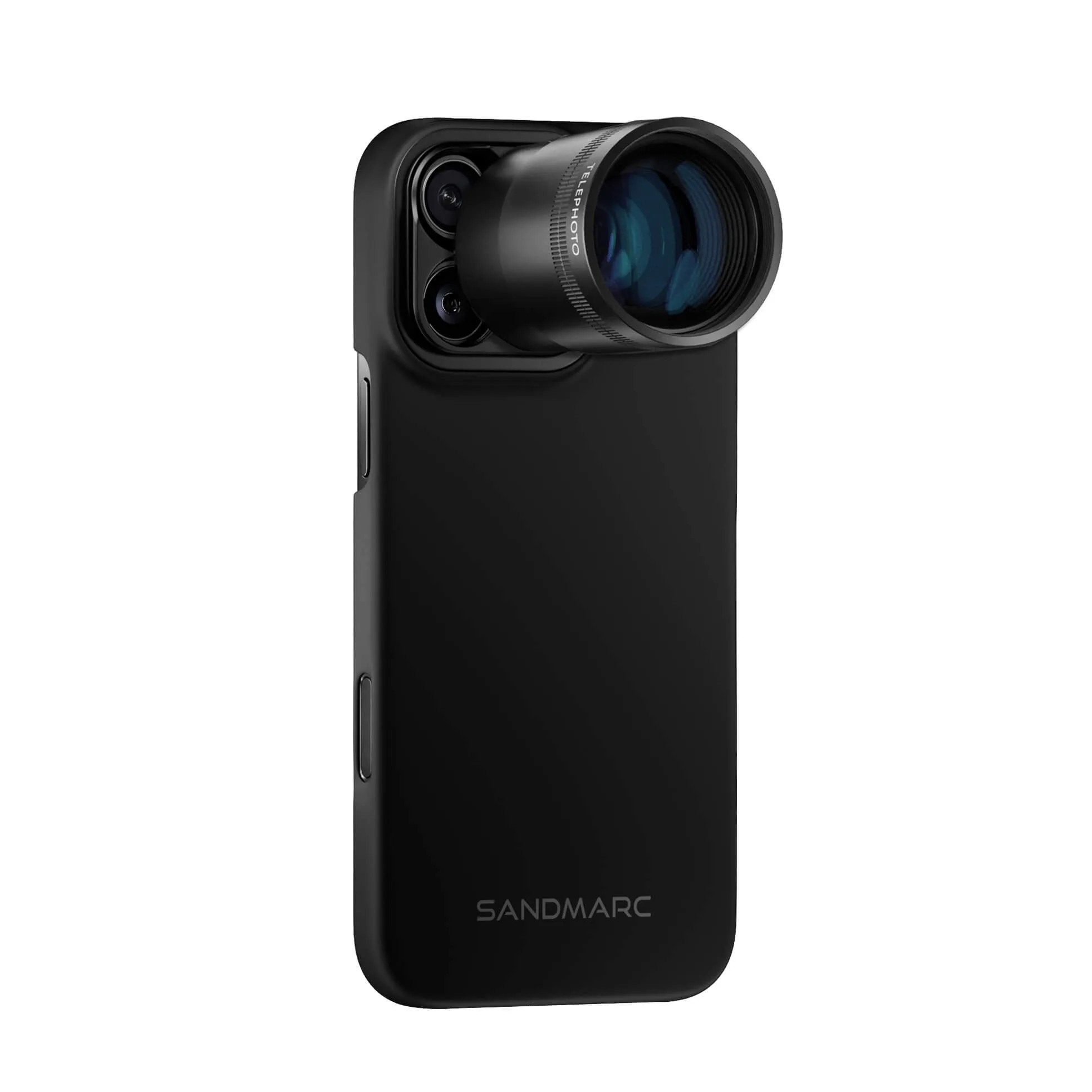
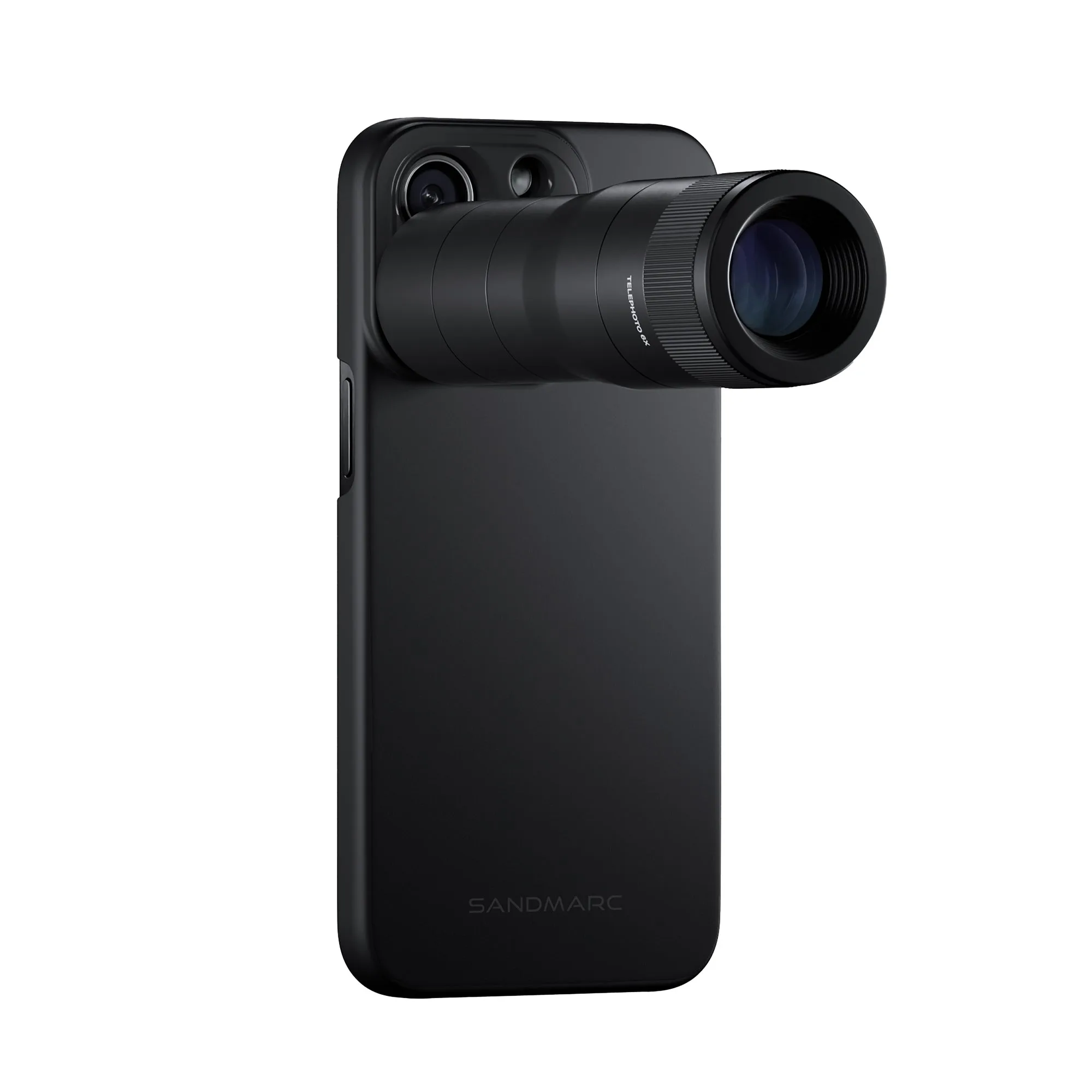
Why the Wide Lens changes your iPhone 14 Pro Max landscapes
The SANDMARC Wide Lens for iPhone 14 Pro Max unlocks 2x more field of view using your iPhone’s main camera. That means you can fit more of a sweeping vista into the frame while still benefiting from the main sensor’s low-light performance. Unlike switching to the ultrawide camera, this lens keeps you on the main camera—so you get sharper photos and videos, especially in challenging light.
For landscape shooters, the extra field of view helps capture foreground details and distant horizons together. The lens also expands the front-facing camera, which is handy for self-portraits or vlogging on location, but this guide focuses on the rear main camera for landscape work.
What the Wide Lens adds to your kit
-
Wide Lens Edition - iPhone 14 Pro Max: Unlocks 2x more field of view using the iPhone’s main camera. This is the core benefit for landscapes: you get a wider scene without switching to the ultrawide camera, so you retain the main sensor’s image quality.
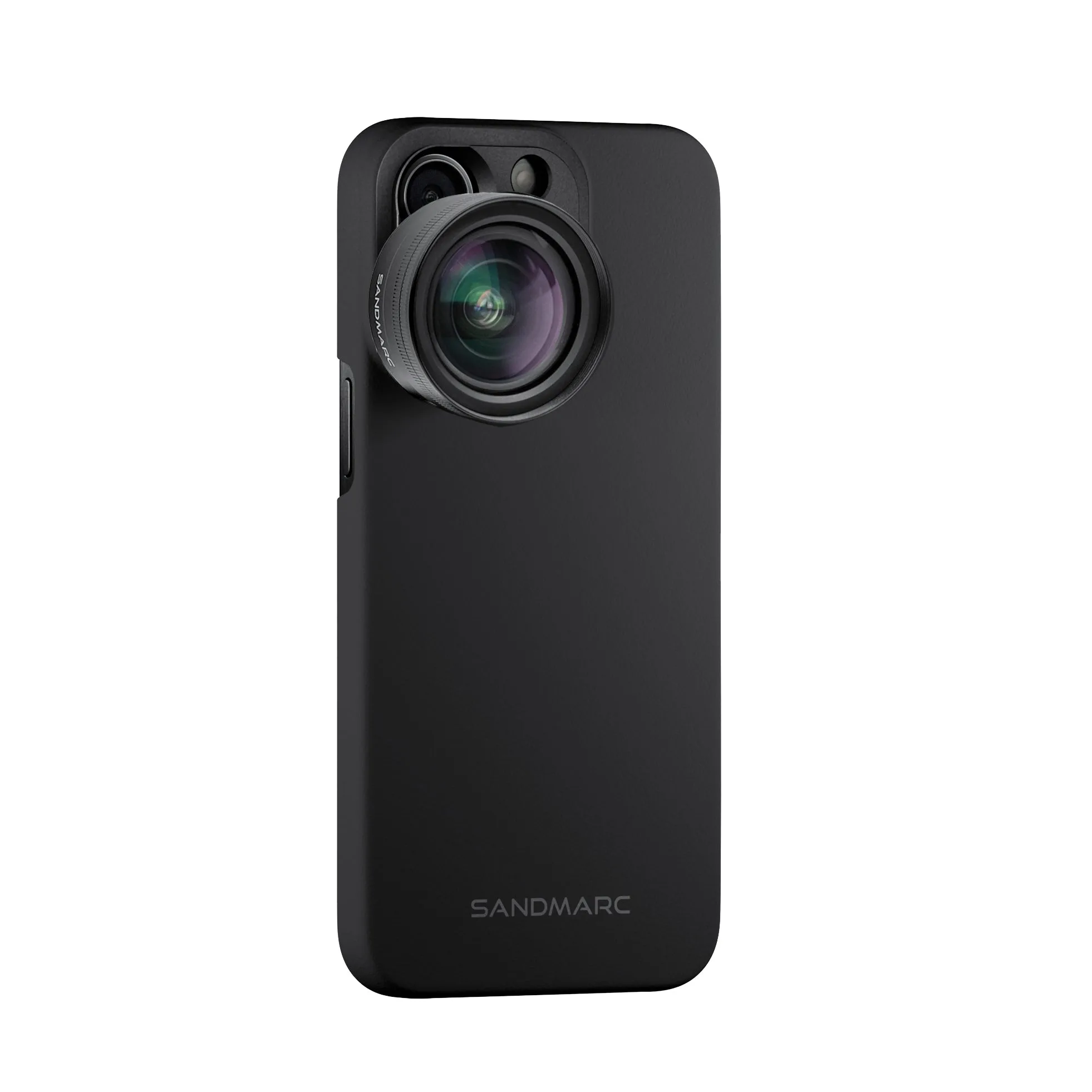
Wide Lens Edition - iPhone 14 Pro Max
-
Wide Lens Edition - iPhone 14 Pro Max: Built with 16mm multi-coated glass for maximum light transmission. The multi-coated glass helps maintain clarity and contrast, which is useful when shooting landscapes with bright skies and dark foregrounds.
-
Wide Lens Edition - iPhone 14 Pro Max: Comes with the world’s thinnest lens case and a clip mount. The case and clip mount provide a secure way to attach the lens to your iPhone 14 Pro Max, so you can move around and compose shots without the lens shifting.
Mount the Wide Lens and set up your iPhone 14 Pro Max
Before you head out, follow these steps to ensure the lens is securely attached and your camera is ready.
- Attach the lens case to your iPhone 14 Pro Max: The Wide Lens comes with a slim lens case that aligns with the main camera. Make sure the case is fully seated and the camera opening is clear.
- Clip the Wide Lens onto the case: Use the included clip mount to attach the lens over the main camera. The lens is designed to work with the main camera sensor, not the ultrawide.
- Download the free SANDMARC Camera App: The Wide Lens requires the free SANDMARC Camera App to function properly. Open the app and follow any on-screen prompts to calibrate or enable the lens.
- Verify the lens is recognized: Check that the app shows the lens is connected and that you’re using the main camera. You should see a wider field of view compared to the standard camera.
Landscape composition tips for the 2x wider view
With the expanded field of view, you can approach familiar scenes in new ways. These tips help you make the most of the extra width.
- Include a strong foreground: The wider view lets you place interesting rocks, flowers, or textures close to the camera while still keeping the background in frame. This adds depth to your landscape.
- Watch the edges: A wider lens captures more at the sides, so check for unwanted elements like trash, stray branches, or people at the edges of the frame. Move slightly or reframe to clean up the composition.
- Keep horizons level: The expanded view makes tilted horizons more noticeable. Use the grid in the SANDMARC Camera App or your iPhone’s camera settings to keep the horizon straight.
- Use the main camera’s low-light strength: Because the Wide Lens uses the main sensor, you can shoot later in the day or in overcast conditions with less noise than you might get from the ultrawide camera. Brace your phone or use a tripod for sharper results in dim light.
What the supplied information does not confirm
The supplied product record does not include specific instructions for cleaning the lens, storing it safely, or using it with third-party cases. It also does not state whether the lens works with iPhone models other than the 14 Pro Max. For those details, refer to the Getting Started Guide or tutorial linked from the product page, or contact SANDMARC support.
Additionally, the record does not specify the exact dimensions or weight of the lens, nor does it confirm water or dust resistance. Treat the lens as you would any precision optical accessory and avoid exposing it to moisture or impact.