What the Winter Wonderland Collection Offers
The Winter Wonderland Preset Collection is designed to add snow and winter atmosphere to your photos, regardless of the actual weather. It includes 32 presets and 5 brushes, giving you control over how much snow appears in an image. The collection is optimized for Lightroom 5, Lightroom 6, and Lightroom Classic, and works on RAW and JPEG files taken in natural light.
Key Product Details at a Glance
-
Winter Wonderland Preset Collection: 32 Winter and Snow Presets plus 5 Winter Brushes You get a wide variety of tools to create different snow effects, from flurries to heavy snow, plus brushes for fine-tuning.
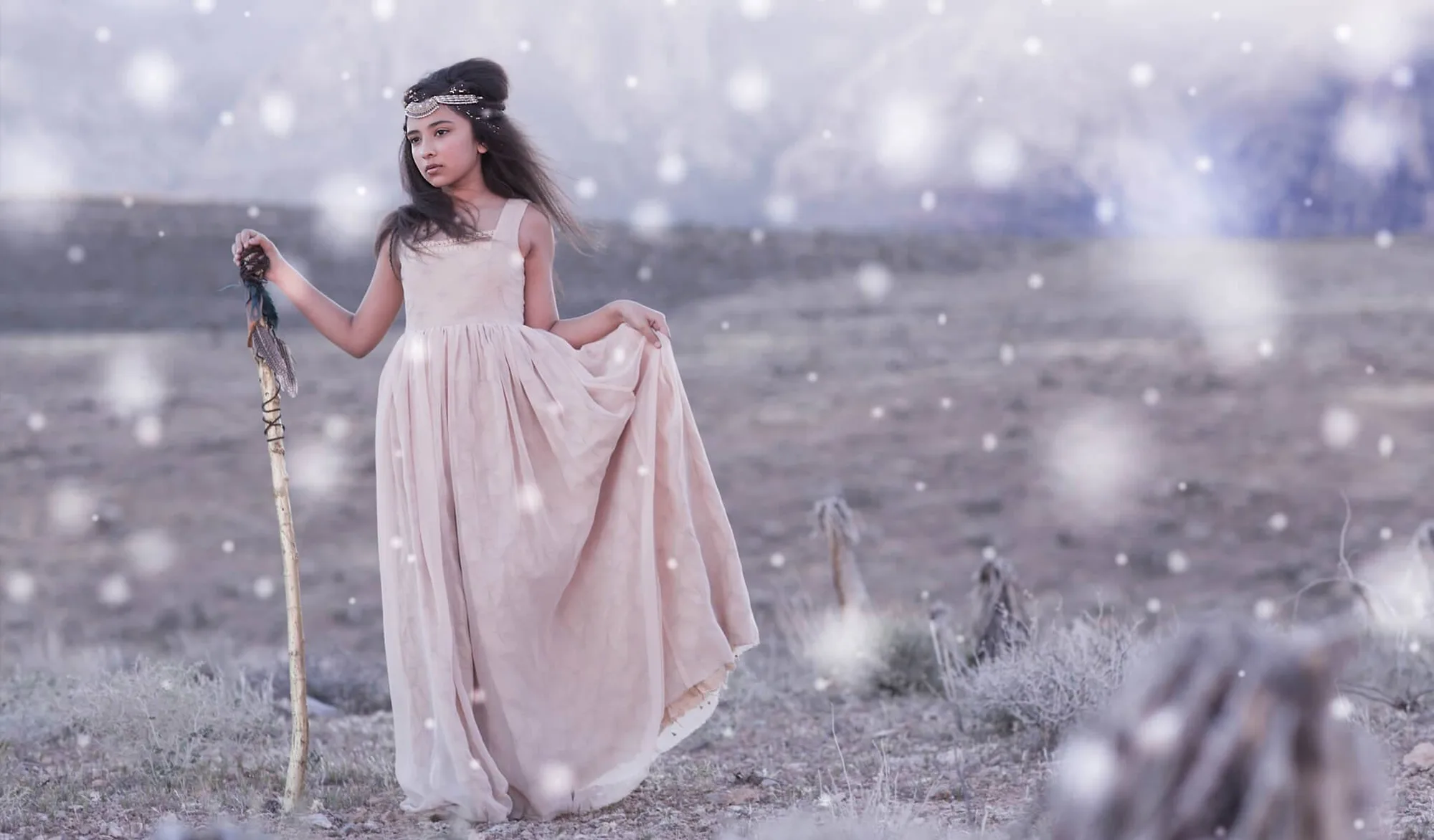
Winter Wonderland Preset Collection
-
Winter Wonderland Preset Collection: Compatible with Lightroom 5, Lightroom 6, and Lightroom Classic. Does not work in Lightroom CC. Ensures you pick the right version of Lightroom before purchasing, avoiding compatibility issues.
-
Winter Wonderland Preset Collection: Includes 8 vertical snow presets as a free bonus BETA version These add flexibility for portrait-oriented images, but results may vary due to radial filter processing in Lightroom.
Choosing the Right Presets for Your Scene
The collection is organized into categories: All-In-One Winter Presets (10), Snow Presets (16 horizontal + 8 vertical bonus), Haze Presets (3), and Post Presets (3). Start with an All-In-One preset to set the winter mood, then layer a Snow preset if you want falling snow. The Haze presets add depth, and the Post presets like Soft Blur can soften the final look. Because presets layer on top of each other, it's best to apply one at a time and reset if needed.
A Supported Workflow for Adding Snow
Follow this order to avoid slowdowns and get the best result from the Winter Wonderland presets.
- Start with a well-exposed image in natural light: The presets are optimized for natural light images. Adjust exposure and white balance first if needed.
- Apply an All-In-One Winter Preset: Choose from presets like Arctic Ivory or Frosted Dreams to set the cold color tone and base exposure.
- Add a Snow Preset for falling snow effect: Select a horizontal or vertical snow preset (e.g., Snow Flurries I Horizontal) to add snowflakes. Hover over the preset in Lightroom 11 before clicking to preview.
- Optional: Use Haze or Post Presets for atmosphere: Haze presets add mist; Post presets like Dull the Greens or Soft Blur refine the mood. Apply sparingly.
- Fine-tune with Brushes: Use the included brushes (Blur Snow, Snow 1-3) to paint snow onto specific areas or blur the background for depth.
Important Trade-Offs and Limitations
The Winter Wonderland Collection does not work in Lightroom CC, so verify your software version before buying. The vertical snow presets are a beta bonus, meaning results can vary due to Lightroom's radial filter processing. If you experience slowdown, try disabling the Graphics Processor under Preferences > Performance. Also note that this is a digital download with no refunds, and the license covers one photographer or studio only.