What this guide covers
If you are shopping for a replacement NES controller, you need to know which systems it works with and what to check when it arrives. This guide focuses on a wired gamepad designed for the original 1980s NES hardware, explains its compatibility limits, and walks through the setup and inspection steps you can perform with the information supplied in the product listing.
Controller compatibility at a glance
-
NEW Wired Gamepad Controller for 80s NES Nintendo Entertainment System Game Pad: This gamepad is for the original 1980's NES systems, and is NOT compatible with NES Classic or any other post 1980's game systems. This wired controller will not work with the NES Classic Edition, third-party mini consoles, or any platform released after the original NES. Before buying, confirm your console is an original NES (front-loader or top-loader) to avoid a non-functional purchase.
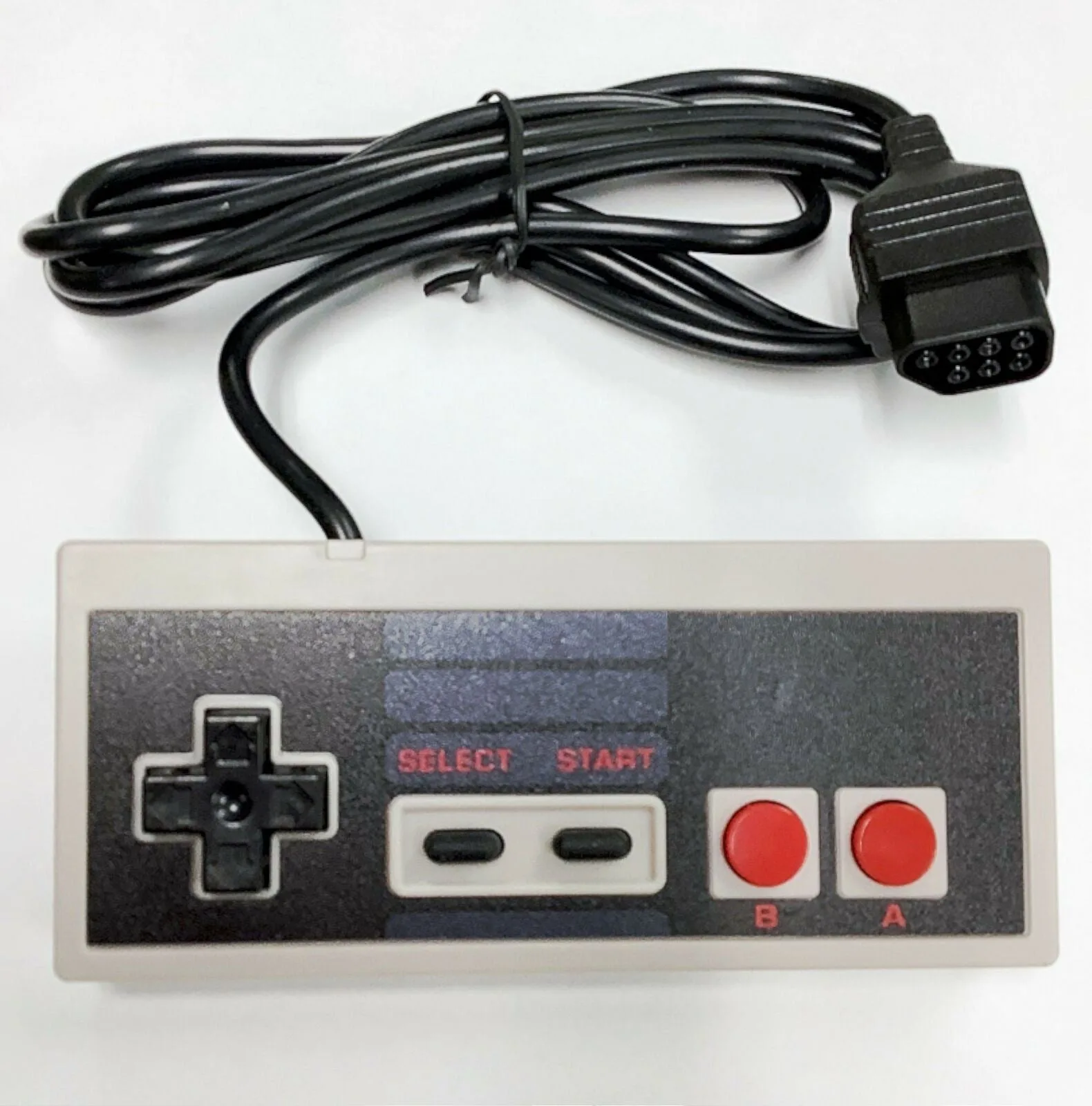
NEW Wired Gamepad Controller for 80s NES Nintendo Entertainment System Game Pad
What the listing confirms you receive
The product record states you will receive the wired gamepad controller. It does not include additional accessories, cables beyond the attached wire, or packaging. If any item is not explicitly listed as included, you should assume it is not part of this purchase.
Setup and first-use checks
Because the listing does not provide step-by-step setup instructions, the following general steps are based on typical NES controller use and the compatibility limits confirmed in the product record.
- Inspect the controller and connector: Check the wired connector for bent pins or damage. The controller uses the standard NES 7-pin connector. If the pins are straight and clean, proceed to connection.
- Connect to the console: Insert the connector firmly into the controller port on the front of the original NES console. Do not force it. If it does not slide in easily, check alignment.
- Test button response: Power on the console with a game inserted. Press each button (D-pad, A, B, Start, Select) to confirm the game responds. If any button does not work, the controller may be defective.
- Check the cable length: The listing does not specify cable length. If the cable is too short for your setup, consider an extension cable designed for the original NES.
What the listing does not confirm
The product record does not provide information about cable length, button feel, build quality, or whether the controller includes a turbo function. It also does not confirm that the controller works with the NES-101 top-loader model, though the top-loader uses the same 7-pin connector. If compatibility with a top-loader is important, contact the seller before purchasing.
Return and support terms worth knowing
The listing states you must contact the seller within 30 days of arrival if there is a problem. Return shipping cost is the buyer's responsibility, and non-defective returns are subject to a 15% restocking fee. The seller may offer a replacement before a refund, but this is not guaranteed. Contact the seller through eBay's message system for support.