Quick answer
Choose wireless if you want an uncluttered desk and can accept charging or battery management; choose wired if you want the lowest possible cost, zero charging, and a consistently light shell. Most competitive players can perform equally well with either, so decide based on budget, tolerance for charging, and whether cable drag bothers you.
You are staring at two nearly identical mice, one with a cable and one without, and wondering whether the difference actually matters for your rank or your wrist. The honest answer is that modern wired and wireless gaming mice are closer than ever in performance, but they still trade blows on cost, weight, and convenience.
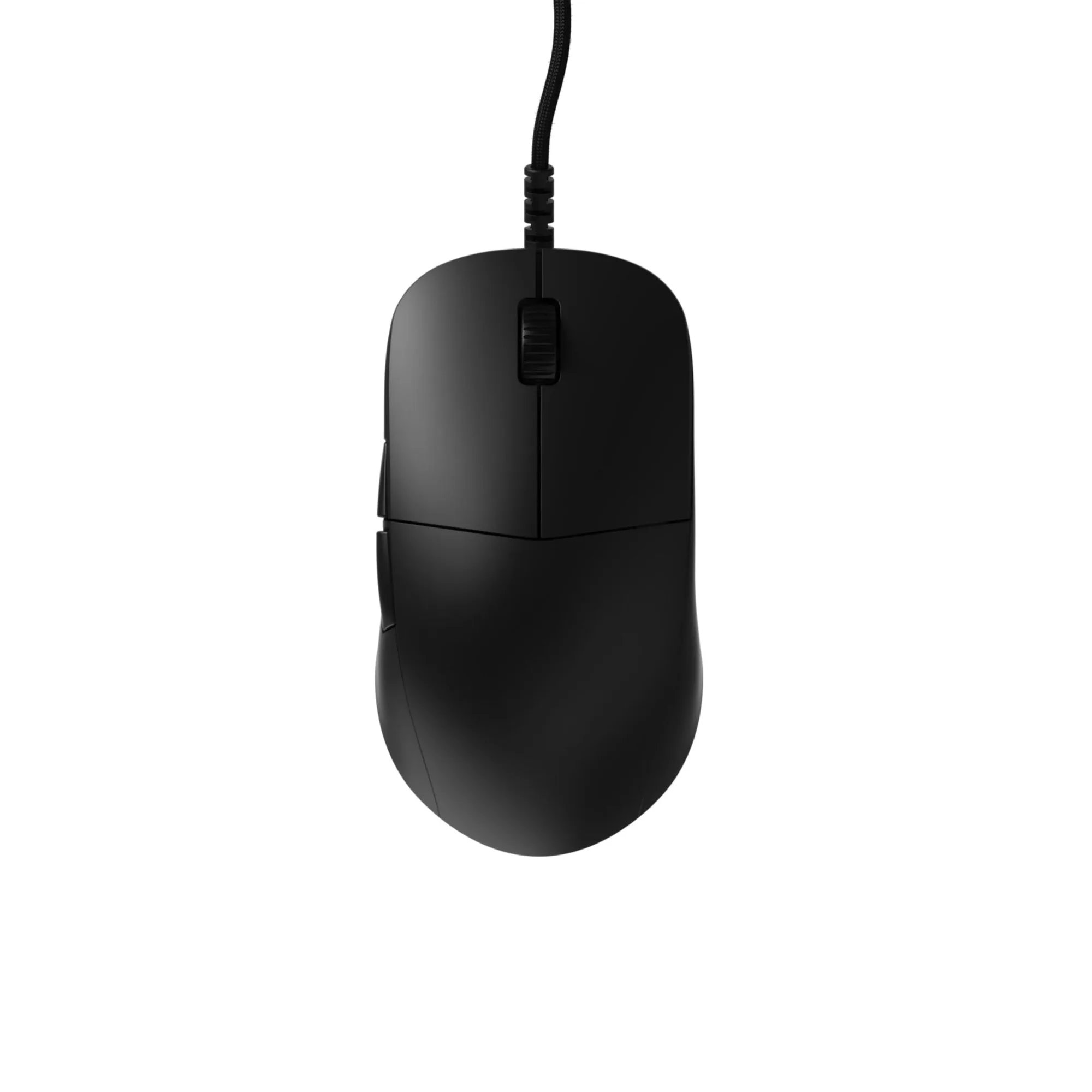
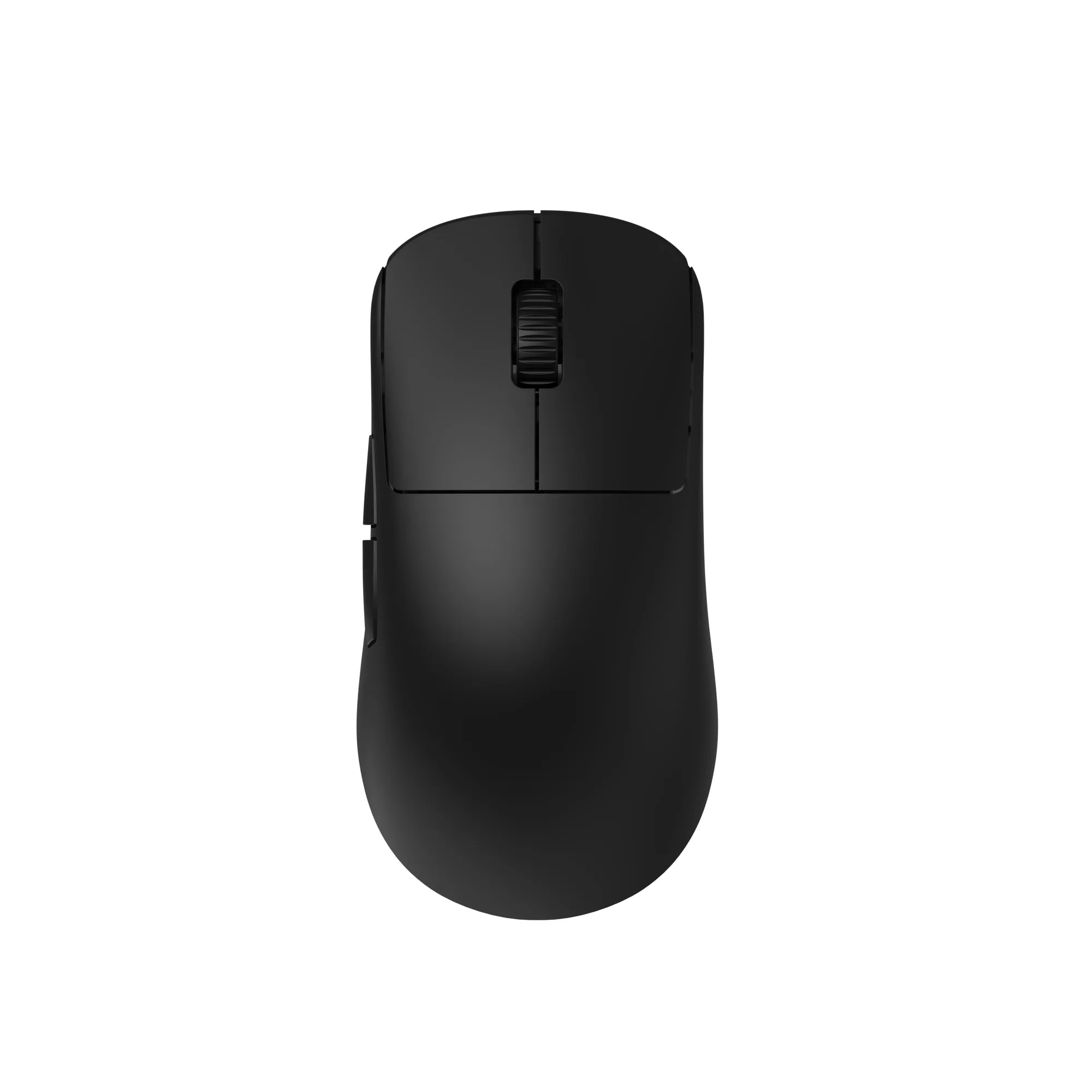
This guide gives you concrete decision rules so you can choose a gaming mouse connection without second-guessing. We will use real examples from the Endgame Gear lineup, including the XM2 8k Wired Gaming Mouse and the XM2w 4k Wireless Gaming Mouse, to show how those trade-offs play out in practice.
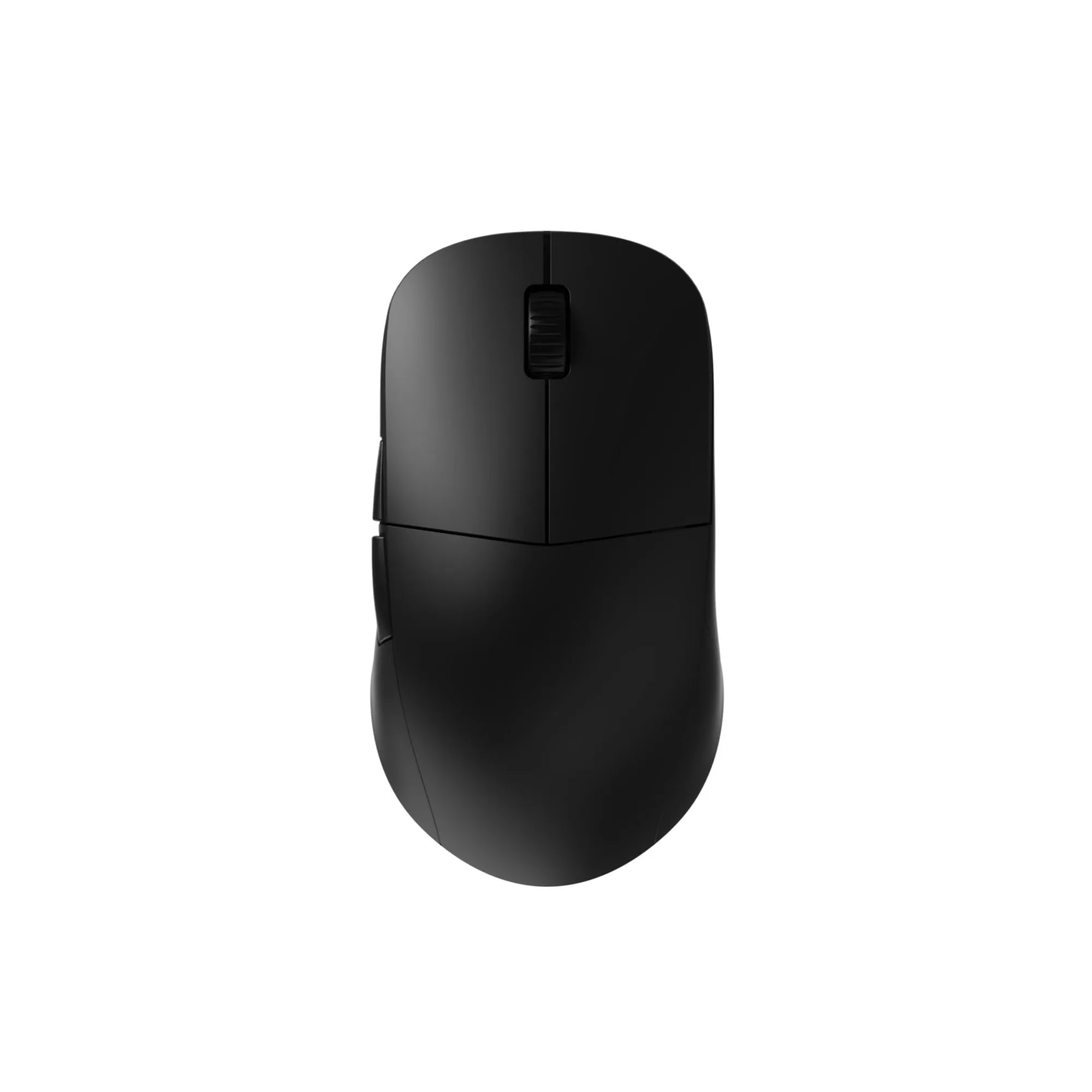
XM2w 4k Wireless Gaming Mouse
Latency and polling rate: what actually changes
Polling rate is how often the mouse reports its position to your PC. A 1000Hz mouse reports every millisecond; an 8000Hz mouse reports eight times per millisecond. Higher polling can feel smoother on high-refresh monitors, but it also demands more CPU overhead and a capable USB port. Both wired and wireless mice can hit high polling rates today, so the old assumption that wireless is always slower no longer holds.
The XM2 8k Wired Gaming Mouse uses a Nuvoton high-speed USB MCU and a PixArt PAW3395 sensor to deliver an 8000Hz polling rate over a cable. The XM2w 4k Wireless Gaming Mouse uses a Nordic MCU and a high polling rate dongle to reach up to 4000Hz wirelessly. In both cases the sensor and firmware matter more than the cable itself, which is why you should compare specific models rather than broad categories.
- If you already own a 1000Hz mouse and play well, upgrading to 4000Hz or 8000Hz is a refinement, not a rescue.
- High polling rates can increase CPU load; on older systems, 1000Hz may actually feel more consistent.
Weight, balance, and cable drag
Wireless mice often feel freer because there is no cable to push against your mousepad, but that freedom comes with a battery. Wired mice can be lighter because they skip the battery entirely, and they never change weight or balance as the charge drops. If you flick your mouse aggressively or use a low-sensitivity grip, cable drag can be a real annoyance unless you manage it with a bungee or a flexible paracord-style cable.
The XM2 8k Wired Gaming Mouse is built on the same hardware and firmware as the acclaimed OP1 8k, now in the larger XM shape. The XM2w 4k Wireless Gaming Mouse keeps the same ergonomic shape as the XM series while integrating internal enhancements for reduced weight and increased consistency. That means you can pick your preferred shape first, then decide whether you want the wired or wireless version of it.
- If you hate cable drag but also hate charging, a wired mouse plus a mouse bungee is a legitimate middle path.
- Check the actual weight of each version, because wireless and wired variants of the same shape can differ.
Charging, batteries, and long-term convenience
Wireless mice need power. Some use a built-in battery you recharge over USB, while others take disposable batteries. Built-in batteries keep the mouse lighter and slimmer, but you must remember to charge them; a dead mouse mid-match is the classic wireless drawback. Wired mice never need charging, which makes them a safer choice for long practice sessions, LAN events, or shared setups where you cannot guarantee a charging routine.
The OP1we Wireless Gaming Mouse uses a 335mAh battery and is rated for about a week of gameplay without recharging, which illustrates the typical wireless rhythm: charge once, play for days, repeat. If that rhythm fits your life, wireless is convenient. If you know you will forget, wired removes the problem entirely.
- Keep a spare USB cable at your desk if you go wireless; you can play while charging in most cases.
- For travel or tournaments, wired mice avoid the need for chargers, dongles, and battery checks.
Cost and value: where your money goes
Wireless technology adds cost, so a wireless mouse with the same sensor and shape as a wired one usually costs more. That premium buys you freedom from the cable, not necessarily better tracking. If your budget is tight, a wired mouse often gets you the same sensor and switch quality for less, leaving money for a better mousepad or skates.
The XM2 8k Wired Gaming Mouse is priced at USD 37.49, while the XM2w 4k Wireless Gaming Mouse is USD 39.99. The gap is small here, but it widens as you move up the range: the OP1w 4k v2 Wireless Gaming Mouse is USD 65.00 and adds hot-swappable switches and a dustproof Kailh encoder. Decide whether those extras and the wireless freedom are worth the difference to you.
- Set a total budget for mouse plus mousepad plus skates, not just the mouse alone.
- A wired mouse plus a quality mousepad often beats a more expensive wireless mouse on a cheap pad.
Shape and switches matter more than the cable
The connection type is only one variable. Shape, size, weight, sensor, and switch feel determine whether you actually aim well. The XM series is a larger ergonomic shape, while the OP1 series is smaller. If you have not settled on a shape, buying wireless first is a mistake; you will just be uncomfortable without a cable.
The OP1w 4k v2 Wireless Gaming Mouse combines a PixArt PAW3950 sensor, up to 4000Hz wireless polling, and Kailh GX mechanical switches, with hot-swappable switches and a dustproof Kailh encoder for customization and durability. The XM2 8k v2 Wired Gaming Mouse uses a custom PixArt PAW3950 sensor and a Nuvoton high-speed USB MCU for a true 8000Hz polling rate. These are meaningful differences, but only if the shape suits your hand.
- Measure your hand and read the dimensions of each shape before choosing a connection.
- If you are unsure about switch feel, hot-swappable models let you change switches later.
Decision rules for your setup
- If you want the lowest cost and zero charging: Choose a wired mouse such as the XM2 8k Wired Gaming Mouse. You get high polling and no battery management, and you can add a mouse bungee if cable drag bothers you. Wired wins on simplicity and budget.
- If cable drag ruins your aim and you will remember to charge: Choose a wireless mouse such as the XM2w 4k Wireless Gaming Mouse or OP1w 4k v2 Wireless Gaming Mouse. You trade some cost and charging chores for an uncluttered glide. Wireless wins on freedom, if you accept the charging routine.
- If you play on a high-refresh monitor and want maximum polling: Compare the wired XM2 8k at 8000Hz against the wireless XM2w 4k at 4000Hz. Both are fast; the wired version has the higher ceiling, while the wireless version removes the cable. Match polling to your monitor and CPU headroom, not to marketing numbers.
- If you are unsure about shape: Pick the shape first, then the connection. The XM series is larger and the OP1 series is smaller, and both come in wired and wireless versions. Buying wireless in the wrong shape is still the wrong mouse. Shape and size outrank connection type.
Product facts that affect your decision
- XM2w 4k Wireless Gaming Mouse: Wireless version of the XM series with a PixArt PAW3395 sensor, Nordic MCU, and a high polling rate dongle for up to 4000Hz wireless. Gives you XM shape without a cable, at the cost of charging and a slightly higher price than the wired XM2 8k.
- XM2 8k Wired Gaming Mouse: Wired XM shape with a Nuvoton high-speed USB MCU and PixArt PAW3395 sensor, delivering an 8000Hz polling rate. Offers the highest polling rate in this comparison with zero charging, but you must manage the cable.
- OP1w 4k v2 Wireless Gaming Mouse: Wireless OP1 shape with a PixArt PAW3950 sensor, up to 4000Hz wireless polling, Kailh GX mechanical switches, hot-swappable switches, and a dustproof Kailh encoder. A premium wireless option for players who want a smaller shape, switch customization, and no cable.
- OP1we Wireless Gaming Mouse: Wireless essential model with a CompX CX52850 MCU, PixArt PAW3370, 1000Hz report rate, Kailh GO optical switches, and a 335mAh battery rated for about a week of gameplay. Shows the budget wireless trade-off: lower polling rate and a smaller battery, but a lower price and optical switches.
Who should choose which
Best for
- Players who want a clean desk and will charge their mouse regularly
- Competitive players who already know their preferred shape and want to remove cable drag
- Users who value hot-swappable switches and premium sensors in a wireless package
Not for
- Anyone who frequently forgets to charge devices and hates mid-session interruptions
- Budget-focused buyers who would rather spend the difference on a better mousepad or skates
- Players who have not yet settled on a shape and are still experimenting with size and grip
There is no universal winner in the wired vs wireless gaming mouse debate. Decide based on your tolerance for charging, your budget, and how much cable drag affects your aim. If you want the safest, cheapest, and most consistent option, go wired with the XM2 8k. If you want freedom and will keep it charged, go wireless with the XM2w 4k or OP1w 4k v2. Either way, pick the shape that fits your hand first.