What You Need to Know Before You Start
The Nyko Wireless Core Controller (Red) for Nintendo Switch is a full-sized pro-style gamepad designed for better ergonomics and precision than standard Joy-Cons. It connects wirelessly via Bluetooth to your Switch, Switch 2, or Android device, and also works wired with a PC using the included USB-C cable. Before pairing, ensure the controller is fully charged—the internal battery provides up to 20 hours of playtime per charge.
Pairing with Nintendo Switch and Switch 2
The controller pairs wirelessly with both Nintendo Switch and Switch 2. The process is the same for both consoles.
- Step 1: Put the controller into pairing mode: Press and hold the sync button on the top of the controller until the LED starts flashing rapidly.
- Step 2: Open the Switch controller settings: From the HOME menu, go to System Settings > Controllers and Sensors > Change Grip/Order.
- Step 3: Complete pairing: The controller should appear in the list. Select it to complete pairing. Once connected, the LED will stop flashing and remain solid.
Using the Controller on PC and Android
For PC gaming, the Wireless Core Controller requires a wired USB-C connection. Simply plug the included USB-C cable into the controller and your PC—no additional drivers are needed. For Android devices, pair wirelessly via Bluetooth: put the controller in pairing mode (as above), then select it from your Android's Bluetooth settings.
Key Product Facts
-
Wireless Core Controller (Red) for Nintendo Switch™: Wireless Core Controller pairs wirelessly with Nintendo Switch, Switch 2, and Android devices. For PC, it requires a wired USB-C connection. Know which platforms support wireless vs. wired use before you start.
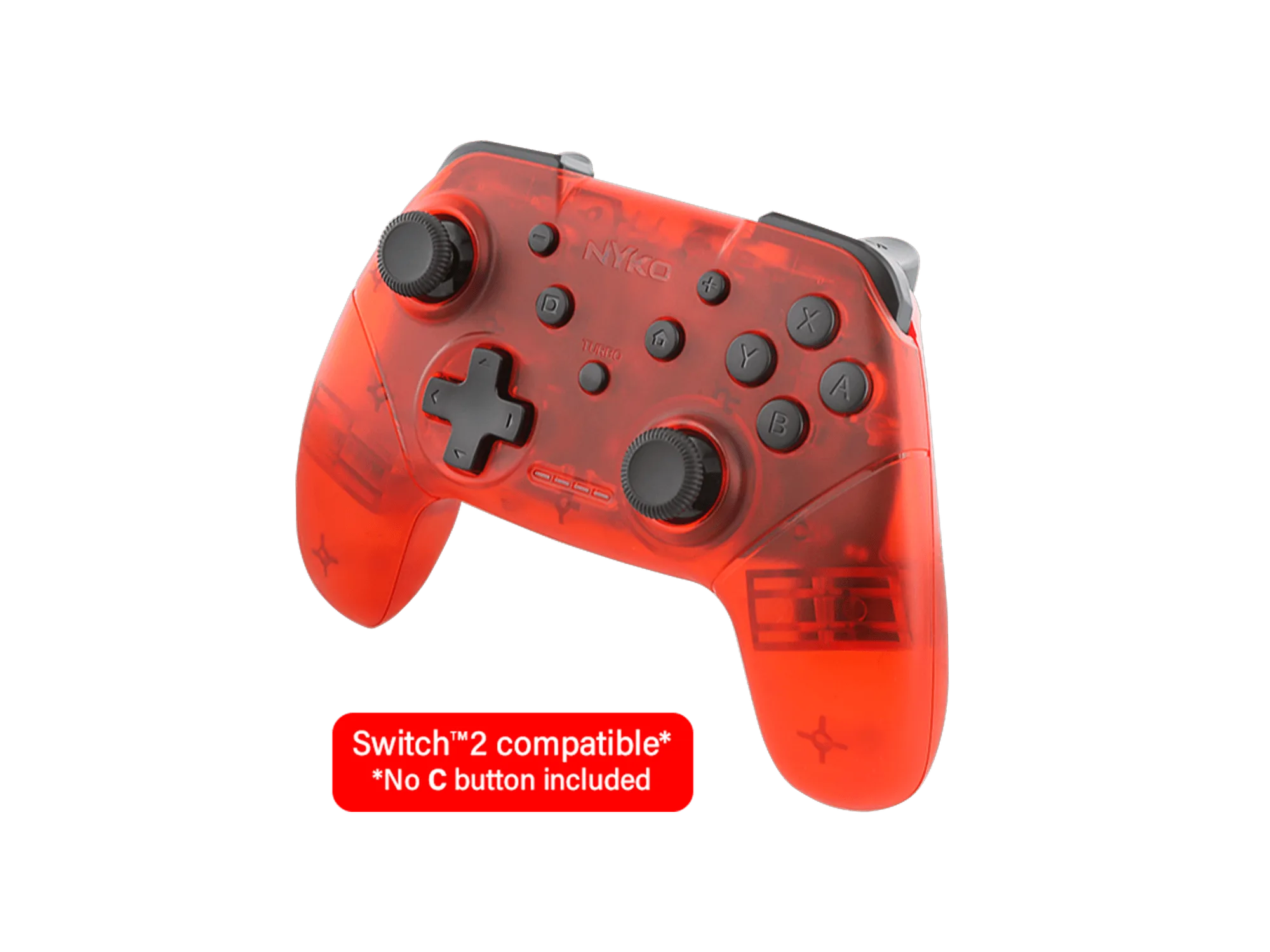
Wireless Core Controller (Red) for Nintendo Switch™
-
Wireless Core Controller (Red) for Nintendo Switch™: Internal rechargeable battery delivers up to 20 hours of playtime per charge. Plan your charging schedule for long gaming sessions.
-
Wireless Core Controller (Red) for Nintendo Switch™: Built-in 6-axis gyroscope and dual-motor rumble for motion control and immersive feedback. Supports motion-controlled games and provides tactile feedback.
-
Wireless Core Controller (Red) for Nintendo Switch™: Customizable turbo button allows rapid-fire mapping to any face button or trigger. Gives a competitive edge in fast-paced shooters and arcade titles.
Important Compatibility Notes
The Wireless Core Controller does not feature NFC capability, so Amiibo scanning is not supported. The C-button function is unavailable on Switch 2. For PC gameplay, the controller requires a wired USB-C connection—it will not connect wirelessly to a PC.