Start with the sticker's real footprint
The Wizard Frog Sticker II measures roughly 2 × 2.5 inches, so it takes up a noticeable but compact area on a journal cover. Before you peel anything, hold the sticker against the cover and look at how much space it leaves around the edges. That quick check tells you whether the design will sit as a single focal point or need to share the cover with other elements.
The matte finish is another placement clue. Because it resists fingerprints and has a smooth, non-glossy look, it reads clearly on most cover materials without catching light. That makes it a good candidate for the front cover, where you will see it every time you pick up the journal.
What the product record confirms
-
Wizard Frog Sticker II: Approximate dimensions: 2 inches by 2.5 inches. This is the footprint you need to plan around; it fits most journal covers but still leaves room for other stickers or a title.
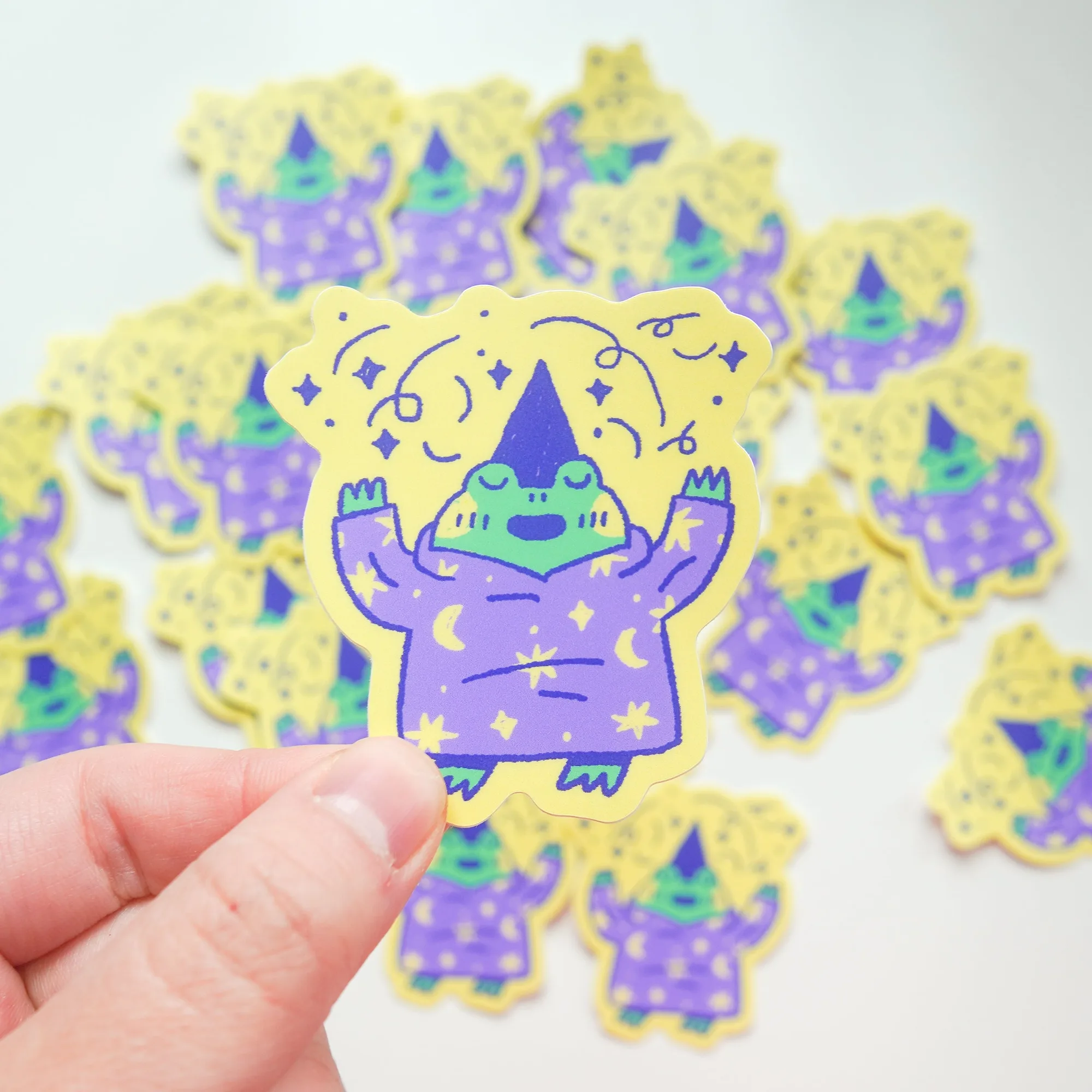
Wizard Frog Sticker II
-
Wizard Frog Sticker II: Matte finish provides a smooth, non-glossy look that resists fingerprints. A matte surface is less likely to show smudges from handling, which matters on a cover you touch often.
-
Wizard Frog Sticker II: Easy peel-and-stick application leaves no residue when removed. You can reposition or remove the sticker later without damaging the cover, so placement does not have to be permanent on the first try.
Three journal cover layouts that suit a 2 × 2.5 inch sticker
The right layout depends on how much empty space your cover has and whether you want the frog to lead or support the design.
- Centered focal point: Place the sticker in the middle of the front cover and leave the rest blank. This works best on plain or lightly textured covers where the frog can be the main visual element.
- Lower-right corner anchor: Put the sticker near the bottom-right corner, leaving the upper area free for a title, name label, or other small stickers. This keeps the cover balanced without crowding the center.
- Offset with a title: Place the sticker slightly off-center and add a handwritten or printed title beside it. The 2 × 2.5 inch size leaves enough room for a short word or two without covering the design.
How to apply the sticker without residue
The product record confirms peel-and-stick application with no residue when removed, but a clean surface still helps the sticker sit flat.
- 1. Dry-run the placement: Set the sticker on the cover without peeling the backing. Step back and check the position from a short distance, then adjust until it looks right.
- 2. Clean and dry the cover: Wipe the area with a dry or slightly damp cloth and let it dry completely. Dust or oil can interfere with adhesion, even on a matte sticker.
- 3. Peel and press: Peel the backing slowly and press the sticker down from the center outward. Smooth it with your fingers to remove air bubbles.
- 4. Check the edges: Run your finger around the border to make sure the edges are sealed. If you need to reposition, lift a corner gently and reapply.
What the supplied information does not settle
The product record does not specify a recommended surface type beyond laptops, notebooks, water bottles, and other personal items. It also does not state how many times the sticker can be repositioned before adhesion weakens. Treat the residue-free removal claim as a guide for occasional repositioning, not as a guarantee for repeated peeling.
If your journal cover has a heavily textured, oily, or dusty surface, test the sticker on a small corner first. The record does not confirm performance on every material, so a quick test is the safest way to avoid a surprise.