A cluttered work bag can slow you down, hide essentials, and create unnecessary stress during your commute or meetings. Whether you carry a laptop, keys, cables, or a smart tracker, having a system for organization can transform your daily routine. This guide focuses on two often-overlooked areas: key management and cable management. By combining a compact key organizer with smart cable solutions, you can build a professional EDC setup that keeps everything accessible, tidy, and ready to go.
The modern professional carries more than just a laptop and notebook. Keys, charging cables, power banks, and even an umbrella can quickly fill a bag. Without organization, cables tangle, keys scratch devices, and you waste precious minutes digging for the right item. This article will walk you through practical steps to organize your work bag using products designed for efficiency and durability.
Why Key Organizers Are Essential for Work Bag Organization
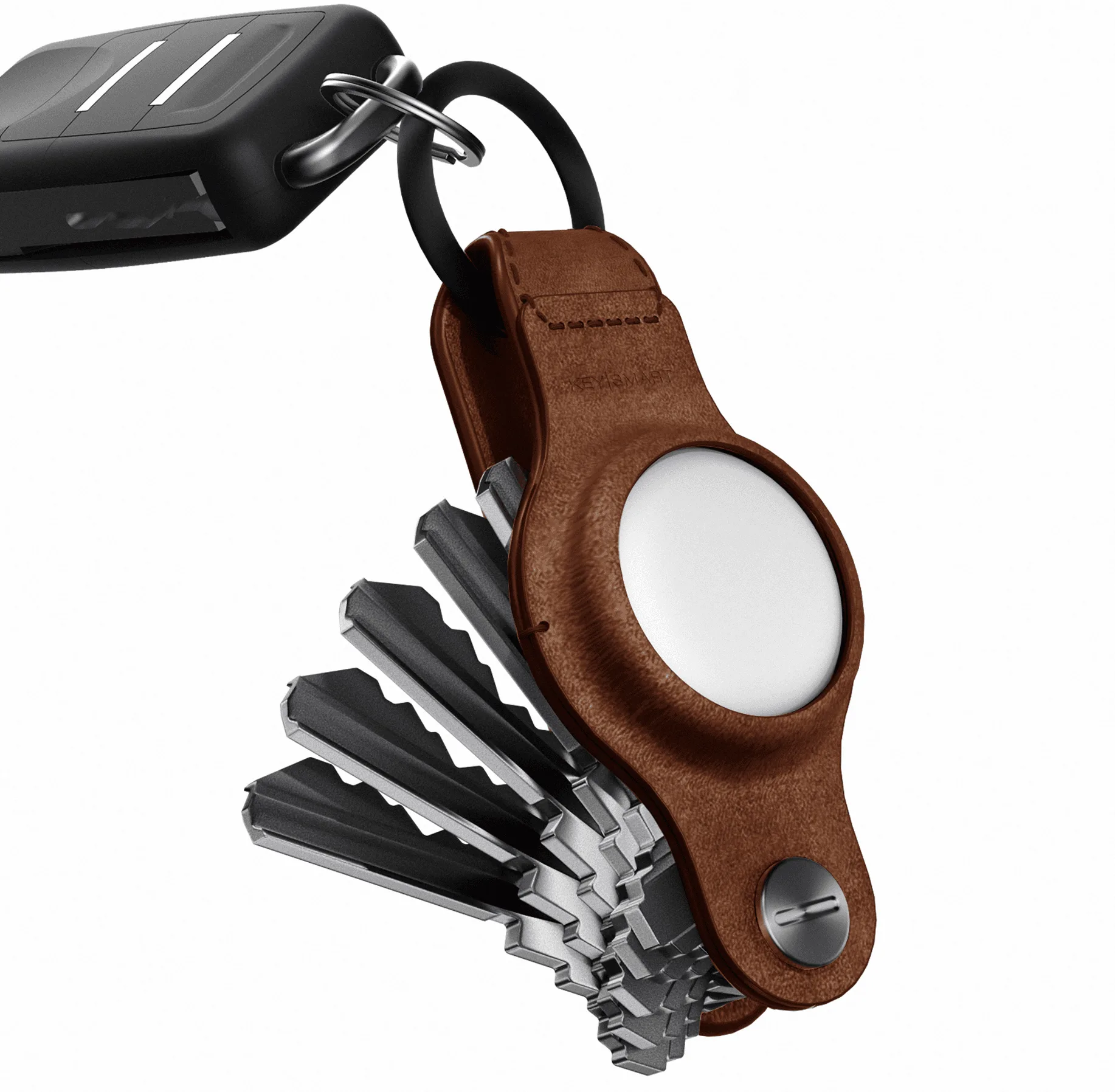
Keys are one of the most frequently used items in any work bag, yet they are often tossed in loose, causing scratches on phones, laptops, or sunglasses. A key organizer solves this by consolidating multiple keys into a slim, pocket-friendly form factor. For example, the KeySmart® Mini Leather holds up to 5 keys plus a car key fob, using full-grain leather that looks professional in any meeting. Its compact design prevents keys from jangling and keeps them secure inside your bag or clipped to a belt loop with an optional belt clip.
Beyond aesthetics, a key organizer reduces wear on your bag's interior. Loose keys can tear fabric linings or damage other items. By using a dedicated key holder, you create a designated spot for keys, making them easy to find without rummaging. This small change can save you several minutes each day—time that adds up over a work week. For those who carry multiple sets (home, office, car), a key organizer with spacers allows you to customize the stack to your exact needs.
- Use a key organizer to eliminate jangling and protect your bag's interior.
- Choose leather or metal options based on your professional style.
- Add a belt clip for quick access without removing the organizer from your bag.
Cable Management: Tame the Tangles in Your Work Bag
Cables are the second biggest source of bag chaos. USB-C cables, charging bricks, and earbuds can become a tangled mess that takes minutes to untangle. A dedicated cable management solution is key to maintaining a clean work bag. The Statik® 360 Pro White is a 100W universal charge and data cable that comes in a 6ft length, perfect for reaching outlets in coffee shops or conference rooms. Its braided design resists tangling, but pairing it with a small cable pouch or velcro strap keeps it even more organized.
Consider creating a cable kit that includes your most-used cables, a compact power bank, and perhaps a multi-tool. By grouping these items in a small pouch, you can grab them quickly when you need to charge your devices. This approach not only reduces clutter but also ensures you never leave a cable behind. For professionals who travel frequently, having a dedicated cable organizer in your work bag can be a game-changer for desk cable management on the go.
- Use a braided, tangle-resistant cable like the Statik 360 Pro for durability.
- Store cables in a small pouch or wrap them with a velcro strap.
- Include a multi-tool like a bottle opener or screwdriver for unexpected needs.
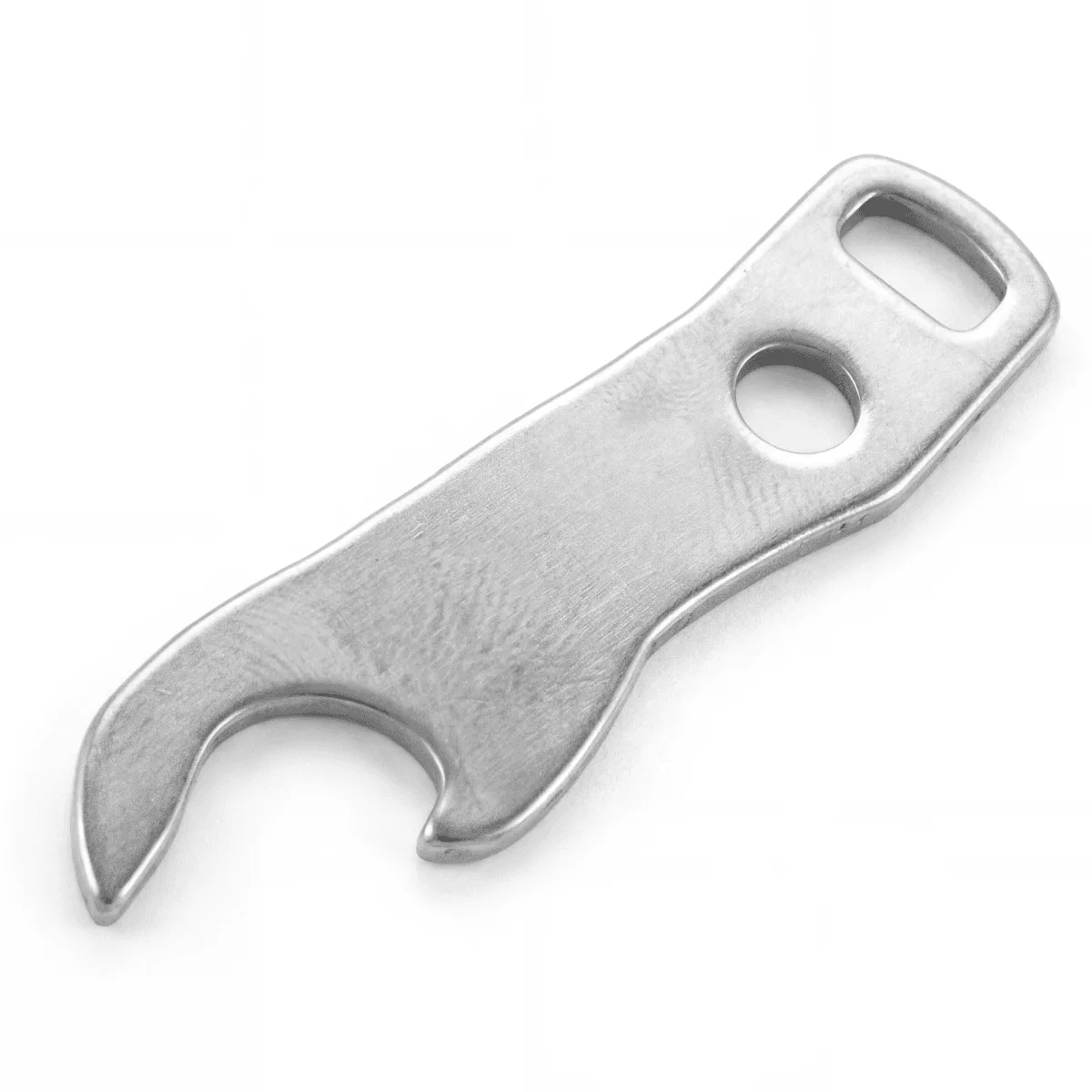
bottle opener
Adding a Smart Tracker for Peace of Mind
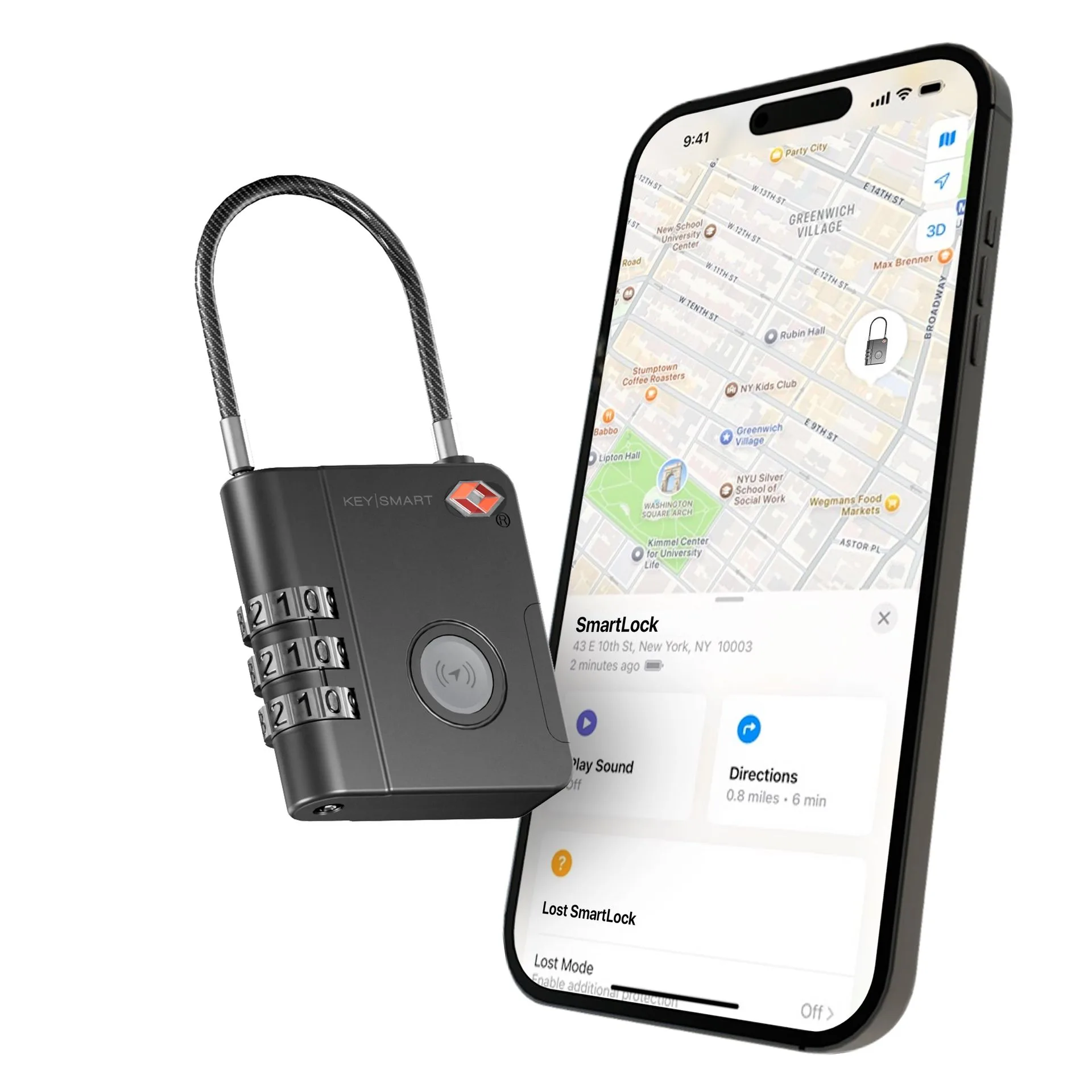
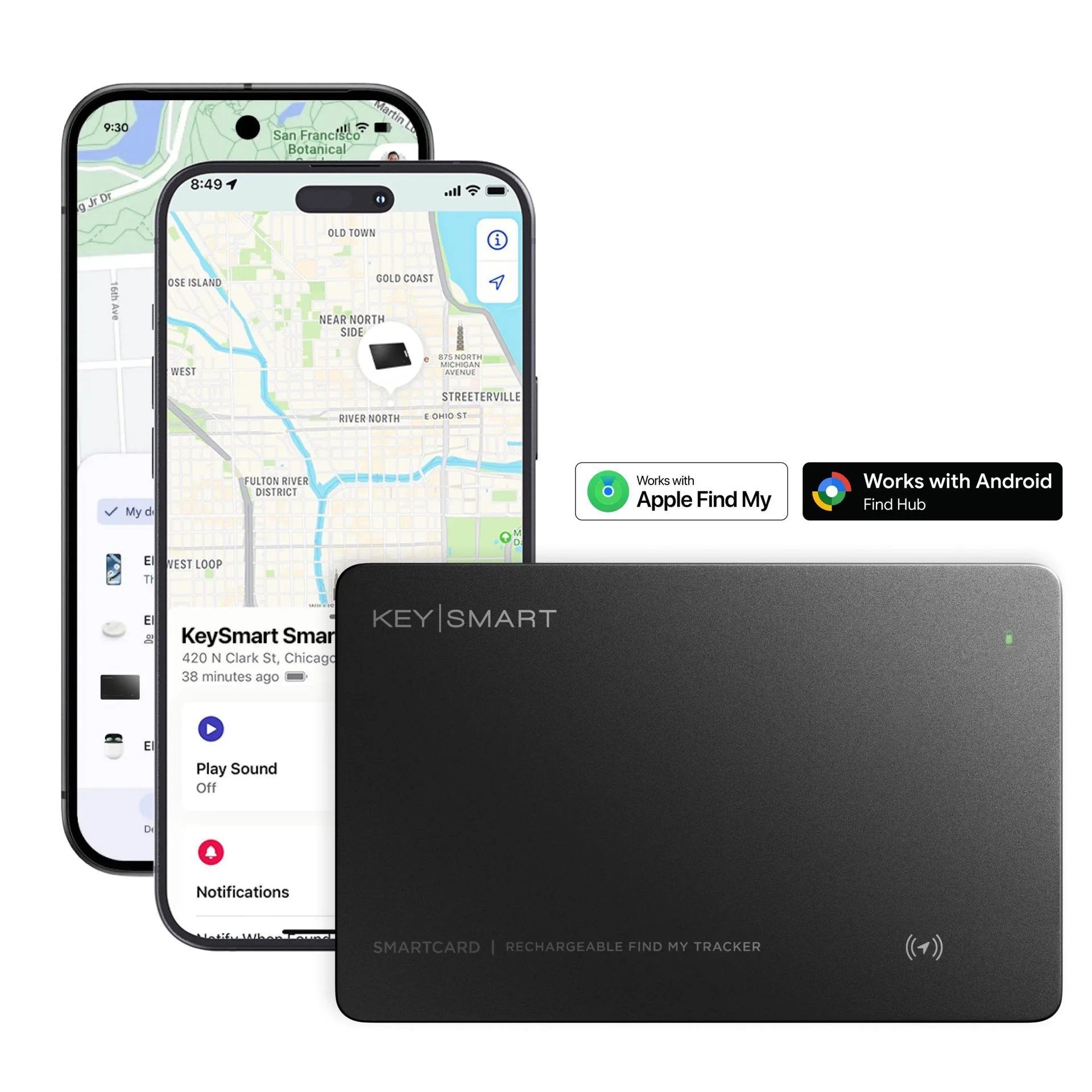
Losing keys or a work bag can derail an entire day. A smart tracker integrated into your key organizer provides a safety net. The KeySmart® Air is compatible with Apple AirTag and organizes up to 5 keys, allowing you to track your keys via the Find My app. This is especially useful for professionals who move between offices, co-working spaces, or client sites. If you misplace your bag, you can quickly locate it using your phone.
Smart trackers also help in preventing loss of smaller items like a cable pouch or umbrella. By attaching a tracker to your key organizer or slipping one into a dedicated slot, you create a connected EDC system. This layer of security is invaluable for busy professionals who cannot afford downtime searching for lost items. Combine a tracker with a key organizer for a streamlined, worry-free setup.
- Choose a key organizer that has a dedicated slot for an AirTag or Tile.
- Use the Find My network to locate your keys or bag quickly.
- Attach a tracker to your umbrella or cable pouch for full coverage.
Step-by-Step: Build Your Organized Work Bag in 10 Minutes
Start by emptying your work bag completely. Sort items into categories: keys, cables, wallet, tech accessories, and miscellaneous. Discard anything you haven't used in a month. Next, assign a home for each category. Place your key organizer in an easily accessible pocket—ideally one with a clip or loop. For cables, use a small zippered pouch that fits in a side compartment. If you carry an umbrella, choose one with a compact design like the RainTorch Umbrella, which includes a pivoting flashlight and auto open/close feature for added utility.
Finally, test your setup for a week. Adjust pocket assignments based on how often you access each item. For example, if you frequently need your keys at the office entrance, keep them in an outer pocket. If cables are only used at your desk, store them deeper in the bag. This iterative process ensures your work bag organization evolves with your routine. With the right tools, you can maintain a professional, efficient EDC that makes every workday smoother.
- Empty and declutter your bag before reorganizing.
- Assign specific pockets for keys, cables, and tech.
- Test your setup for a week and adjust as needed.
Organizing your work bag with a key organizer and cable management tools is a simple but powerful upgrade to your daily carry. By reducing clutter and ensuring quick access to essentials, you save time and reduce stress. Start with a reliable key organizer like the KeySmart® Mini Leather, pair it with a tangle-free cable, and add a smart tracker for peace of mind. Explore the full range of KeySmart products to build a professional EDC setup that works for you.