Quick Answer
Wraith Armor grips are cut precisely for the Razer Viper V2 Pro, so they cover the main contact points without interfering with buttons or sensors. They add a secure, sweat-resistant surface that improves control during long gaming sessions.
Why Fit Matters on the Viper V2 Pro
The Razer Viper V2 Pro has a symmetrical shape with a slightly raised hump, so grip tape that isn't shaped for it can leave gaps or overlap the side buttons. Wraith Armor grips are designed specifically for this mouse, meaning the cutouts align with the button grooves and the overall contour.
A precise fit also keeps the tape from peeling at the edges after repeated clicks or aggressive swipes. If you use a claw or fingertip grip, the side panels and main buttons are where you need the most coverage, and that's exactly where these grips focus.
Feel and Control Trade-offs
The Wraith Armor surface has a shiny, micro-textured finish that provides grip without feeling overly rough. This is a good middle ground for players who find some grip tapes too abrasive or too slippery.
The trade-off is that the texture is not as aggressive as some rougher alternatives, so if you have very sweaty hands, you may need to wipe the surface occasionally. However, the tape still eliminates the lubricating effect of sweat on the plastic shell, which is the main benefit for most players.
Wraith Armor Grips FAQ
How do I install the grips on my Viper V2 Pro?
Clean the mouse surface with a dry lint-free cloth to remove oils and dust. Peel each grip piece from the backing, align it with the corresponding contour (main buttons, side panels, and shell), and press firmly from the center outward. Avoid stretching the tape while applying. Let the adhesive set for a few minutes before heavy use for a stronger bond.
Will the grips interfere with the side buttons?
No, the Wraith Armor grips are cut specifically for the Viper V2 Pro, so the side button cutouts align properly. Just ensure you don't overlap the tape onto the buttons during installation. If a piece feels misaligned, lift and reposition it immediately before the adhesive sets.
How does the grip feel compared to the bare mouse?
The bare Viper V2 Pro has a smooth plastic shell that can get slippery when your hands sweat. Wraith Armor adds a micro-textured, slightly tacky surface that improves control without feeling rough or abrasive. Expect a moderate grip level that suits most playstyles, not an extreme sandpaper-like texture.
How long do the grips last?
With normal use, the adhesive and texture hold up well over months. The tape also protects the original paint and texture, so the mouse itself stays in better condition. If edges lift, clean the area and press them back down. Avoid using solvents or alcohol on the grips, as they can weaken the adhesive.
Product Fact
-
Wraith Armor Grips - Razer Viper V2 Pro: Wraith Armor grips protect the paint and texture of your mouse while eliminating the lubricating effect of sweat and external factors on the plastic surface. This means you get a consistent, non-slip hold even during intense games, and the original finish of your Viper V2 Pro stays in good condition for longer.
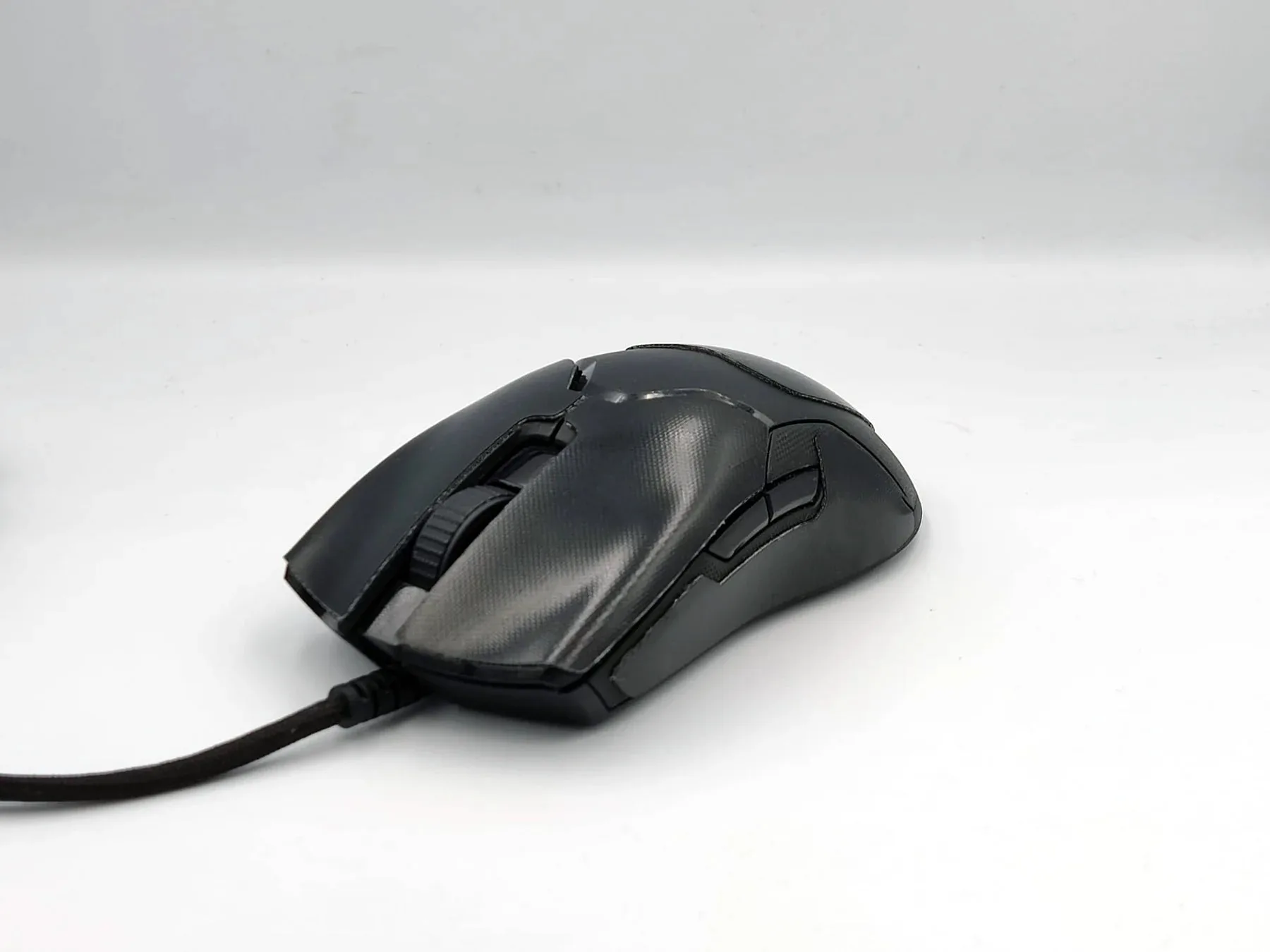
Wraith Armor Grips - Razer Viper V2 Pro