What the Spotlight Kit adds to your Wyze Cam v3
The Wyze Cam v3 Spotlight Kit is a motion-activated, IP65-rated headlamp designed for the Wyze Cam v3. It adds a light source to your camera setup so the camera can watch your property with extra illumination when motion is detected. The IP65 rating indicates protection against dust and water jets, which matters for outdoor use.
The kit is an accessory, not a standalone camera. It is built for the Wyze Cam v3, and the supplied information does not confirm compatibility with other Wyze camera models. If you own a different model, check that model's accessory compatibility before buying.
Plan placement before you mount anything
A spotlight only helps night video if it lights the area the camera is actually watching. Start with placement planning rather than drilling holes.
- Map the camera's field of view: Use the Wyze app's live view to see what the camera sees. Mark the edges of the frame so you know where the spotlight's beam should land. The spotlight should illuminate the subject area, not just the wall next to the camera.
- Choose a mounting spot that avoids glare: Mount the spotlight so its light does not shine directly into the camera lens or reflect off a nearby surface. Glare can wash out the image and make night footage harder to read. A position slightly above or to the side of the camera often works better than directly beside the lens.
- Check the IP65 rating against your exposure: The kit is IP65-rated, which means it is protected against dust and water jets. That makes it suitable for outdoor use, but you should still avoid mounting it where it will sit in standing water or be submerged. The supplied information does not specify a maximum water exposure duration, so use common sense for your climate.
- Confirm power and cable routing: The supplied information does not include power requirements, cable length, or installation instructions for the spotlight kit. Before mounting, check the kit's packaging or the Wyze app for the required power source and cable routing guidance. Do not assume the spotlight shares power with the camera unless the supplied documentation says so.
Spotlight Kit at a glance
-
Wyze Cam v3 Spotlight Kit: Motion-activated, IP65-rated headlamp designed for Wyze Cam v3. Motion activation means the light comes on when needed rather than running continuously, and the IP65 rating supports outdoor placement.
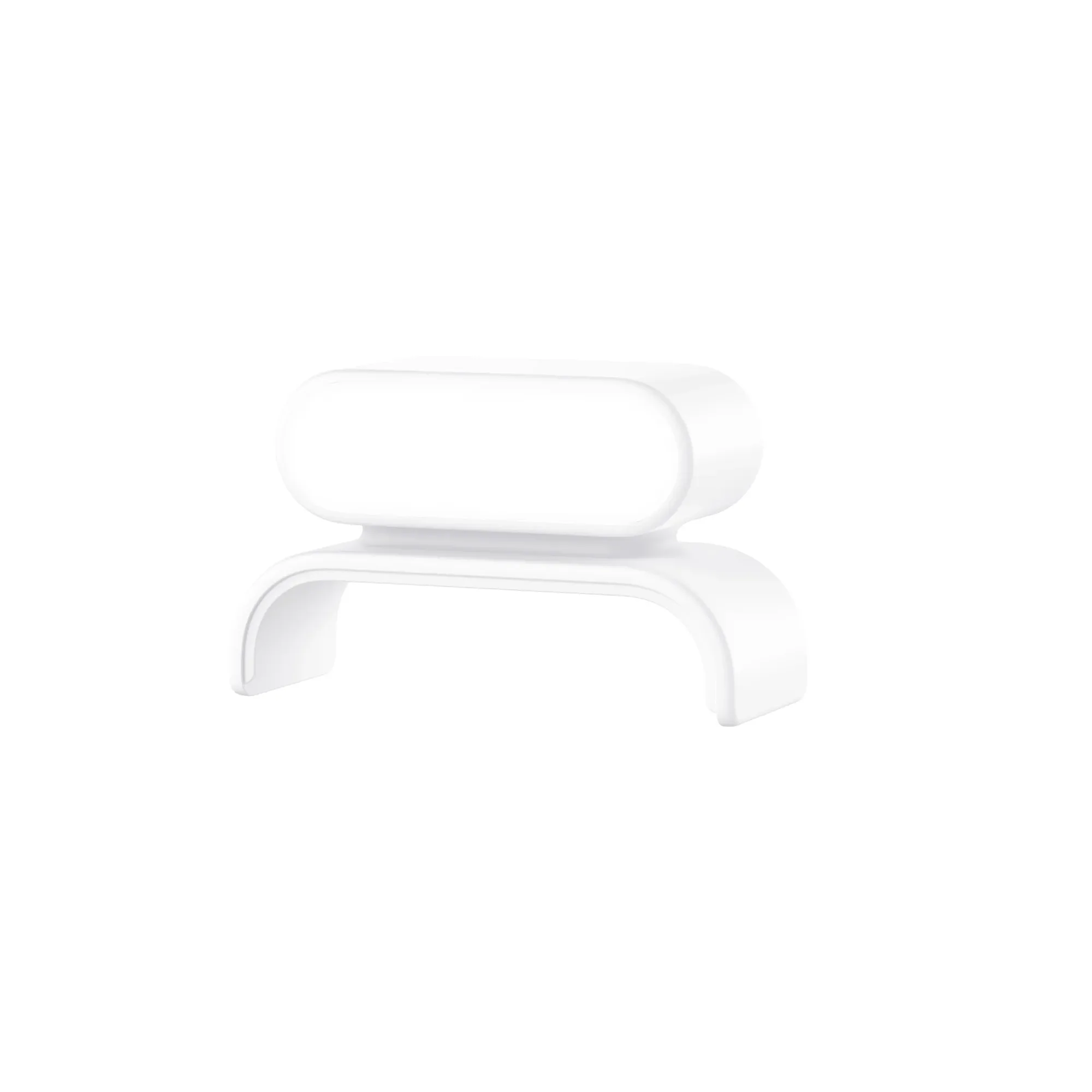
Wyze Cam v3 Spotlight Kit
-
Wyze Cam v3 Spotlight Kit: Compatible with Wyze Cam v3. This kit is built for the Wyze Cam v3 specifically. Compatibility with other camera models is not confirmed by the supplied information.
Install the spotlight kit on your Wyze Cam v3
The supplied product information does not include step-by-step mounting instructions, so the following is general guidance for attaching an accessory to a Wyze Cam v3. Always follow the instructions that come with your kit.
- Power down the camera: Unplug the Wyze Cam v3 before attaching any accessory. This prevents accidental activation or electrical issues during installation.
- Attach the spotlight to the camera or mount: The kit is designed to work with the Wyze Cam v3. Use the mounting hardware included with the kit. If the kit does not include hardware, check the packaging for guidance. Do not force any connection that does not fit easily.
- Route the cable safely: Keep cables away from areas where they could be pinched, cut, or exposed to water pooling. The supplied information does not specify cable length, so plan your route based on what is in the box.
- Restore power and test motion activation: Plug the camera back in and open the Wyze app. Walk in front of the camera to trigger the spotlight. Confirm that the light activates and that the camera's live view shows the illuminated area. If the light does not activate, check the connection and consult the kit's documentation.
How to aim the spotlight for clearer night video
Aiming is the difference between a useful spotlight and one that creates a bright blob in the corner of your footage. The goal is even illumination across the area you care about, without blowing out details or causing glare.
Start with the spotlight aimed slightly downward and toward the center of the camera's field of view. Avoid pointing it directly at the camera lens or at reflective surfaces like windows, gutters, or metal siding. Those surfaces can bounce light back into the lens and reduce contrast.
Use the Wyze app's live view to judge the result. Walk through the scene at night and check how the image looks when the spotlight is on. If the foreground is too bright and the background is dark, tilt the spotlight up slightly or move it farther from the camera. If the scene is still too dark, check that the spotlight is not blocked by an overhang or debris.
The supplied information does not specify a recommended aiming distance or angle. Adjust in small increments and review the live view after each change. This is the most reliable way to find the right position for your specific layout.
Spotlight kit night vision tips
These tips help you get the most from the added light without overdoing it.
- Let motion activation do the work: The spotlight is motion-activated, so it should only turn on when someone or something enters the area. This saves energy and reduces light pollution compared to a continuously running light.
- Keep the lens clean: Dust and water spots on the camera lens or the spotlight cover can scatter light and create haze in night footage. Wipe them with a soft cloth as part of your regular maintenance.
- Avoid pointing at reflective surfaces: Windows, car mirrors, and wet pavement can reflect the spotlight back into the camera. Aim the light so those surfaces are outside the main beam.
- Test in the conditions you care about: Check the live view on a clear night and a rainy night if possible. The IP65 rating means the spotlight can handle water jets, but heavy rain can still affect image clarity. Adjust aiming if conditions change.
What the supplied information does not cover
The supplied product record for the Wyze Cam v3 Spotlight Kit does not include detailed specifications such as power requirements, cable length, mounting hardware, or step-by-step installation instructions. It also does not confirm compatibility with cameras other than the Wyze Cam v3. If you need those details, check the kit's packaging or the Wyze app before installing. Do not assume features or specifications that are not listed.
The kit is IP65-rated, which means it is protected against dust and water jets, but the supplied information does not state a maximum submersion depth or duration. Mount it where it will not be submerged.