Quick Answer
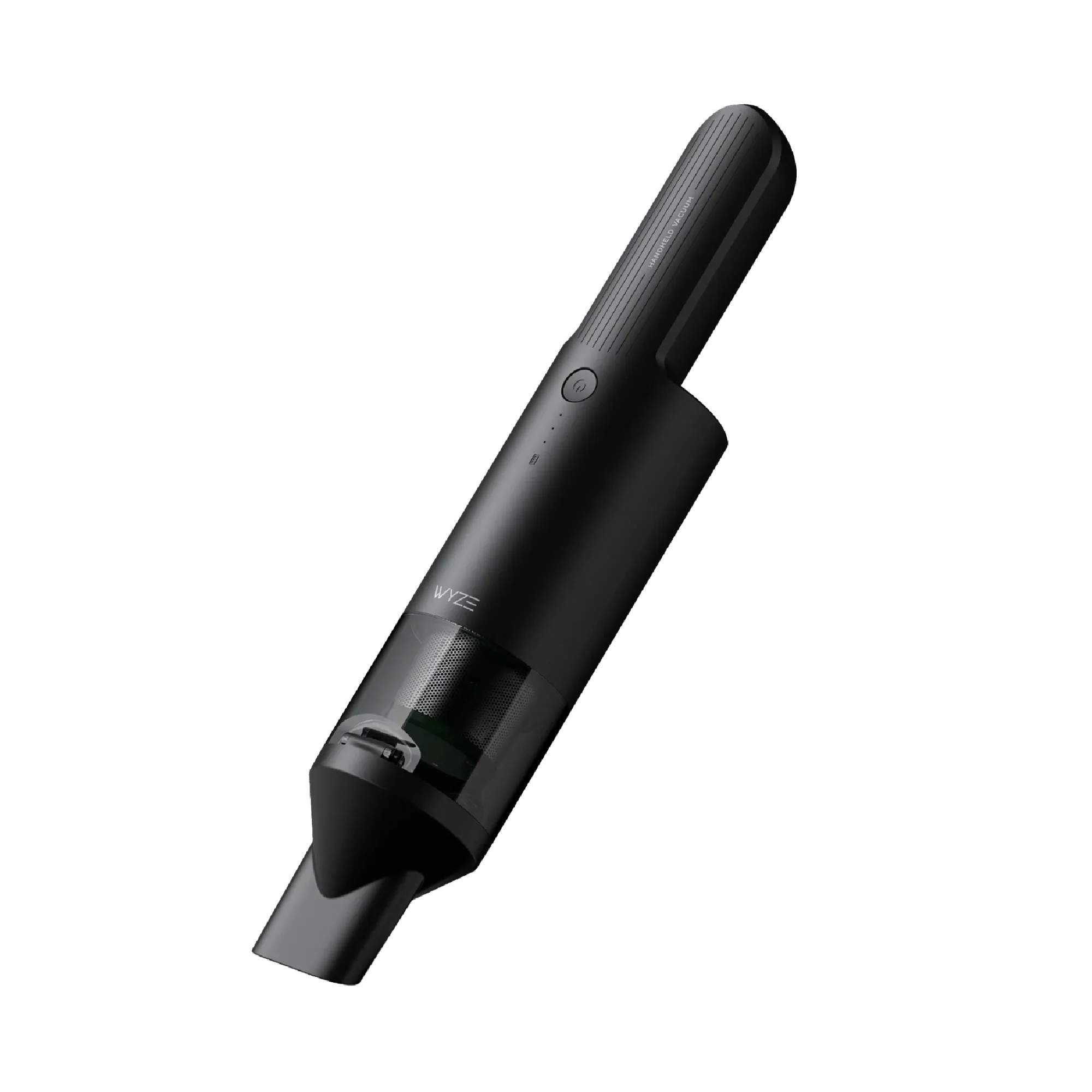
Replace your Wyze Cordless Vacuum battery pack when runtime drops noticeably or the vacuum won't hold a charge. To extend its life, avoid deep discharges, store it in a cool place, and clean the contacts regularly.
Signs Your Battery Pack Is Nearing the End
Over time, all rechargeable batteries lose capacity. If your Wyze Cordless Vacuum used to clean your whole home on one charge but now dies halfway through a room, that's a clear sign the battery pack is aging.
Another common symptom is the vacuum shutting off unexpectedly even when the indicator shows charge remaining. This can happen as the battery's internal resistance increases with age, causing voltage to drop under load.
If you notice these issues and your vacuum is more than a year old, a replacement battery pack is often the most straightforward fix.
Why Battery Life Shortens: Common Culprits
Heat is the biggest enemy of lithium-ion batteries. Leaving your Wyze Cordless Vacuum in a hot garage or near a radiator can accelerate capacity loss.
Frequent full discharges also stress the battery. Unlike older battery types, modern lithium-ion cells prefer partial cycles.
Dust and debris on the battery contacts can increase resistance, making the battery work harder and reducing effective runtime.
When to Buy a Replacement vs. Troubleshoot
Before ordering a new battery, rule out other issues. A clogged filter or a blocked brush roll can make the vacuum work harder, draining the battery faster. Clean the filter and check for obstructions first.
If the vacuum still runs briefly after a full charge and the battery is several years old, replacement is the practical choice. The Wyze Cordless Vacuum Battery Pack is designed as a spare or replacement and is compatible exclusively with the Wyze Cordless Vacuum, so you know it will fit correctly.
Diagnose and Fix Your Battery Issue
- Symptom: The vacuum runs for a much shorter time than when new, or it shuts off mid-cleaning even though the battery indicator shows charge.
- Likely Cause: Aged lithium-ion battery with reduced capacity, often worsened by heat exposure or frequent full discharges. If the vacuum is less than a year old, first check for clogs or a dirty filter; those can mimic battery issues.
- Corrective Action: Clean the filter and brush roll, then fully charge the battery. If runtime is still poor, replace the battery pack with the Wyze Cordless Vacuum Battery Pack. Before swapping, note the current runtime so you can compare after the replacement.
- Stop or Choose Another Option: If the vacuum still underperforms with a fresh battery, the motor or another internal component may be faulty. Contact Wyze support rather than buying another battery. If your vacuum is under warranty, check with support before purchasing a replacement battery.
Product Fact
-
Wyze Cordless Vacuum - Battery Pack: The Wyze Cordless Vacuum Battery Pack is designed as a spare or replacement battery pack and is compatible exclusively with the Wyze Cordless Vacuum. This ensures a proper fit and reliable performance, so you can swap it in without worrying about compatibility issues.
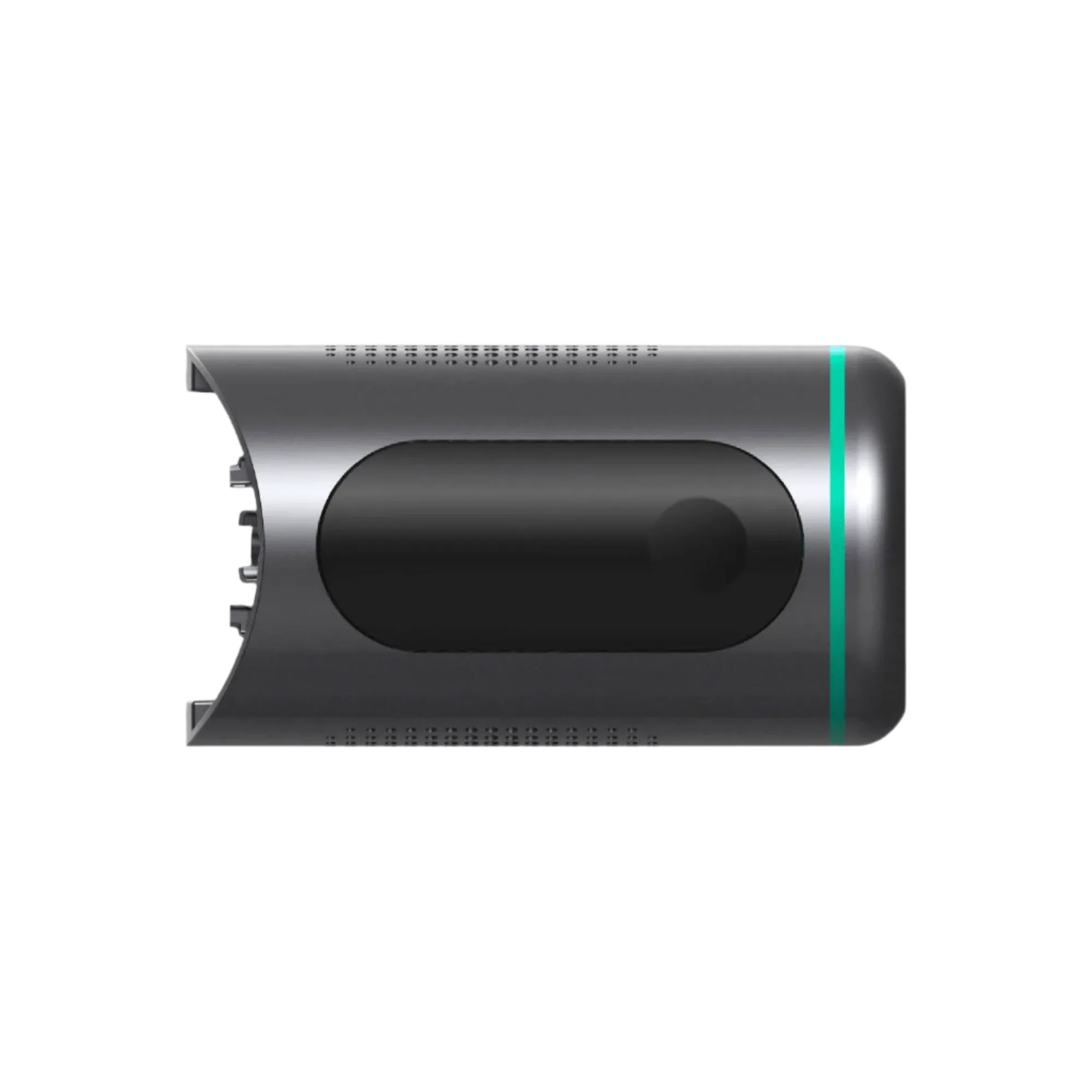
Wyze Cordless Vacuum - Battery Pack