Quick Answer
To install and program your Wyze Gun Safe for quick access, mount it securely, connect to the Wyze app, and customize your entry method—biometric, keypad, or smart home trigger.
Why Proper Installation Matters for Quick Access
A securely mounted safe ensures your firearm is both protected from unauthorized access and immediately available when you need it. The Wyze Gun Safe integrates with your smart home, so placement and Wi-Fi signal strength directly affect response time.
Skipping the mounting step or placing the safe in a dead zone can turn a quick-access feature into a frustrating delay. Take the time to test your chosen location before finalizing installation.
Wyze Gun Safe Setup Steps
- Choose and Prepare the Mounting Location: Select a spot within reach of your bed or desk, with a clear Wi-Fi signal. Use the included mounting hardware to attach the safe to a solid surface (nightstand, shelf, or wall). A loose safe can be carried off, defeating security. Test Wi-Fi signal strength at the chosen spot before drilling.
- Install Batteries and Power On: Open the safe using the backup key (supplied in the box) and insert the required batteries. The safe will power on and emit a pairing tone. A common mistake is inserting batteries backward—check polarity markings inside the compartment. Keep the backup key stored outside the safe in case of battery failure.
- Connect to the Wyze App: Open the Wyze app on your phone, tap the + icon, and select "Gun Safe." Follow the in-app instructions to put the safe into pairing mode (press and hold the button inside). Wait for the app to confirm connection. If pairing fails, move the safe closer to your router temporarily. Ensure Bluetooth and Wi-Fi are enabled on your phone during setup.
- Enroll Your Fingerprint: In the app, go to Device Settings > Fingerprints and scan your chosen finger 5–10 times from different angles. This improves recognition speed. A common mistake is enrolling only one finger—add a second finger in case of injury or moisture. Wash and dry your hands before scanning to avoid false reads.
- Set a Keypad Code and Smart Home Triggers: Program a 4–8 digit backup code in the app. Then, under Smart Actions, create a routine (e.g., "Unlock safe when I say 'Alexa, open safe'"). Test each entry method—fingerprint, code, and voice—to ensure they work reliably. Avoid using birthdates or repeating digits for the keypad code.
- Test Quick Access Under Real Conditions: Time yourself opening the safe from your typical position (e.g., lying in bed, sitting at a desk). Repeat the test 3–5 times. If the average time exceeds 5 seconds, adjust the safe's position or re-enroll your fingerprint at a different angle. Practice the motion until it becomes muscle memory, but keep the safe locked when not testing.
Product Features
-
Wyze Gun Safe: The Wyze Gun Safe offers smart access and dependable security for responsible firearm storage. Smart access lets you choose between biometric fingerprint, keypad code, or app-based entry, so you can pick the fastest method for your situation.
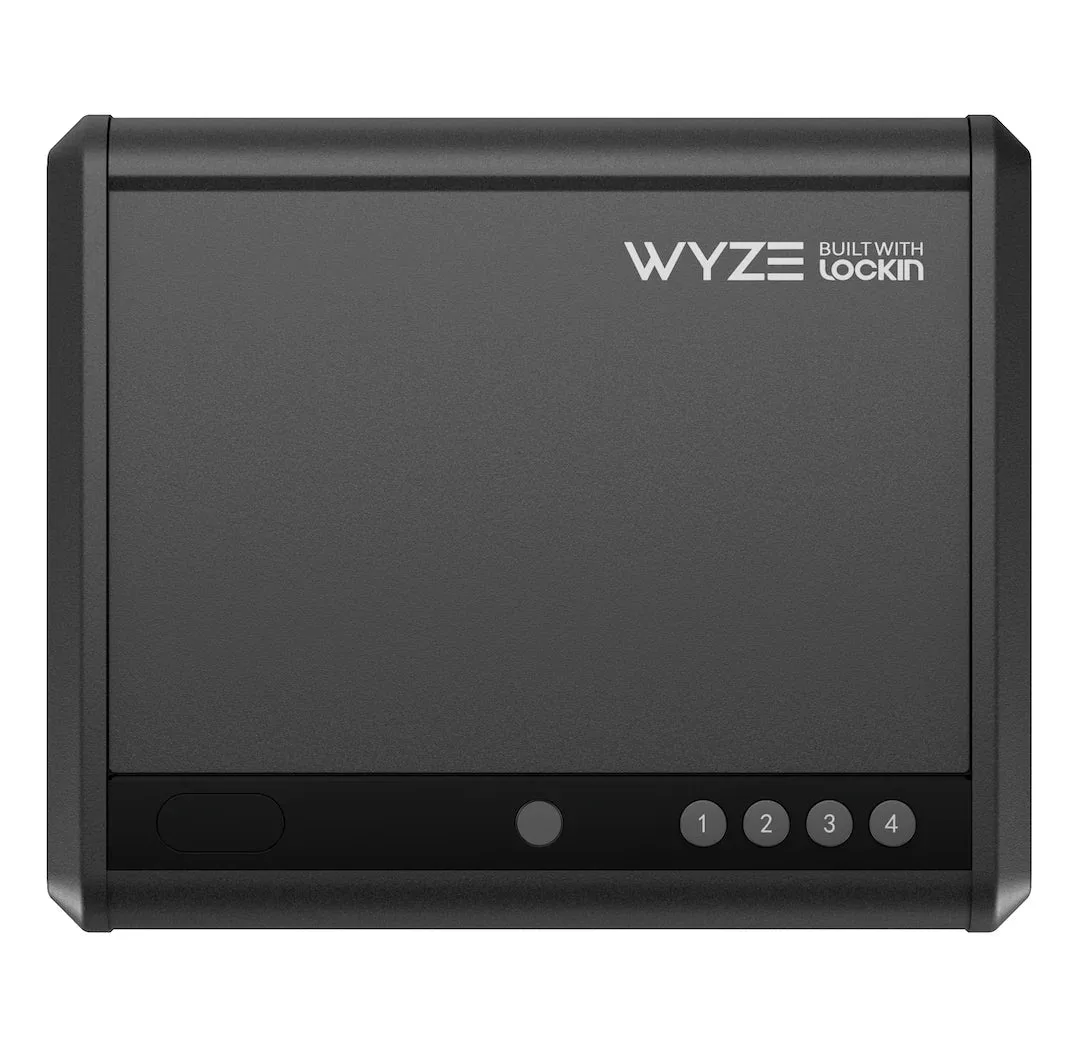
Wyze Gun Safe