Quick answer
Replace X1 and S1 wireless TENS gel pads when they no longer stick firmly after cleaning, when you feel a sharp or uneven sensation, or when the gel surface looks shiny, cracked, or contaminated. With regular care, most users replace pads every 2–4 weeks of frequent use.
Why wireless pads wear differently from wired electrodes
X1 and S1 pads attach directly to the gray conductive surface under the wearable device—no lead wires, pins, or snap connectors. That design removes connector wear, but it puts all the adhesive and conductive duty on the gel surface itself. Every placement, removal, and cleaning cycle gradually lifts microscopic debris and oils into the gel, so adhesion and even current delivery fade together.
Because there is no wire to inspect, the pad surface is your main diagnostic tool. A pad that looks clean but feels slick or leaves a faint residue on your skin is already losing its grip, even if it still stays in place for a short session.
Signs that cleaning won’t fix
Cleaning revives mildly soiled pads, but some conditions mean the gel layer is spent. Look for these before your next session:
If you see any of these, move to a fresh pad rather than increasing device intensity to compensate.
- The pad slides or lifts at the edges within minutes of application.
- You feel a pricking or burning sensation that wasn’t there with a new pad.
- The gel surface is visibly cracked, cloudy, or has lint and hair embedded.
- The pad leaves a sticky film on your skin after removal.
When to replace vs. when to clean
Cleaning is for fresh contamination—sweat, lotion, or everyday skin oils. Replacement is for changes in the gel itself. A pad that has been cleaned, air-dried, and still won’t adhere is past cleaning. Similarly, if you need to press hard or add tape to keep the pad down, the adhesive layer is no longer doing its job.
Keep a simple log: note the date you first use a pad and how many sessions it has delivered. After two or three weeks of regular use, compare its grip to a new pad from your 24-pack. That side-by-side test is more reliable than guessing by look alone.
Step-by-step: replace and care for X1 & S1 pads
- Check adhesion before every session: Peel the pad from its liner and press it onto clean, dry skin. If it doesn’t stay flat for 30 seconds without lifting, do not start the session—clean or replace it. A pad that needs pressing down will likely fail mid-session.
- Clean the pad surface gently: Wipe the gel side with a clean, damp fingertip or a lint-free cloth using plain water. Avoid alcohol, soap, or abrasive materials, which can degrade the gel. Let it air-dry completely before reapplying. Never clean with alcohol—it dries out the gel and shortens pad life.
- Inspect for gel damage: Hold the pad at eye level. If the gel is cracked, cloudy, or has embedded lint or hair that won’t rinse away, discard it. A smooth, clear, tacky surface is still usable. Cracks or cloudiness mean the conductive layer is compromised.
- Test with a short session: Apply the cleaned pad and run your device at your usual setting for 5 minutes. If you feel stinging, uneven tingling, or the pad lifts at the edges, replace it. Discomfort during a test session is a clear signal to swap pads.
- Replace and rotate: When a pad fails the test, move it to a backup role (if you keep one for low-stakes sessions) or discard it. Start a fresh pad from your 24-pack and note the date. Rotating between two pads can extend overall usable life. Log the start date so you can spot a pad that wears faster than expected.
- Store pads to protect the gel: Return each pad to its liner and reseal the pouch after use. Keep them away from heat, direct sunlight, and humid bathrooms. Do not stack heavy items on top. Proper storage prevents the gel from drying out between sessions.
Product facts
-
X1 & S1 Wireless TENS Gel Pads — 24 Replacement Pads: X1 and S1 Wireless TENS Replacement Gel Pads come as 24 reusable pads that attach directly to the gray conductive surface beneath the wearable device—no lead wires, pins, or snap connectors. A 24-pack lets you rotate pads and replace them as soon as adhesion drops, without running out mid-week.
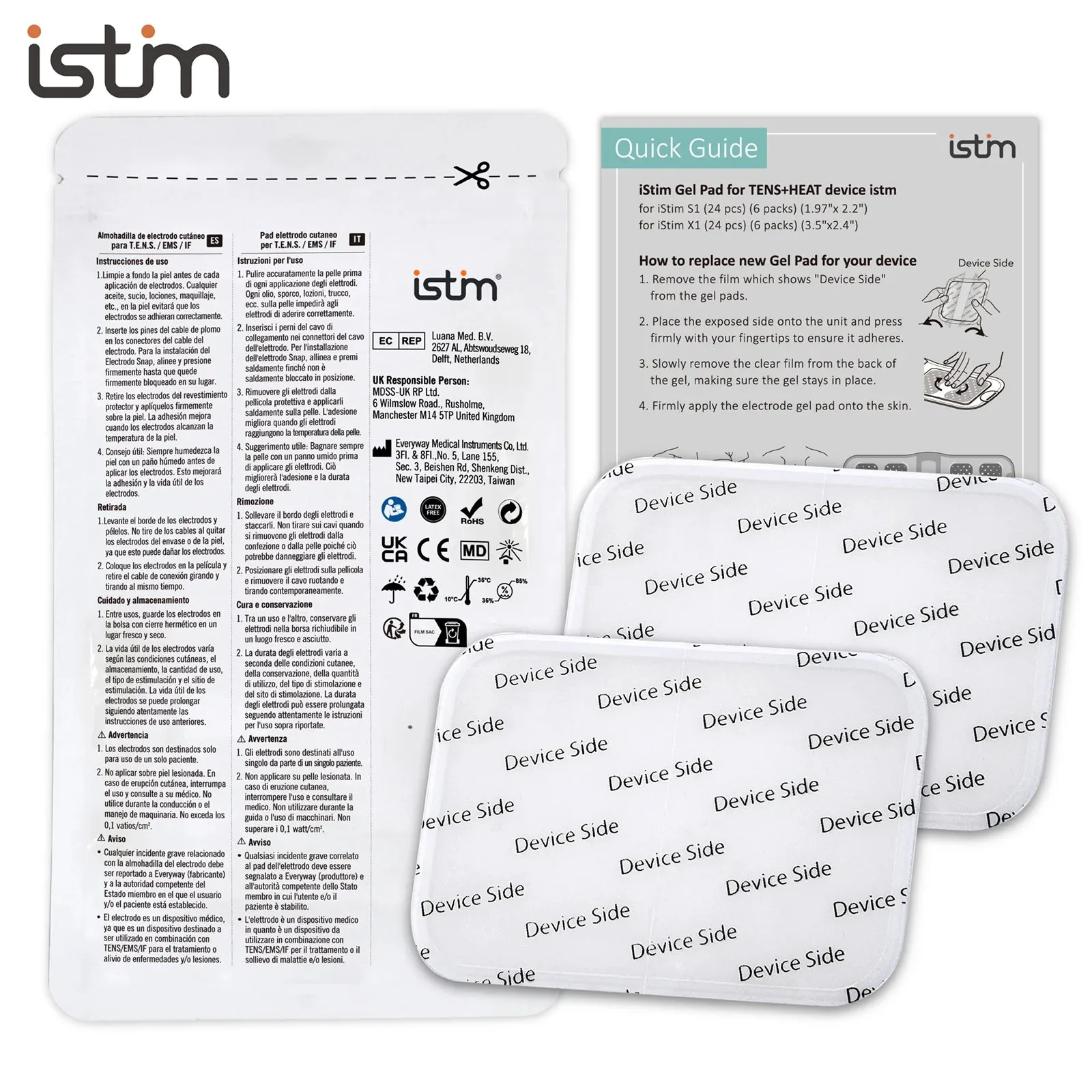
X1 & S1 Wireless TENS Gel Pads — 24 Replacement Pads