Quick answer
Wire the BOSS Audio XP4 marine accessory by connecting it to a 12V DC power source, linking Bluetooth control leads, and sealing all connections with waterproof silicone to withstand marine conditions.
Why waterproof connections matter on a boat
Boats expose electronics to spray, rain, and humidity. The XP4 is IP67 rated, but only if the wiring connections are also sealed. A standard tape wrap fails quickly; use adhesive heat shrink and silicone sealant at every splice to keep moisture out. Skipping this step can cause intermittent power loss or corroded terminals within weeks.
Bluetooth app control vs manual toggle
The XP4 offers Bluetooth app control for lighting modes (chasing, music dance, shake) and group connectivity. This gives you convenient wireless operation, but the app requires initial pairing and stable power during the first connection. If you prefer a hardwired switch for basic on/off, you can wire a toggle between the power lead and the accessory. However, you will lose full color spectrum and chase features — trade remote flexibility for simplicity.
Step-by-step wiring process
- Disconnect battery power: Remove the negative terminal from your boat's 12V battery. This prevents accidental shorts while you work on live wires. Common mistake: leaving the battery connected. Even low-voltage DC can spark near fuel vapors or cause blown fuses.
- Mount the XP4 securely: Use stainless steel screws to attach the XP4 to a flat, dry surface such as a dash panel or sidewall. Keep it away from steering cables or bilge areas. Ensure the cable exit points down to prevent water tracking inside. Checkpoint: test-fit the bracket first — the WRAPPED 360° design needs clearance so you can see all LED zones.
- Connect power and ground wires: Run red (positive) to a 12V fused power source (e.g., accessory battery or distribution block) and black (negative) to a clean ground. Use a ring terminal and crimp or solder the connection. Always install an inline fuse (3–5 amp) within 12 inches of the power source. Common mistake: skipping the fuse. A direct connection can overload the XP4 and damage the LEDs permanently.
- Pair the Bluetooth app: Turn on the boat's accessory circuit and open the BOSS Audio Illumination Control APP. Follow the in-app pairing sequence to assign the XP4 to your phone. For multiple units, use the Group Connectivity feature to sync them together. Checkpoint: if the app does not find the accessory, cycle the power off/on and restart the app — not the phone — to re-initiate discovery.
- Waterproof every splice and connector: After all connections are tested and working, seal each splice with adhesive-lined heat shrink tubing and cover plug connectors with dielectric grease and self-vulcanizing tape. Make sure no bare wire remains exposed to the marine environment. Common mistake: using electrical tape alone — it unravels or leaves gaps. Heat shrink and grease create a sealed, vibration-resistant joint.
- Reconnect the battery and test modes: Reattach the negative terminal, turn on the power, and use the app to cycle through full color spectrum, chasing, and music dance modes. Also test phone shake control and verify that all connected accessories respond correctly. Final checkpoint: confirm that the XP4 lights do not flicker or dim when the boat's engine or other electronics start — that would indicate an undersized power wire or loose ground.
Key product information
-
XP4: IP67 rated — sealed with all-weather waterproof silicone insulation that protects from sand, dust, dirt, rain, and submersion up to 1 meter. You can mount the XP4 in exposed locations on your boat (helm, tower, under gunwales) without worrying about water damage, as long as all wiring connections are also waterproofed.
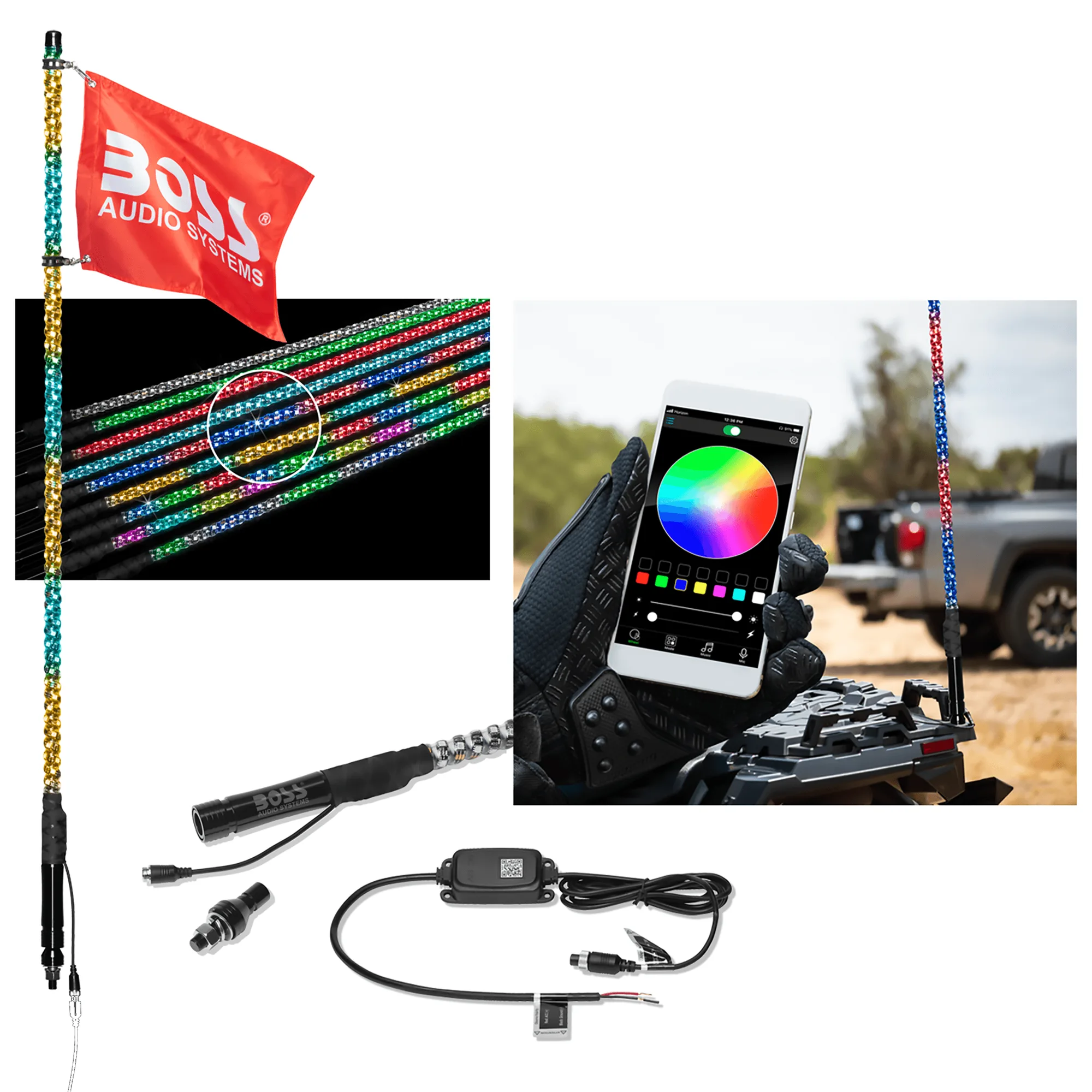
XP4