Quick answer
The Yale Access Upgrade Kit adds Wi‑Fi and Bluetooth to compatible Assure Locks, enabling app control, auto‑unlock, and voice assistant integration—ideal if you want remote access without replacing your lock.
Compatibility check: which Assure Locks work?
The upgrade kit fits Yale Assure Lock models YRD256, YRD226, YRD216 and Assure Lever models YRL226, YRL216. If your lock is one of these, the kit replaces the existing module and adds both Wi‑Fi and Bluetooth without changing the lock body or keypad.
If you own an older Assure Lock (pre‑YRD256 series) or a different Yale series, the kit will not work. In that case, consider a full lock replacement that includes built‑in Wi‑Fi.
What you gain vs. what you lose
Adding the kit gives you remote lock/unlock, activity logs, scheduled access, and the auto‑unlock feature that opens the door as you approach and relocks after you close it. You also get voice control through Amazon Alexa, Google Assistant, and Apple HomeKit.
The trade‑off: the kit uses a rechargeable battery pack that must be charged every few months. If you prefer a lock that runs on standard AA batteries, the built‑in Wi‑Fi models may be a better fit. Also, the kit does not support Z‑Wave or Zigbee, so it won't integrate with smart hubs that rely on those protocols.
Installation and setup effort
Installation is straightforward: remove the existing interior module, snap in the upgrade kit, and follow the Yale Access app to connect to your home Wi‑Fi. Most users complete the process in under 15 minutes.
No wiring or drilling is required, but you do need a smartphone with the Yale Access app for initial setup and ongoing control. The kit includes a mounting plate and screws for a secure fit.
Decision rules
- Choose the upgrade kit if: Your lock is one of the compatible models (YRD256/226/216 or YRL226/216) and you want remote access and voice control without buying a new lock.
- Skip the kit if: Your lock is not on the compatible list, or you need Z‑Wave/Zigbee integration for your existing smart hub.
- Consider a built‑in Wi‑Fi lock if: You prefer standard battery operation over the rechargeable pack, or you want to upgrade from an older Assure model that isn't compatible. Check your lock's model number on the interior mounting plate before buying.
Product facts
-
Yale Access Upgrade Kit For Assure Locks with Wi-Fi (YRD256/226/216 or YRL226/216): Upgrade your Yale Assure Lock or Lever to work with the Yale Access app. The kit allows locking/unlocking, sharing access, and seeing who comes and goes from anywhere. This means you can grant temporary access to guests or service providers and monitor entry logs remotely—no need to be home or hand out physical keys.
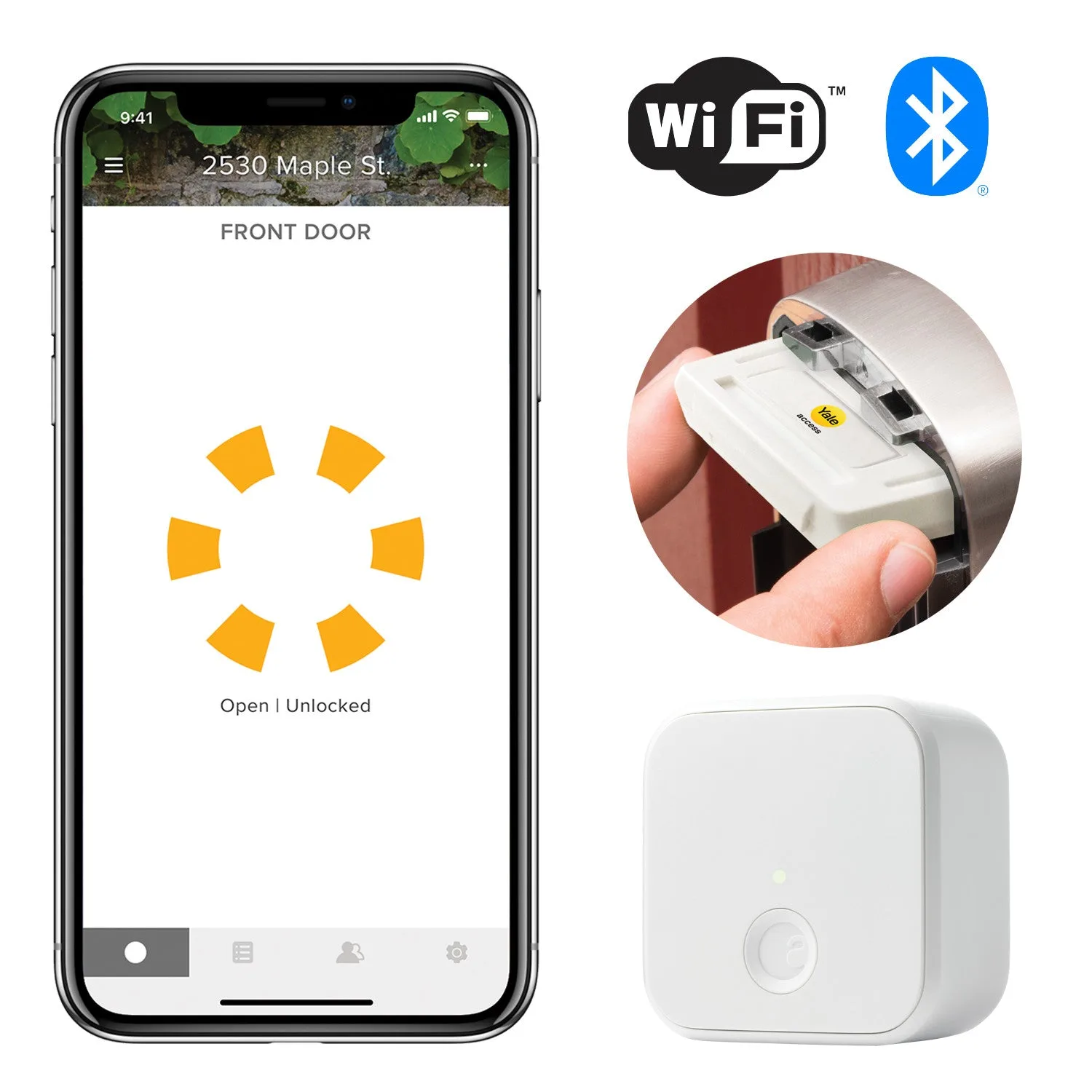
Yale Access Upgrade Kit For Assure Locks with Wi-Fi (YRD256/226/216 or YRL226/216)
Who it's for
Best for
- Owners of compatible Assure Locks who want to add remote control and auto‑unlock without replacing the lock
- Users who prefer app‑based access management and voice assistant integration
Not for
- Owners of non‑compatible lock models or those who need Z‑Wave/Zigbee connectivity
- Users who dislike recharging batteries every few months