Quick Answer
Choose the Yale Assure Lock 2 Touchscreen if you want a budget-friendly, reliable keypad lock. Choose the Touch version if you prefer a fingerprint reader for faster, hands-free unlocking, even though it costs more.
Key Differences Between Touch and Touchscreen
The main difference is how you unlock: the Touch model includes a fingerprint reader, while the Touchscreen relies on a numeric keypad. Both connect via Z-Wave Plus, so they work with compatible smart home hubs and the Yale app.
The Touch is positioned as a premium option with a higher price. The Touchscreen offers the same core smart features—multiple unlock methods, shareable entry codes, and Auto-Lock with DoorSense®—at a lower cost.
Unlock Methods: Fingerprint vs Keypad
With the Touch, you can unlock by touching the fingerprint sensor, which is ideal when your hands are full or you want quick access. The Touchscreen requires you to enter a code on the keypad, which is straightforward but takes a few extra seconds.
Both models support multiple ways to unlock, but the fingerprint reader is the standout feature of the Touch. If you frequently carry groceries or kids, the Touch can save you time and hassle.
Price and Value
The Touchscreen is priced at USD 144.89, while the Touch costs USD 177.49. That's a difference of about USD 33. For many households, the Touchscreen offers the same smart lock essentials at a better value.
However, if the convenience of fingerprint unlocking is worth the extra cost to you, the Touch justifies its premium. Consider your budget and how often you'd use the fingerprint reader.
Trade-offs at a Glance
- Unlock speed: Touch: fingerprint reader lets you unlock in a second. Touchscreen: requires entering a code, which takes a few seconds longer.
- Cost: Touchscreen is about USD 33 cheaper than the Touch. If you don't need fingerprint unlocking, the Touchscreen gives you better value.
- Hands-free use: Touch: ideal when your hands are full—just touch the sensor. Touchscreen: you'll need to free a hand to type the code.
- Shared access: Both models let you share and track entry codes, so you can manage guests or service providers the same way. If you plan to share codes often, either model works equally well—focus your decision on the fingerprint feature and budget.
Product Facts
-
Yale Assure Lock 2 Touchscreen with Z-Wave Plus: The Yale Assure Lock 2 Touchscreen with Z-Wave Plus offers multiple ways to unlock, shareable entry codes, and Auto-Lock with DoorSense®. It delivers the core smart lock features at a lower price, making it a practical choice for most homes.
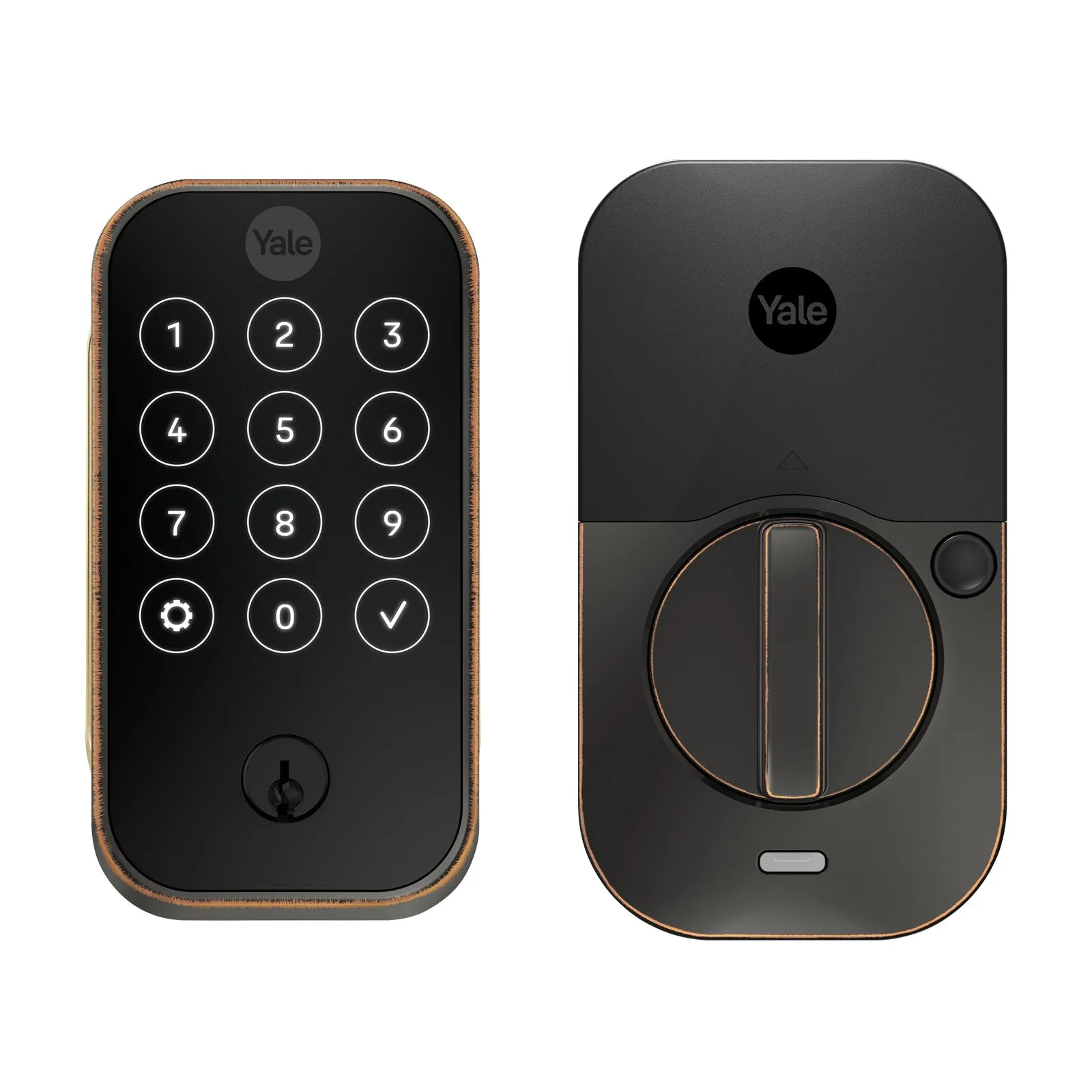
Yale Assure Lock 2 Touchscreen with Z-Wave Plus
-
Yale Assure Lock 2 Touch Key-Free with Z-Wave Plus: The Yale Assure Lock 2 Touch Key-Free with Z-Wave Plus includes a fingerprint reader for touch-to-unlock access, along with the same smart features. The fingerprint reader provides faster, hands-free entry, which is especially useful when you're carrying items or want extra convenience.
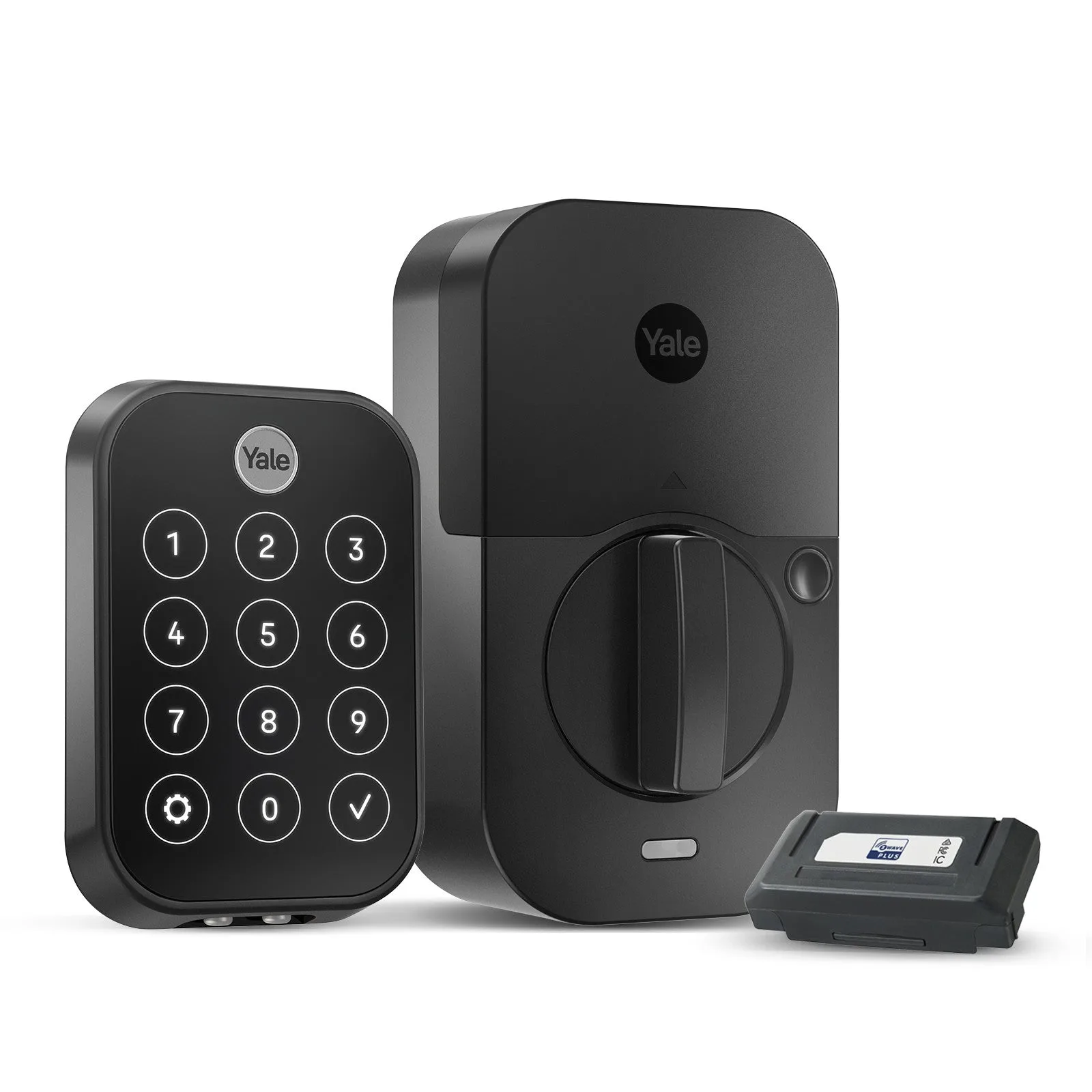
Yale Assure Lock 2 Touch Key-Free with Z-Wave Plus
Which One Should You Choose?
Best for
- Budget-conscious buyers who want a reliable smart lock with Z-Wave Plus
- Households that prefer a simple keypad entry and don't need fingerprint scanning
Not for
- People who want the fastest, hands-free unlocking experience—consider the Touch model instead