Quick answer
The Yale Assure Lock 2 Touch with Z-Wave is a reliable keyless entry smart lock that pairs with Z-Wave hubs, offering touchscreen access, Auto-Lock with DoorSense, and entry code management. It's best if you already have a Z-Wave smart home system.
Why Z-Wave matters for your smart home
Z-Wave is a wireless protocol designed for smart home devices. It creates a mesh network where devices communicate with each other, improving range and reliability. If you already use Z-Wave sensors, lights, or a hub, adding a Z-Wave lock keeps everything in one ecosystem.
Unlike Wi-Fi locks that connect directly to your router, a Z-Wave lock requires a compatible hub (like SmartThings or Ring Alarm). This is a key consideration: if you don't have a Z-Wave hub, you'll need to add one, which adds cost and setup steps.
Keyless entry and access management
The Assure Lock 2 Touch lets you unlock with a touchscreen code, eliminating the need for physical keys. You can share and track entry codes, which is useful for family, guests, or service providers. You can also set unique codes for different people and review activity through your Z-Wave hub.
Auto-Lock with DoorSense® automatically locks the door after you close it, and DoorSense confirms the door is actually shut. This adds security and peace of mind, especially if you're often rushing out.
Trade-offs to consider
The main trade-off is the need for a Z-Wave hub. If you don't have one, you'll lose remote access and smart notifications. Also, the touchscreen can be less responsive in cold weather if you wear thick gloves, though physical keys remain as a backup.
Battery life is another factor. Smart locks run on batteries, and features like Auto-Lock and Z-Wave communication consume power. Plan to check battery levels periodically, and keep the physical key handy as a backup.
Decision rules for choosing the Assure Lock 2 Touch with Z-Wave
- Do you already use a Z-Wave hub?: If yes, this lock integrates seamlessly. If no, you'll need to purchase a compatible hub to unlock its full smart features. Check your existing smart home hub compatibility before buying.
- Do you want keyless entry?: If you want to ditch keys and use a touchscreen code, this lock is a great fit. If you prefer physical keys, consider a model with a key override.
- Do you need automatic locking?: If you often forget to lock the door, Auto-Lock with DoorSense ensures it locks after closing and confirms the door is shut. Test the Auto-Lock feature during setup to adjust the delay time.
- Do you manage multiple users?: If you need to share and track entry codes for family or guests, this lock supports that through your Z-Wave hub. Set up unique codes for each user to track activity accurately.
Product facts
-
Yale Assure Lock 2 Touch with Z-Wave: The Yale Assure Lock 2 Touch with Z-Wave offers multiple ways to unlock, share and track entry codes, and Auto-Lock with DoorSense®. You get flexible keyless entry and automatic locking, which simplifies daily access and enhances security.
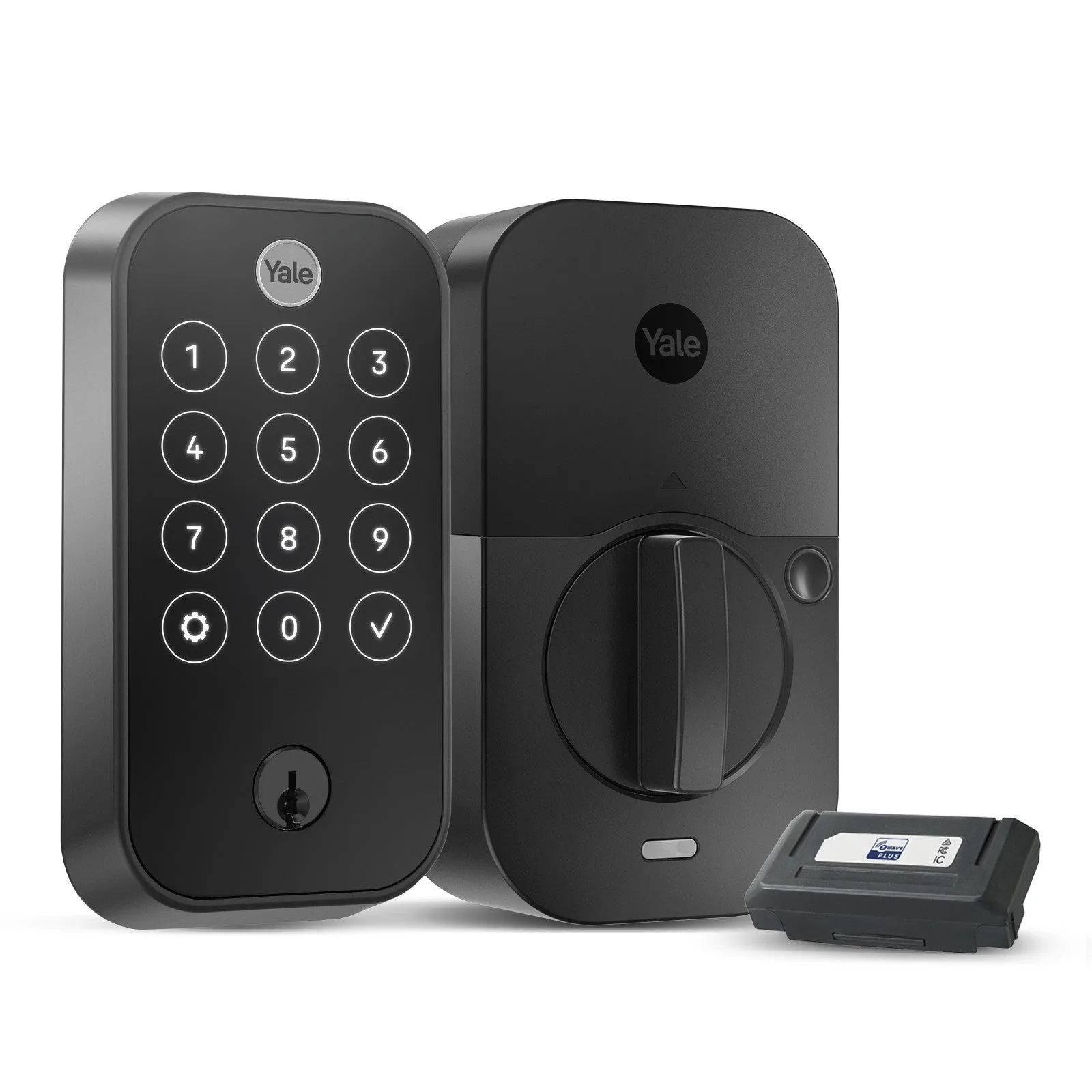
Yale Assure Lock 2 Touch with Z-Wave
Who should buy this lock?
Best for
- Homeowners with an existing Z-Wave smart home system
- People who want keyless entry and automatic locking
Not for
- Those without a Z-Wave hub who want remote access via Wi-Fi
- Renters who cannot modify the door or need a simple Wi-Fi setup