Quick answer
If you want a sleek, touchscreen keypad that wakes on touch, the Yale Assure Lock 2 Key-Free Touchscreen is your pick; if you prefer a traditional keypad with built-in Wi-Fi and a lower price, the Keypad with Wi-Fi model delivers.
Touchscreen vs keypad: what actually changes
The Yale Assure Lock 2 Key-Free Touchscreen and Keypad with Wi-Fi share the same core smart lock features: multiple ways to unlock, shareable and trackable entry codes, and Auto-Lock with DoorSense®. The main difference is how you enter your code and how the lock connects to your network.
The Touchscreen model uses a smooth glass panel that lights up when you touch it, giving a modern, minimalist look. The Keypad with Wi-Fi has a traditional raised button layout that many people find easier to press in the dark or with gloves.
Both are key-free, so you never need a physical key. But the Keypad with Wi-Fi includes built-in Wi-Fi, while the Touchscreen model relies on Bluetooth unless you choose a Wi-Fi add-on. That distinction matters if you want to control the lock from anywhere without extra hardware.
Why the touchscreen trade-off might be worth it
The Touchscreen model is often chosen for its clean, contemporary look. The glass surface is easier to wipe clean and doesn't have crevices where dirt can collect. However, some users find touchscreens less responsive when fingers are wet or gloved, and the touch panel may require a more deliberate press.
If you frequently come home with groceries or in a hurry, the raised buttons on the Keypad model might be more forgiving. But if you value curb appeal and a seamless front door, the Touchscreen's design is a strong argument.
Trade-offs at a glance
- Entry method: Touchscreen: sleek glass panel that lights on touch; Keypad: traditional raised buttons that are easier to press with gloves. Think about your typical hand condition when you arrive home.
- Connectivity: Keypad with Wi-Fi has built-in Wi-Fi; Touchscreen uses Bluetooth, so you'll need a Wi-Fi add-on for remote access. If remote control is a must, the Keypad with Wi-Fi is simpler out of the box.
- Price: The Keypad with Wi-Fi is priced lower than the Touchscreen model, making it a budget-friendly choice without sacrificing smart features. Consider whether the Touchscreen's design is worth the extra cost.
Product facts
-
Yale Assure Lock 2 Key-Free Touchscreen with Bluetooth: The Yale Assure Lock 2 Key-Free Touchscreen with Bluetooth offers multiple ways to unlock, shareable and trackable entry codes, and Auto-Lock with DoorSense®. It gives you flexible key-free entry and automatic locking, but Bluetooth means you'll need a separate Wi-Fi bridge for remote access.
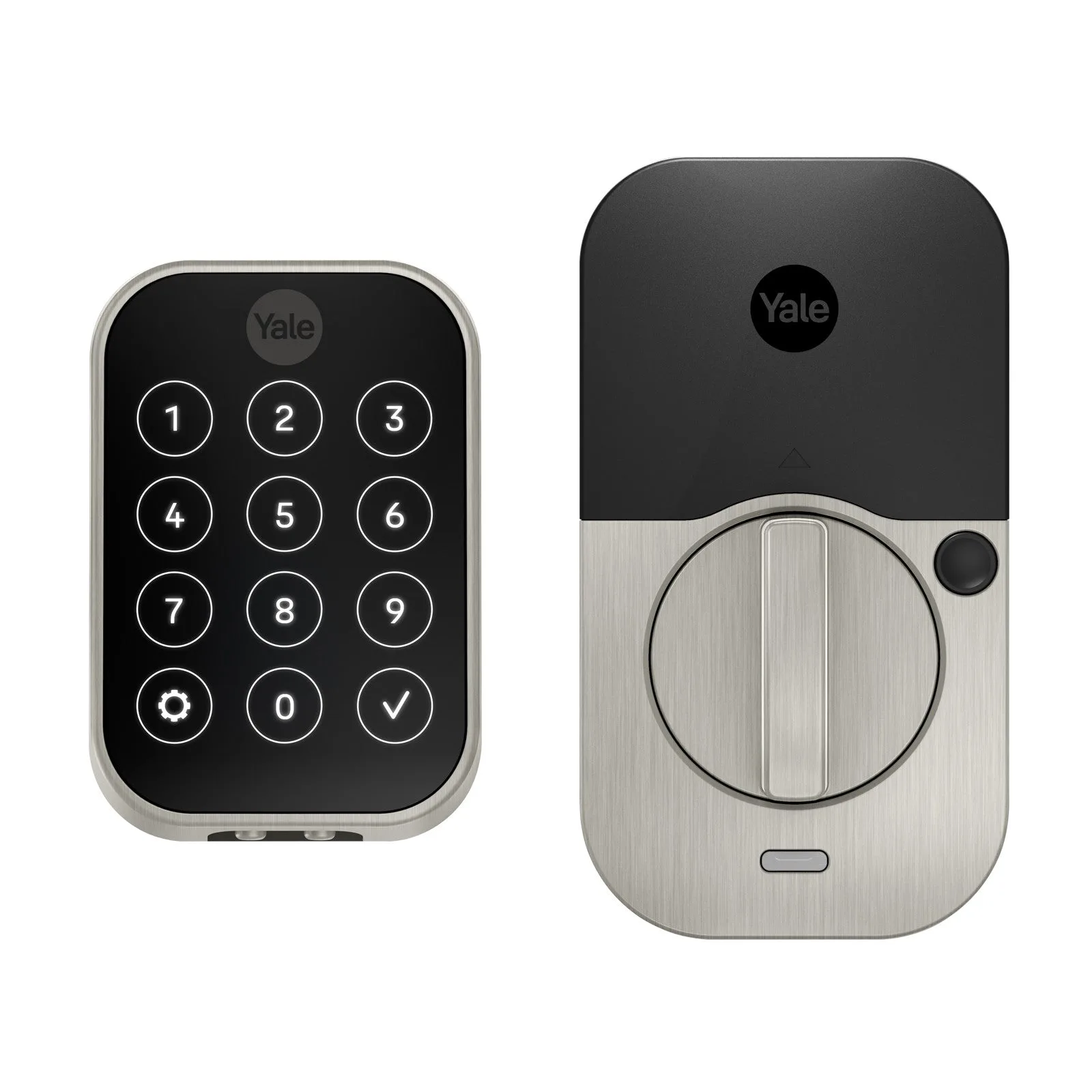
Yale Assure Lock 2 Key-Free Touchscreen with Bluetooth
-
Yale Assure Lock 2 Key-Free Keypad with Wi-Fi: The Yale Assure Lock 2 Key-Free Keypad with Wi-Fi includes built-in Wi-Fi, along with the same multiple unlock methods, entry code sharing, and Auto-Lock with DoorSense®. Built-in Wi-Fi lets you control and monitor the lock from anywhere without buying extra accessories, and it's priced lower than the Touchscreen model.
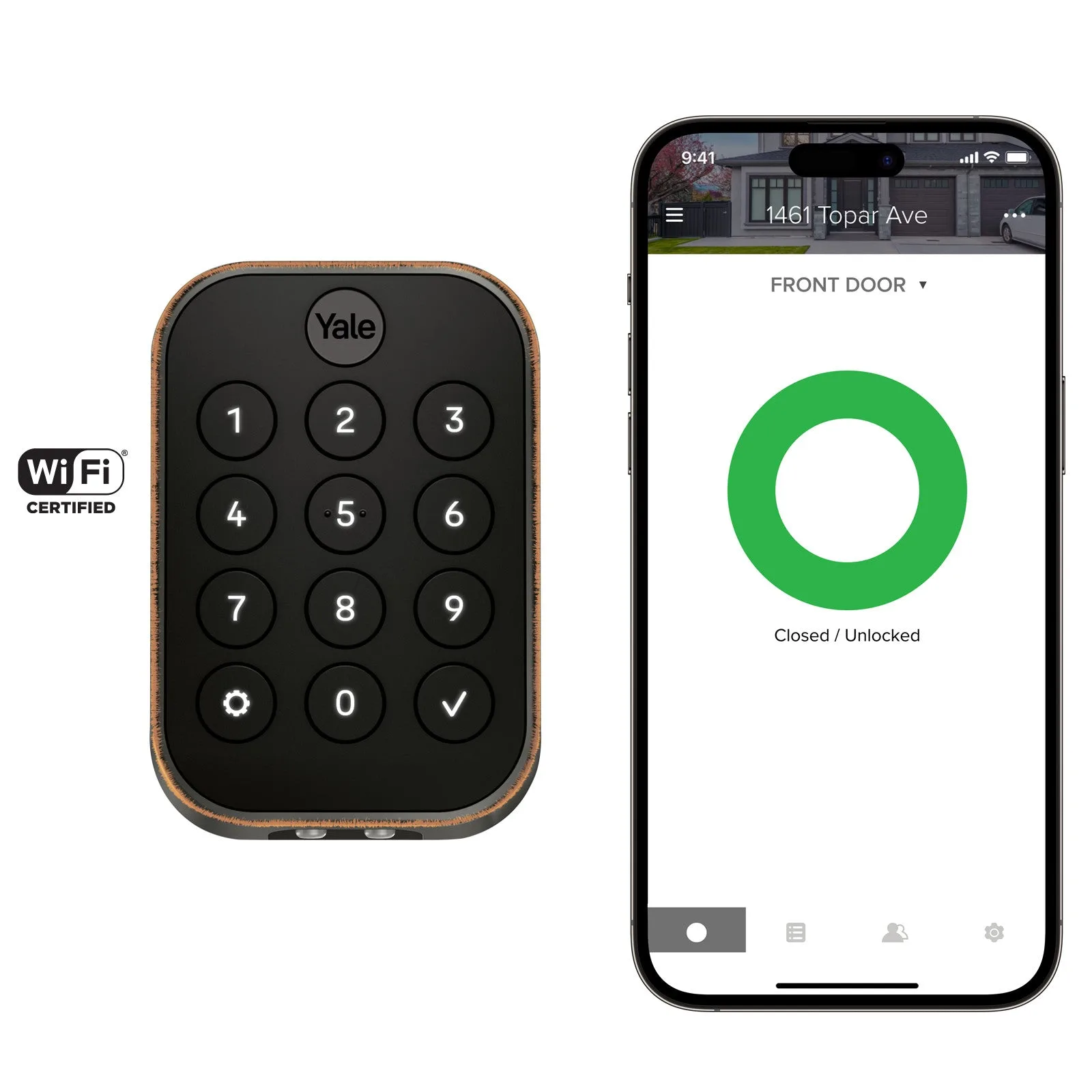
Yale Assure Lock 2 Key-Free Keypad with Wi-Fi
Which lock fits you?
Best for
- Homeowners who want a modern, minimalist look and don't mind using a touchscreen
- People who plan to control the lock via Bluetooth and are okay adding a Wi-Fi bridge later
Not for
- Those who want built-in Wi-Fi without extra accessories—choose the Keypad with Wi-Fi instead
- Users with limited hand mobility or who frequently wear gloves—a keypad might be easier to operate