Quick answer
A beep without an unlock almost always means the lock is telling you something is wrong before it moves the bolt. Start with fresh batteries, then confirm your entry code and check whether the deadbolt is binding in the strike plate. Only reset the lock after those three checks fail, because a reset wipes stored codes and settings.
A beep is not the same as a failure. On most Yale keypad locks, the sound is feedback: the lock accepted your input but stopped short of throwing the bolt. That distinction matters, because it tells you whether you are chasing a power problem, a code problem, or a mechanical problem.
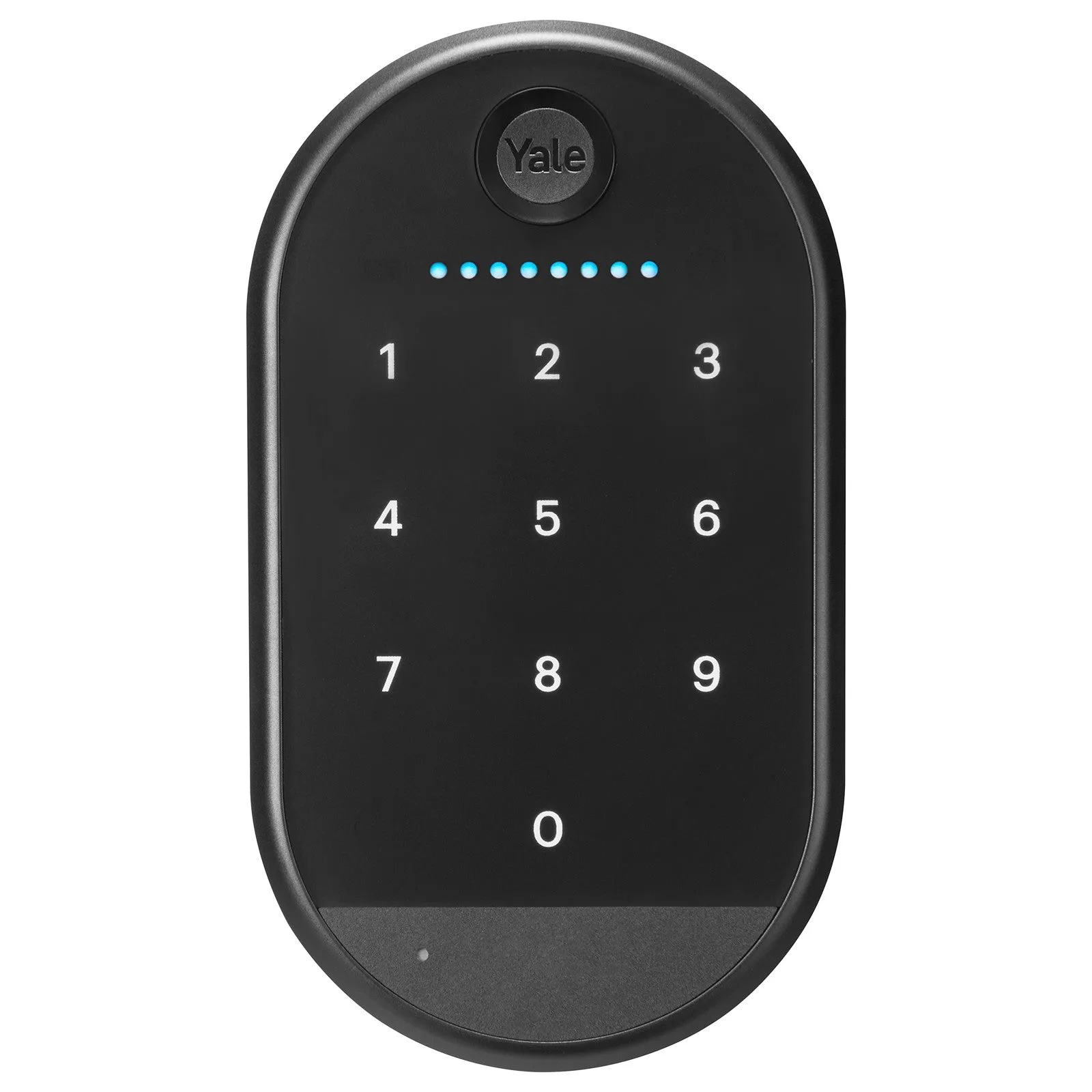
Yale keypad
The order below matters more than the individual steps. Most people jump straight to a reset, which erases codes and app pairings and rarely fixes a hardware issue. Work from the cheapest, least destructive check to the most disruptive one, and stop as soon as the lock behaves normally.
Symptom: it beeps, the keypad lights up, but the bolt never moves
This is the classic battery or motor-strain pattern. The keypad has enough power to beep and light up, but not enough to drive the motor that retracts the deadbolt. If the lock beeps once and nothing happens, replace the batteries with fresh alkaline cells before you touch any settings.
If new batteries change nothing, listen closely to the sound. A single short beep is usually an input or code rejection. Repeated beeping, or a beep after a delay, more often points to the lock struggling mechanically. That difference decides whether you keep troubleshooting electronics or move on to the door itself.
- Use fresh alkaline batteries rather than rechargeable cells, which often sit at a lower voltage.
- Replace all batteries at once instead of mixing old and new.
- After replacing batteries, test the lock with the door open so you can see the bolt move.
Cause: the deadbolt is binding in the strike plate
A deadbolt that rubs against the strike plate draws more current than the motor can supply, so the lock gives up and beeps instead of unlocking. This is especially common in humid or cold months when a door and frame swell or shift slightly. Test it by opening the door and unlocking with the door standing open.
If the lock works perfectly with the door open but fails when the door is closed, you have found your answer: it is alignment, not electronics. Loosen the strike plate screws slightly, nudge the plate until the bolt slides without contact, then retighten. Do not file or force the bolt.
- Open-door test: if it unlocks with the door open, the problem is alignment.
- Check that the bolt extends fully by hand with the door open.
- If the door has warped or the frame has moved, a locksmith or carpenter is the right next call.
Cause: the entry code was rejected or was never saved
A smart lock code not working is often a programming issue rather than a hardware one. If you added the code but never completed the save step, or if you exceeded the lock's code limit, the keypad may beep and refuse entry. Delete the code and re-add it slowly, confirming each keypress registers.
If you are troubleshooting a Yale Assure Lock 2, remember that codes can also be managed in the app. A code that exists in the app but was never synced to the lock will not work at the keypad. Re-send the code from the app and wait for confirmation before testing.
- Enter the code slowly and watch for a light or beep after each digit.
- Delete and recreate the code rather than editing it in place.
- If you changed your phone or app account, re-sync codes to the lock.
Cause: the lock needs a reset, and what that costs you
If batteries are fresh, the door is aligned, and the code is confirmed, a reset yale smart lock procedure is the next step. Be clear about the tradeoff: a reset typically clears stored entry codes and app pairings, so you will need to set the lock up again from scratch. Do this when you have your phone and instructions handy, not when you are locked out.
Before resetting, check whether your lock has a key override or a physical key. If it does, use that to get inside first so you are not stranded. If the lock has no keyway and the reset fails, you will need a locksmith or a replacement.
- Have your app login and setup instructions ready before you reset.
- Use a key override first if your model has one.
- After reset, re-add one code and test it before adding the rest.
When to stop troubleshooting and change approach
Stop and call a locksmith if the bolt will not move even with the door open and fresh batteries installed. That points to a failed motor or gear assembly inside the lock, which is not a user-serviceable part. Repeated resets will not fix it and will only cost you your saved codes.
Stop and consider a different lock if your door has unusual alignment, extreme exposure to weather, or a history of binding. In those cases, a mechanical deadbolt or a lockset with a different bolt design may be more reliable than repeatedly nursing a smart lock. Matching the lock to the door matters more than the feature list.
- No bolt movement with the door open and new batteries: hardware failure, not settings.
- Repeated binding after alignment: the door or frame needs professional attention.
- If you rent, get landlord approval before replacing or resetting a lock.
Diagnosis checklist: match the symptom to the next action
- Beeps, lights up, bolt does not move: Replace all batteries with fresh alkaline cells and test with the door open. If it unlocks with the door open, the issue is alignment, not power.
- Works with door open, fails when closed: Adjust the strike plate so the bolt slides without rubbing, then retighten. If it still binds, the door or frame needs professional adjustment.
- Code rejected, no bolt movement: Delete the code, re-add it slowly, and re-sync from the app if you use one. If the code works in the app but not at the keypad, the sync failed.
- Fresh batteries, aligned door, valid code, still beeps: Perform a reset only after confirming you have a key override or another way inside. A reset clears codes and pairings, so treat it as a last resort.
- No bolt movement with the door open and new batteries: The motor or gear assembly has likely failed and is not user-serviceable. Stop troubleshooting and contact a locksmith or replace the lock.
Models and parts that affect your fix
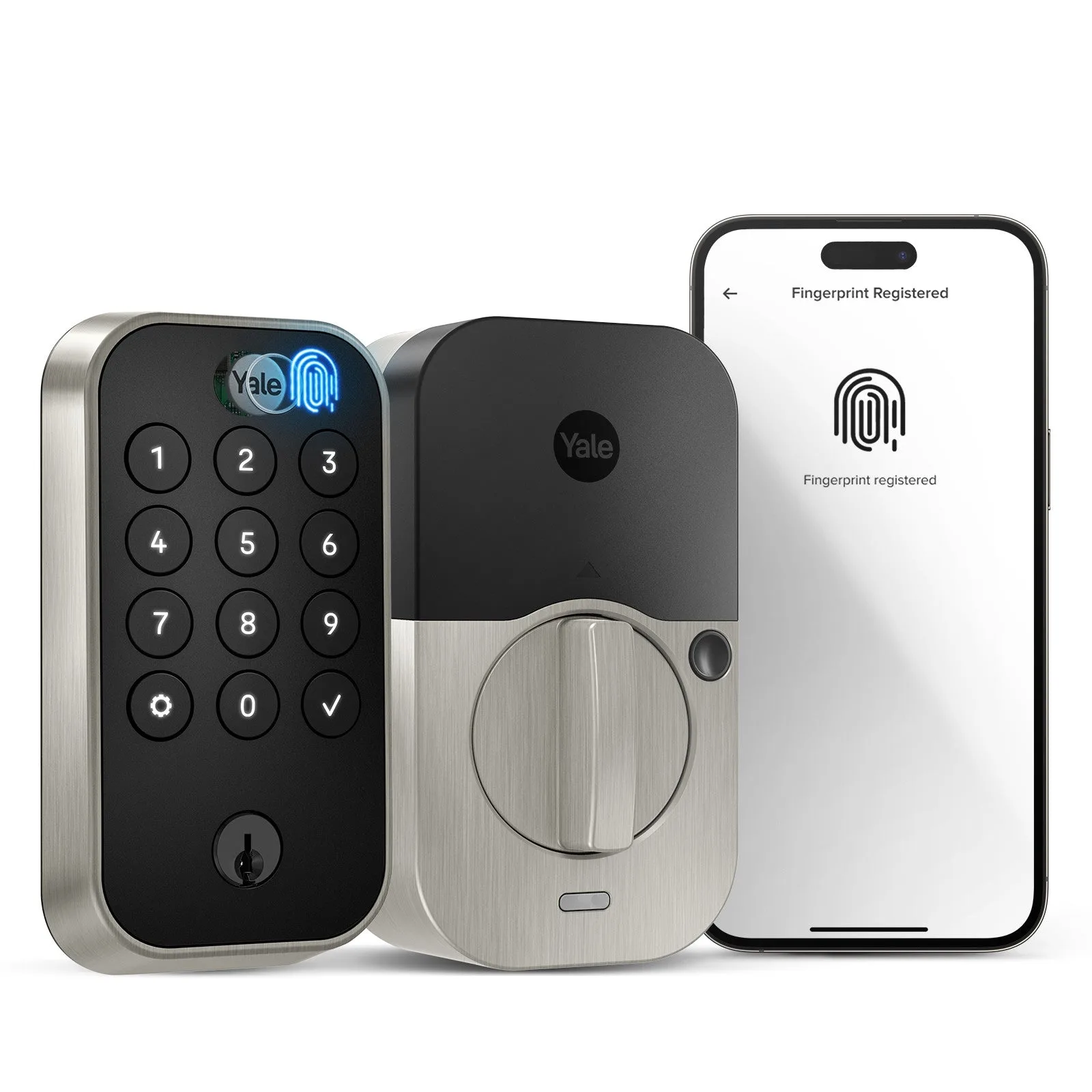
- Yale Assure Lock 2 Touch Key Free with Wi-Fi: Multiple ways to unlock, the ability to share and track entry codes, and Auto-Lock with DoorSense. Auto-Lock with DoorSense depends on the door closing correctly, so a misaligned door can trigger repeated locking behavior that looks like a keypad fault.
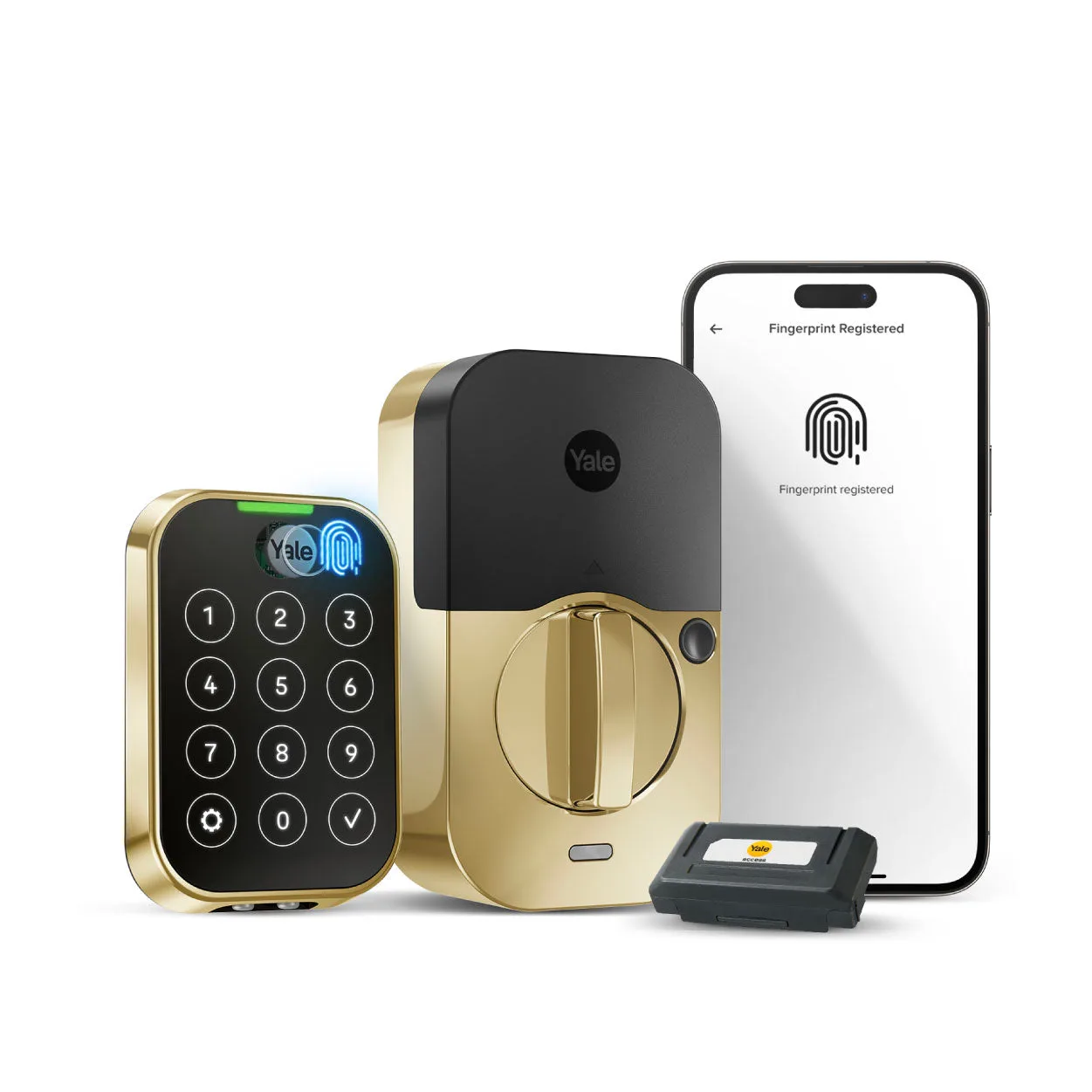
- Yale Assure Lock 2 Touch Keypad: Available option types include Function, Technology, and Finish. If you are replacing a failed lock, confirm the function and technology options match your door and app setup before ordering, since those choices determine compatibility.
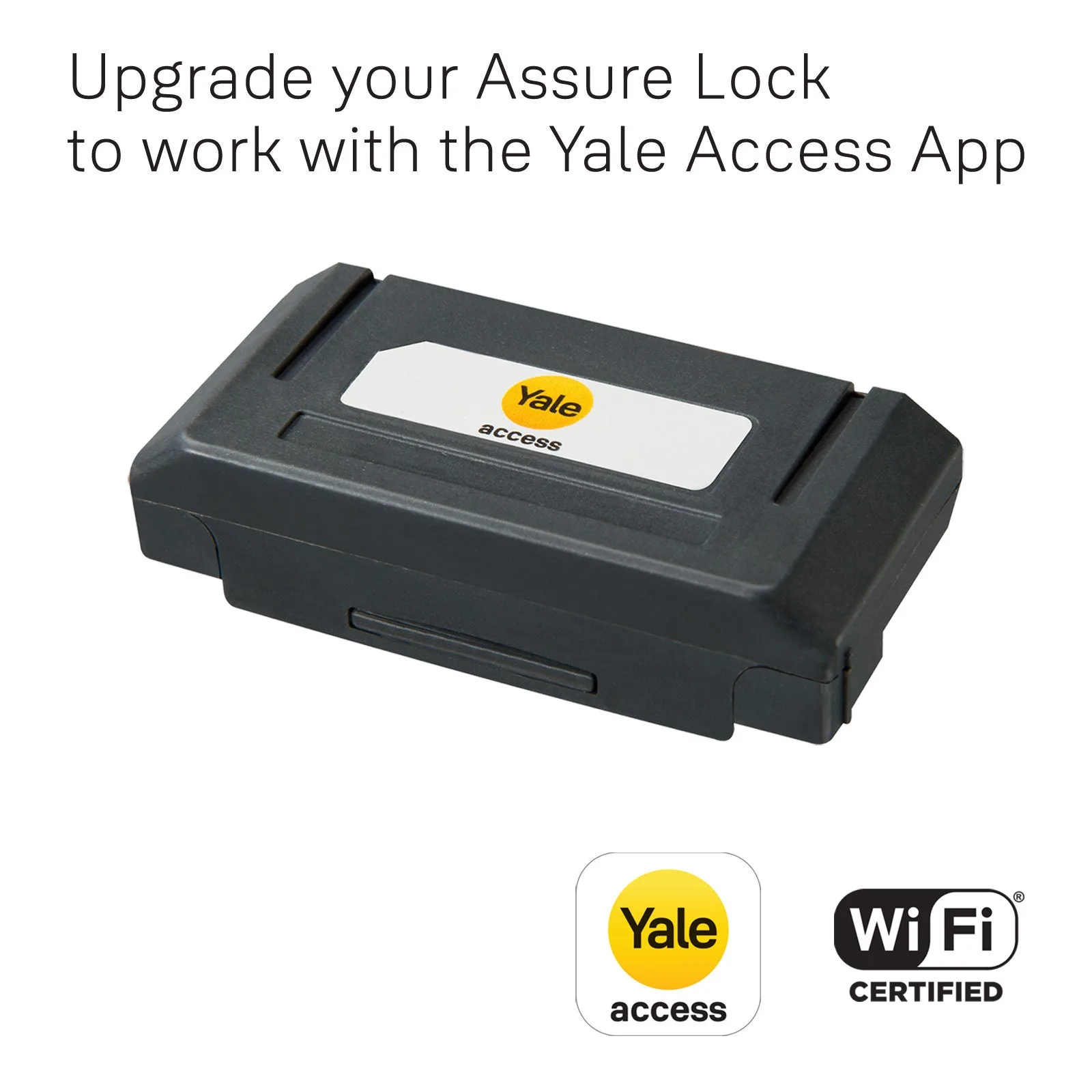
- Yale Wi-Fi Smart Module for Assure Locks and Levers: Accessory module for Assure locks and levers. If app-based code changes are not reaching the lock, the module is the part that handles that connection, so it is worth checking before you reset everything.
Most beeping keypad locks are solved by fresh batteries, a strike plate nudge, or a re-saved code. Reset only after those fail, and call a professional when the bolt itself stops moving.