Quick answer
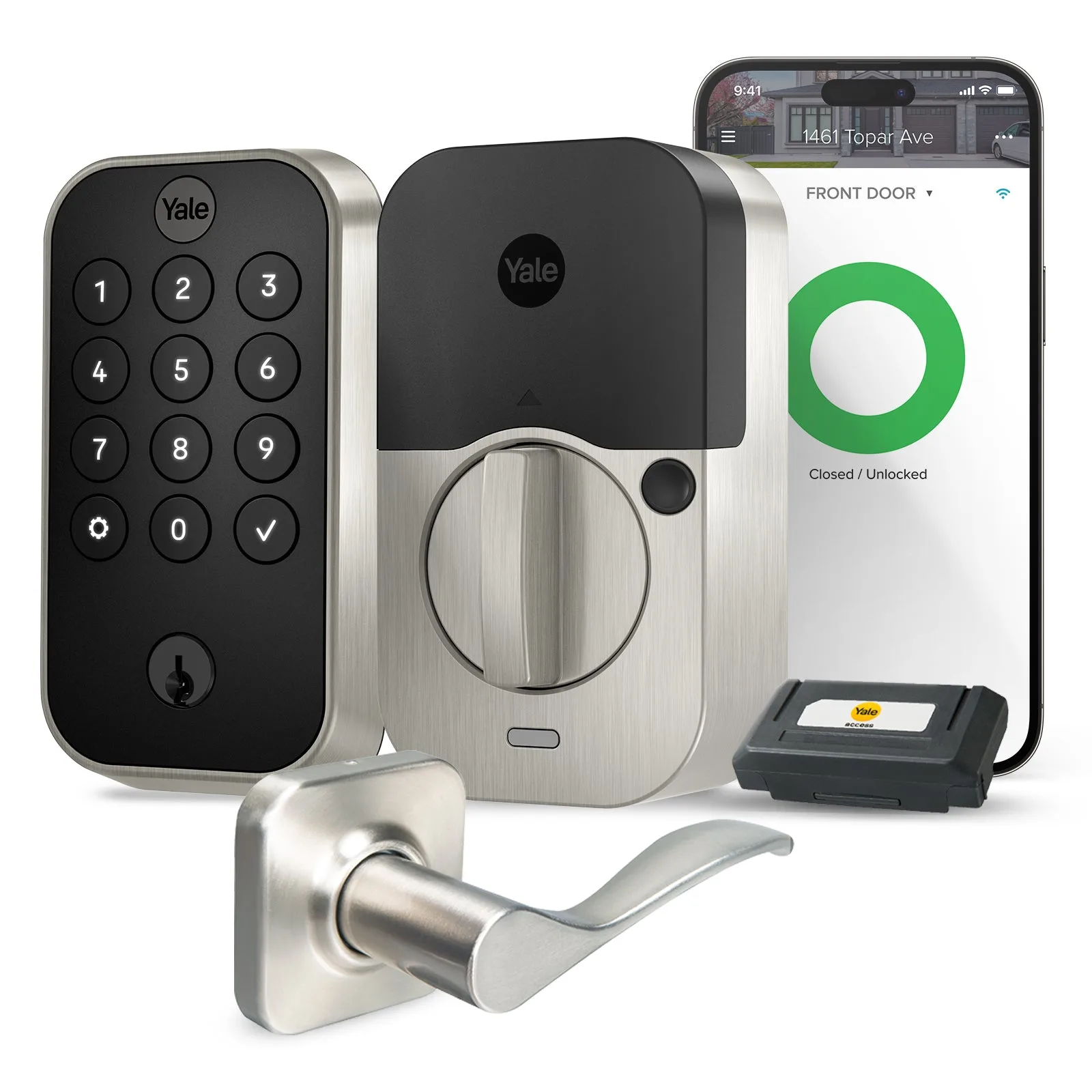
A smart safe and a keypad lock are not competitors; they protect different things. A keypad lock controls who enters your home, while a safe protects valuables inside it. If you are choosing where to start, pick the layer that matches your biggest worry. If porch theft or forgotten keys top your list, start with a keypad lock such as the https://yalehomeju.com/products/yale-assure-lock-2-keypad-with-wi-fi-and-norwood-lever-e2292485e757886d96d64ecf-1480680Yale Assure Lock 2 Keypad with Wi-Fi and Norwood Lever. If documents, jewelry, or passports are the concern, a safe comes first.
Most people searching for a smart safe or a keypad lock are really asking one question: what is the weakest point in my home security right now? A door lock and a safe answer different versions of that question, and buying the wrong one first leaves an obvious gap.
This comparison looks at how a Yale smart safe and Yale keypad locks differ in access, app control, and everyday use, using the product facts available in the Yale catalog. Where a specification is not published, we say so rather than guess.
What each product actually protects
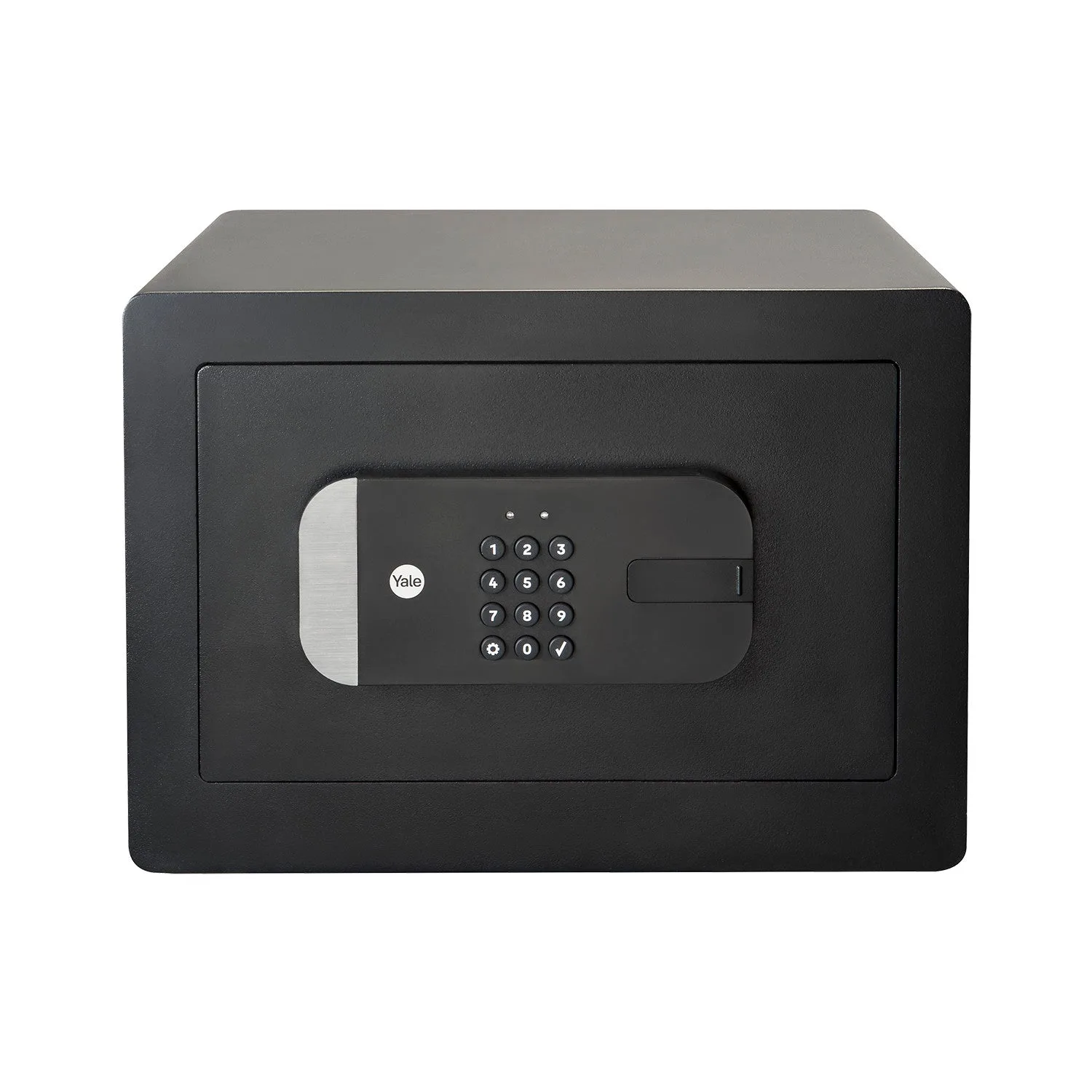
A keypad lock replaces the lock on an entry door. It controls who can come and go, and it can hand out temporary codes to guests or service providers. A safe sits inside the home and protects items that should never walk out the door, such as documents, jewelry, or backups. The two work as layers, not substitutes.
That difference shapes every buying decision. A lock is judged on access management: codes, schedules, and whether you can check activity remotely. A safe is judged on what it holds and how you get into it. If you own neither, decide which risk is more immediate before comparing prices.
- Lock first if the worry is break-ins, lost keys, or tracking who enters.
- Safe first if the worry is theft of specific valuables or fire-related loss of documents.
Access and app control compared
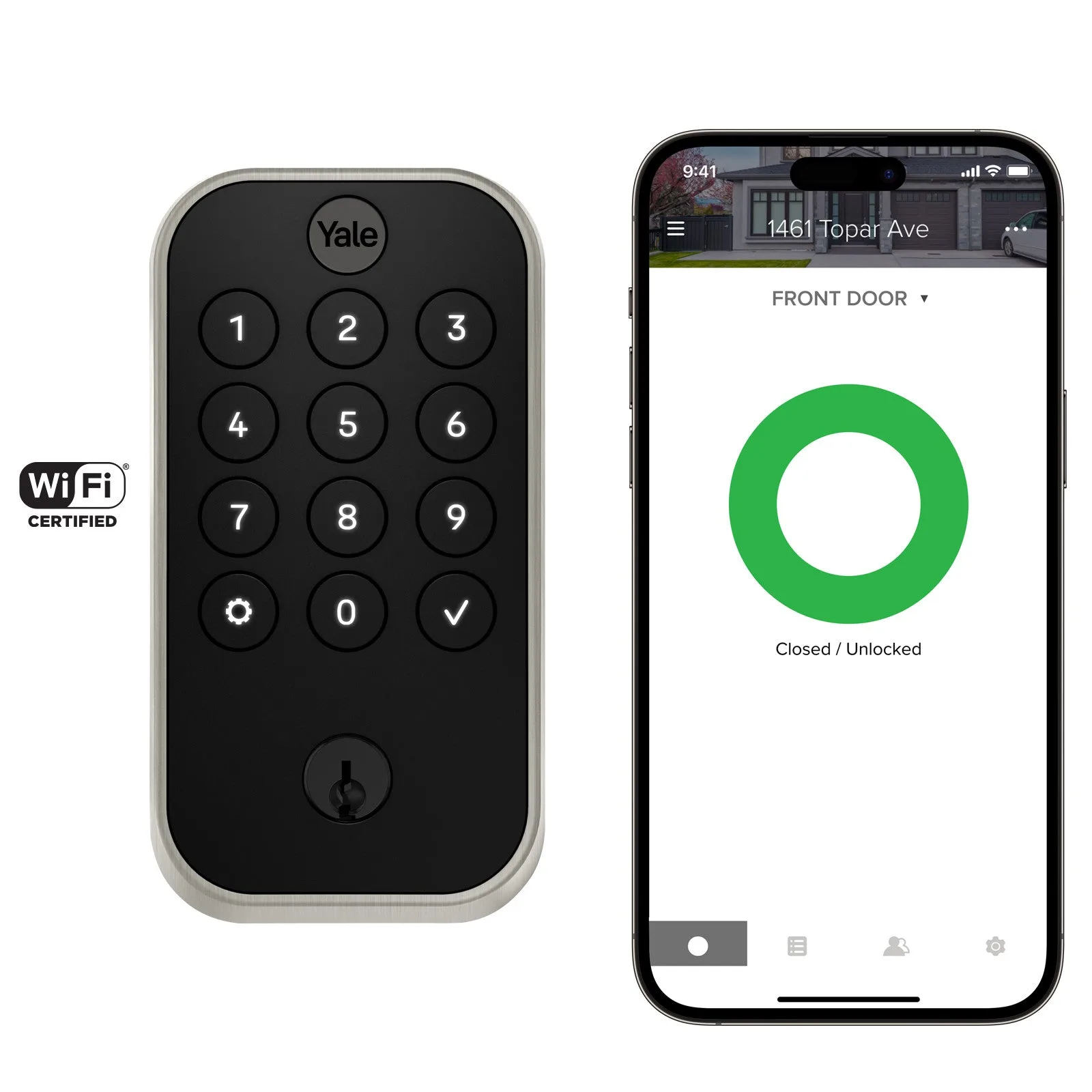
Yale keypad locks lean heavily on app-based access. The Yale Assure Lock 2 Keypad with Wi-Fi Connect - For Vacation Rental Hosts supports multiple ways to unlock, sharing and tracking entry codes, and Auto-Lock with DoorSense. That combination suits households that need to grant and revoke access often without handing over a physical key.
The Yale August Wi-Fi Smart Lock with Keypad takes a similar approach with Auto-Unlock, unique entry codes on the keypad, custom codes for guests, recurring or temporary access schedules, and an Activity Feed in the app. A smart safe uses app control for a different purpose: confirming the safe is locked, reviewing access, and managing codes for the safe itself rather than the front door.
- Match the app features to your routine: guest codes for rentals, activity history for shared homes.
- If you rarely share access, a simpler mechanical option can be enough.
Where each option fits in a security plan
Think in layers. The outer layer is the entry door, where a keypad lock such as the Yale Assure Lock 2 Keypad with Wi-Fi and Norwood Lever handles daily access and guest codes. The inner layer is the safe, which protects what a burglar would otherwise carry out even if they never touch the door.
For renters and frequent hosts, the door layer usually delivers more day-to-day value because it removes key handoffs. For homeowners with documents, heirlooms, or business inventory on site, the safe layer closes a gap a door lock cannot. Many households eventually add both, but the order should follow your actual risk.
- Write down your top three security worries before choosing a product.
- Add the second layer only after the first one is working reliably.
Price and value trade-offs
Catalog pricing shows how differently these categories are positioned. The Yale Assure Lever Keypad with Z-Wave Plus is listed at USD 115.00 against a comparison price of USD 229.99, and the Yale Assure Lock 2 Touch Keypad with Z-Wave is also USD 115.00 against USD 229.99. The Yale Assure Lock 2 Keypad with Wi-Fi and Norwood Lever is listed at USD 137.50 against USD 274.99, while the Yale August Wi-Fi Smart Lock with Keypad is USD 270.00 against USD 540.00.
Those figures cover door hardware only; the catalog does not publish safe pricing here, so treat any safe budget as a separate line. The practical takeaway is that a capable keypad lock can cost less than many people expect, which makes the door layer an easy first upgrade. A safe is a larger, longer-term purchase tied to what you store.
- Compare listed price against the comparison price to see current savings.
- Budget for the safe as its own line item rather than folding it into door hardware.
Trade-offs to weigh before you buy
- Door lock versus safe: A keypad lock manages entry; a safe protects valuables already inside. Buying one does not cover the other risk. Name your top risk first, then buy the layer that addresses it.
- App control versus simplicity: Wi-Fi models add code sharing, schedules, and activity history; simpler keypad models trade those features for a lower price. Choose app features only if you will actually use guest codes or activity logs.
- Listed price versus comparison price: Several Yale keypad locks show savings against a higher comparison price, but safe pricing is not published in this catalog. Confirm the current price at checkout and budget the safe separately.
- Missing specifications: Some catalog records do not list dimensions, battery life, or safe capacity. Verify those details on the product page before committing.
Keypad locks in the Yale catalog
- Yale Assure Lever Keypad with Z-Wave Plus: Listed at USD 115.00 with a comparison price of USD 229.99; options cover Function, Technology, and Finish. A lower entry point for adding keypad access, with finish choices to match existing hardware.
- Yale Assure Lock 2 Keypad with Wi-Fi and Norwood Lever: Listed at USD 137.50 with a comparison price of USD 274.99; options cover Function, Technology, and Finish. A front door bundle that pairs Wi-Fi access with a lever handle for a complete entry upgrade.
- Yale Assure Lock 2 Keypad with Wi-Fi Connect - For Vacation Rental Hosts: Supports multiple ways to unlock, sharing and tracking entry codes, and Auto-Lock with DoorSense. Built around frequent guest turnover, so hosts can issue and revoke codes without meeting anyone.
- Yale August Wi-Fi Smart Lock with Keypad: Offers Auto-Unlock, unique entry codes on the keypad, custom guest codes, recurring or temporary access schedules, and an Activity Feed. The strongest fit for households that want detailed visibility into who comes and goes.
Which should you choose?
Choose a keypad lock if
- You want to stop handing out physical keys to guests, cleaners, or renters.
- You need to see who entered and when through an app activity feed.
- Your main worry is the front door rather than items stored inside.
Choose a smart safe instead if
- Your primary concern is jewelry, documents, or passports being carried out.
- You need protection for valuables even when no one uses the door.
- You want a single secure place for items you would otherwise hide in a drawer.
A keypad lock and a smart safe solve different problems, so the right first purchase depends on which risk feels more urgent. Start with the layer that closes your biggest gap, then add the other when the budget allows.