Quick answer
Mount the YN600EX-RT on your Canon EOS hot shoe, set the camera to manual exposure, and start in E-TTL to confirm communication. For off-camera work, switch the flash to radio master or slave, match the 2.4GHz channel and ID on every unit, then move to manual power once the link is stable.
Why radio changes your Canon EOS flash workflow
The YN600EX-RT uses a 2.4GHz radio system with 15 channels and Canon E-TTL compatibility, so it can act as a master or slave without line-of-sight. That makes it practical for off-camera speedlite setups where optical triggering would struggle in bright rooms or around corners. The trade-off is that radio pairing adds a step: every flash in the group must share the same channel and ID before TTL or manual power will respond.
When E-TTL is enough and when to switch to manual
E-TTL is the faster starting point for on-camera bounce or a single off-camera flash because the camera meters the scene and sets flash output. It can be inconsistent when your subject moves between bright and dark areas, or when a slave flash is partly blocked. Manual mode gives repeatable output once you have a working distance and power setting, but it requires test shots and adjustments. Use E-TTL to confirm the radio link, then move to manual for predictable results in a fixed setup.
Battery and recycle expectations
The YN600EX-RT runs on four AA batteries and is rated for a three-second recycle time with alkaline cells. That is workable for portrait or event pacing, but rapid bursts will drain alkalines and slow recycling. Rechargeable NiMH AAs are a practical alternative for repeated off-camera sessions, though the catalog does not specify a recycle time for that battery type, so test your own set before a paid shoot.
Step-by-step setup for the YN600EX-RT on Canon EOS
- Mount and power on: Slide the YN600EX-RT into the Canon EOS hot shoe, tighten the locking ring, and turn on both camera and flash. Check that the flash screen responds when you press the camera shutter halfway. If the screen stays dark, reseat the flash and confirm the camera hot shoe is clean before troubleshooting settings.
- Set camera exposure mode: Set the camera to Manual exposure and choose a shutter speed at or below your camera's flash sync speed. Use an aperture and ISO that give a reasonable ambient exposure for the room. A shutter speed above sync speed can produce black bands; lower it until the band disappears.
- Confirm E-TTL communication: Set the flash to E-TTL mode and take a test shot with the flash on-camera. Adjust flash exposure compensation if the result is too bright or dark. If E-TTL does not fire, clean the hot-shoe contacts and check that the flash is fully seated before changing modes.
- Pair radio master and slave: On the master unit, enable radio master mode and note the channel and ID. On each slave, enable radio slave mode and set the same channel and ID. Keep the master within radio range and avoid placing the slave behind metal surfaces. Mismatched channel or ID is the most common reason a slave ignores the master; verify both on every unit.
- Test TTL off-camera, then switch to manual: Fire a test shot in TTL to confirm the radio link and exposure. Once the link works, switch the slave to manual power and adjust output in steps until the subject is correctly exposed. Write down the manual power and distance that worked so you can repeat the setup quickly.
- Use high-speed sync only when needed: If you need a shutter speed above sync speed for wide apertures in bright light, enable high-speed sync on the flash and camera. Expect reduced flash range and longer recycle times. Turn high-speed sync off for indoor or low-light work to preserve output and battery life.
Product facts
-
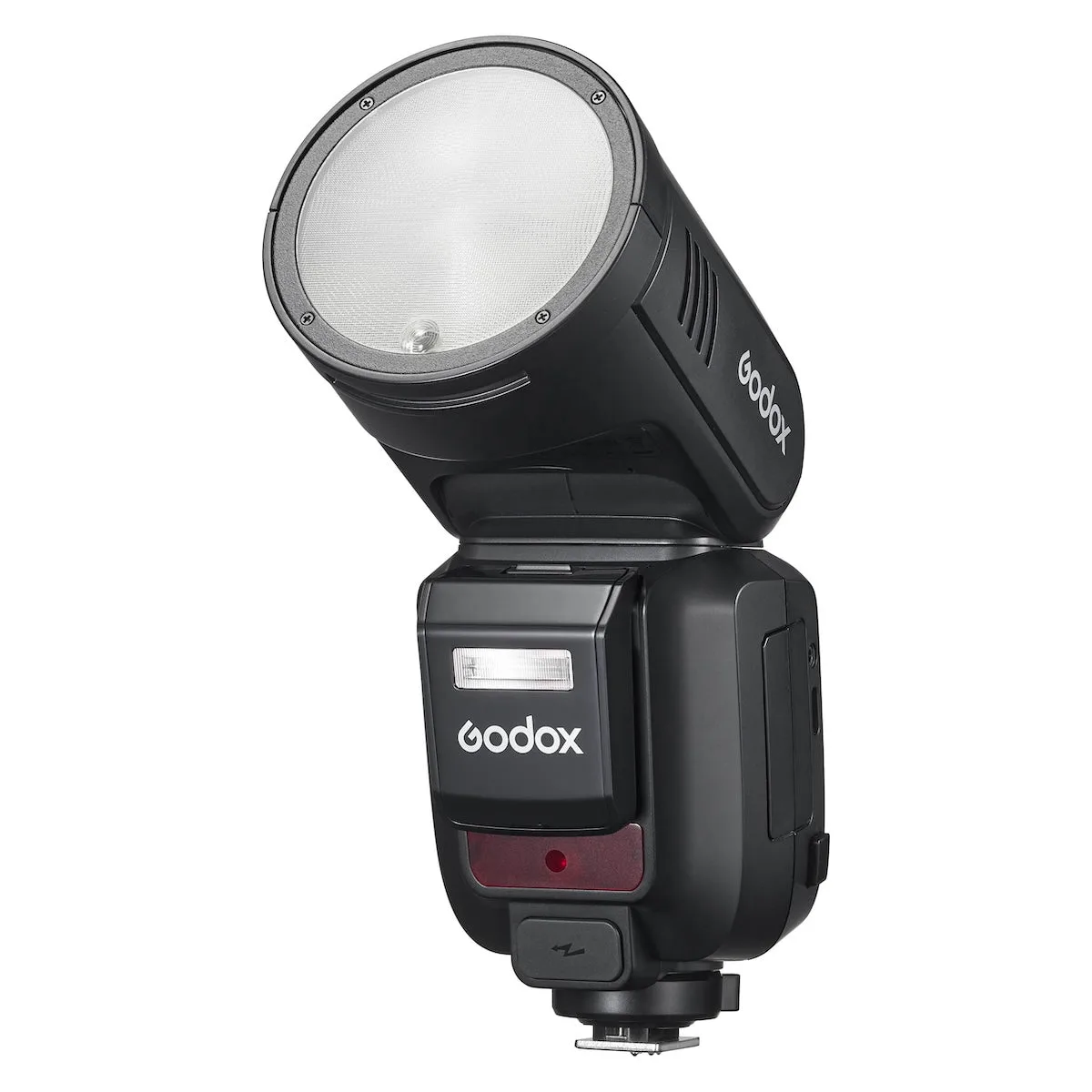
Yongnuo YN600EX-RT Speedlite for Canon EOS Cameras: Canon-compatible 2.4GHz radio with 15 channels and E-TTL / E-TTL II support. Lets you trigger the flash off-camera without optical line-of-sight, provided every unit is set to the same channel.

Yongnuo YN600EX-RT Speedlite for Canon EOS Cameras
-
Yongnuo YN600EX-RT Speedlite for Canon EOS Cameras: Guide number of 197' at ISO 100 and 200mm zoom, with a 20-200mm zoom range (14mm with panel). Gives enough output for bounced or diffused light at typical indoor distances, while the wide panel covers 14mm full-frame views.
-
Yongnuo YN600EX-RT Speedlite for Canon EOS Cameras: Tilts from -7 to +90 degrees and rotates 180 degrees left and right. Supports ceiling bounce and vertical portrait orientation without removing the flash from the camera.