What the Zakeke Design Tool Lets You Do
The Zakeke design tool gives you a way to see how your custom logo will look on a Vertagear chair before you place the order. Using high-quality laser engraving technology, the service can personalize your chair with any logo that fits the engraving guidelines. The preview shows the placement and scale of your design, so you can make adjustments before committing.
How to Preview Your Custom Logo on a Vertagear Chair
- Select your chair edition: Choose the Vertagear chair model you want to customize. The Light Up Your Logo service is available for specific editions, such as the PL4500 Edition, PL4800 Edition, and others. Each edition has its own product page where you can start the customization.
- Open the Zakeke design tool: On the product page, look for the customization interface. Upload your logo file, making sure it meets the engraving guidelines for size, resolution, and format. The tool will display a live preview of your logo on the chair.
- Adjust and review the preview: Use the tool to position, scale, or rotate your logo as needed. The preview updates in real time, so you can see exactly how the final engraving will appear. Take your time to ensure the design looks right from every angle shown.
- Finalize and place the order: Once you are satisfied with the preview, proceed to checkout. Note that after your custom logo order is placed, no changes can be made. Double-check the preview carefully before confirming.
Important Limitations to Keep in Mind
The preview is a simulation based on your uploaded file and the chair model. The actual engraving will match the preview closely, but minor variations in color or finish are possible due to the laser engraving process. Also, the RGB kit that lights up the logo is sold separately and is not included with the personalization service. Make sure your logo fits the engraving guidelines to avoid rejection or quality issues.
Key Facts About the Light Up Your Logo Service
-
Light Up Your Logo - PL4500 Edition: High-quality laser engraving technology allows you to personalize any logo of your choice as long as it fits our engraving guidelines. This confirms that the preview is based on actual laser engraving, not a sticker or print, so the result is durable and precise.
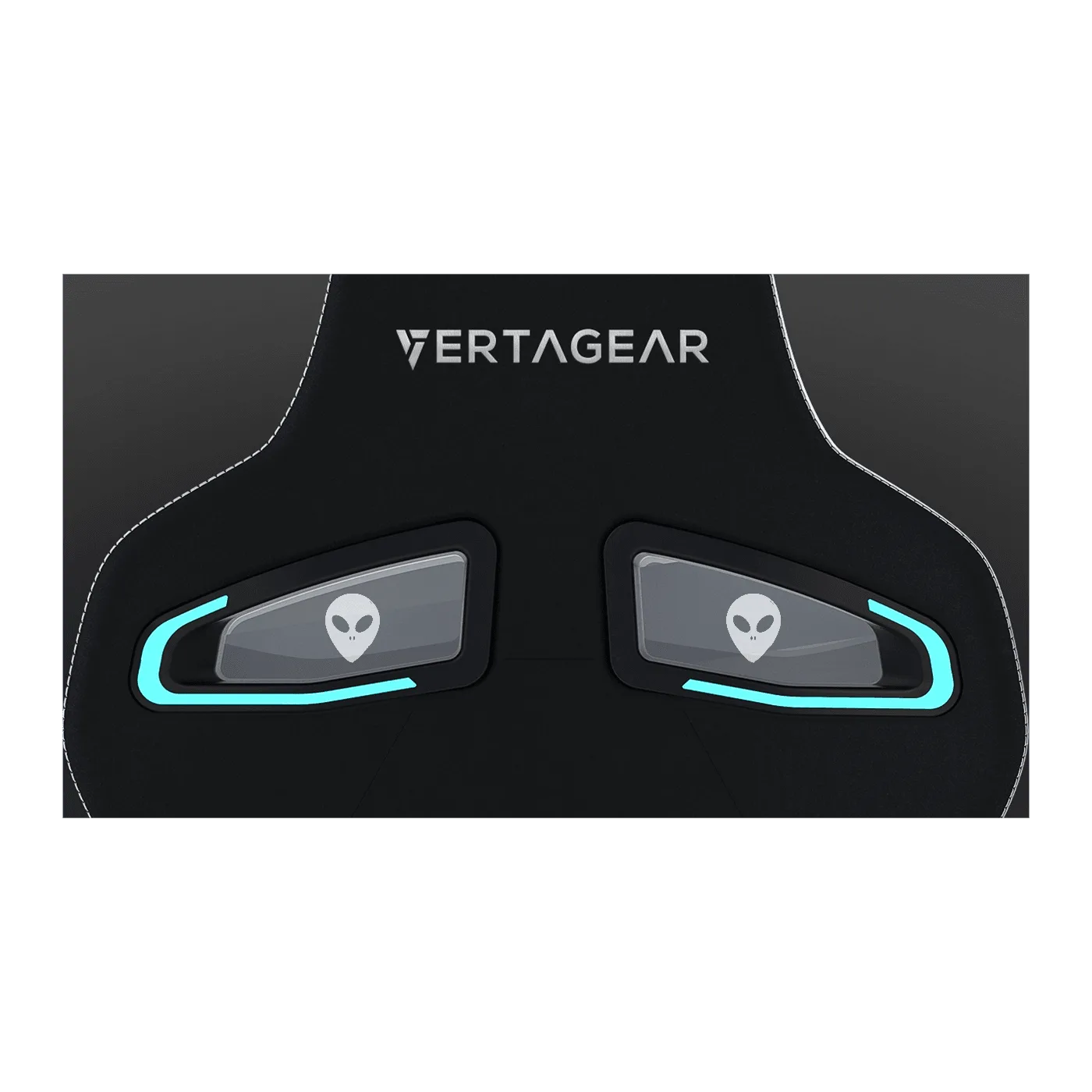
Light Up Your Logo - PL4500 Edition
-
Light Up Your Logo - PL4500 Edition: RGB Kit Sold Separately. The preview shows the engraved logo, but the lighting effect requires an additional purchase. Plan your budget accordingly.
-
Light Up Your Logo - PL4500 Edition: Once your custom logo order has been placed, we are unable to make any changes to it. The preview is your last chance to adjust the design. Review it thoroughly before finalizing the order.
What the Zakeke Preview Does Not Show
The preview does not show the chair with the RGB kit installed, so you will not see the logo lit up. It also does not display every possible angle or lighting condition. If you have specific concerns about logo placement or size, contact customer support with your design file before ordering. The supplied information does not include detailed engraving guidelines, so verify your logo meets the requirements by checking the product page or contacting support.