Quick answer
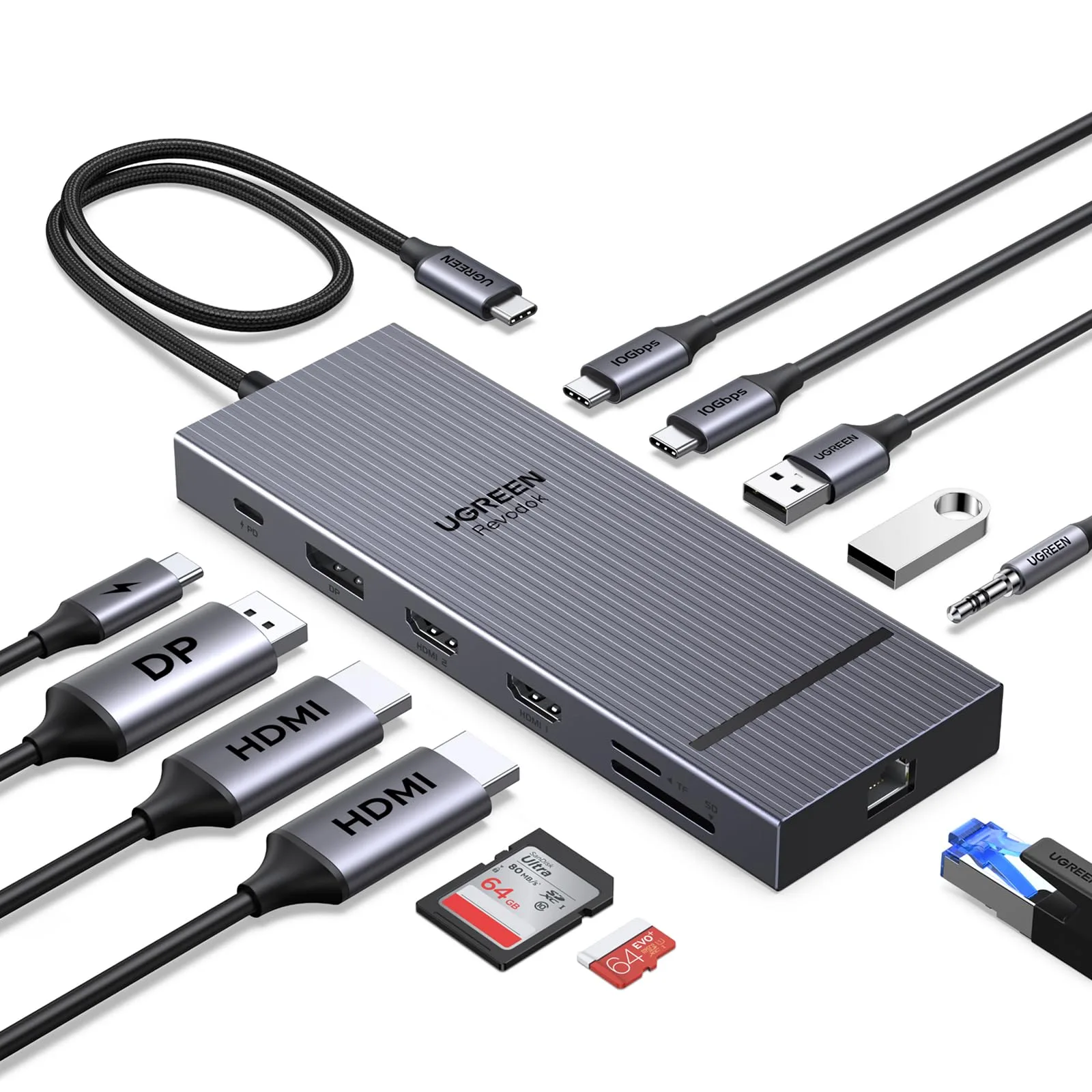
Choose the UGREEN Revodok Pro 2111 11-in-1 if you want dual 4K output, 10Gbps data, 100W PD charging, Gigabit Ethernet, and card readers at a lower catalog price. Choose the 12-in-1 if you need one more port and a longer 40cm cable for flexible placement. Both cover the same core ports, so the deciding factor is port count, cable length, and budget.
What the extra port actually gets you
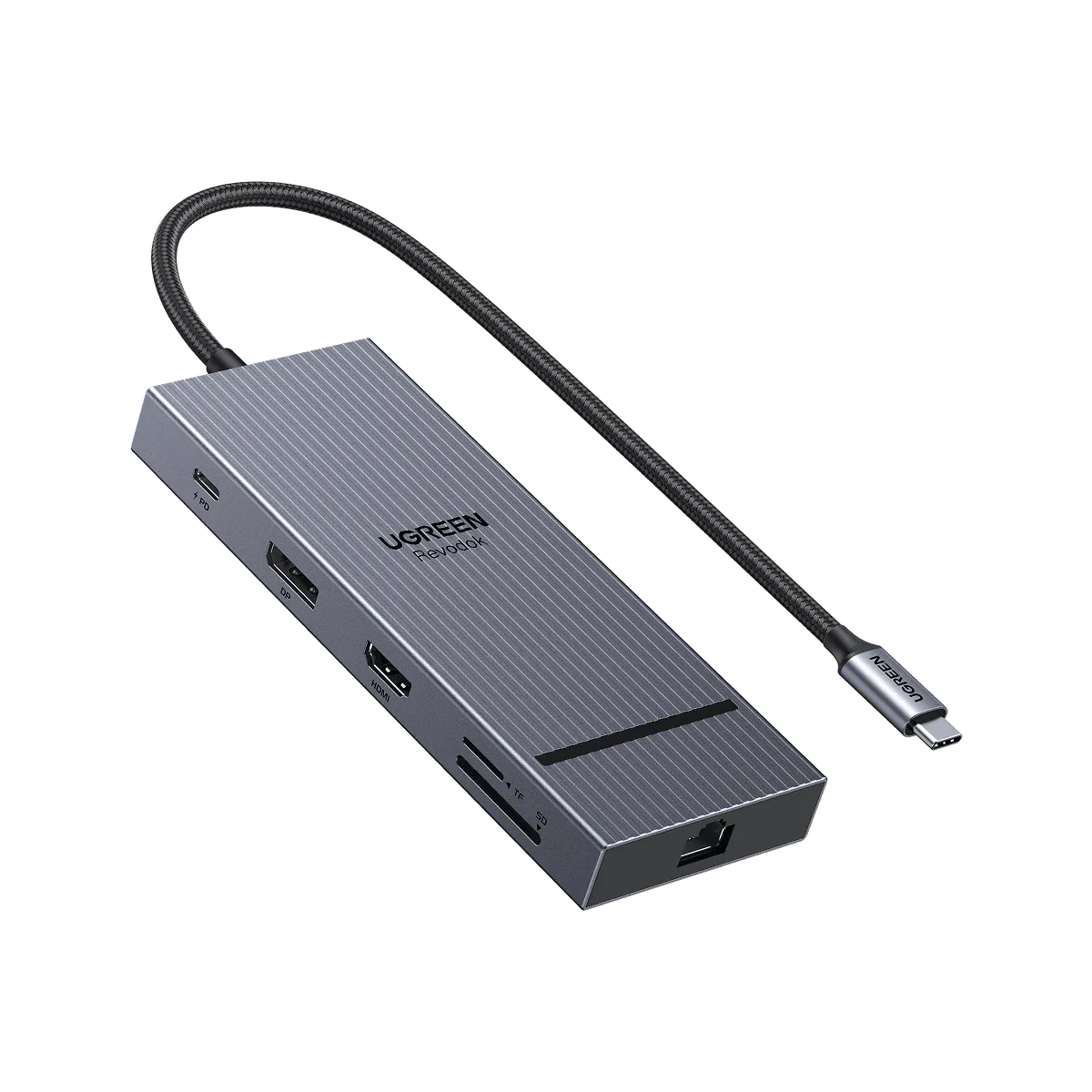
The 11-in-1 gives you 11 ports: dual 4K display output, 10Gbps data transfer, 100W PD charging, 1000Mbps Ethernet, SD and microSD card readers, and a 3.5mm AUX audio jack. The 12-in-1 adds one more connection and a longer 40cm cable, but the supplied specs list the same core features: multiple display modes, fast data transfer, SD/TF card reader, Gigabit Ethernet, and 3.5mm audio. In practice, the extra port helps if you already run a full desk setup and keep running out of USB-A or USB-C slots. If you rarely fill every port, the 11-in-1 covers the same daily tasks without paying for a slot you won't use.
Display and data: what stays the same
Both docks support dual 4K displays and 10Gbps data transfer, so neither is a downgrade for video output or file speed. That means your choice isn't about screen quality or transfer performance. It's about how many devices you keep plugged in at once and whether the cable reaches your laptop without a separate extension. If you use one external monitor and a couple of peripherals, the 11-in-1 is enough. If you run two monitors plus a webcam, phone, and external drive, the 12-in-1's extra port reduces swapping.
Price and value: reading the catalog numbers
The Revodok Pro 2111 11-in-1 is listed at USD 6.30 with a catalog comparison price of USD 10.00. The 12-in-1 is listed at USD 22.40 with a comparison price of USD 35.00. Those prices sit far apart, so the 11-in-1 is the lower-cost entry point. The 12-in-1 costs more, but you get an extra port and a longer cable. Check the current price and availability on the product page before deciding, since catalog prices can change.
Cable length and heat: small details that affect daily use
The 11-in-1 includes a 40cm cable, and the 12-in-1 also lists a 40cm cable. That length works for most laptop-to-desk setups, but if your laptop sits far from your monitor or you use a standing desk, measure the distance first. Both docks list heat dissipation as a feature, which matters when you run dual displays and charge a laptop at the same time. Neither dock is a substitute for a powered Thunderbolt dock with its own power supply, so don't expect desktop-class charging beyond the listed 100W PD.
A note on the 7-in-1 hub for lighter setups
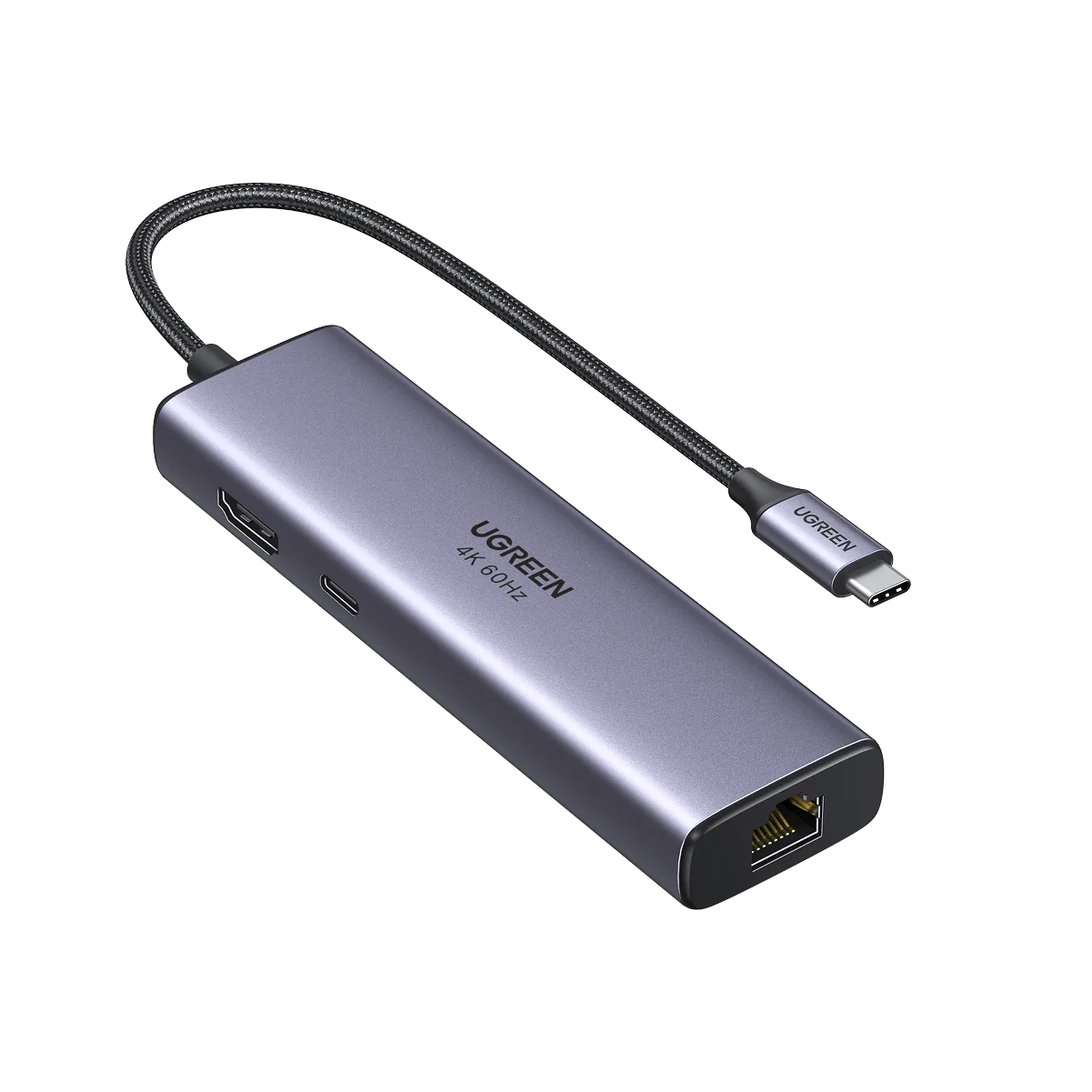
If you only need one external display and a few accessories, the UGREEN USB C 7 in 1 Hub with 4K 60Hz HDMI is a smaller option. It supports 4K at 60Hz over HDMI and a 7-in-1 design, but it has fewer ports than either Revodok Pro dock. It's worth considering only if you want a travel-friendly hub and don't need dual 4K, Ethernet, or card readers. For a fixed desk with multiple peripherals, the 11-in-1 or 12-in-1 is the better fit.
Trade-offs to weigh
- Port count vs price: The 12-in-1 adds one port and costs more than the 11-in-1 at catalog prices. Buy the 12-in-1 only if you routinely run out of ports.
- Cable length vs placement: Both list a 40cm cable, so neither offers extra reach over the other. Measure your laptop-to-dock distance before buying either.
- Display and data parity: Both support dual 4K and 10Gbps data, so performance isn't the differentiator. Decide on ports and budget, not on speed.
Product facts at a glance
- UGREEN Revodok Pro 2111 11 in 1 USB C Docking Station: Dual 4K display, 10Gbps data transfer, 100W PD charging, 1000Mbps Ethernet, SD and microSD card reader, 3.5mm AUX audio, 40cm cable, heat dissipation. Covers dual-monitor desks, wired internet, and card transfers without adding adapters.
- UGREEN Revodok Pro موزع USB-C 12 في 1: 12-in-1 connection, multiple display modes, fast data transfer, SD/TF card reader, Gigabit Ethernet, 3.5mm AUX audio, 40cm cable, heat dissipation. The extra port and long cable help when you keep many devices connected and need reach.
- UGREEN USB C 7 in 1 Hub with 4K 60Hz HDMI: 7-in-1 hub with HDMI supporting 4K at 60Hz and USB-C connection. A lighter alternative for single-display or travel use where dual 4K and Ethernet aren't needed.
Which dock fits your setup?
Best for
- Dual-monitor desk setups with Ethernet, card readers, and 100W charging
- Buyers who want the lower catalog price and don't need extra ports
Not for
- Users who need more than 11 ports and a longer cable
- Travelers who want a compact hub instead of a full dock