Quick Answer
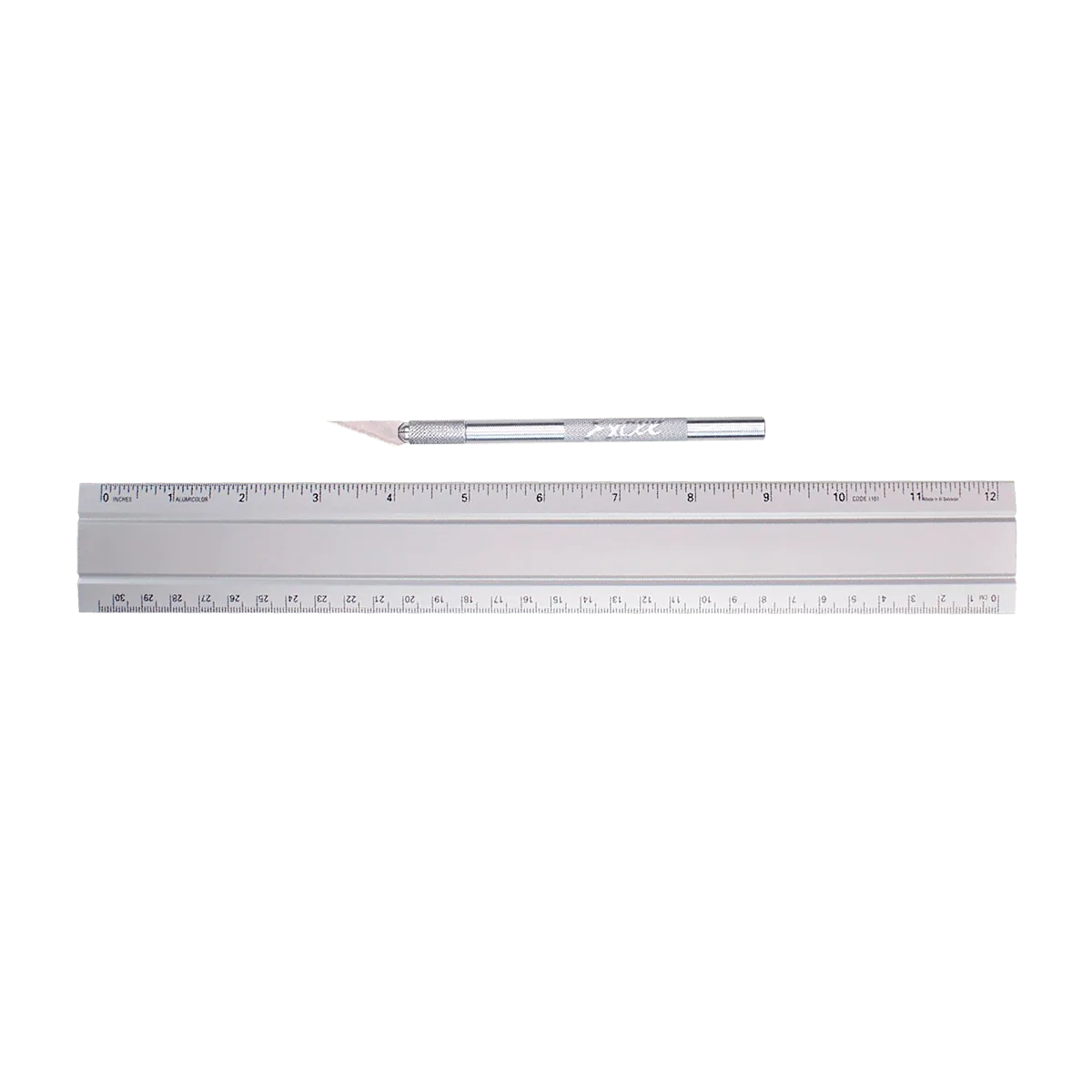
For precise measuring and cutting in scrapbooking and DIY projects, the 12" Office Ruler with K1 Knife combines an imperial measurement ruler with a precision knife, letting you measure, mark, and cut in one streamlined workflow.
Why Combine a Ruler and Knife?
Switching between a separate ruler and craft knife can break your focus and introduce alignment errors. The 12" Office Ruler with K1 Knife keeps both tools in one unit, so you can measure and cut without repositioning your straightedge. This is especially helpful for straight cuts on paper, cardstock, and thin materials.
Trade-Offs to Consider
The included K1 knife is a light-duty blade, ideal for paper and similar materials. For thicker or tougher materials like heavy cardboard or plastic sheets, you may need a heavier-duty knife. Also, the ruler is imperial-only, so if you work primarily with metric measurements, you'll need to convert or use a separate metric ruler.
How to Use the 12" Office Ruler with K1 Knife
- Set up your work area: Place the ruler on a self-healing cutting mat or other protected surface. Ensure the material you're cutting is flat and secure. Check that the ruler is fully flat against the material to avoid gaps that can cause angled cuts.
- Measure and mark: Use the imperial markings on the ruler to measure your desired length. Make a light pencil mark at the cutting point if needed. Double-check your measurement before cutting; a small error at this stage will be magnified in the final piece.
- Position the knife: Hold the K1 knife at a consistent angle (about 45 degrees) and align the blade with your marked line, keeping the ruler as a straightedge. Keep your fingers clear of the blade path and always cut away from your body.
- Execute the cut: Apply firm, even pressure and pull the knife along the ruler in a single, smooth motion. For thicker materials, make multiple passes rather than forcing a deep cut. Let the blade do the work; forcing the cut can tear the material or cause the ruler to slip.
- Check and finish: After cutting, inspect the edge for any rough spots. Use a fine sandpaper or a fresh blade to clean up if necessary. Replace the K1 blade when it starts to pull or tear the material for clean, precise cuts every time.
Product Facts
-
12" Office Ruler with K1 Knife: The 12" Office Ruler with K1 Knife includes a 12-inch imperial measurement ruler and an Excel Blades K1 knife. Having both tools together means you can measure and cut in one pass, reducing setup time and improving accuracy for scrapbooking and DIY projects.
12" Office Ruler with K1 Knife