Quick answer
Use 2026 stickers by first planning placement on a flat surface, then applying them to clean, dry areas of your planner or laptop, and finally organizing leftovers in a small album or pouch. This keeps your layout intentional and your stickers reusable.
Why placement matters more than quantity
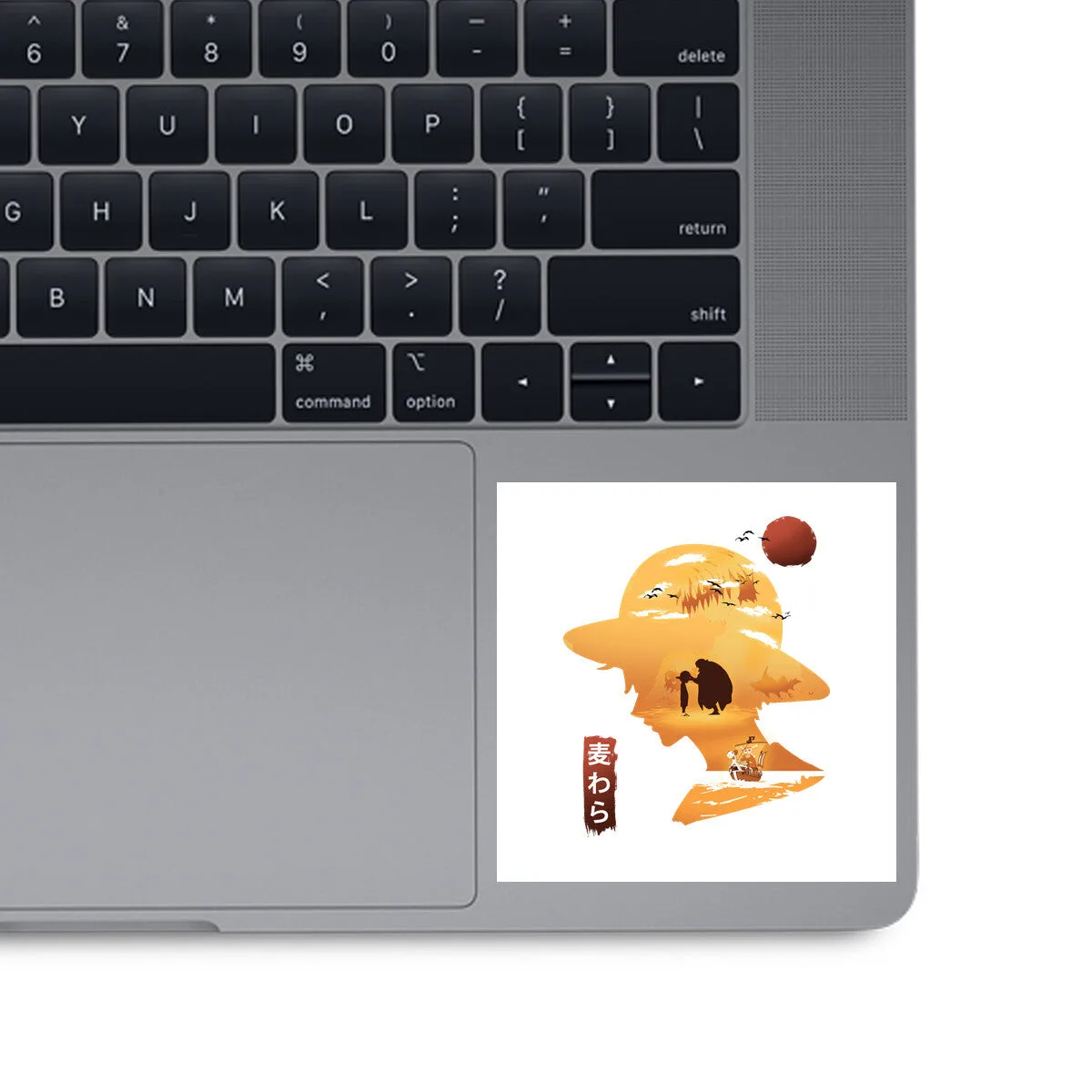
A few well-placed stickers often look better than a crowded surface. On a laptop, stickers can interfere with ports, vents, or trackpads if placed carelessly. On planner pages, too many stickers can obscure writing space. Decide on a focal point before peeling anything.
When to choose removable versus permanent stickers
If you like to change your laptop look often, test stickers on a less visible area first or use a sticker sheet that allows repositioning. For planners, permanent stickers work well on monthly dividers, but removable ones are better for weekly pages you might reorganize.
Step-by-step sticker placement
- Plan your layout: Lay your stickers on the planner page or laptop (without peeling) to test spacing and orientation. Common mistake: skipping this step and ending up with a cramped or crooked arrangement. Checkpoint: leave at least a finger-width of space between stickers for a clean look.
- Clean the surface: Wipe the laptop lid or planner cover with a dry, lint-free cloth to remove dust and oils. Common mistake: applying stickers to a dusty surface, which weakens adhesion. Checkpoint: let the surface dry completely before applying.
- Peel and place: Peel the sticker slowly from its backing and press it down from the center outward, smoothing out air bubbles. Common mistake: pressing too hard before positioning, which makes repositioning difficult. Checkpoint: for removable stickers, lift and adjust immediately if needed.
- Organize leftovers: Store unused stickers in a small album, pouch, or original sheet to keep them flat and accessible. Common mistake: leaving loose stickers in a bag where they curl or stick to debris. Checkpoint: label the storage by theme or size if you collect many stickers.
Product facts
-
2026 Stickers: The 2026 Stickers from POPFLEX® are a sticker set designed to personalize notebooks, laptops, and more. This set gives you a ready-made collection for both planner decoration and laptop personalization without buying multiple packs.
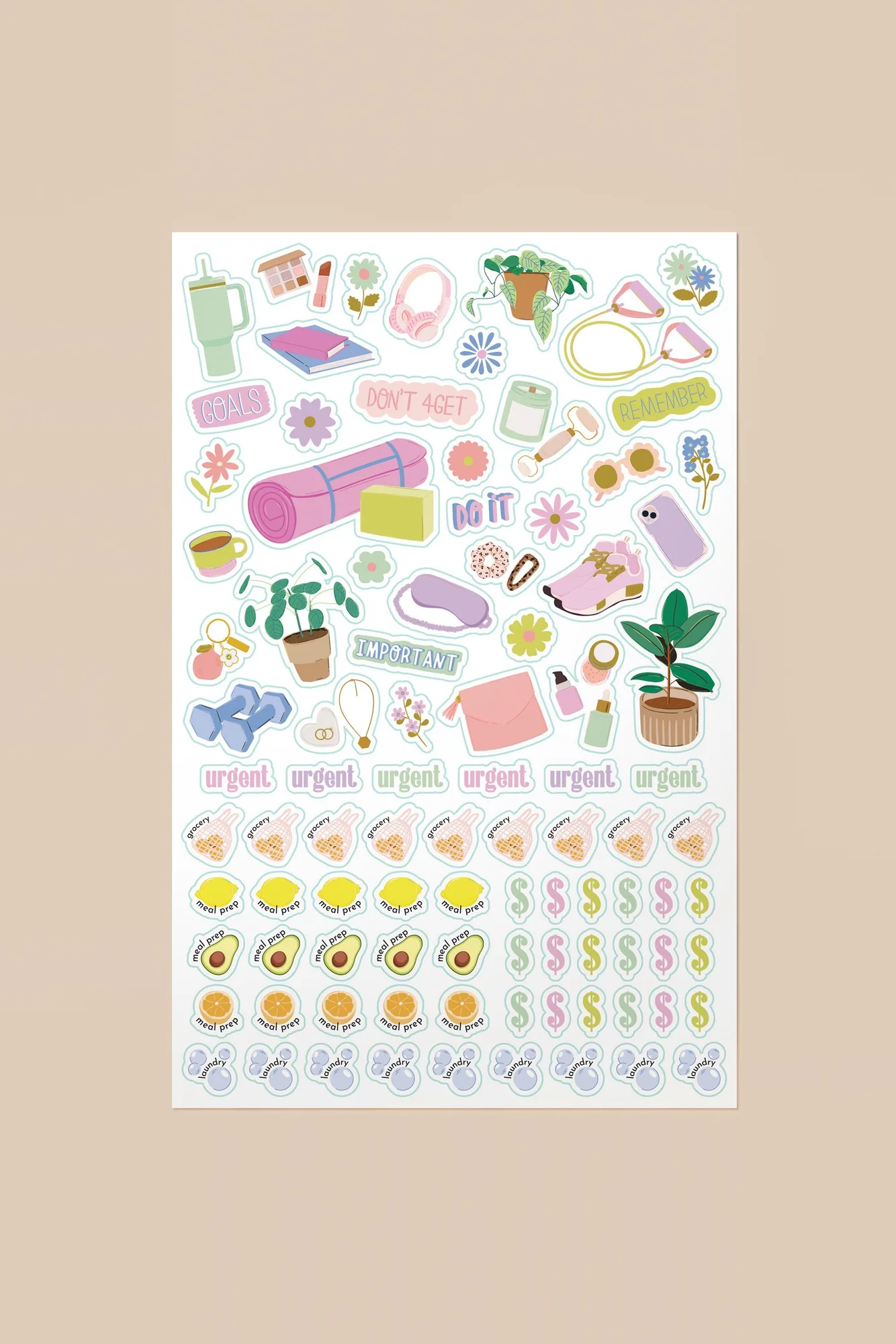
2026 Stickers