Quick answer
For most sim racers, the 34" UWQHD 165Hz QLED curved monitor delivers deeper immersion with its wider field of view, while the 32" QHD 180Hz IPS monitor offers higher refresh rates and a lower price. Your choice depends on whether you prioritize peripheral vision or competitive smoothness.
Refresh rate vs field of view: the real trade-off
A 180Hz refresh rate gives you smoother motion and slightly lower input lag, which matters in fast-paced racing where every millisecond counts. The 165Hz panel is still very fast, but the difference is noticeable if you are sensitive to screen tearing or compete in esports-style sims.
The 34-inch ultrawide's 21:9 aspect ratio shows more of the track and side mirrors without needing a second monitor. That extra horizontal space helps you spot competitors earlier and feel more present in the cockpit. The 32-inch 16:9 display is more conventional and works well in a single-screen or triple-monitor layout.
Panel technology and color accuracy
The 32-inch model uses an IPS panel, which typically offers better color consistency and viewing angles. The 34-inch uses QLED technology, which can produce more vibrant colors and higher contrast in a curved format. Both are excellent for sim racing, but if you also use the monitor for photo editing or media, IPS may be more predictable.
Curved displays help reduce eye strain during long sessions by keeping the screen surface at a more uniform distance from your eyes. The 34-inch's 1500R curve (typical for this class) wraps around your peripheral vision naturally.
Budget and bundle options
The 32-inch QHD monitor is priced at USD 164.09 (down from USD 269.00), making it a strong value pick. It also offers monitor bundle options, which can simplify your purchase if you need a complete setup. The 34-inch ultrawide costs USD 247.38 (down from USD 399.00) and gives you more screen real estate for the money.
If you are building a multi-monitor rig, three 32-inch 16:9 screens align more easily than three ultrawides. For a single-screen setup, the 34-inch provides a wider experience without the complexity of multiple displays.
Decision rules: 32 QHD vs 34 Ultrawide
- Choose the 32" QHD 180Hz IPS if: You prioritize maximum smoothness and plan to run triple monitors. The higher refresh rate and standard 16:9 aspect ratio make it easier to align multiple screens.
- Choose the 34" UWQHD 165Hz QLED curved if: You want a single-screen setup with a wider field of view. The 21:9 curve delivers better immersion and reduces eye strain during long sessions.
- Consider budget and bundles: The 32-inch monitor is more affordable and offers bundle options. The 34-inch costs more but gives you a larger, more immersive display without needing a second screen. Check whether monitor bundles are available for your rig to save on total cost.
Monitor comparison facts
-
32" QHD 180Hz IPS Gaming Monitor | Sim Racing & Flight Sim Display: 32" QHD 2560x1440 resolution, 180Hz refresh rate, IPS panel, available in monitor bundles. Higher refresh rate reduces motion blur in fast corners, and the IPS panel keeps colors accurate from any seated position.
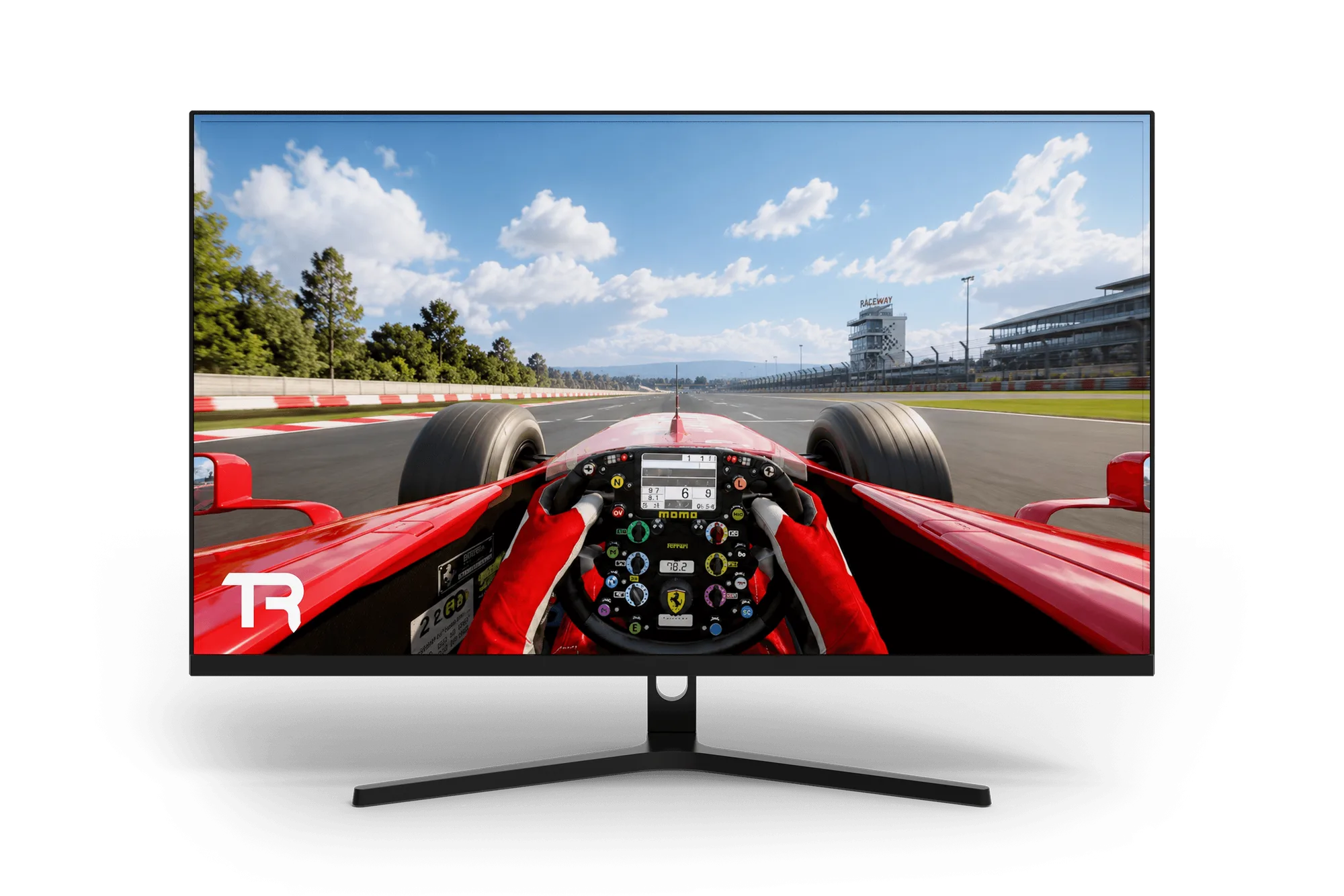
32" QHD 180Hz IPS Gaming Monitor | Sim Racing & Flight Sim Display
-
34" Ultrawide UWQHD 165Hz 1ms QLED 3440x1440 21:9 Curved Gaming Monitor: 34" UWQHD 3440x1440 resolution, 165Hz refresh rate, 1ms response time, QLED panel, 21:9 curved design. The ultrawide aspect ratio and QLED contrast create a more immersive cockpit view, and the 1ms response time keeps ghosting minimal.
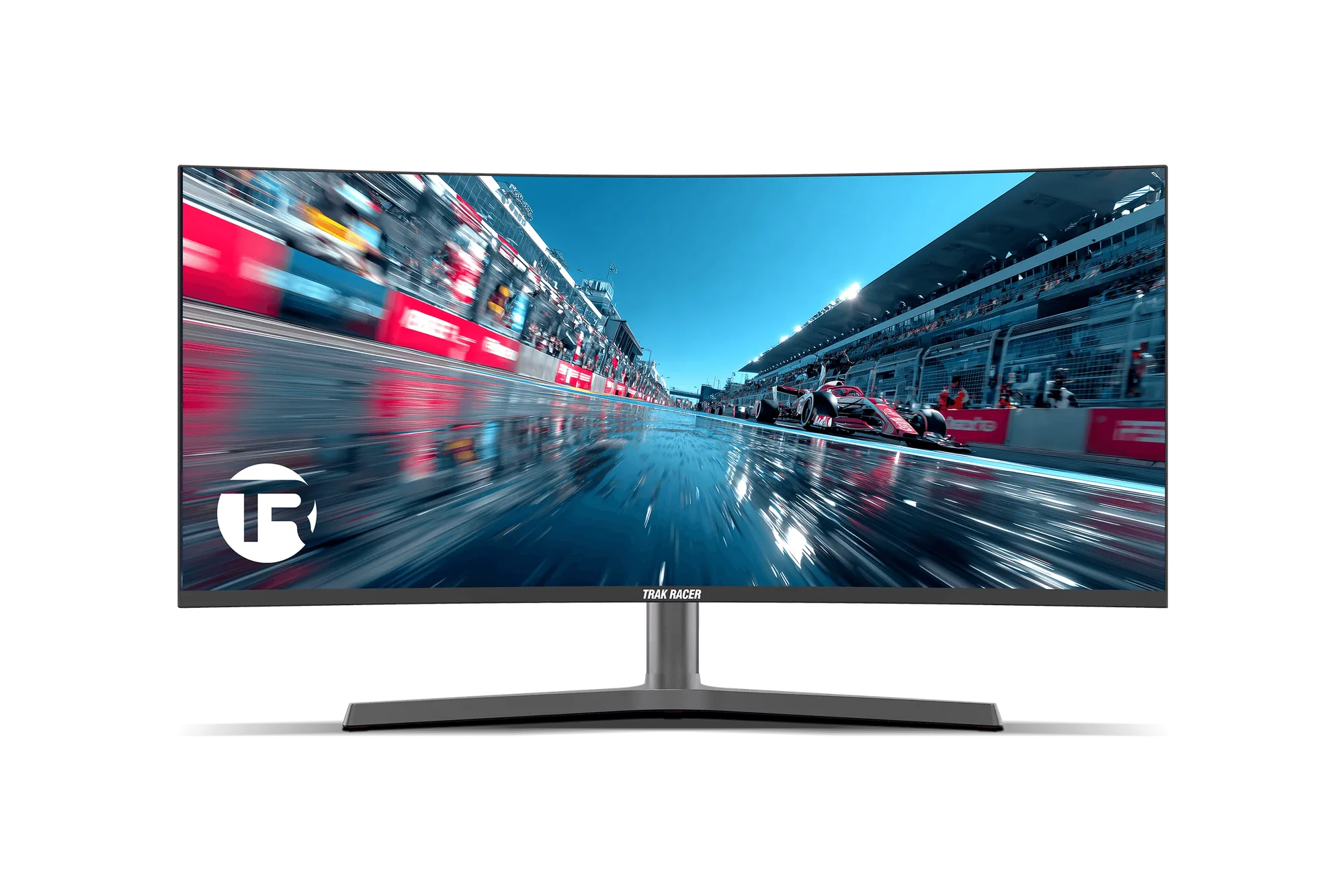
34" Ultrawide UWQHD 165Hz 1ms QLED 3440x1440 21:9 Curved Gaming Monitor
Which monitor fits you?
Best for
- Competitive sim racers who want the highest refresh rate and plan a triple-monitor setup
- Budget-conscious builders who want a strong QHD display with bundle options
Not ideal for
- Racers who want a single-screen immersive experience without multiple monitors
- Users who prioritize a wide field of view over maximum refresh rate