Quick Answer
Choose a 7-inch tablet for one-handed reading, travel, and quick email checks; it is lighter and easier to hold for long periods. Choose a 10-inch tablet for split-screen apps, video, e-books with larger pages, and shared family use. If you mostly stream and type, go 10-inch; if you mostly read and carry, go 7-inch.
How Screen Size Changes Daily Use
A 7-inch screen is about the size of a paperback book. It fits in a jacket pocket or small bag, and you can hold it with one hand while scrolling. That makes it better for reading in bed, checking messages on the go, or using as a dedicated e-reader. The trade-off is less room for two apps side by side and smaller on-screen buttons.
A 10-inch screen is closer to a small magazine. It gives you more space for video, web pages, and documents, and it is easier to share with someone sitting next to you. The trade-off is weight and bulk: you will usually need two hands or a stand, and it takes up more room in a bag. Neither size is universally better; the right pick depends on where and how you use it.
Resolution and Pixel Density Matter More Than Inches Alone
Screen size alone does not tell you how sharp text will look. A 7-inch tablet with 1024 x 600 resolution has roughly 170 pixels per inch, which is fine for video but can make small text look soft. A 7-inch tablet with 1280 x 800 IPS resolution packs more pixels into the same space, so text and images appear crisper. On a 10-inch screen, 1024 x 600 is noticeably less sharp because the same number of pixels is stretched over a larger area.
IPS panels also help with viewing angles. If you tilt the tablet or share the screen, an IPS display keeps colors and contrast more consistent than a basic TN panel. When comparing budget Android tablets, check both the resolution and the panel type, not just the diagonal measurement.
Match the Tablet to the Job
For reading e-books, a 7-inch tablet is often more comfortable because it is lighter and easier to hold for long stretches. For watching movies or following a recipe in the kitchen, a 10-inch screen reduces squinting and keeps the device stable on a counter. For kids, a 7-inch tablet is easier for small hands, while a 10-inch tablet works better for schoolwork that involves typing or drawing.
If you plan to use a keyboard case, a 10-inch tablet gives you a more usable typing layout. If you mainly use the tablet for a single app at a time, a 7-inch model is less bulky and usually less expensive. Think about the one or two tasks you do most, and pick the size that makes those tasks easiest.
Budget, Storage, and Android Version Trade-offs
Smaller tablets often cost less, but the savings can come with older Android versions or less RAM. Android 10.1 and Android 7.1 both run common apps, but older versions may not receive security updates or support the newest app features. Check the Android version if you rely on specific apps for work or streaming.
Storage also varies. 8GB or 16GB fills up quickly with photos and offline video, while 32GB gives more breathing room. Look for a microSD card slot if you want to expand storage later. RAM matters for multitasking: 1GB is fine for one app at a time, while 2GB handles switching between a few apps more smoothly.
Decision Rules for Picking a Screen Size
- If you read or travel more than you type: Choose a 7-inch or 8-inch tablet. It is light enough to hold one-handed and fits in a small bag, which makes it better for e-books, email, and quick lookups. Prioritize weight and battery life over screen area.
- If you stream video or use two apps at once: Choose a 10-inch tablet. The extra screen area makes split-screen and video more comfortable, and it is easier to share with another person. Check resolution: 1280 x 800 or higher keeps text sharp on a larger panel.
- If you need a keyboard or do schoolwork: Choose a 10-inch tablet with at least 2GB RAM and 32GB storage. The larger screen and extra memory handle typing and app switching better than a 7-inch, 1GB model. Confirm the Android version supports the apps you need.
Examples from the Current Lineup
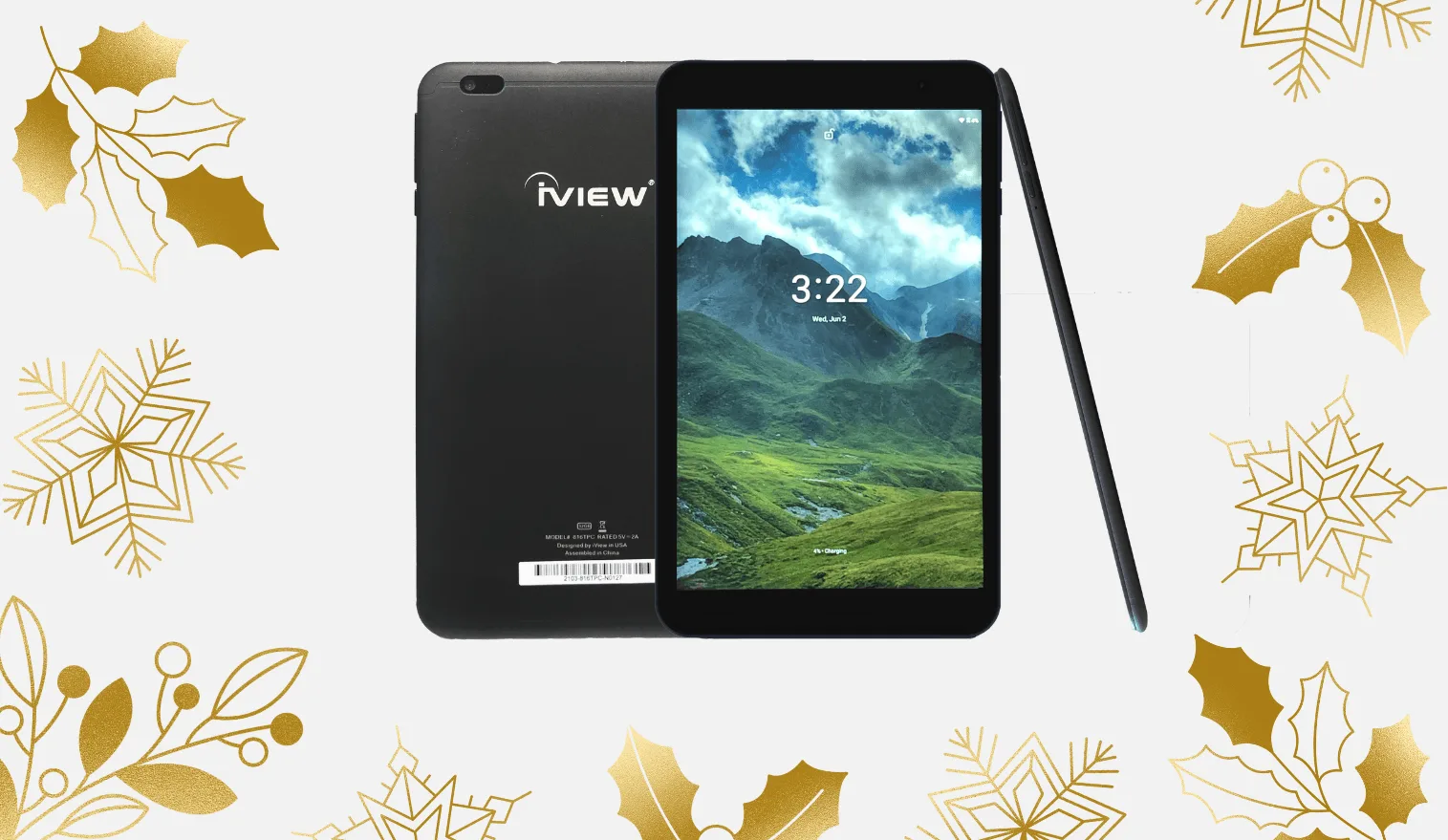
- 816TPC 8" Android 10.1 Tablet, Slim Matte Black, 2GB/32GB, 1280 x 800 IPS High Resolution: 8-inch capacitive touch screen with 1280 x 800 IPS resolution, 2GB RAM, 32GB storage, Android 10.1, and USB Type-C fast charging. This size sits between 7 and 10 inches, offering sharper text than a 1024 x 600 panel and enough storage for offline video without a card.
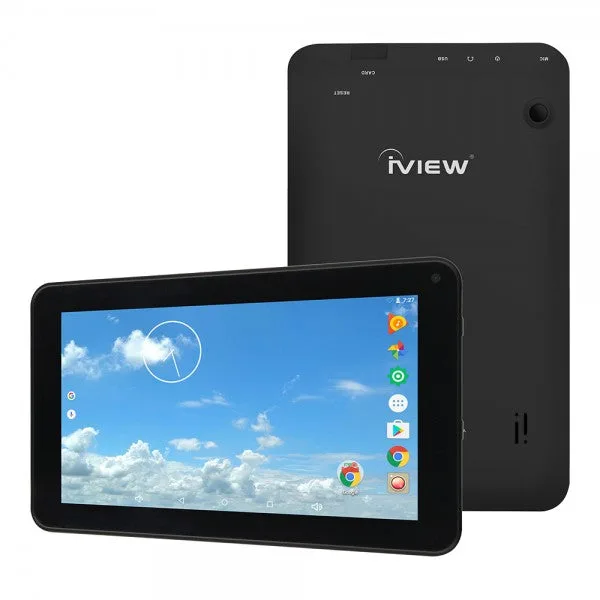
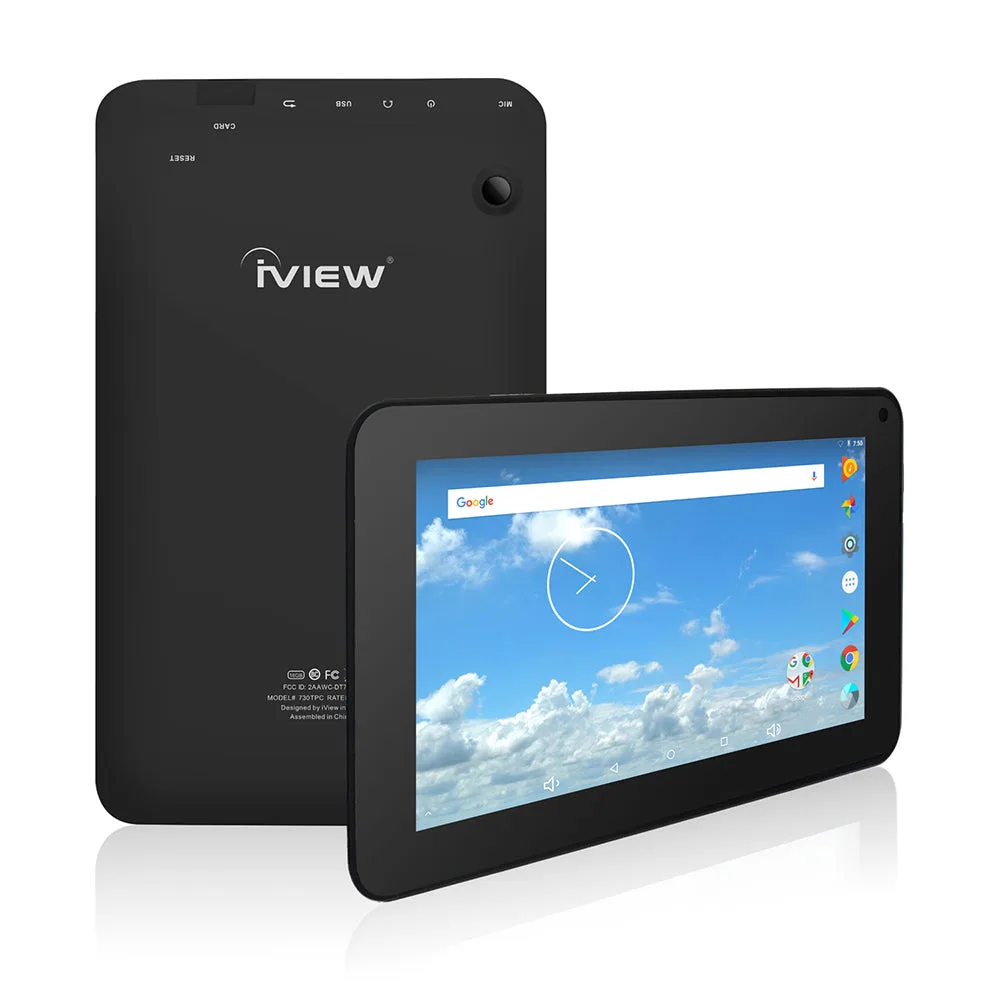
- 730TPC 7" 1024 × 600 IPS High Resolution, Cortex A53 Quad Core 1.2GHz, 1GB DDR3/16GB Android Tablet: 7-inch capacitive touch screen with 1024 x 600 IPS resolution, 1GB DDR3 RAM, 16GB storage, and Android 7.1 Nougat. A lightweight, low-cost option for reading and light apps, but the lower resolution and RAM suit single-app use rather than heavy multitasking.
- 1070TPC 10.1" 1024 × 600 High Resolution, Cortex A53 Quad Core 1.2GHz, 1GB DDR3/16GB Android Tablet: 10.1-inch capacitive touch screen with 1024 x 600 resolution, 1GB DDR3 RAM, 16GB storage, and Android 6.0 Marshmallow. The larger screen helps with video and shared viewing, but the lower pixel density means text is less crisp than on a higher-resolution panel.
Is This Size Right for You?
Best for
- Commuters and travelers who want a one-handed reading device
- Kids or grandparents who need a simple, lightweight tablet for a few apps
- Shoppers on a tight budget who mainly read, browse, or watch short videos
Not for
- People who want to run two apps side by side or use a keyboard case
- Households that share one tablet for streaming and video calls
- Anyone who needs the sharpest text for long reading sessions on a large screen