What the Adjustable Keyboard & Mouse Tray V2 Does
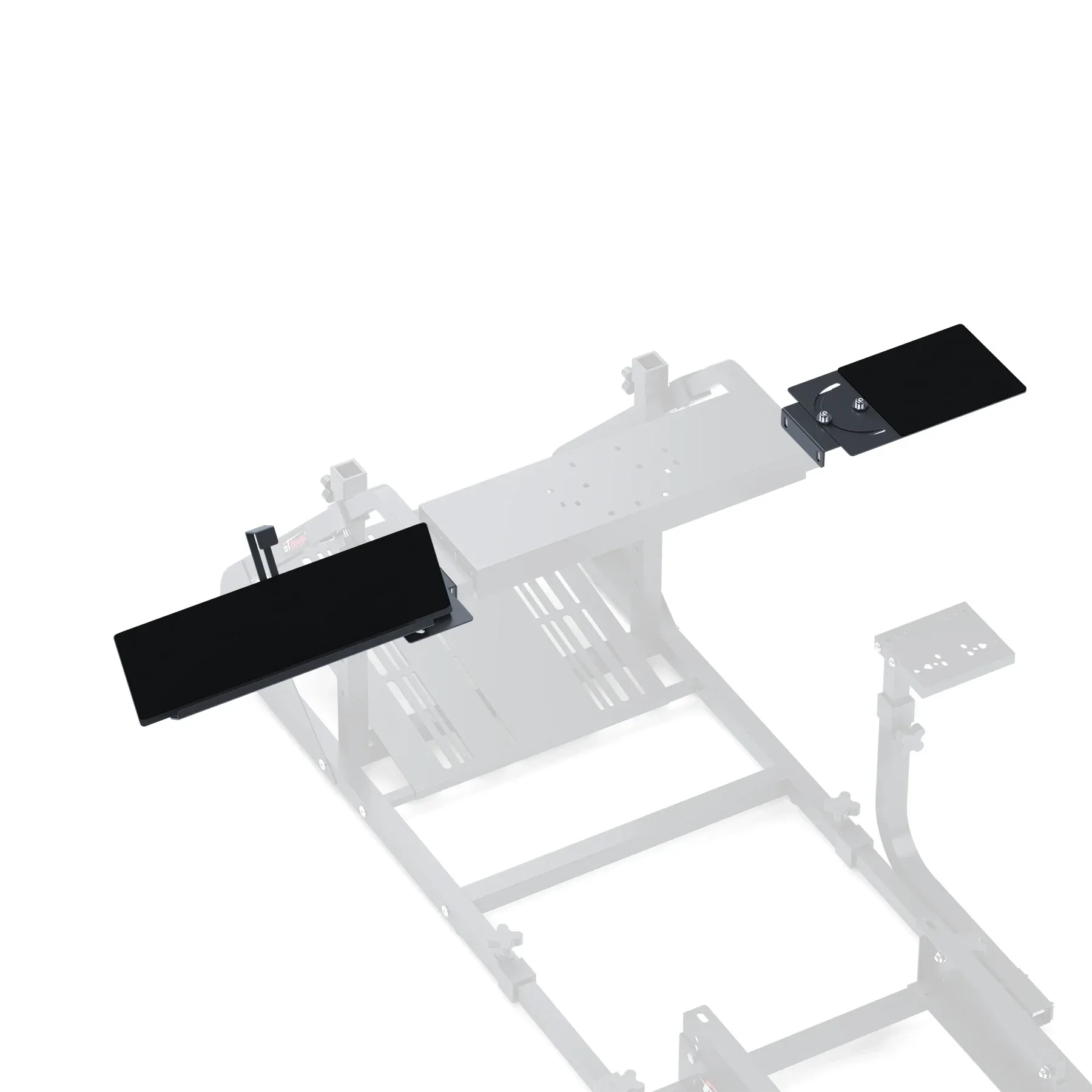
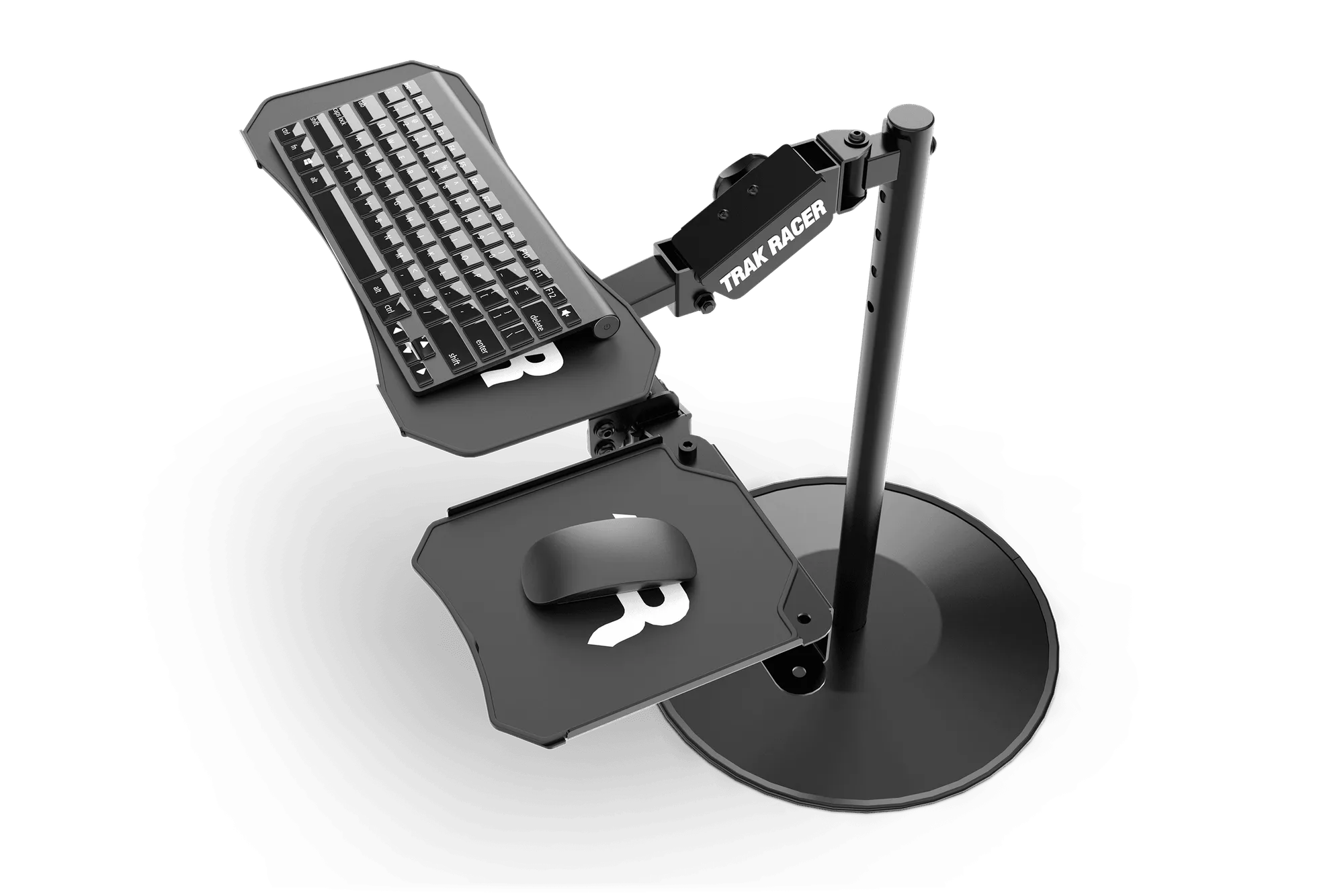
The Trak Racer Adjustable Keyboard & Mouse Tray V2 is a universal mount designed to attach a keyboard and mouse directly to your aluminum extrusion cockpit. Instead of reaching for a separate desk or shelf, you can position the tray on either side of your wheel or flight stick, keeping your controls within easy reach. This setup is especially useful for sim racers and flight sim enthusiasts who want a cleaner, more organized workspace without leaving the rig.
Compatibility Check Before You Start
This tray works with all extruded aluminum cockpits, including Trak Racer models like the TR160, TR120, TR80S, TR40S, and TRK. It is also compatible with other branded extrusion rigs, but you should verify the dimensions before ordering. The keyboard tray measures 480 mm x 200 mm (18.9" x 7.87") and the mouse tray measures 200 mm x 200 mm (7.87" x 7.87"). If your rig is not listed, contact Trak Racer to confirm fitment before purchasing.
Installation Steps
The kit comes with comprehensive instructions for a hassle-free installation. Below is a general overview based on the supplied information.
- 1. Gather your tools and parts: Unbox the tray kit and confirm all hardware is present. You will need the adjustable elbows, laser-cut trays, and mounting hardware. No specialized tools are mentioned in the supplied details, but typical hex keys may be required.
- 2. Attach the adjustable elbows to your cockpit extrusion: Position the elbows on the desired side of your wheel or flight stick, then secure them to the aluminum extrusion using the provided hardware. The elbows allow you to adjust the angle and height of the trays for a custom fit.
- 3. Mount the keyboard and mouse trays: Slide the keyboard tray and mouse tray onto the adjustable elbows. Tighten the fasteners to lock them in place. Ensure the trays are level and at a comfortable reach before finalizing the position.
- 4. Route cables and test your setup: Once mounted, route any cables from your keyboard and mouse along the extrusion frame to keep the workspace tidy. Test the position by sitting in your rig and reaching for the controls. Adjust the elbows if needed.
Key Specifications at a Glance
-
Adjustable Keyboard & Mouse Tray V2 — Universal Mount for Aluminium Extrusion Cockpits: Keyboard tray measures 480 mm x 200 mm (18.9" x 7.87"); mouse tray measures 200 mm x 200 mm (7.87" x 7.87"). These dimensions help you confirm whether the tray fits your available cockpit space and whether your keyboard and mouse will sit comfortably.
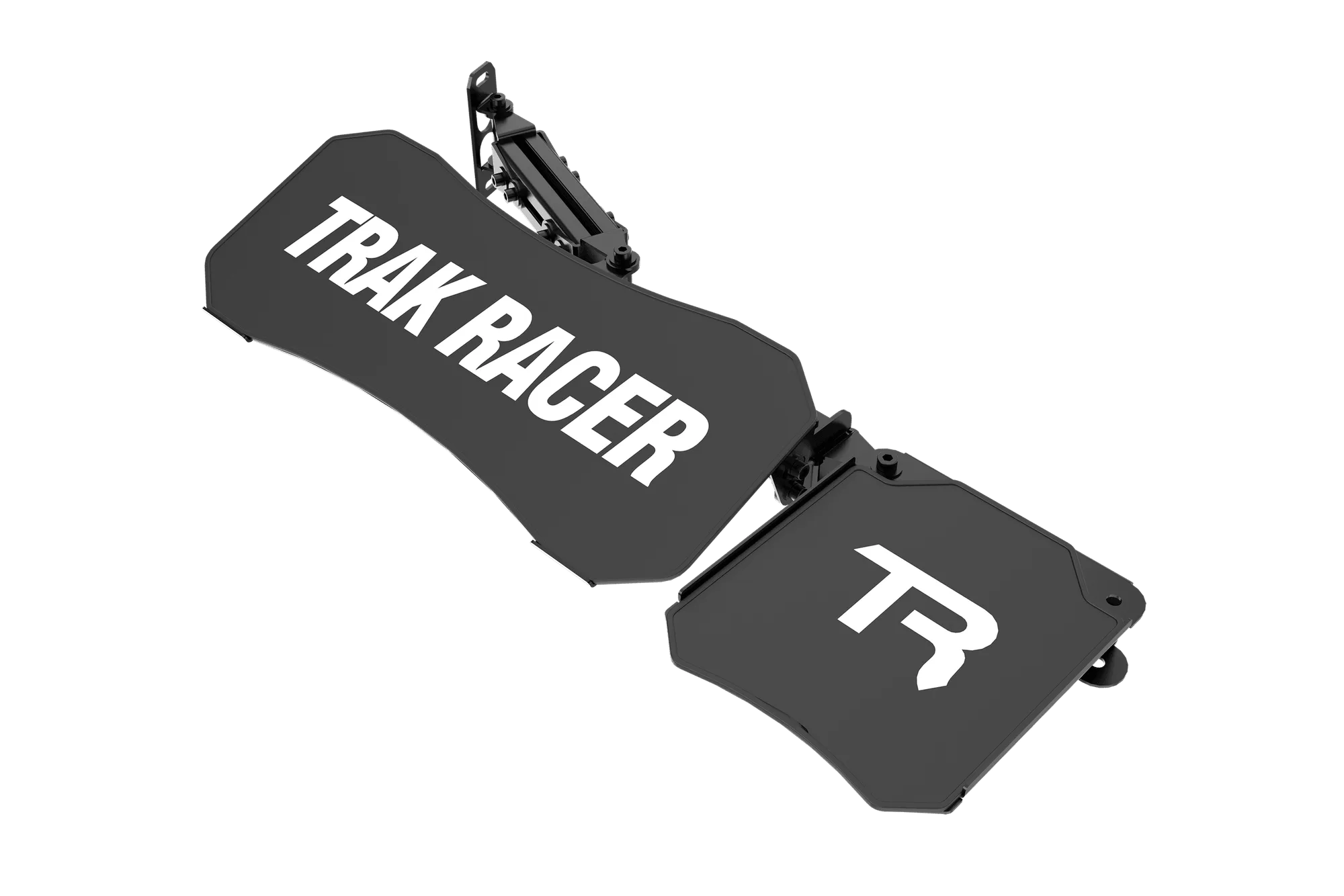
Adjustable Keyboard & Mouse Tray V2 — Universal Mount for Aluminium Extrusion Cockpits
-
Adjustable Keyboard & Mouse Tray V2 — Universal Mount for Aluminium Extrusion Cockpits: Constructed from laser-cut materials with adjustable elbows for a fully customizable setup. The adjustable elbows let you fine-tune the angle and height of the trays, which is key for ergonomic positioning during long sessions.
-
Adjustable Keyboard & Mouse Tray V2 — Universal Mount for Aluminium Extrusion Cockpits: Compatible with all extruded aluminum cockpits, including Trak Racer TR160, TR120, TR80S, TR40S, and TRK. This universal compatibility means you can use the tray on most aluminum extrusion rigs, not just Trak Racer models.
Ergonomic Tips for Your Setup
Position the tray so your elbows remain at roughly the angle recommended in the product instructions when your hands are on the keyboard and mouse. This reduces strain on your shoulders and wrists during extended use. Because the tray can be mounted on either side of your wheel or flight stick, experiment with left or right placement depending on your dominant hand and cockpit layout. The matte black finish also minimizes glare from overhead lighting, keeping your focus on the screen.