The Agilite Pincer Placard is one of the most versatile chest rig components on the market, designed to adapt to a wide range of missions. Whether you're running a lightweight patrol loadout or a full combat setup, the Pincer Placard can be configured to meet your exact needs. In this guide, we'll walk you through the key configuration options, from the multi-caliber triple mag pouch to the 2nd layer admin pouch, so you can set up your placard for any operation.
Understanding how to configure your placard is crucial for mission success. A poorly configured placard can slow you down, cause discomfort, or even fail under stress. By the end of this article, you'll know exactly how to arrange your Pincer Placard for optimal performance, whether you're a professional operator or a weekend warrior.
Understanding the Pincer Placard System
The Pincer Placard is designed with a modular approach, allowing you to attach different pouches and accessories to suit your specific mission. The base placard features a sleek, low-profile design that integrates seamlessly with most plate carriers and chest rigs. Its key innovation is the ability to swap out the front panel, so you can switch between different configurations in seconds.
One of the most popular configurations is the Pincer Placard Multi-Caliber Triple Mag Pouch, which holds three rifle magazines in a compact, accessible layout. This setup is ideal for standard patrols or engagements where you need quick access to spare ammo. But the placard isn't just for mags—you can also attach admin pouches, medical gear, or even a map case, depending on your needs.
- The Pincer Placard uses a secure attachment system that is compatible with most plate carriers.
- You can mix and match pouches from the Agilite ecosystem to create a custom loadout.
Step-by-Step Configuration for a Standard Assault Loadout
For a typical assault mission, you'll want a balance of firepower, admin capability, and minimal bulk. Start with the Pincer Placard Multi-Caliber Triple Mag Pouch as your primary magazine carrier. This pouch is designed to hold three AR-style magazines, but it can also accommodate other calibers thanks to its adjustable inserts. Attach it to the front of the placard using the included hook-and-loop and buckle system.
Next, consider adding a Pincer Placard 2nd Layer Admin Pouch on top of the mag pouch. This admin layer provides a flat, organized space for maps, notepads, pens, and other small essentials. It's perfect for mission planning or quick reference during operations. The 2nd layer attaches securely and doesn't interfere with magazine access, so you can still draw mags quickly when needed.
Once your pouches are attached, adjust the placard's straps to ensure a snug fit against your chest. The placard should sit high enough that you can comfortably shoulder your rifle without obstruction. Test your draw strokes to make sure you can access mags and admin items smoothly.
- Use the included shock cord to secure the bottom of the placard to your plate carrier for added stability.
- Practice your reloads with the configured placard to ensure smooth access under stress.
Configuring for Light Reconnaissance or Admin-Heavy Missions
If your mission involves more planning than shooting, you might want to prioritize admin capacity. In this case, you can configure your Pincer Placard with just the 2nd Layer Admin Pouch, leaving the front clean for a map or tablet. This setup is lightweight and keeps your chest clutter-free, which is ideal for long patrols or observation posts.
You can also attach a small medical pouch or a radio pouch to the sides of the placard using the MOLLE webbing. This allows you to carry essential gear without adding unnecessary bulk. The key is to keep the placard balanced and avoid overloading it, which can cause discomfort and restrict movement.
- Consider adding a quick-release buckle to the placard's harness for rapid doffing in emergencies.
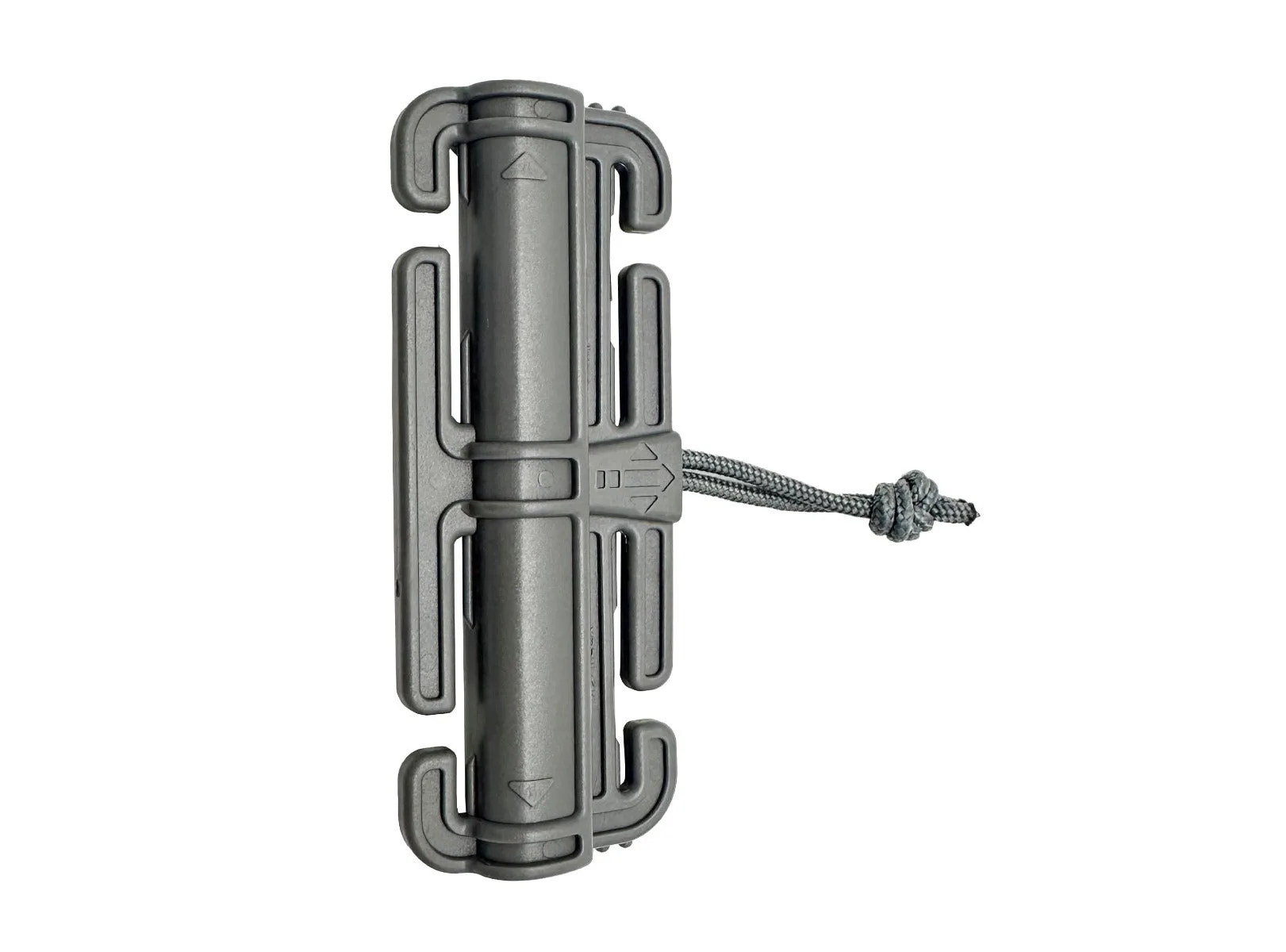
quick-release buckle
- Use the placard's integrated loops to route comms cables cleanly.
Tips for Attaching the Pincer Placard to Your Plate Carrier
The Pincer Placard is designed to work with a variety of plate carriers, including the Agilite Sub-Zero Plate Carrier and other industry-standard carriers. To attach it, first remove any existing front flap or panel from your carrier. Then, align the placard's hook-and-loop strips with the carrier's loop field and press firmly. Secure the bottom with the included clips or straps.
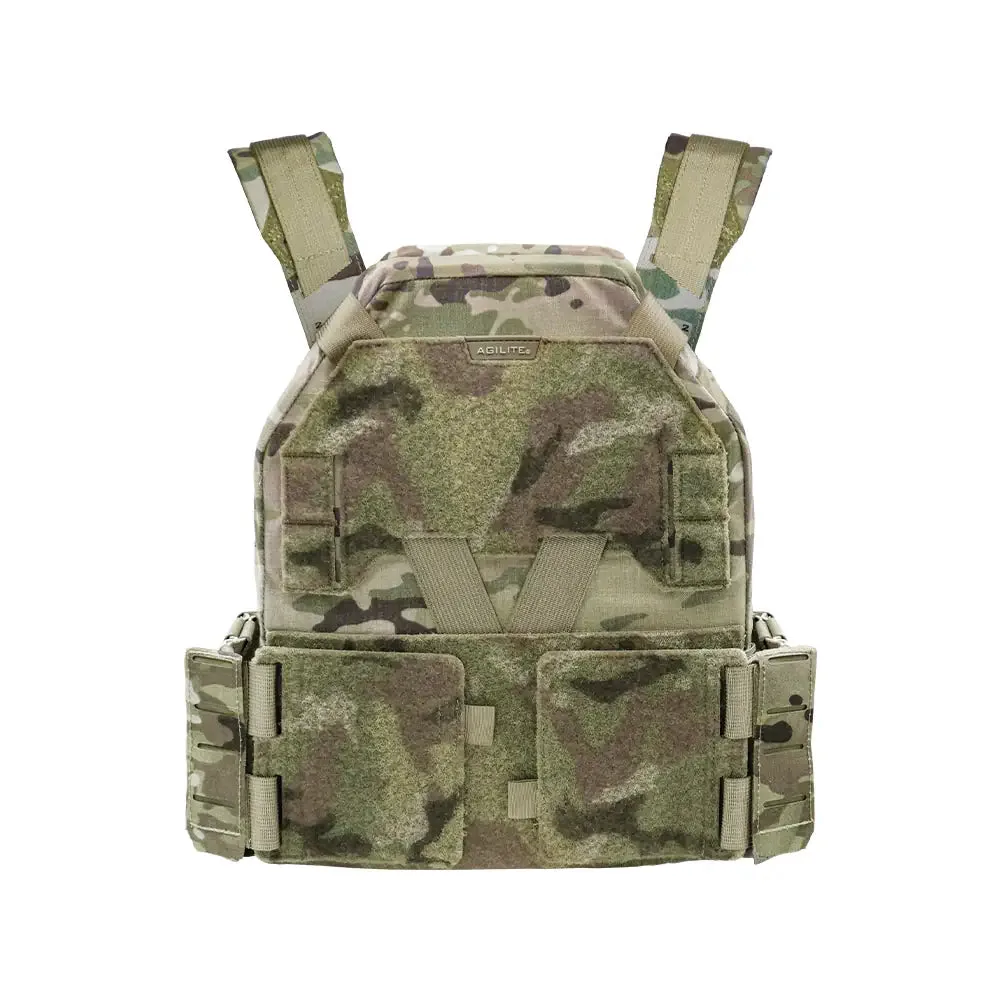
Sub-Zero Plate Carrier
For carriers without a loop field, you can use the optional adapter that attaches via MOLLE. Make sure the placard is centered and level, and adjust the tension so it doesn't sag or shift during movement. A properly attached placard should feel like part of the carrier, not an add-on.
If you're using a chest rig instead of a plate carrier, the Pincer Placard can be worn standalone with the optional harness. This is a great option for low-visibility operations or when you need to travel light.
- Always double-check that the placard is securely attached before heading out.
- Test your gear in a controlled environment before relying on it in the field.
Configuring your Agilite Pincer Placard for your mission doesn't have to be complicated. By understanding the modular options and following the steps above, you can create a loadout that's both functional and comfortable. Whether you're running a triple mag setup or an admin-heavy configuration, the Pincer Placard adapts to your needs. Ready to build your perfect placard? Check out the Pincer Placard Multi-Caliber Triple Mag Pouch and the Pincer Placard 2nd Layer Admin Pouch to get started.


