Quick answer
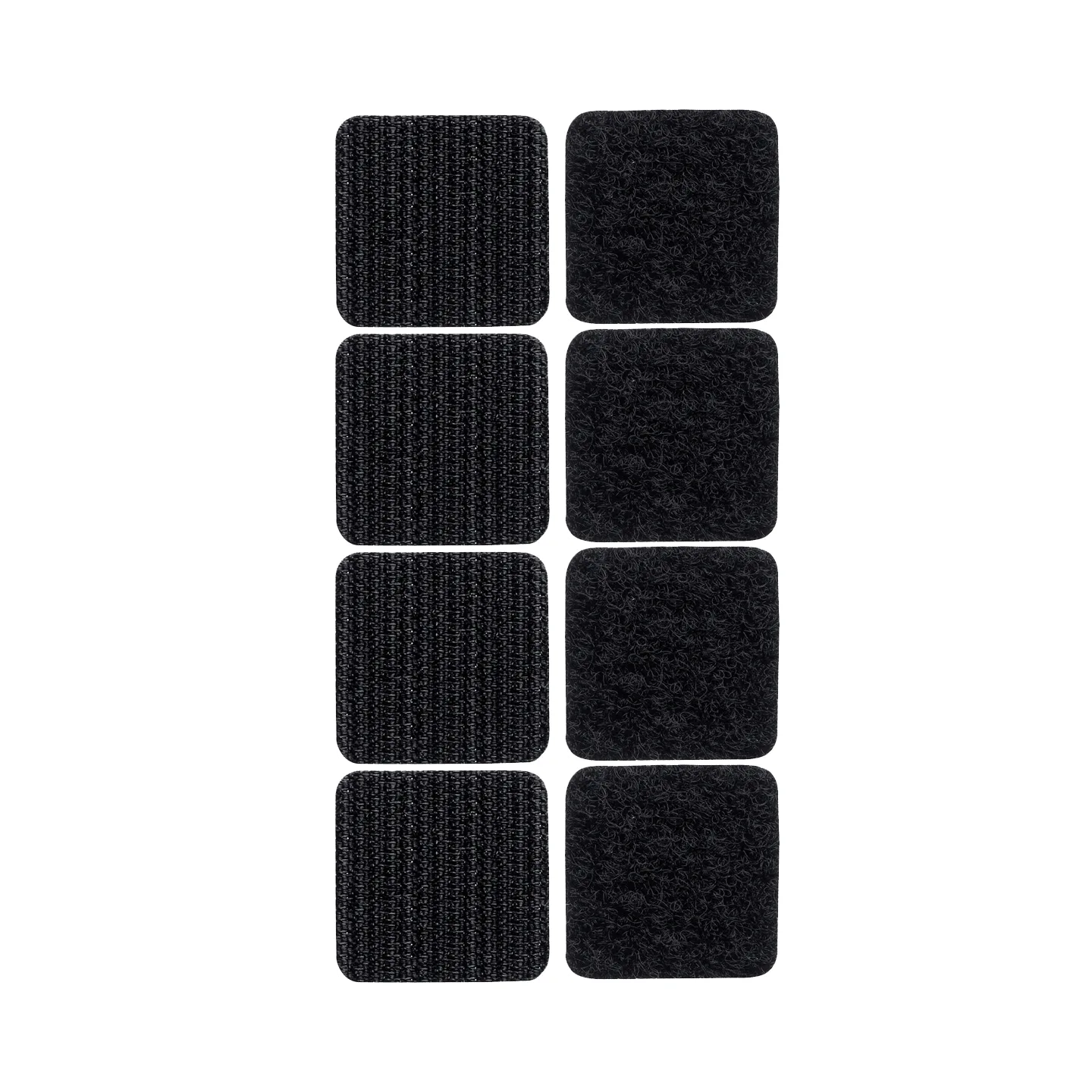
Replace your AirFort Velcro tabs when the hook side stops gripping the loop strip on the fort, when tabs are missing, or when you want a dedicated set for a second box fan. Keep a pack of AirFort Extra Velcro Tabs on hand so a worn tab never ends a play session.
Why AirFort tabs wear out (and why extras help)
AirFort tabs are the small Velcro pieces that hold the fort opening against a standard box fan. Every setup and takedown cycles the hook-and-loop material, and over time the hooks can flatten or collect lint, which weakens the grip. Tabs can also go missing during storage or when the fort is packed away. Because all AirFort orders include Velcro Tabs, you already have a working set, but a spare pack means you can replace a tired tab immediately instead of waiting for a shipment.
How to tell if you need replacement tabs
Do a quick check before each setup. If the fort slips off the fan during play, or if you can pull the tab apart with almost no resistance, the hook side is likely worn. Also look for tabs that are stretched, curled at the edges, or covered in fuzz. If the loop strip on the AirFort itself is still intact, a fresh tab usually solves the problem. If the loop strip is damaged, replacement tabs alone will not fix it.
Step-by-step: replacing AirFort Velcro tabs
- Peel off the old tab: Start at one corner and pull the old Velcro tab away from the AirFort fabric. Work slowly to avoid stretching the fabric. Common mistake: yanking the tab off quickly can tear the loop strip or leave adhesive residue. If the old tab comes off cleanly and the loop strip looks intact, you are ready for the new tab.
- Clean the attachment point: Use a dry cloth or your fingers to remove lint, hair, or debris from the spot where the new tab will sit. A clean surface helps the new tab bond and keeps the hook side from clogging. Checkpoint: the area should feel smooth and free of loose fuzz. Skipping this step is the most common reason a new tab feels weak right away.
- Position the new tab: Line up the new tab with the existing loop strip on the AirFort opening. Press it firmly into place, following the same alignment as the original tab. Do not stretch the fabric as you press. Common mistake: placing the tab too high or too low, which makes the fort sit unevenly on the fan. The tab should sit flat and match the position of the other tabs.
- Press and hold: Apply firm pressure for 10–15 seconds, especially along the edges. This helps the adhesive or hook material settle. If you are using a tab that attaches with adhesive, avoid pulling on it for a few minutes. Checkpoint: the tab should not lift when you run a finger along its edge. A quick press is not enough; steady pressure makes a difference.
- Test the attachment: Attach the AirFort to your box fan as usual and give a gentle tug on the fabric near the new tab. The tab should hold without slipping. If it pops off, remove it, clean the area again, and reapply. Common mistake: testing with a hard yank, which can damage a good tab. A gentle tug is all you need; if it holds, you are set for play.
AirFort tabs and extras
- Extra Velcro Tabs: All AirFort orders include Velcro Tabs so you can easily attach your AirFort to a standard box fan. You already have a working set, so you only need extras for a second fan or as a backup.
- Extra Velcro Tabs: Extra Velcro Tabs let you have some extra tabs for another fan or just in case you lose the ones included with your AirFort. A spare pack prevents playtime interruptions when a tab wears out or goes missing.