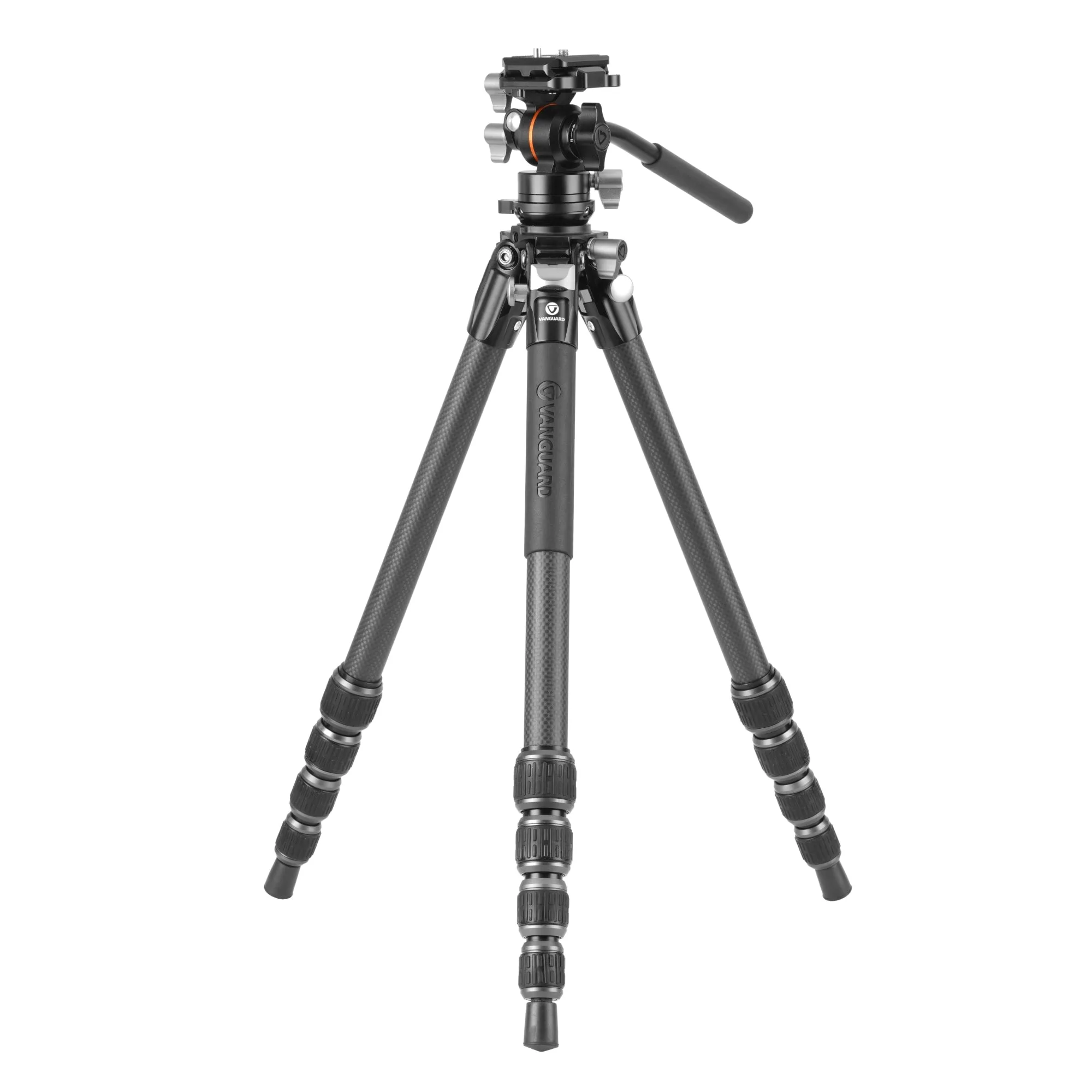
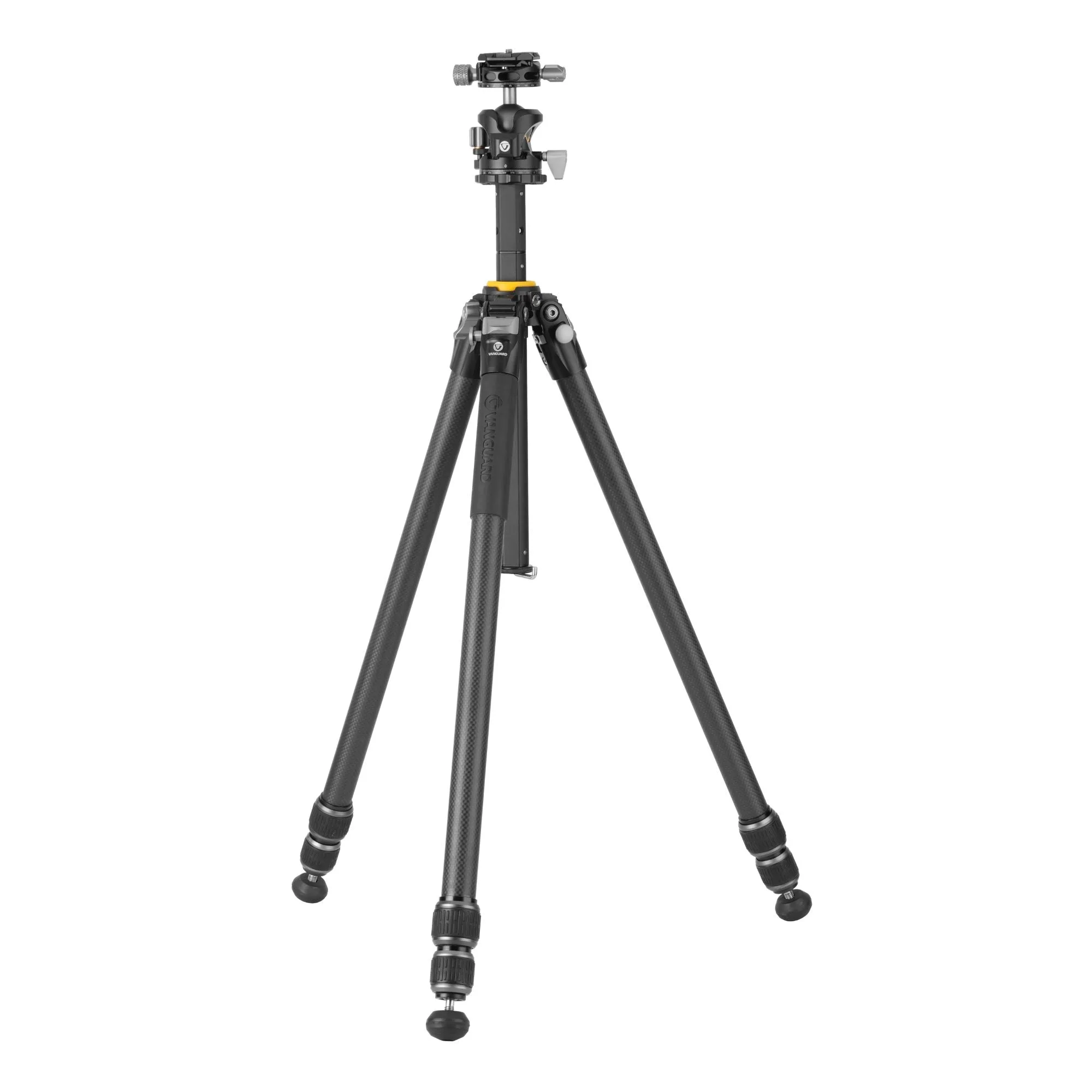
What the Alta Pro 3VL 303AV 18 Offers
The Alta Pro 3VL 303AV 18 is an ultra-tall aluminium tripod with a fixed levelling base and a VEO PV-18 Arca compatible video head. It is designed for videographers who need height and stability for heavy long lenses or spotting scopes. The 3-section, 30mm diameter legs reach up to 1.8m without extending a central column, and the solid legs can hold up to 25kg when fully extended.
Setting Up the Tripod Legs
Start by choosing the right leg angle for your shot. The tripod offers three easy-set leg angles: 23°, 50°, and 80°. For low-angle or macro shots, set the legs to 80° to get as low as 290mm. For standard height, use 23°.
- Adjust leg angle: Pull the leg angle selector on each leg and choose one of the three positions (23°, 50°, or 80°). Ensure all legs are set to the same angle for a level base.
- Extend legs: Unlock the silent twist leg locks and extend each section to the desired height. The legs are 30mm in diameter for maximum stability. Tighten the locks securely.
- Select feet type: The tripod has retractable rubber feet that can be set to rubber or stainless steel spiked feet. For indoor use, keep rubber feet; for outdoor or soft ground, push the spike through.
Using the Fixed Levelling Base
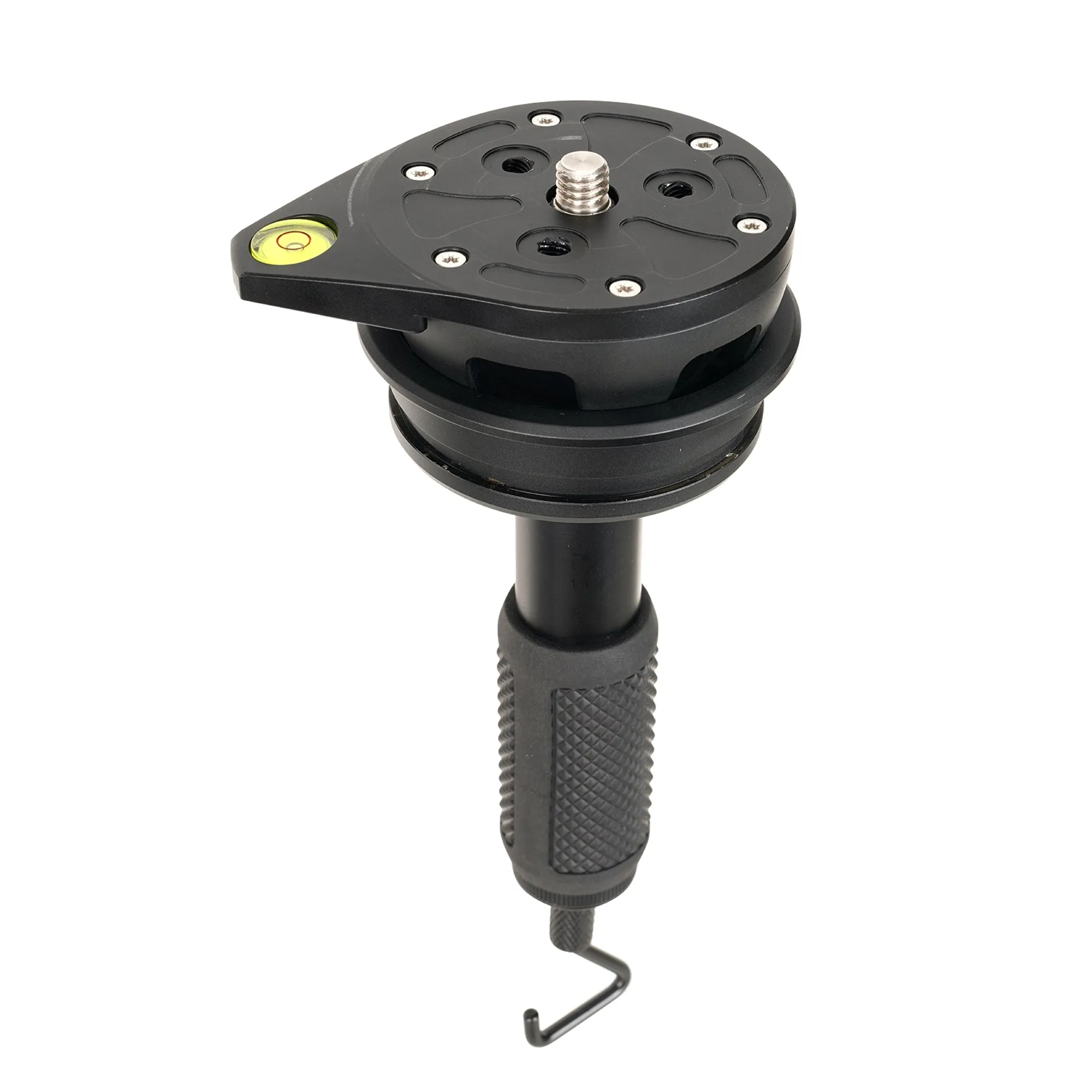
Instead of a central column, the Alta Pro 3VL 303AV 18 has a fixed levelling base with a 65mm base and a spirit bubble built into the tripod canopy. This allows you to level the head without extending legs unevenly. Rotate the base 360° or tilt it ±15° to compose your shot, then lock it in place.
Setting Up the VEO PV-18 Video Head
The VEO PV-18 video head offers smooth fluid movement with two long telescopic handles. Follow these steps to attach your camera and adjust the head.
- Attach the quick release plate: The head comes with the extra-large QS-61P Arca compatible quick shoe. Slide it into the clamp until it clicks. The spring pin ensures the plate stays in place even if the clamp is not fully tightened.
- Mount your camera: Secure your camera or video device to the QS-61P plate using the 1/4" screw. For spotting scopes with an Arca compatible foot, you can slot the foot directly into the clamp.
- Adjust tilt and pan: Use the oversized tilt locking knob between the handles to adjust vertical angles from -45° to +90°. The pan-lock knob on the base controls horizontal rotation. The damping control on the side lets you slow vertical movement for precise positioning.
Attaching Accessories
The tripod canopy has a 3/8" thread hole with a 1/4" adaptor for attaching a magic arm or other accessory. There is also a thread on the side of the video head clamp for a second accessory, such as a directional microphone, that can follow your aim.
Key Specifications
-
Alta Pro 3VL 303AV 18 - Aluminium Tripod with levelling base and video head - 15kg load capacity: Maximum height: 1.8m without central column; minimum height: 290mm; folded length: 855mm; weight: 3260g. This tripod suits tall users and low-angle shots without needing extra adjustments.
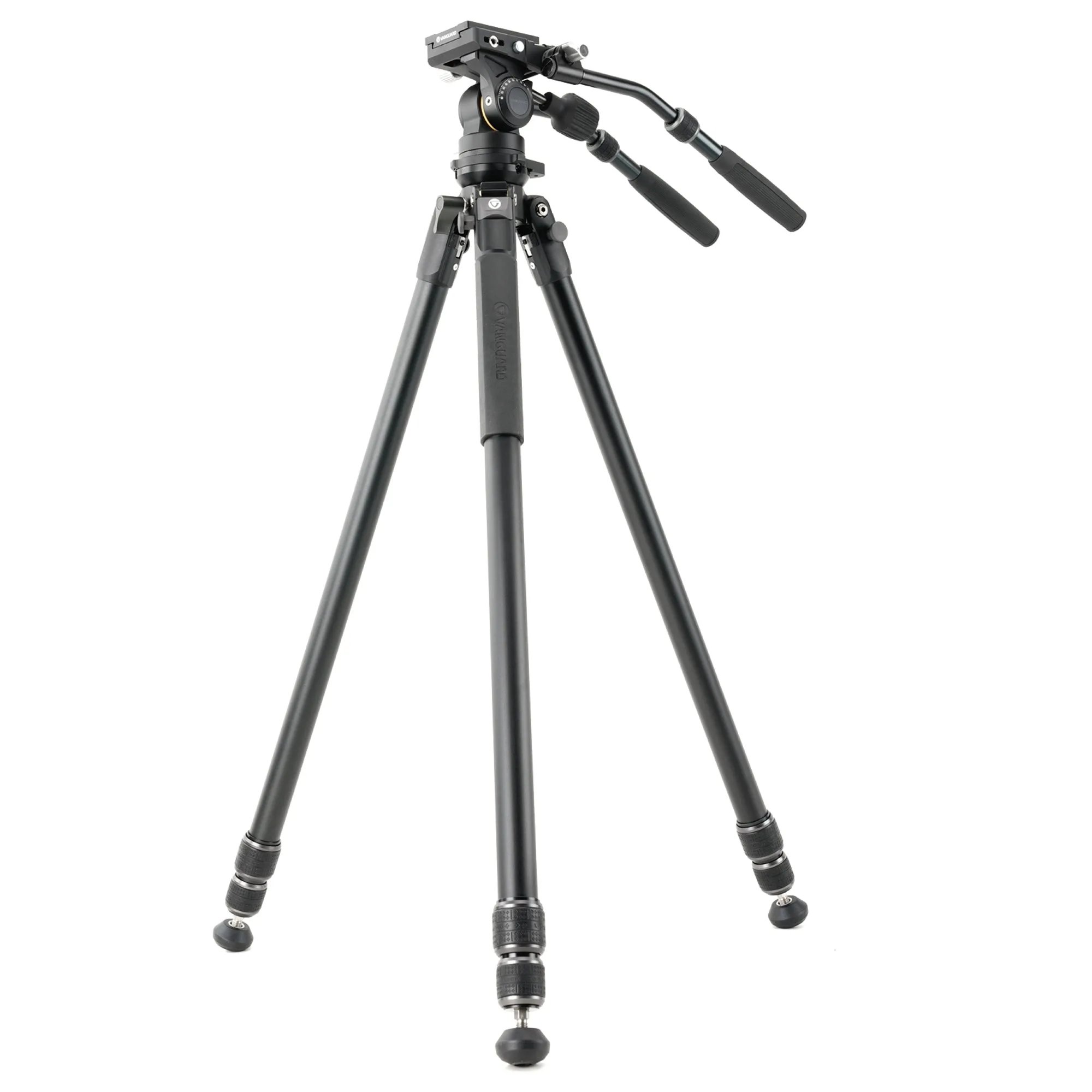
Alta Pro 3VL 303AV 18 - Aluminium Tripod with levelling base and video head - 15kg load capacity
-
Alta Pro 3VL 303AV 18 - Aluminium Tripod with levelling base and video head - 15kg load capacity: Load capacity: 15 kg (head); leg lock holding capacity: 25 kg fully extended. Supports heavy video cameras, long lenses, or spotting scopes with confidence.
-
Alta Pro 3VL 303AV 18 - Aluminium Tripod with levelling base and video head - 15kg load capacity: Leg sections: 3, diameter 30mm; leg angles: 23°, 50°, 80°; retractable rubber/spike feet. Versatile leg setup for different terrain and shooting angles.
-
Alta Pro 3VL 303AV 18 - Aluminium Tripod with levelling base and video head - 15kg load capacity: Head: VEO PV-18 Arca compatible video head with fluid movement, telescopic handles, and damping control. Provides smooth pan and tilt for professional video work.