Quick answer
To set up your app-controlled vibrating butt plug, fully charge the device, install the companion app, enable Bluetooth and location permissions, then pair the toy by following the in-app instructions.
Why proper setup matters
App-controlled toys like vibrating butt plugs rely on a stable Bluetooth connection and correct app permissions. Skipping any step can lead to pairing failures or unexpected disconnections during use. Taking a few extra minutes upfront ensures reliable performance.
Compatibility check before you start
Most app-controlled butt plugs require a smartphone running iOS 12+ or Android 6.0+ with Bluetooth 4.0 or higher. Some apps also need location permission to scan for nearby devices, even if the toy does not use GPS. Check the product listing or app store description for specific requirements.
How to set up your app-controlled vibrating butt plug
- Charge the toy fully: Connect the included USB charging cable to the plug and a USB power source. Most toys need 1–2 hours for a full charge. A solid or blinking indicator light usually signals charging is complete. Common mistake: using the toy while it is low on battery can cause intermittent Bluetooth dropouts.
- Download and install the companion app: Search for the app name listed in the product manual or on the product page. Install it from the official iOS App Store or Google Play Store. Grant all requested permissions, especially Bluetooth and location (on Android). Checkpoint: if the app cannot find the toy, go to your phone settings and verify that location permission is enabled for the app.
- Power on the toy and enable pairing mode: Press and hold the power button on the butt plug for 3–5 seconds until the LED indicator flashes. This signals that the toy is in pairing mode. Some models require a specific button sequence—refer to the manual if the LED does not flash. Common mistake: pressing the button too briefly may only turn the toy on without entering pairing mode.
- Pair the toy in the app: Open the app and tap the 'Add Device' or 'Pair' button. The app will scan for nearby Bluetooth devices. Select your butt plug from the list. Once paired, the LED will stop flashing and remain steady or turn off. If the toy does not appear, move your phone closer (within 3 feet) and ensure no other Bluetooth devices are interfering.
- Test the connection and explore features: Use the app interface to adjust vibration intensity, switch patterns, or try music sync mode if available. Move the phone a few feet away to confirm the Bluetooth range works in your space. Disconnect and reconnect once to ensure the toy remembers your phone. Checkpoint: if the toy disconnects during use, it will usually auto-reconnect when brought back within range. If not, restart the app and toggle Bluetooth off and on.
Product spotlight
-
Butt Plug APP Control Vibrating Butt Plug Erotic Dildo Sexy Machine Male Anus Adults Sexy Toys For Women Men: This vibrating butt plug features APP control and Bluetooth connectivity. You can adjust vibration patterns and intensity remotely via your smartphone, giving you or a partner hands-free control during solo or partnered play.
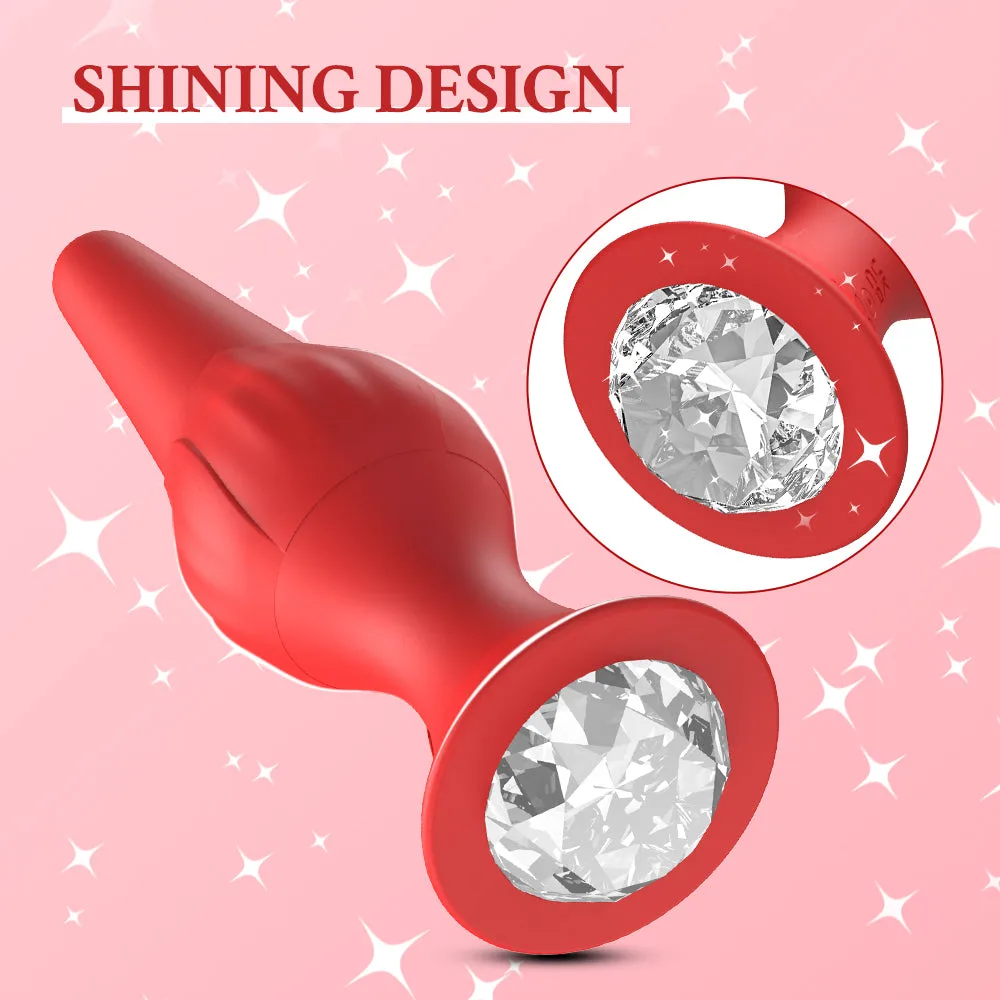
Butt Plug APP Control Vibrating Butt Plug Erotic Dildo Sexy Machine Male Anus Adults Sexy Toys For Women Men