Quick answer
Measure your wrist first. If it is under 150mm, start with the smaller case (38-41mm). If it is 150-180mm, the mid-size (42-45mm) usually fits best. Wrists over 180mm or anyone who wants maximum screen and battery should consider the 49mm Ultra. Always match your band and screen protector to the exact case size.
The four size families you need to know
Apple Watch cases fall into four practical size families: 38/40/41mm (small), 42/44/45mm (medium), 46mm (large), and 49mm (Ultra). The numbers refer to the height of the watch case in millimeters, not the screen size. A 41mm case and a 45mm case can look similar in photos, but they wear very differently on the wrist. The smaller family suits narrow wrists and minimalists; the medium family is the most common; the large and Ultra sizes add screen real estate and battery without changing the core experience.
How to measure your wrist for the right fit
Wrap a flexible measuring tape snugly around your wrist just below the wrist bone. If you do not have a tape, use a strip of paper and measure it against a ruler. Record the measurement in millimeters. As a rule of thumb: under 150mm, choose the small family; 150-180mm, choose the medium family; over 180mm, choose the large or Ultra family. These are starting points, not strict rules. Personal preference for a loose or snug fit matters just as much as the number.
41mm vs 45mm: the most common comparison
The 41mm and 45mm sizes are the two most popular Apple Watch sizes. The 41mm case is lighter and less likely to catch on sleeves, which makes it a good match for smaller wrists and sleep tracking. The 45mm case offers a larger display that is easier to read and tap, and it often provides longer battery life because there is more room for a battery. If you are between the two, try both on if possible. If you cannot, lean toward the 41mm for comfort and the 45mm for screen space.
Apple Watch Ultra size: who should go 49mm
The Apple Watch Ultra uses a 49mm case, which is the largest option. It is designed for outdoor and endurance activities, with a brighter display and more rugged build. The trade-off is bulk: it can feel heavy on small wrists and may not slide under tight sleeves. If you have a wrist under 160mm, the Ultra may overwhelm your arm. If you prioritize battery life, screen visibility in bright light, and do not mind the extra size, the 49mm Ultra is a strong choice.
Band and screen protector sizing: match the case
Bands are sold by case size family, not by individual millimeter. A band for a 38mm case will not fit a 42mm case, and a 45mm band will not fit a 41mm case. Always check the band's compatibility list before buying. Screen protectors are even more specific: a protector cut for a 41mm screen will not align correctly on a 45mm screen. If you use a case cover, it must also match the exact case size. When in doubt, measure your watch case height with a ruler and compare it to the product's stated size.
What about Apple Watch Series 11 size?
The Apple Watch Series 11 follows the same size families as recent models: 41mm and 45mm, with a 46mm option in some configurations. There is no separate Series 11-only size. If you already know your size from a previous Apple Watch, you can confidently order the same size for Series 11. If you are new, use the wrist measurement method above. The band and screen protector you choose must match the case size you select.
Decision rules for choosing your Apple Watch size
- Wrist under 150mm: Choose a 38mm, 40mm, or 41mm case. These sizes sit flush and reduce snagging on clothing. Best for small wrists and sleep tracking.
- Wrist 150-180mm: Choose a 42mm, 44mm, or 45mm case. This is the most versatile range for everyday wear. Best for most people who want a balance of screen and comfort.
- Wrist over 180mm or need max battery: Choose a 46mm or 49mm Ultra case. The larger body provides more screen area and battery capacity. Best for outdoor use, large wrists, and heavy activity tracking.
- Already own bands or protectors: Stick with the same case size family you already have. Bands and screen protectors are not interchangeable across sizes. Check compatibility before upgrading your watch.
Case-Mate protection that fits your Apple Watch size
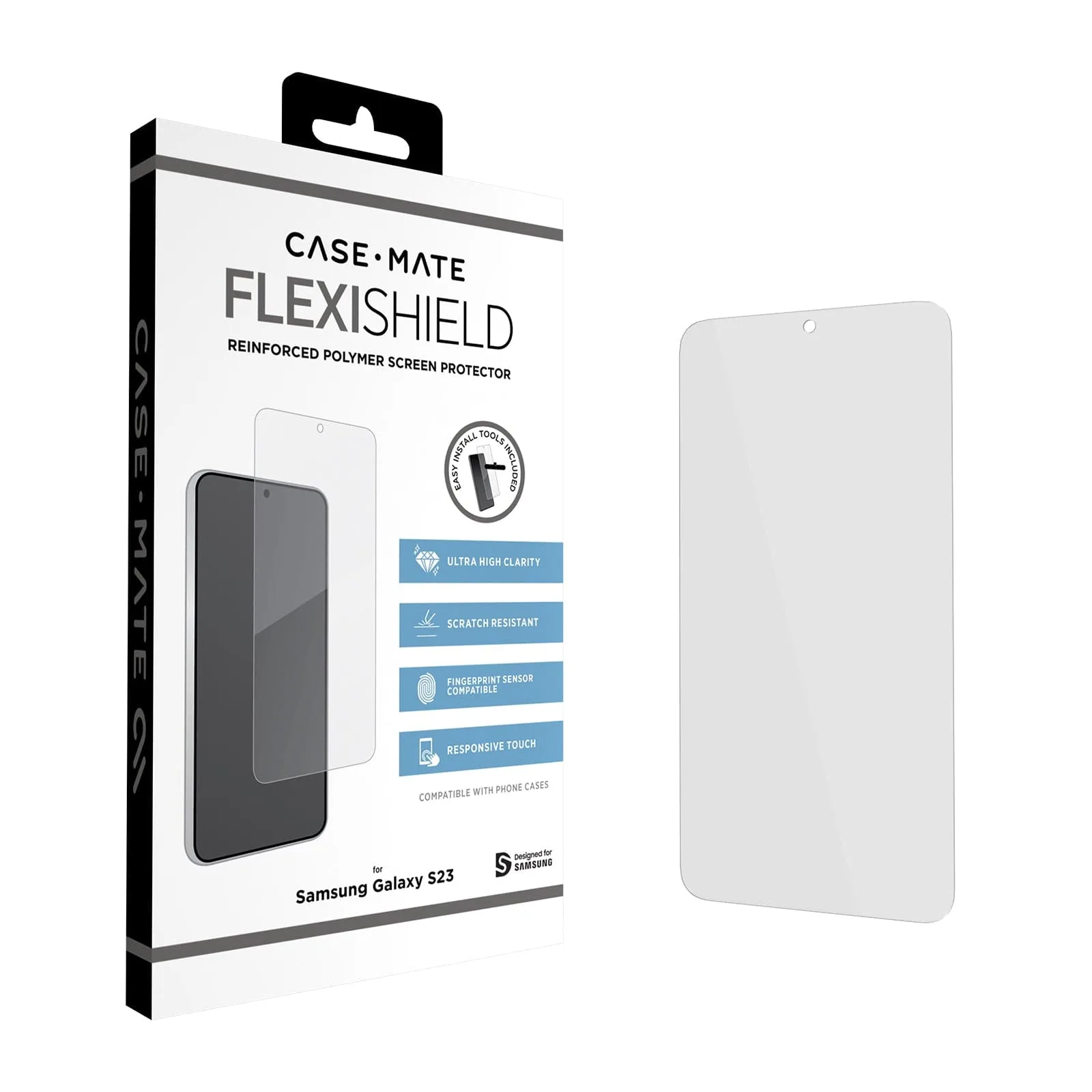
- FlexiShield Screen Protector - Galaxy S23: FlexiShield Screen Protector for Galaxy S23 includes a wet cleaning cloth, dust removal sticker, microfiber cloth, and installation tool with a slip-free mat. If you own a Galaxy S23, this kit makes bubble-free installation easier, but it is not compatible with Apple Watch.
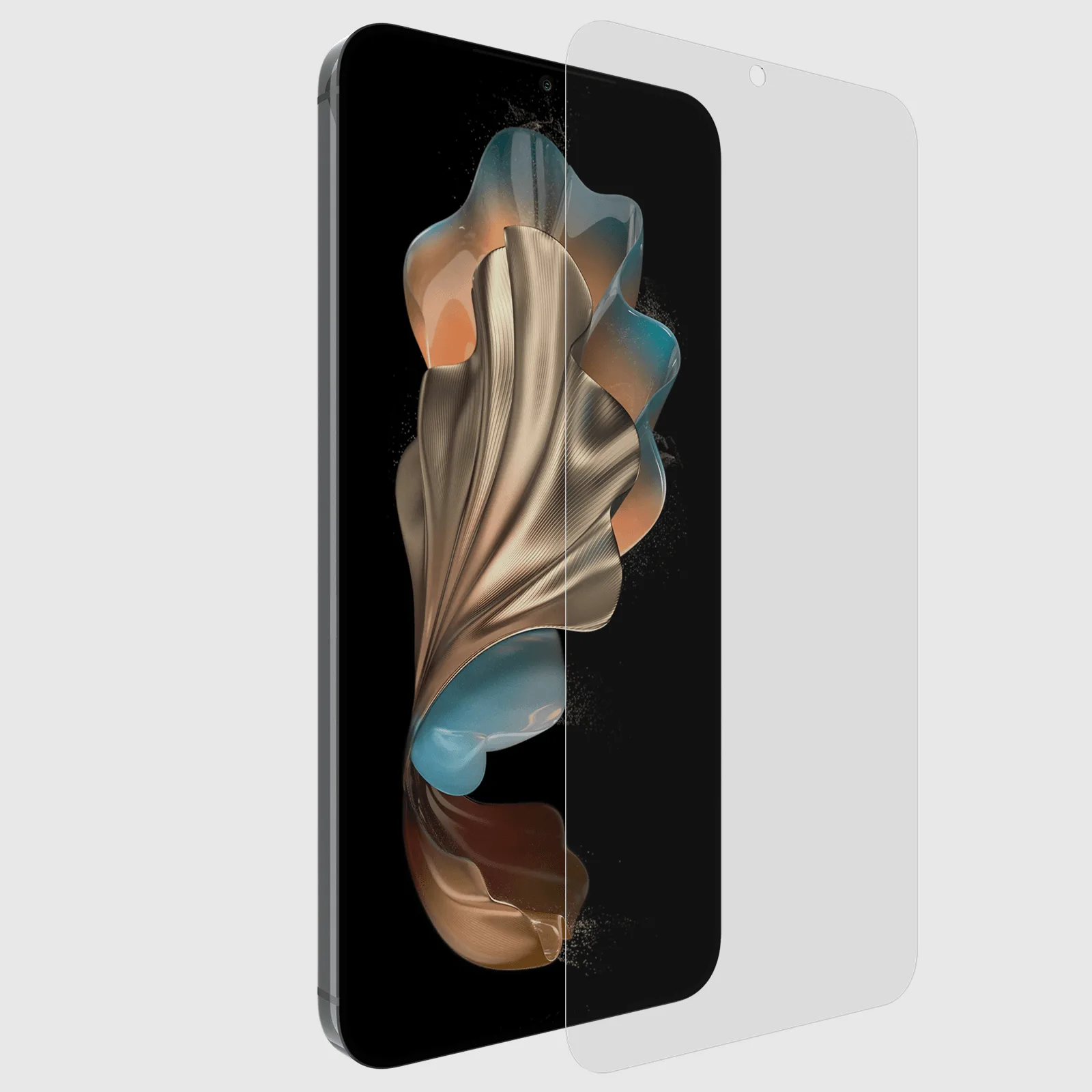
- Flexishield Screen Protector - Galaxy S24+: Flexishield Screen Protector for Galaxy S24+ features anti-scratch and anti-fingerprint coatings with a thin, touch-sensitive design. A good example of how screen protectors are device-specific; always check the exact model before buying for your Apple Watch.
Which Apple Watch size fits you best?
Best for
- Small wrists (under 150mm) who want a lightweight, low-profile watch.
- Users who prioritize comfort during sleep and daily wear.
- Anyone who prefers a subtle look that slides under sleeves.
Not for
- People who want the largest possible display for reading and tapping.
- Users who need maximum battery life for multi-day tracking.
- Those with wrists over 180mm who may find small cases look disproportionate.