Quick Answer
Use the Raiders Play Mat as a central play area for Architects of the West Kingdom, placing the main board and key decks on it. Integrate promo cards like PP4: West Kingdom Various by shuffling them into the appropriate decks before the game starts, following the card instructions for setup.
Architects of the West Kingdom is a worker-placement game that thrives on smooth setup and clear table organization. The Raiders Play Mat, designed for the Raiders series, can also enhance your Architects sessions by providing a dedicated, themed surface that keeps components in order. This guide walks you through using the play mat with Architects and integrating promo cards without disrupting the game's balance.
Promo cards add variety and new strategies, but they only shine when set up correctly. Whether you're using PP4: West Kingdom Various or other promotional content, knowing where each card goes and how to shuffle it in saves time and prevents mid-game confusion.
Why Use the Raiders Play Mat with Architects
The Raiders Play Mat is an accessory designed to support Raiders of the North Sea, its expansions, and all promo content. While it isn't specifically made for Architects, its generous surface area can serve as a central play zone, helping to define where the main board, decks, and discard piles live. This keeps the table tidy and reduces accidental bumps that can scramble your carefully placed workers.
If you already own the mat for Raiders, repurposing it for Architects is a practical way to get more value from the accessory. The mat's artwork fits the West Kingdom theme, so it won't clash visually. Just ensure your table has enough space for both the mat and the Architects board, as the game requires room for player boards and personal supply areas.
- Place the mat in the center of the table, then put the main board on top or beside it, depending on your table size.
Understanding Promo Cards for Architects
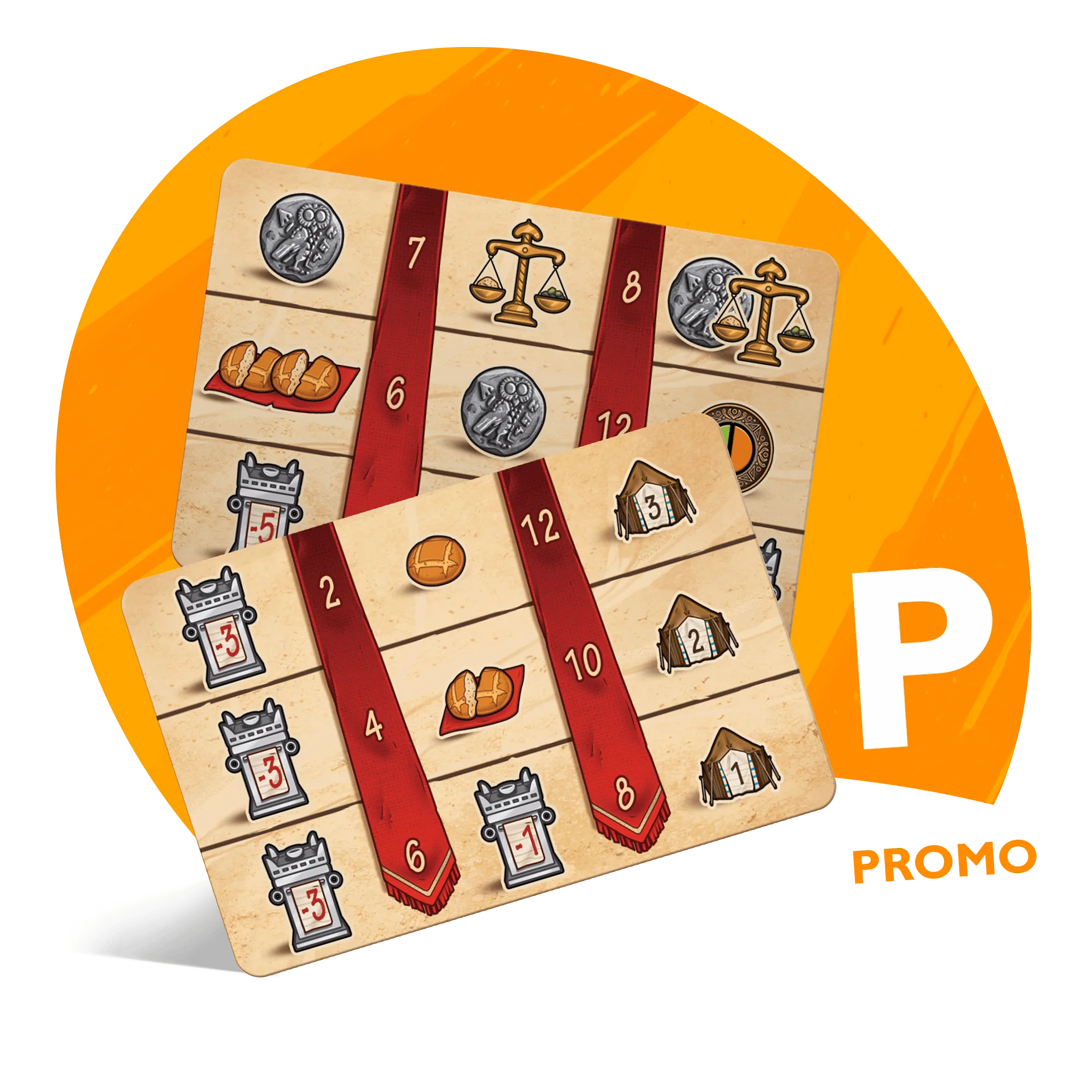
Promo cards for Architects of the West Kingdom are typically 54 x 86mm, the standard card size for the game. The PP4: West Kingdom Various set includes 10 promo cards covering Architects, Paladins, and Viscounts. For Architects, you'll find cards like Promo Paradise, King's Tabletop, Racketeer, and Jugador. Each card has unique effects that can alter your strategy, so it's wise to read them before shuffling.
When integrating promo cards, always check the card text for any special setup instructions. Some cards may require you to remove certain base-game cards or place them in a specific location. If a card doesn't specify, you can safely shuffle it into the corresponding deck. For Architects, that's typically the main deck or the progress cards, depending on the card's type.
- Sort promo cards by game first—Architects, Paladins, and Viscounts—to avoid mixing them into the wrong deck.
Step-by-Step Integration Process
Start by setting up the game as you normally would, laying out the main board and preparing the decks. Then, take your Architects promo cards and read each one. If a card has an icon or text indicating a specific deck, insert it there. Otherwise, shuffle it into the main draw pile. Double-check that you haven't included promo cards from other games in the same deck.
After shuffling, place the deck on the designated spot on the mat. If you're using the Raiders Play Mat, you can use the mat's zones to keep the deck, discard, and any promo-specific tokens organized. This visual separation helps players remember where everything is, especially when new cards are introduced mid-game.
- If you're unsure about a promo card's deck, look for the game name or logo on the card—it's usually printed clearly.
Setup Steps for Play Mat & Promo Cards
- Prepare the Play Area: Place the Raiders Play Mat on the table, then position the Architects board so it's accessible to all players. Leave room for player boards and supply areas. Checkpoint: Ensure every player can reach the board and mat without stretching.
- Sort Your Promo Cards: Separate the PP4: West Kingdom Various cards by game. Keep only the Architects cards (Promo Paradise, King’s Tabletop, Racketeer, Jugador) for this session. Mistake to avoid: Don't accidentally shuffle Paladins or Viscounts cards into the Architects deck.
- Read Each Promo Card: Before shuffling, read each card's text to see if it has special setup instructions, such as being placed in a specific location or replacing a base card. If a card is unclear, look for the game logo or name on the card to confirm it belongs.
- Shuffle Into the Appropriate Deck: Add the Architects promo cards to the main draw pile (or the indicated deck) and shuffle thoroughly to distribute them evenly. Checkpoint: After shuffling, the deck should feel consistent with no clumping of promo cards.
- Place the Deck on the Mat: Put the shuffled deck on the Raiders Play Mat in a clear zone, and designate a discard pile spot nearby. This keeps the play area organized. Use the mat's artwork as a visual cue for where to place components.
Products That Help
- PP4: West Kingdom Various: Contains 10 Promo Cards (54 x 86mm) for Architects (Promo Paradise, King’s Tabletop, Racketeer, Jugador), Paladins (Meeple Folk), and Viscounts (Courier). This set gives you four Architects-specific promo cards to integrate, adding fresh strategies and variety to your games.
- Raiders Play Mat: Supports Raiders, Hall of Heroes, Fields of Fame and all promo content. While designed for Raiders, its large surface works as a central play area for Architects, keeping your promo cards and decks organized.
Using the Raiders Play Mat with Architects of the West Kingdom is a simple way to improve table organization, and integrating promo cards like PP4: West Kingdom Various adds fresh challenges without complicating setup. By following these steps, you'll spend less time fiddling with components and more time enjoying the game.