Quick answer
Choose an articulating arm when you need fast, compact repositioning close to the camera body. Choose a boom arm when your monitor needs to sit farther from the rig or carry more weight without sagging. If you shoot handheld and gimbal work, the articulating arm is usually the better fit; for studio or tripod setups with larger monitors, a boom arm earns its space.
How each arm type actually behaves on a rig
An articulating arm uses two or more pivoting joints to fold and rotate the monitor into position. The benefit is speed: you can flip the screen for a low-angle shot, tuck it against the cage for transport, or hand the rig to an AC without tools. The trade-off is that every joint is a potential point of slip, and the folded length limits how far the monitor can reach from the mount.
A boom arm uses a single rigid or semi-rigid extension, often with a locking joint at the base. It holds the monitor farther from the camera, which keeps the screen out of the operator's eyeline and away from matte boxes or follow-focus units. The cost is bulk: a longer arm creates more leverage on the mount, so the rig needs a solid cage or rail to resist twisting.
Reach, weight, and the leverage problem
The practical limit for any arm is not just the monitor's weight but the distance from the mount multiplied by that weight. A small 5-inch monitor on a short articulating arm is easy to manage. Move to a 7-inch bright monitor on a long boom arm and the same rig can droop or rotate unless the mount interface is tight and the arm's locking mechanism is rated for the load.
Articulating arms distribute load across multiple joints, which can feel secure close in but becomes harder to control as you extend. Boom arms concentrate load at one point, so they often need a stronger base connection. Neither type fixes a weak cage or a worn quick-release plate; the arm is only as stable as what it attaches to.
Speed on set versus stability in studio
On documentary, run-and-gun, or gimbal setups, the articulating arm wins because it repositions in seconds and folds small enough to stay on the camera between shots. Boom arms are slower to adjust but hold a fixed position reliably, which suits interview setups, studio cameras, and tripod work where the monitor stays put for long takes.
If you swap between handheld and tripod frequently, consider keeping a compact articulating arm on the camera and a boom arm on the tripod head. That way you are not compromising either setup. The mount interface matters here: a consistent plate system lets you move the monitor between arms without re-threading screws.
Mounting interfaces that make either arm work
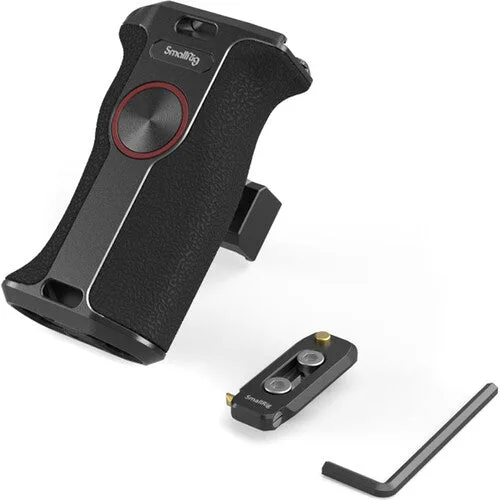
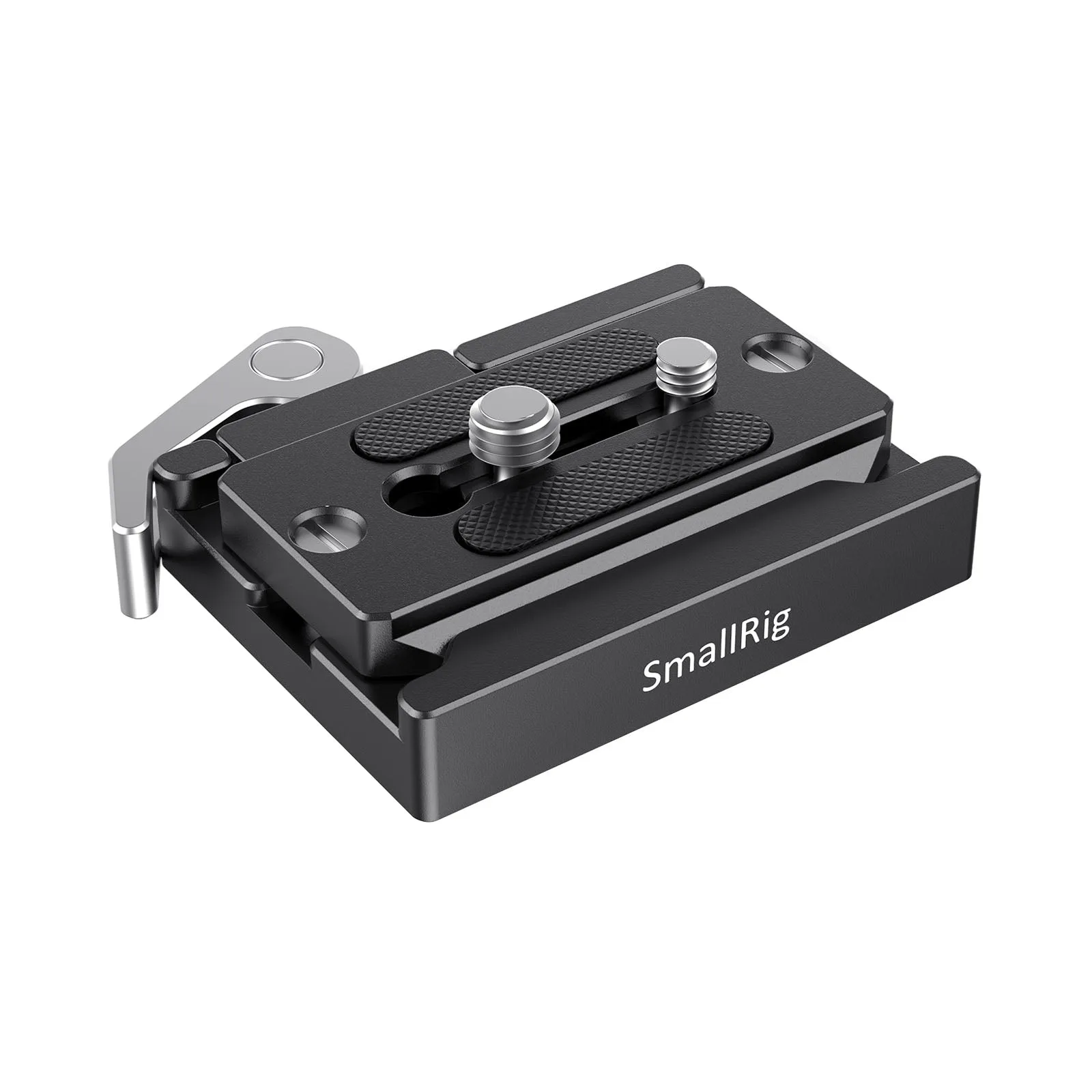
Both arm types depend on a solid connection to the camera or rig. A quick-release clamp and plate set lets you move the monitor between a cage, tripod head, or gimbal without tools, which is especially useful if you run different arm types on different setups. For handheld work, a NATO-mounted side handle can add a contact point while keeping the monitor arm clear of your hand and controls.
Check that your cage or rail system accepts the arm's base before buying. If the arm uses a NATO clamp, you need a NATO rail; if it uses a 1/4"-20 or 3/8"-16 thread, you need a matching hole or adapter. The arm itself cannot create a mounting point that is not there.
Trade-offs at a glance
- Articulating arm: speed vs. slip: Folds small and repositions in seconds, but multiple joints can slip under heavier monitors or vibration. Best when you change monitor position often and keep the payload light to moderate.
- Boom arm: reach vs. leverage: Holds the monitor farther from the camera and clears accessories, but the longer arm puts more leverage on the mount. Best when the monitor stays put and the rig has a solid cage or rail to resist twisting.
- Mount interface: convenience vs. compatibility: A quick-release plate system speeds up swaps, but only if your cage, head, and gimbal accept the same standard. Confirm the base connection before buying the arm; the arm cannot add a mounting point that is not there.
Products that support these setups
- SmallRig Quick Release Clamp and Plate (Arca-type Compatible) #2144B: SmallRig Quick Release Clamp and Plate (Arca-type Compatible) #2144B is an Arca-Swiss compatible quick-release clamp and plate set. The plate stays on the camera or rig, and the clamp lives on the tripod head, slider, or gimbal. Lets you move a monitor or rig between support systems without threading a screw each time, which is useful when switching between an articulating arm on the camera and a boom arm on a tripod.
- SmallRig Rotating NATO Handle (Left Side) #3260: SmallRig Rotating NATO Handle (Left Side) #3260 is a NATO-mounted side handle for a camera rig that needs adding a hand or shoulder contact point while preserving control access, balance, and clearance. On handheld rigs, a side handle keeps your hand away from the monitor arm, reducing the chance of knocking the monitor out of position.
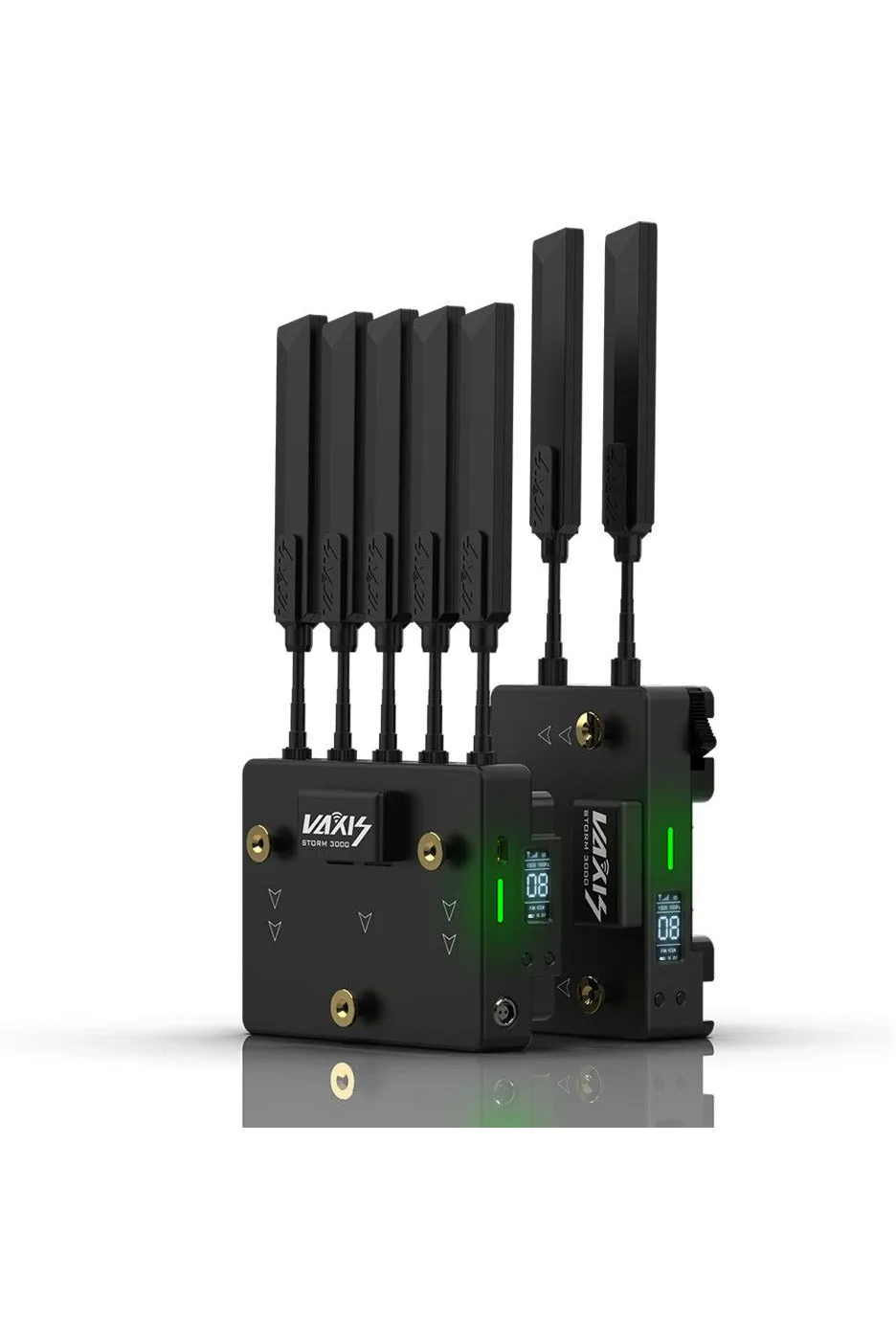
- Vaxis Storm 3000DG Wireless Kit: Vaxis Storm 3000DG Wireless Kit is a Vaxis product in the Wireless Video range, available at Filmgear Canada in Vancouver with Canada-wide shipping. If you run a wireless video transmitter, a boom arm can place the monitor farther from the camera without adding cable strain, which is often the reason crews move to a longer arm in the first place.
Which arm fits your rig
Choose an articulating arm if
- You shoot handheld, gimbal, or documentary work and need fast monitor repositioning
- Your monitor is small to medium and you want the arm to fold compactly for transport
- You frequently flip the screen for low or high angles
Choose a boom arm instead if
- Your monitor is large or heavy and needs to hold a fixed position without sagging
- You need the screen far from the camera to clear a matte box, follow-focus, or operator eyeline
- You work mainly on a tripod or studio setup where the monitor stays in one place