Quick answer
The NiSi 150x170mm Star Soft Astrophotography Filter makes stars appear larger and constellations more distinct without adding color cast or losing light. Use it in your 150mm filter holder and slide it up or down to control the effect on the foreground.
Why use a star diffusion filter for night photography
Standard lenses render stars as tiny points that can get lost in a busy night sky. A star soft filter diffuses the brightest stars into soft, natural glows, making constellations and star clusters stand out. The NiSi version is designed specifically for astrophotography, so it won't introduce a color cast or reduce light transmission.
Trade-off: foreground control
Because the filter affects the entire frame, a bright foreground element can also bloom if left uncovered. The NiSi 150x170mm filter's sliding design lets you raise or lower it in the holder, keeping the foreground sharp while the stars diffuse above. This gives you creative control without needing post-processing masks.
How to use the NiSi Star Soft Filter in the field
- 1. Set up your composition and focus: Mount your camera and lens on a sturdy tripod. Use live view to focus on a bright star or distant light. Lock focus and switch to manual focus mode to prevent refocusing during the shoot. Check focus at 100% zoom on your camera screen – even slight softness is more visible after diffusion.
- 2. Insert the filter into your 150mm holder: Slide the NiSi 150x170mm Star Soft Filter into the top slot of your NiSi 150mm filter holder. Position it so it covers the sky portion of your frame. Leave the foreground uncovered if you want it to remain sharp. Common mistake: sliding the filter too low, causing unwanted diffusion on the ground. Start with it high and adjust down gradually.
- 3. Take a test shot and adjust the filter position: Shoot at your planned exposure settings (e.g., f/2.8, ISO 3200, 15 seconds). Review the image on your camera screen. If the stars are too soft or the foreground blooms, slide the filter up or down to fine-tune the diffusion line. The effect is subtle on the camera screen – zoom in to judge star size and foreground sharpness.
- 4. Capture your final sequence: Once the filter position looks right, shoot your final exposures. Because the filter causes no light loss, your exposure settings remain the same as without the filter. Consider bracketing exposures to blend a sharp foreground later if needed. Check for lens flare from bright streetlights or the moon – the filter can amplify it if light hits the glass at an angle.
Product fact
-
NiSi 150x170mm Star Soft Astrophotography Filter: The NiSi 150x170mm Star Soft Astrophotography Filter is designed to make stars appear bigger and constellations stand out. It has no loss of light and no color cast. You get brighter, more dramatic stars without extra exposure time or color correction in post.
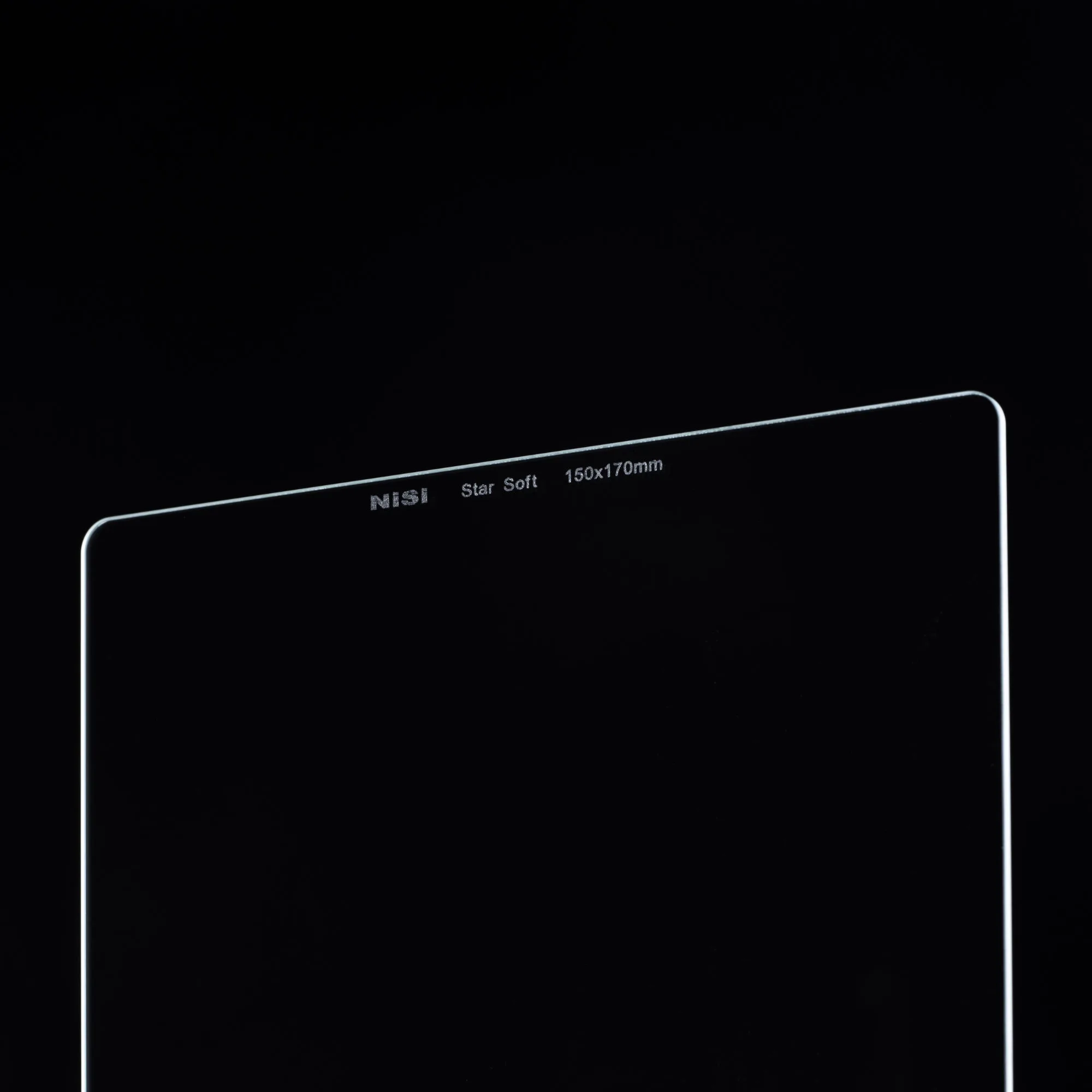
NiSi 150x170mm Star Soft Astrophotography Filter