Quick answer
The ATEN HDMI 1:2 splitter rental from Matphoto is a reliable device, but most rental issues stem from cable quality, EDID handshake conflicts, or power supply interruptions. Here are the fixes.
Why rental gear needs extra attention
Rental AV equipment like the ATEN HDMI splitter sees heavy handling. Connectors wear, cables get swapped, and power adapters may not be the original ones. Most field problems are not the splitter itself but the setup around it.
Diagnosis guide
- Symptom: No signal on one or both displays: Likely cause: Loose HDMI connection or a damaged cable. Try reseating both ends. Swap the cable with a known working one. If the problem follows the cable, replace it. Always carry a spare HDMI cable in your rental kit.
- Symptom: Flickering or intermittent signal: Likely cause: Power supply not delivering stable voltage. The splitter needs its own power; do not rely on HDMI bus power. Check the adapter and try a different outlet. Test with the original Matphoto power adapter before blaming the splitter.
- Symptom: Display shows 'No Signal' despite good cables and power: Likely cause: EDID handshake conflict between source and display. Power cycle the splitter by unplugging it for 10 seconds. If that fails, connect the source directly to one display to confirm the source works. If direct connection works but the splitter does not, the splitter may need replacement.
Product facts
-
ATEN SPLITTER HMDI 1/2: The ATEN HDMI 1/2 splitter is available from Matphoto as a rental item, designed to route one HDMI signal to two outputs. It is a straightforward distribution tool for presentations or video walls, but its performance depends on cable quality and source compatibility.
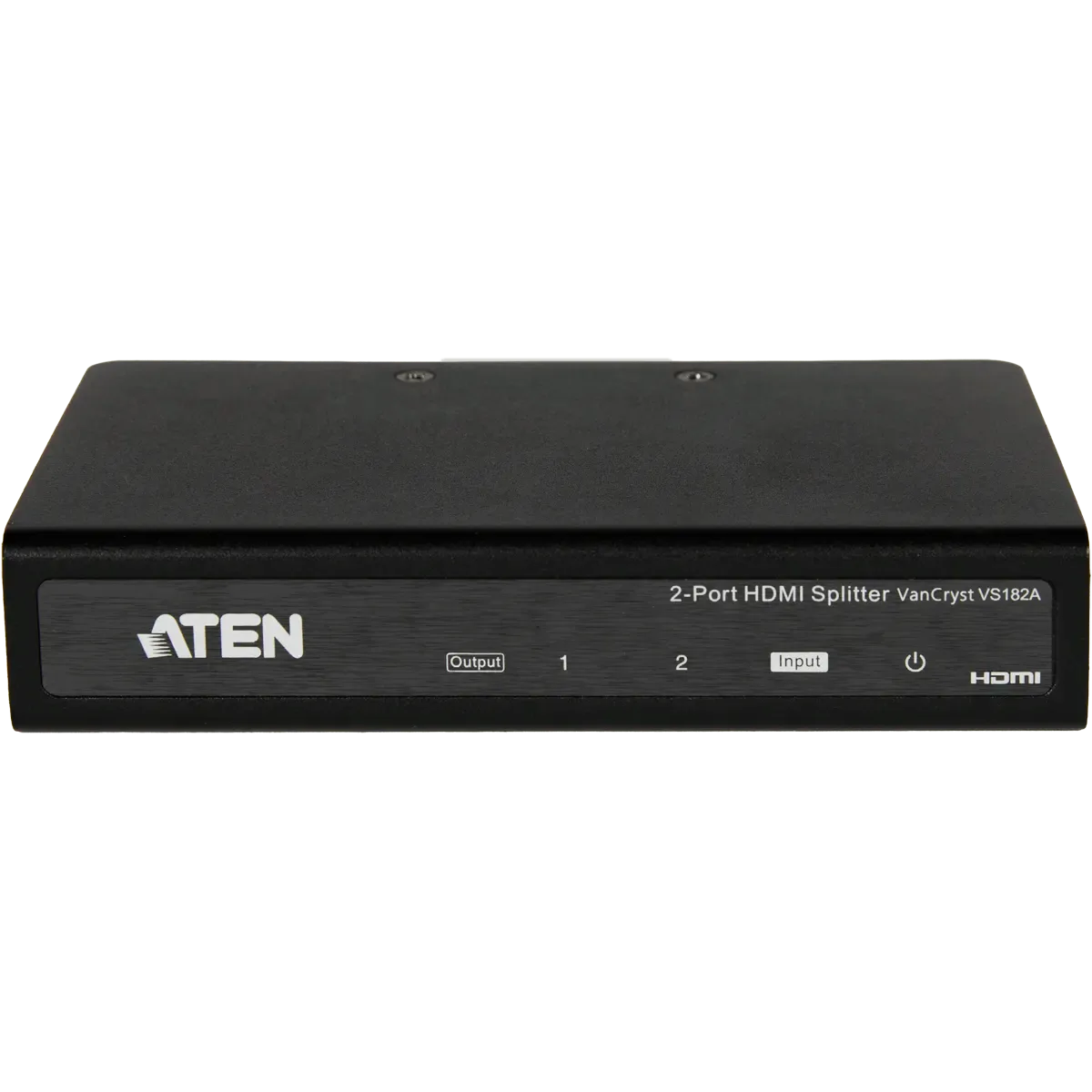
ATEN SPLITTER HMDI 1/2