Quick answer
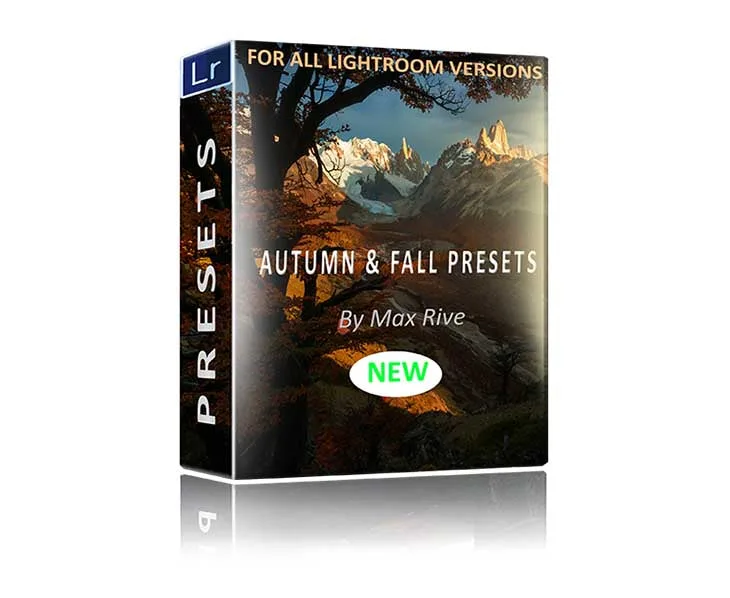
Use autumn Lightroom presets as a starting point, then reduce intensity and adjust white balance before adding more warmth. For most fall landscapes, one preset plus small local tweaks beats stacking several presets. If you want a preset pack built specifically for autumn color ranges, the Autumn and Fall Lightroom Presets are designed for green-to-orange early fall and dark red-to-magenta late fall, which helps you match the season instead of forcing it.
Why autumn colors go wrong in Lightroom
Fall scenes contain a wide range of hues at once: green leaves, yellow leaves, orange leaves, and sometimes deep reds or magentas in the same frame. A single global adjustment often pushes one group too far while leaving another flat. The fix is to treat color as a range, not a single slider. Start by identifying the dominant color in your scene, then decide whether you want it to lead or support the composition.
White balance is the most common culprit. If your camera recorded the scene as cooler than it felt, adding warmth globally can make oranges look neon and greens look muddy. Instead, set a neutral white balance first, then let the preset handle the color separation. This is also where a preset pack with distinct early-fall and late-fall looks saves time, because you are not trying to make one preset do two opposite jobs.
How to stack presets without turning fall into a filter
Stacking presets can work, but only when each layer has a clear job. A common mistake is stacking two warm presets and then wondering why the image looks like a sepia print. A better approach is to use one preset for overall color and contrast, then a second only for a specific correction, such as lifting shadow detail or cooling a sky that turned too yellow.
If you are working with a pack that includes multiple preset settings, combine them in small amounts rather than at full strength. Reduce the preset amount until the image still looks like the place you photographed. The goal is not maximum color; it is believable color. When in doubt, compare against a neutral edit of the same file and ask which one you would actually print.
When to move from Lightroom to Photoshop for fall landscapes
Lightroom handles global color and tone well, but some autumn scenes need local work that is easier in Photoshop: focus stacking for sharp foreground leaves, adding mist, or shifting light across a tree line. If your fall image has a soft foreground because you focused on the distance, a focus stacking workflow can combine several frames into one sharp landscape. That is a different task from color grading, so it makes sense to separate the two steps.
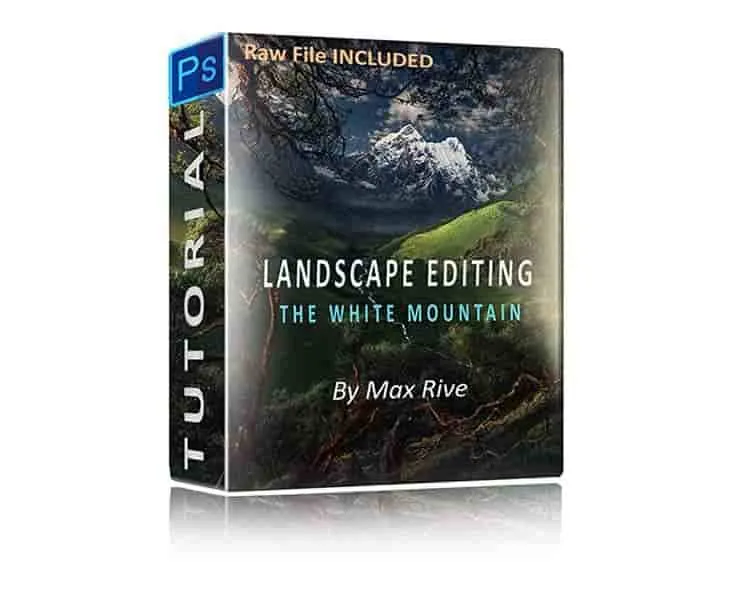
A structured editing tutorial can help if you keep hitting the same wall, such as flat contrast or colors that look separated but not unified. The Photoshop Landscape Editing Tutorial covers color and light painting on trees, adding mist, increasing separation in colors and contrast, and shifting light, which are exactly the moves that autumn scenes often need after the preset stage.
Do you need a preset pack or a full editing tutorial?
A preset pack is fastest when you already understand your own editing style and just want a consistent autumn starting point. A tutorial is better when you want to understand why an image works, so you can repeat the result on any scene. Many photographers use both: presets for speed on familiar shots, tutorials for the images that matter most.
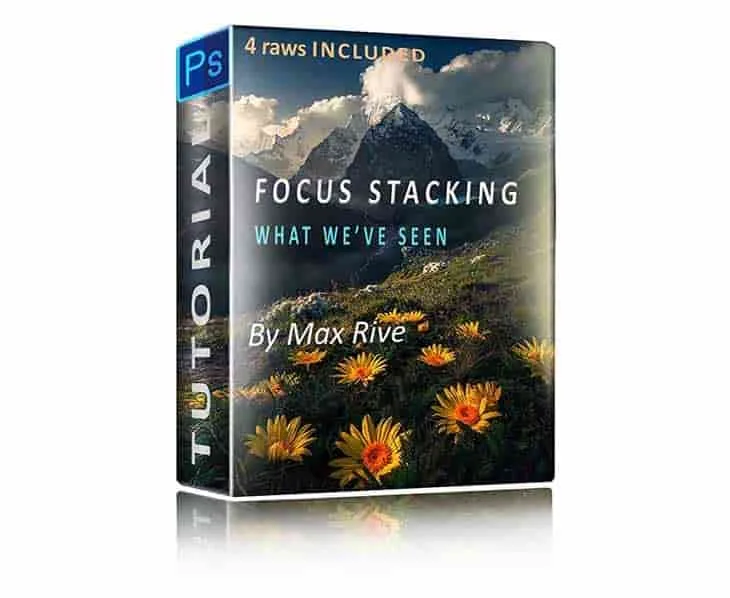
If you shoot a lot of fall landscapes and want to learn the full post-processing sequence, the Photoshop Landscape & Focus Stacking Tutorial focuses on combining photos with different focus points into one sharp landscape image, which is a common need when autumn foregrounds are close to the lens. It also covers working with or without a tripod, so you can use it with the frames you already have.
Autumn preset FAQ
Should I use one autumn preset or stack several?
Start with one preset at reduced strength. Add a second only if it fixes a specific problem, such as a sky that is too warm or shadows that are too dark. Full-strength stacking is the fastest way to make fall colors look artificial. If you cannot name what the second preset is fixing, remove it.
How do I keep warm fall tones from looking orange?
Set a neutral white balance before applying the preset, then lower the preset amount. Check skin tones or neutral objects in the frame, such as gray rocks or white water, to see whether the warmth has spilled into areas that should stay neutral. Neutral references in the scene are your best over-editing alarm.
Do autumn presets work for both early and late fall?
Not always. Early fall is dominated by green, yellow, and orange, while late fall shifts toward dark reds and magenta. A pack that includes settings for both stages, like the Autumn and Fall Lightroom Presets, gives you a closer starting point than a single generic warm preset. Match the preset to the season stage, not just to the word autumn.
When should I edit in Photoshop instead of Lightroom?
Move to Photoshop when you need local work that Lightroom handles awkwardly: focus stacking multiple frames, painting light on specific trees, adding mist, or separating colors that are merging together. These are compositional and depth problems, not global color problems. Fix depth and local light in Photoshop, then return to Lightroom for final color.
Product facts
- Autumn and Fall Lightroom Presets: Autumn and Fall Lightroom Presets are built for autumn and fall landscape images, covering green, yellow, and orange forests in early autumn through dark reds and magenta in late fall, and allow combining multiple preset settings in a few clicks. This range matters because early-fall and late-fall scenes need different color handling; a pack that covers both reduces the risk of forcing one look onto the wrong stage of the season.
- Photoshop Landscape & Focus Stacking Tutorial: Photoshop Landscape & Focus Stacking Tutorial teaches combining photos with different focus points into one sharp landscape image in Photoshop, and supports images taken with or without a tripod. Useful when autumn foreground leaves or rocks are soft while the background is sharp, and the no-tripod option means you can still follow along with handheld focus stacks.
- Photoshop Landscape Editing Tutorial: Photoshop Landscape Editing Tutorial covers creating colors, contrast, light, and sharpness in landscape images, including color and light painting on trees, adding mist, increasing separation in colors and contrast, and shifting light. These are the local adjustments that global presets cannot fully solve, especially for mixed autumn color and directional light.