Quick answer
Choose barndoors for adjustable, four-leaf beam shaping and spill control on the Lume Cube Studio Panel. Choose the honeycomb grid for a fixed, focused beam with minimal spill on the RGB Panel Pro 2.0.
How they shape light differently
Barndoors use four independently adjustable leaves to block light from specific directions, letting you create rectangular or shaped beams. This is useful when you need to control spill onto a background or subject without losing overall output.
The honeycomb grid uses a fixed grid pattern to narrow the beam angle and reduce spill in all directions equally. It creates a more focused, directional light that falls off sharply at the edges, ideal for accent lighting or isolating a subject.
Compatibility and mounting
The Lume Cube Studio Panel Barndoors are designed specifically for the Lume Cube Studio Panel. The honeycomb grid is designed for the Lume Cube RGB Panel Pro 2.0. Ensure you have the correct panel before purchasing.
Barndoors vs honeycomb grid: key trade-offs
- Beam control: Barndoors offer independent leaf adjustment for custom beam shapes. The honeycomb grid provides a fixed, even beam pattern. Choose barndoors if you need to shape light asymmetrically; choose the grid for consistent, symmetrical falloff.
- Spill reduction: Both reduce spill, but barndoors block light directionally while the grid reduces spill uniformly in all directions.
- Compatibility: Barndoors fit the Lume Cube Studio Panel. The honeycomb grid fits the Lume Cube RGB Panel Pro 2.0. They are not interchangeable. Verify your panel model before buying a modifier.
Product facts
-
Lume Cube Studio Panel Barndoors Light Shaping Accessory: Features four adjustable leaves to shape and direct light while reducing unwanted spill. You can tailor the beam shape to each scene, blocking light from a wall or camera lens without moving the panel.
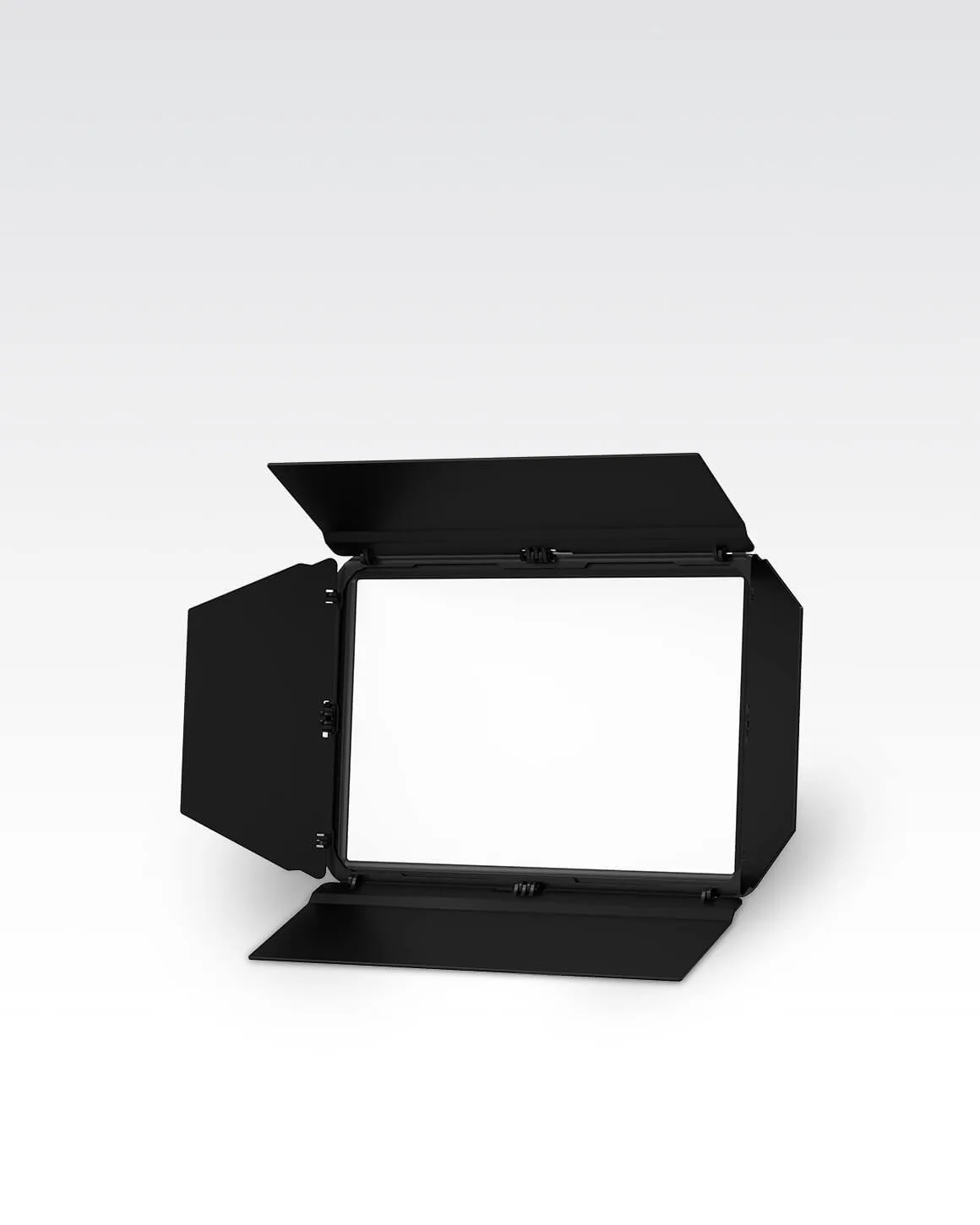
Lume Cube Studio Panel Barndoors Light Shaping Accessory
-
Lume Cube RGB Panel Pro 2.0 Honeycomb Grid Light Shaping Accessory: Narrows the beam angle and reduces light spill for more focused, directional illumination. The grid creates a tight, even beam that works well for accent lighting or when you need to control light falloff precisely.
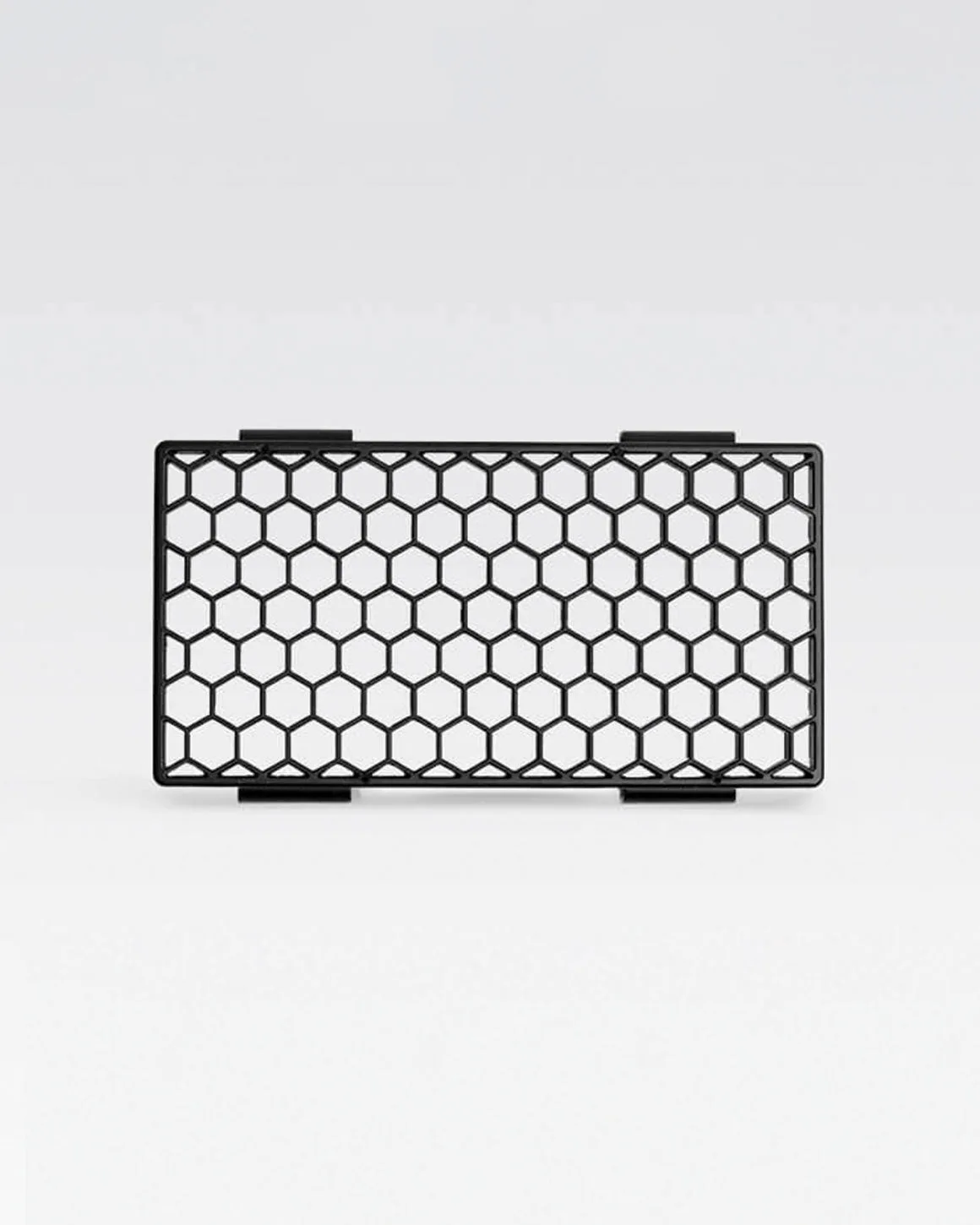
Lume Cube RGB Panel Pro 2.0 Honeycomb Grid Light Shaping Accessory
Which modifier fits your work?
Best for
- Studio Panel owners who need adjustable beam shaping for interviews, product shots, or background control.
- RGB Panel Pro 2.0 users who want a fixed, focused beam for accent lighting or precise directional control.
Not for
- Users who need a soft, diffused light source (consider a softbox instead).
- Those who want a modifier that works with both panel models (each modifier is panel-specific).