Quick answer
The Circuit Cubes Bluetooth Upgrade Kit pairs with one device at a time, but you can switch between devices by disconnecting and re-pairing using the app. Most connection issues stem from interference or a full Bluetooth cache.
Why multiple device pairing matters
If you share your Circuit Cubes builds with siblings or friends, you may want to control the same vehicle from different phones or tablets. The Bluetooth Upgrade Kit uses a standard Bluetooth connection that only remembers one paired device at a time, but switching is straightforward once you know the steps.
Understanding the pairing process also helps you avoid common Bluetooth connection issues, like the app not finding the cube or losing control mid-play.
Diagnosis: Bluetooth connection problems
- Symptom: The Circuit Cubes app does not discover the Bluetooth Battery Cube, or the cube appears in the app but cannot be controlled.
- Likely cause: The cube is still paired to a previous device, or there is Bluetooth interference from other electronics (Wi-Fi routers, other Bluetooth devices). A full Bluetooth cache on your phone or tablet can also prevent discovery.
- Corrective action: 1. On the previously paired device, go to Bluetooth settings and forget the Circuit Cubes device. 2. Turn off Bluetooth on that device. 3. On the new device, open the Circuit Cubes app, ensure the cube is powered on, and tap 'Scan' or 'Pair'. 4. If the cube still does not appear, restart the app and toggle your device's Bluetooth off and on. 5. If interference is suspected, move at least 3 feet away from other electronics. If the cube pairs but does not respond, try replacing the batteries in the Bluetooth Battery Cube.
- Stop or choose another option: If the cube still fails to pair after these steps, the Bluetooth module may need a factory reset (check the Circuit Cubes support site for your model) or replacement. The Bluetooth Upgrade Kit supports one active connection at a time — you cannot control the same build from two devices simultaneously. For simultaneous control, consider using a single device as a dedicated remote.
Product facts
-
Bluetooth Upgrade Kit: The Bluetooth Upgrade Kit includes a Bluetooth Battery Cube, two Cubit Motors, and 36 parts (bricks, wheels, gears, axels, connection wires). The Bluetooth Battery Cube is the core component that handles pairing — knowing its role helps you focus troubleshooting on the cube itself rather than the motors or bricks.
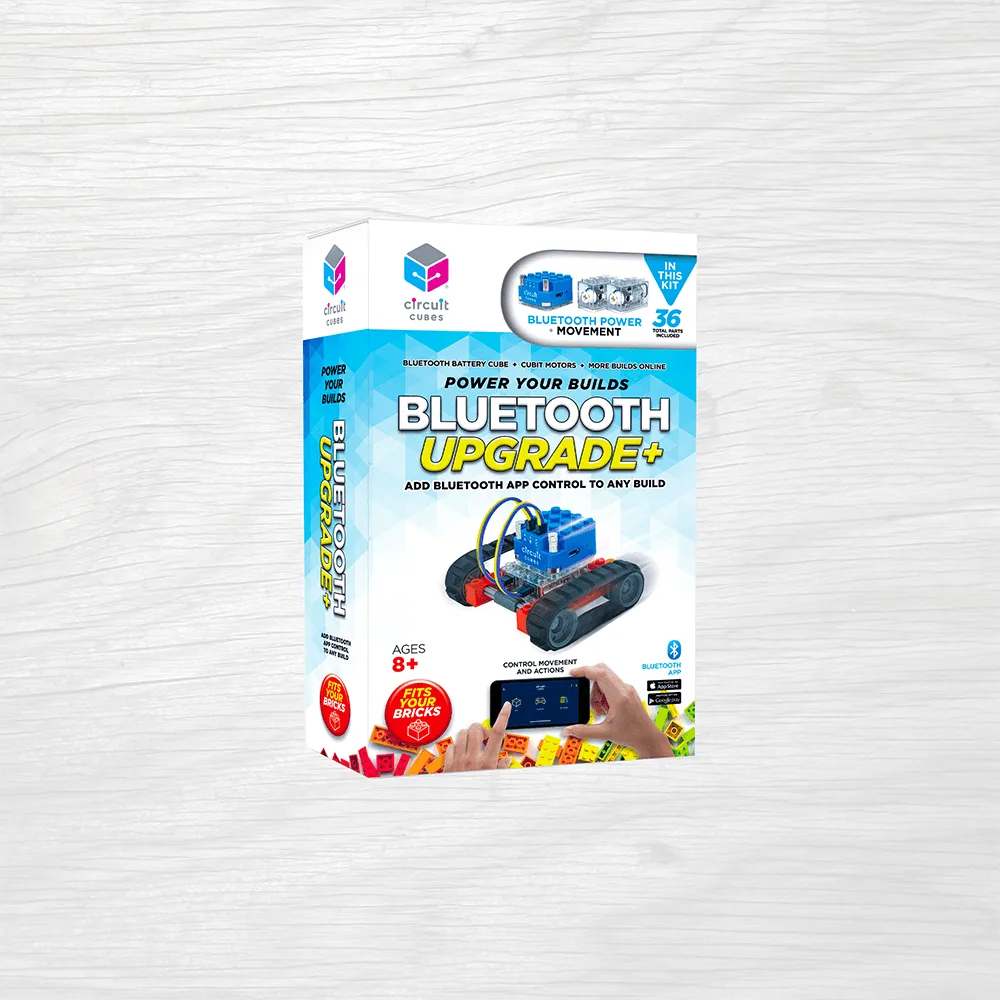
Bluetooth Upgrade Kit