Quick answer
Bracket when the scene's dynamic range exceeds what one frame can hold—typically scenes with both bright sky and dark foreground. For most landscapes, three to five frames at one-stop intervals cover the range. If the histogram shows clipping in highlights or shadows after a single exposure, bracket; if not, don't.
When a single frame is the better choice
Bracketing adds workflow steps and storage demands. If your histogram shows no clipping at either end, a single exposure preserves all the detail you need. Modern sensors handle many sunrise and sunset scenes without bracketing, especially when you expose for the highlights and lift shadows in post. In those cases, bracketing only creates extra files to manage and can introduce alignment or ghosting problems if anything moves between frames.
- Check the histogram: if highlights and shadows are not clipped, skip bracketing.
- Use graduated or polarizing filters to balance sky and foreground in-camera when the horizon is relatively straight.
- If wind moves foliage or water between frames, a single frame avoids ghosting.
How to bracket without creating a mess
Set your camera to aperture priority or manual mode, choose an aperture that balances depth of field and sharpness, then let the camera vary shutter speed across the bracket. Use a tripod and either a remote release or the self-timer to avoid vibration. For most scenes, one-stop intervals are enough; two-stop intervals help when the contrast range is extreme, but they reduce the number of usable frames if you later blend manually.
- Lock mirror up or use electronic shutter if available.
- Turn off image stabilization when on a tripod unless your lens manual says otherwise.
- Shoot RAW so you have maximum latitude when blending.
Filters versus bracketing: choosing your tool
Filters and bracketing solve different problems. A graduated neutral-density filter tames a bright sky in a single exposure, which is faster and avoids blending artifacts. Bracketing handles irregular bright zones—like a sunlit peak against a dark valley—that a straight grad line cannot match. Polarizers cut glare and deepen skies but do not reduce the overall dynamic range the way a grad or bracketing does.
- Use a grad filter when the horizon is straight and you want a single frame.
- Bracket when bright and dark areas are irregular or when you need maximum shadow detail.
- Combine a polarizer with bracketing only if you need both glare control and dynamic range expansion.
Stop bracketing when it stops helping
If your blended result looks flat, haloed, or unnatural, you have gone past the point where bracketing improves the image. The goal is a natural-looking photograph, not a demonstration of dynamic range. When you find yourself fighting ghosting, alignment errors, or overly bright shadows, step back and consider a single exposure with careful processing or a filter. Bracketing is a tool, not a default.
- If the scene has no clipped highlights or shadows, stop.
- If movement between frames ruins the blend, switch to a single frame.
- If the HDR result looks artificial, reduce the number of frames or the exposure range.
Diagnosis: Should you bracket this scene?
- Symptom: Histogram shows clipped highlights or blocked shadows: The scene's dynamic range exceeds your sensor's ability to record detail in a single exposure. Bracket with three to five frames at one-stop intervals.
- Symptom: Blended frames show ghosting or misalignment: Something moved between exposures—clouds, water, foliage—and the frames no longer align. Use a single exposure or mask manually; bracketing will not fix motion.
- Symptom: HDR result looks flat or haloed: You applied too many frames or too wide an exposure range, flattening contrast and creating edge artifacts. Reduce to two or three frames or blend manually with luminosity masks.
Learning resources for bracketing and blending
- Bracketing Exposed: Push beyond the limitations of your camera, and gain control of your highlights and shadows with this complete guide to exposure bracketing for high dynamic range photography. This guide helps you decide when bracketing is necessary and how to capture the frames correctly, so you avoid unnecessary bracketing and get clean source files.
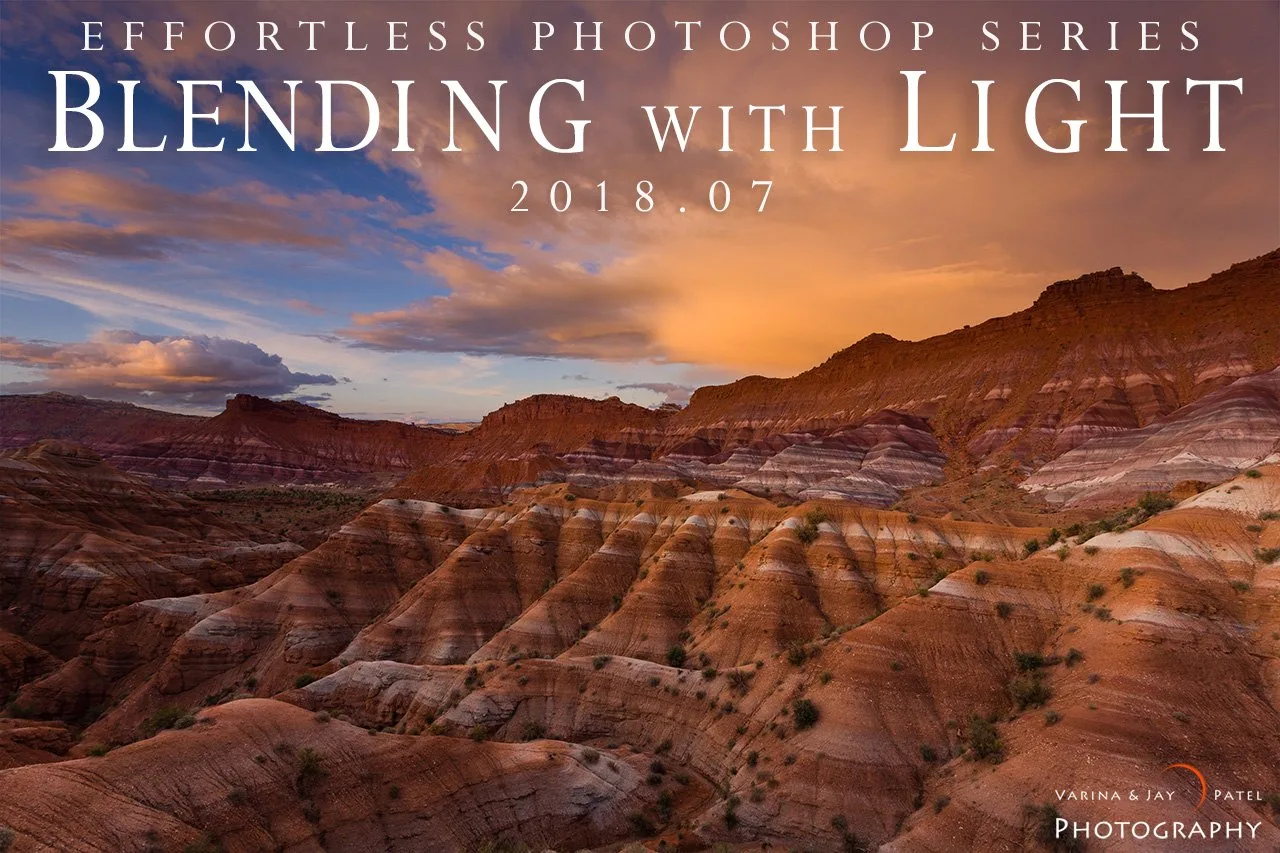
- Blending with Light: Learn bring out the rich, natural beauty in your high dynamic range photographs with just a few minutes. If you bracket, blending is the step that determines whether the final image looks natural or overprocessed; this resource focuses on efficient, realistic results.
- Essential Photography Filters: Learn to capture stunning nature photos using ND, polarizer & graduated filters – learn when to use them, why they’re essential, and when to put them away. Filters can solve many exposure problems without bracketing; knowing when to use them helps you choose the simpler path when it works.