Quick answer
Unbox your BUZZ-X Medium Gaming Mouse [Pro Series], connect it via the Link 8K Receiver, install the manufacturer software, and adjust DPI and button mapping to match your grip style.
Understanding the BUZZ-X design
The BUZZ-X is engineered for claw and palm grip styles, with a refined symmetrical shape that enhances stability during high-intensity play. Its optical switches deliver sharper, more consistent clicks, which may feel different from traditional mechanical switches.
If you are used to a heavier or larger mouse, the medium size and lighter clicks might take a session or two to adapt. This is normal—the trade-off is faster response times and less finger fatigue.
Setup steps
- Unbox and inspect: Remove the BUZZ-X mouse, Link 8K Receiver, USB cable, and any documentation from the box. Check that the receiver is the correct version for your region (2.4 GHz). Do not throw away the receiver—it is required for wireless operation.
- Connect the receiver: Plug the Link 8K Receiver into an available USB-A port on your PC. Wait for the OS to recognize it (a notification or LED blink). Do not force the receiver into a USB-C port without an adapter. Avoid using a USB hub; connect directly to the PC for lowest latency.
- Install software and drivers: Download the latest BUZZ-X configuration software from the official support page. Run the installer and follow on-screen prompts. Restart your PC if prompted. If the software does not detect the mouse, try a different USB port or reinstall the driver package.
- Configure DPI and button mapping: Open the software, select your BUZZ-X mouse, and adjust DPI settings (start at 800-1200 DPI for general use). Remap side buttons to common in-game actions like reload or push-to-talk. Test DPI in your main game: if the cursor feels too fast, lower DPI by 200 increments until it feels natural.
- Test and adjust grip fit: Hold the mouse in your usual claw or palm grip. The symmetrical shape should feel stable without forcing your hand into an unnatural angle. If the mouse slides, consider adding grip tape (not included). If you feel strain after 30 minutes, try a palm grip instead of claw—the BUZZ-X supports both.
Product features
-
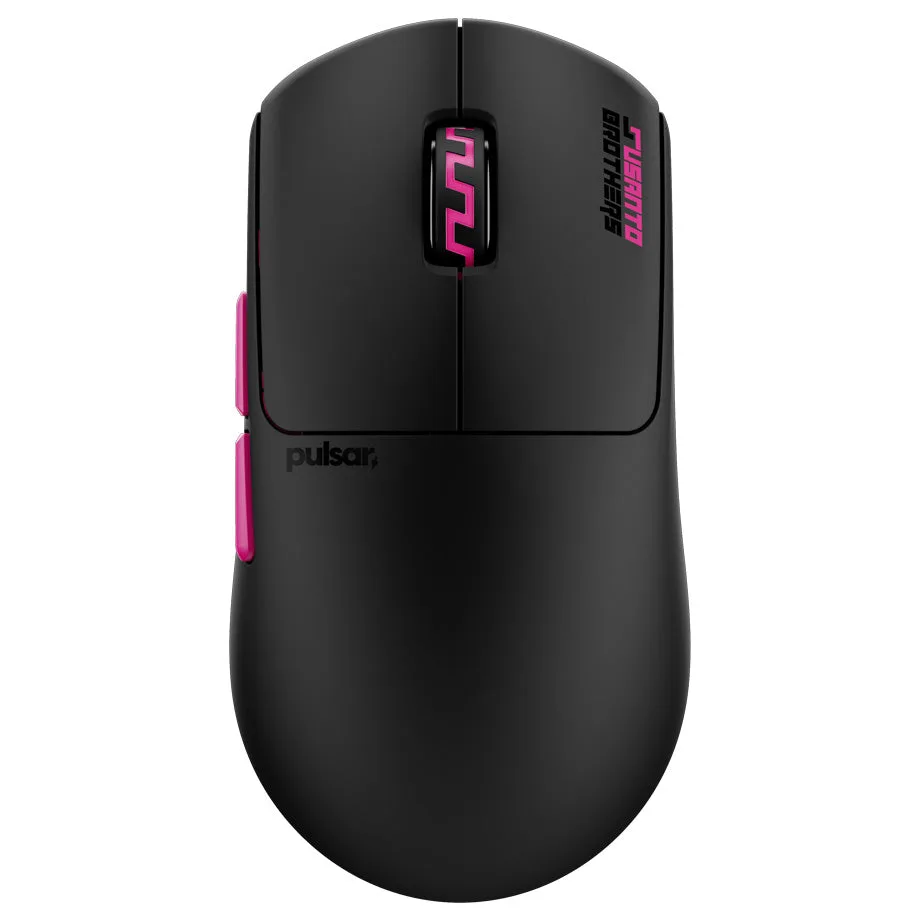
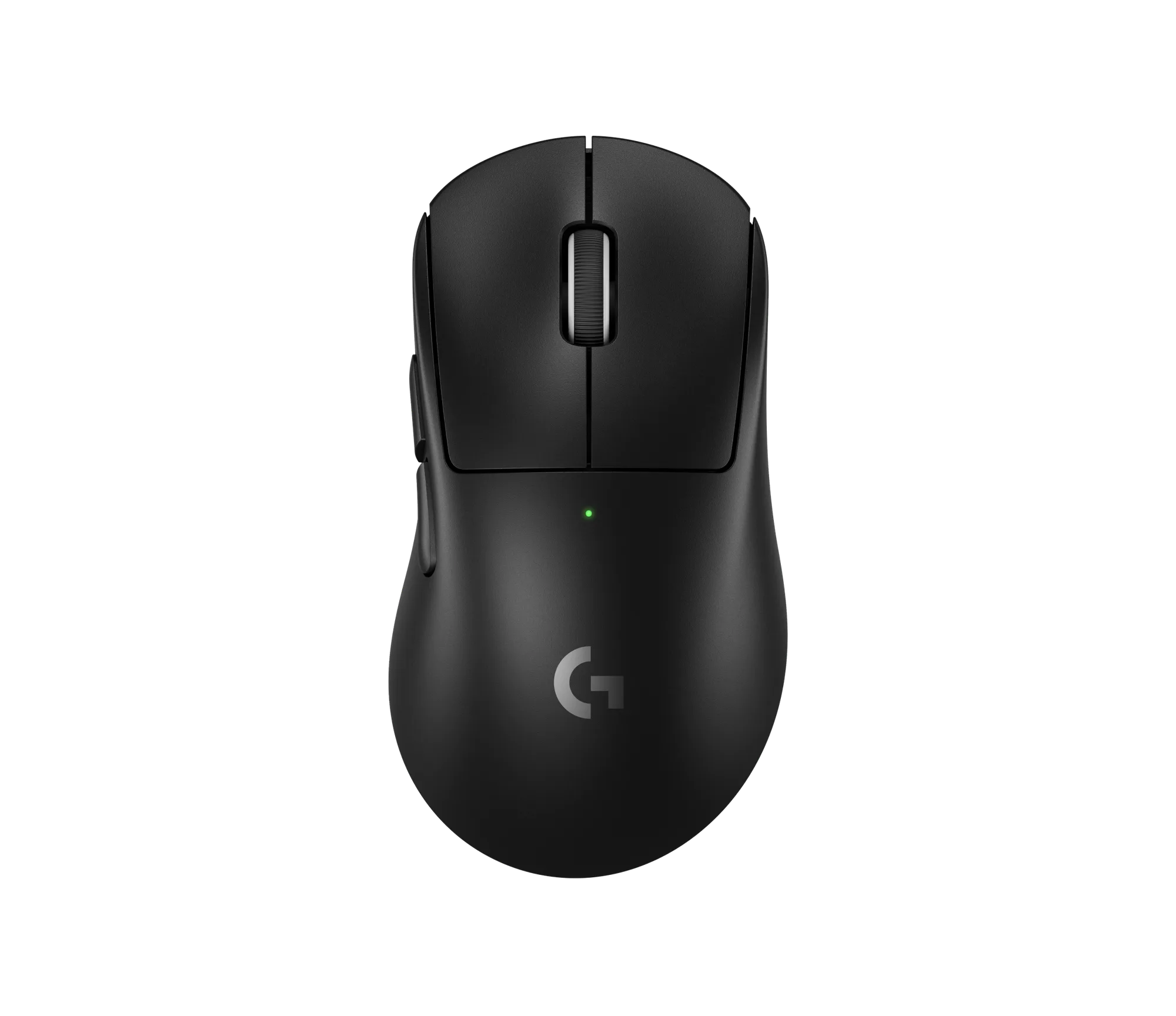
BUZZ-X Medium Gaming Mouse [Pro Series]: Pro Series BUZZ-X is shaped for claw and palm grip, with a symmetrical design for stability. It uses optical switches and pairs with the Link 8K Receiver. The optical switches give faster, more consistent clicks, and the symmetrical shape helps you maintain control during long gaming sessions.
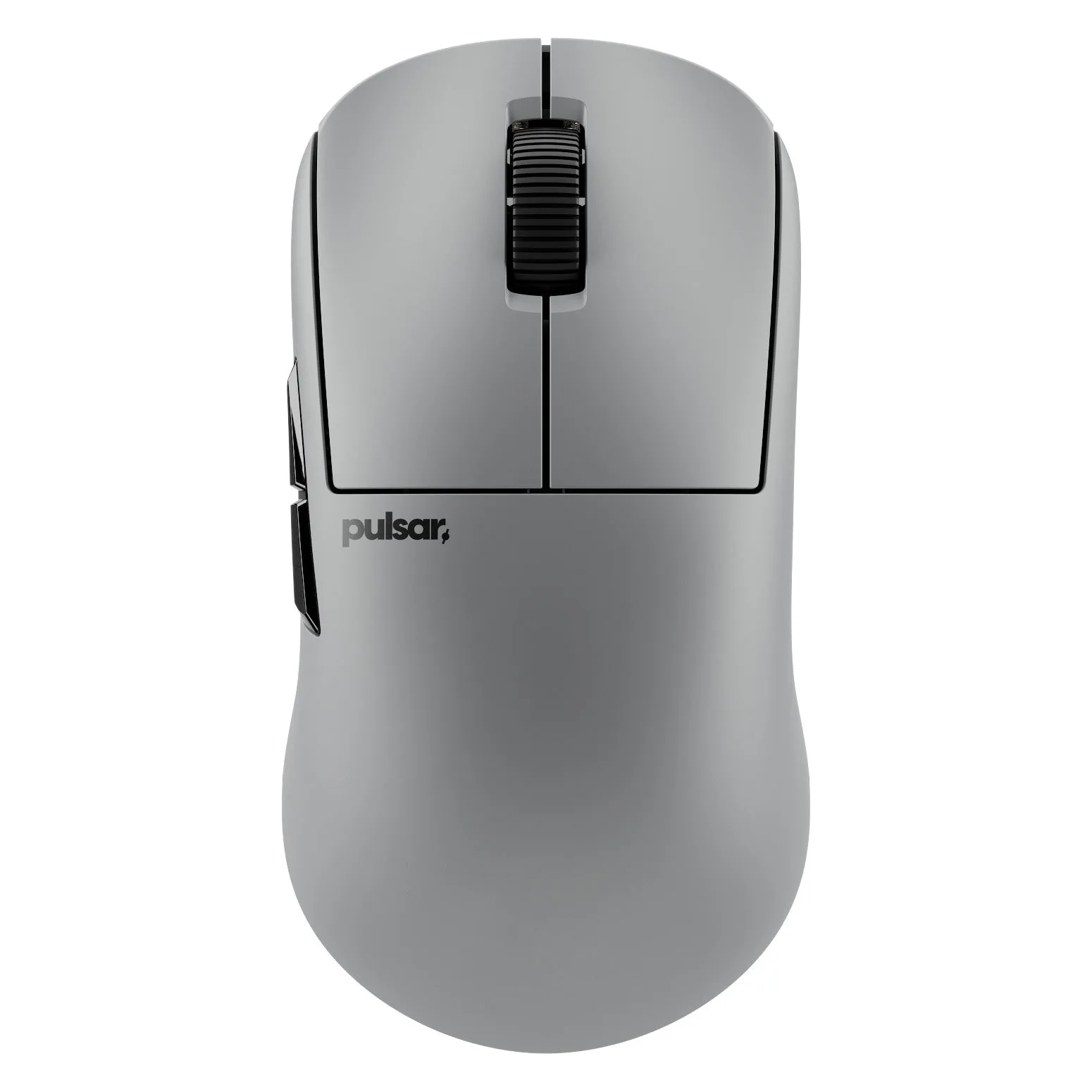
BUZZ-X Medium Gaming Mouse [Pro Series]